Powerline 500 Duo | POWERL500DUO
Tutte le domande
Powerline 500 Duo | POWERL500DUO
Non ho accesso a Internet e/o il LED dell'icona "Casa" non si accende.
Nessuna connessione a Internet! Risolvi i problemi di accesso a Internet per il tuo Powerline 500 Kit EU . Se non hai accesso a Internet, leggi questo articolo per reimpostare le schede di rete powerline .
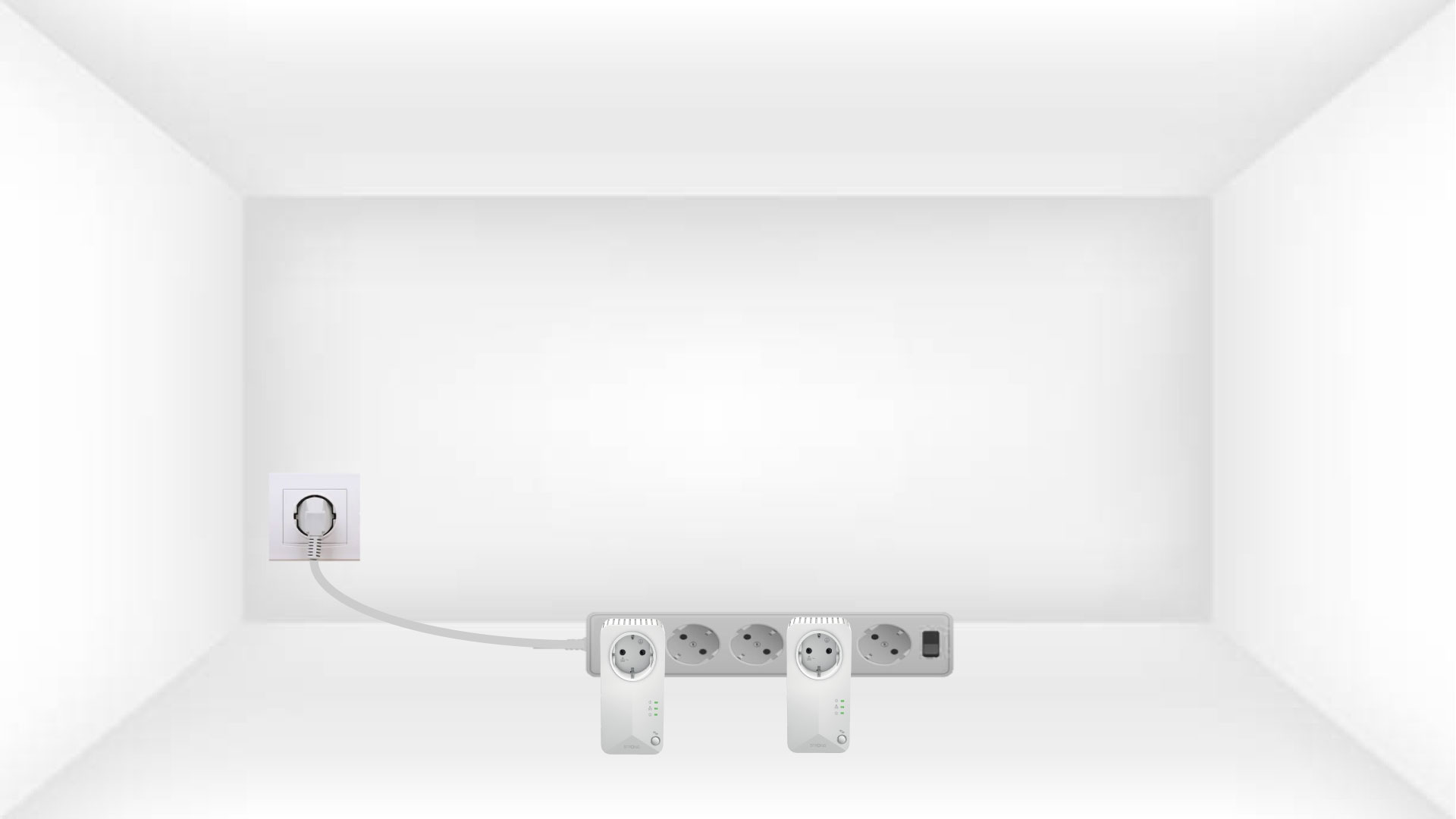
Vedi altre domande frequenti1. Collegaregli adattatori a una ciabatta
Per risolvere eventuali problemi di connessione a Internet, collega le schede una dopo l'altra a una ciabatta.
2. Collegaregli adattatori a Internet
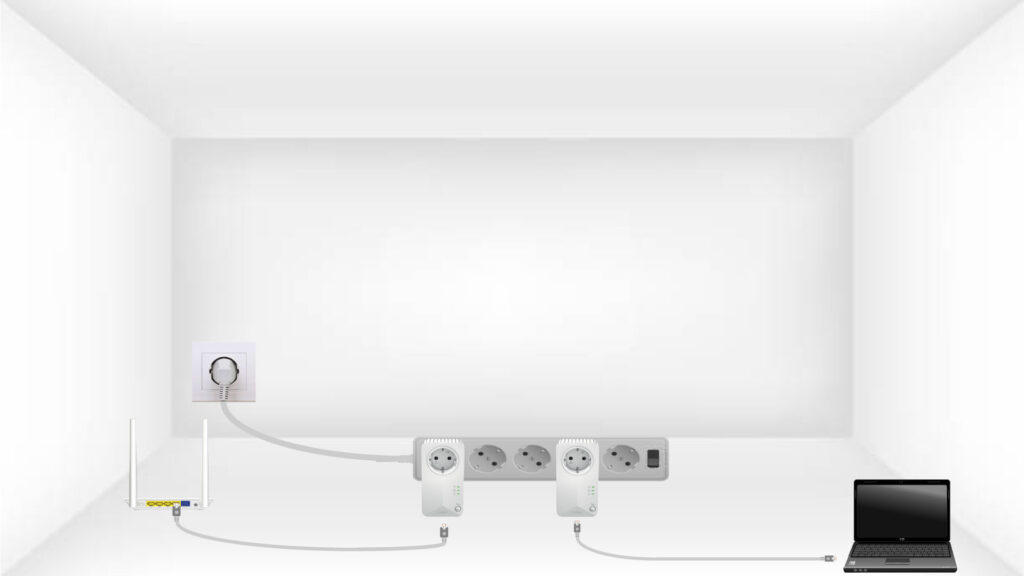
Collegare ciascun adattatore a un dispositivo funzionante (router/gateway Internet, Android box, Smart TV, computer, ecc.) tramite un cavo Ethernet. Deve esserci una comunicazione tra i dispositivi. In caso contrario, l'adattatore passerà automaticamente in modalità standby.
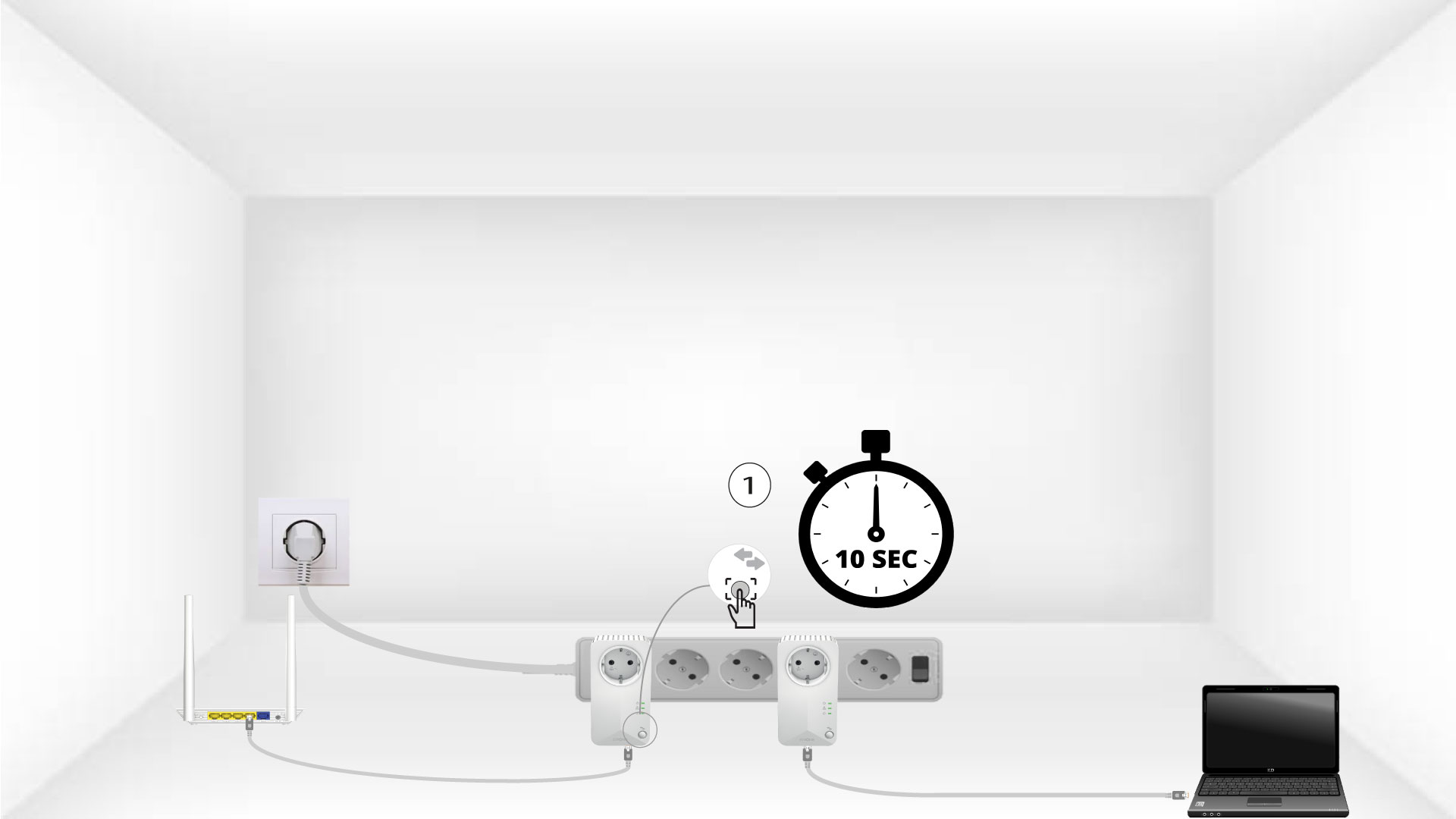
3Premereil pulsante "Connetti e proteggi" (primo dispositivo)
Una volta inserito l'adattatore e collegato alla rete Ethernet, è sufficiente premere il pulsante “Connect & Secure” sul pannello frontale per 10 secondi.
4Premereil pulsante "Connetti e proteggi" (secondo dispositivo)
Premere il pulsante “Connect & Secure” sul pannello frontale del secondo dispositivo per 10 secondi. Hai a disposizione fino a due minuti per farlo.
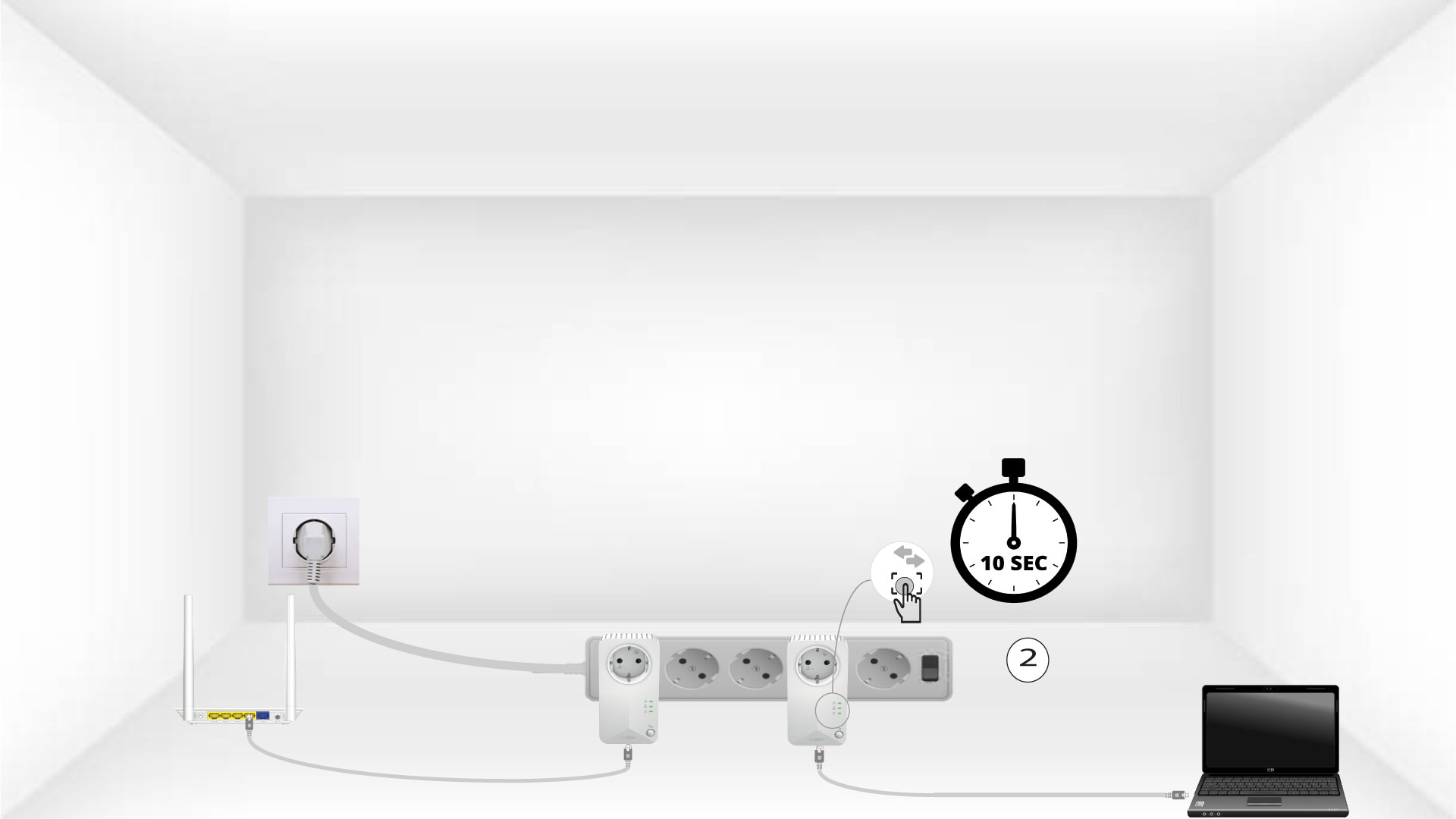
L'icona "5Home" lampeggia sui dispositivi
Il LED dell'icona "Home" dovrebbe iniziare a lampeggiare.
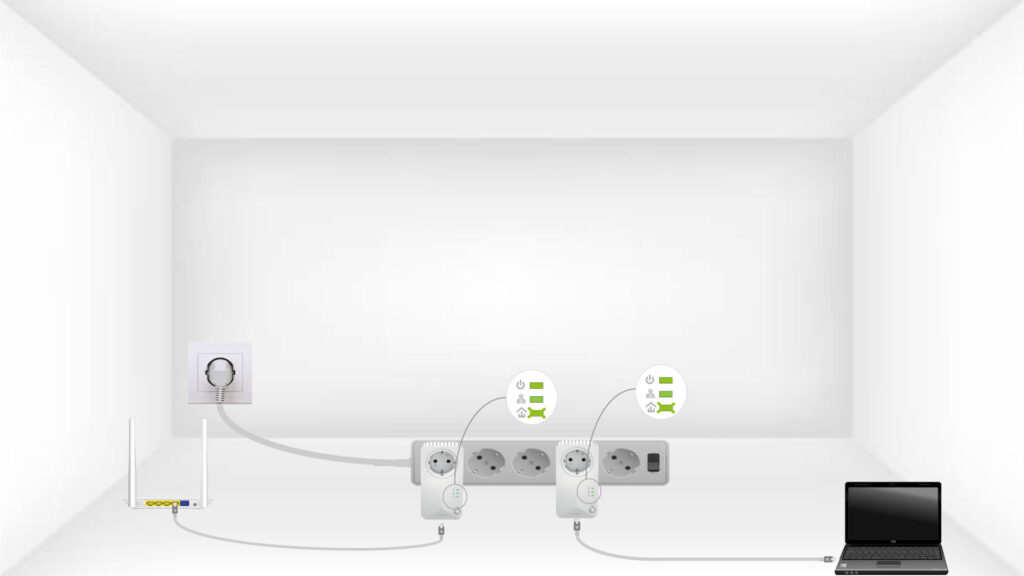
6I dispositivivengono ripristinati
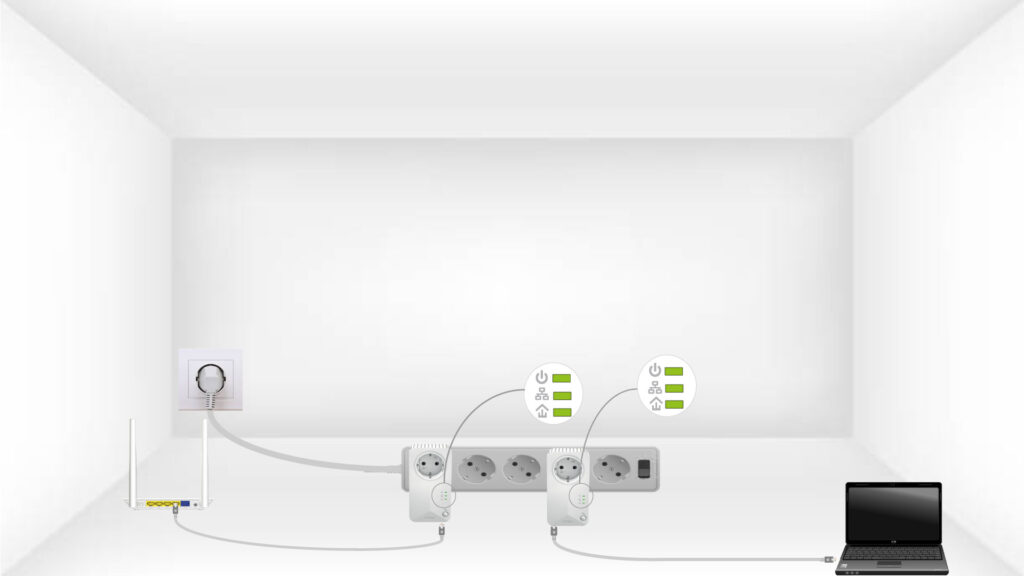
Al termine delle operazioni, tutti i LED devono essere verdi.
Ripeti la stessa operazione per un terzo powerline.
È possibile collegare fino a 8 dispositivi powerline 500 allo stesso impianto elettrico.
Dopo aver effettuato l'accoppiamento di tutti i dispositivi, è possibile collocarli nella stanza in cui servono