
PLW600MDUO
Tutte le domande
PLW600MDUO
Non ho accesso a Internet e/o il LED dell'icona "home" non si accende.
È necessario ripristinare le impostazioni di fabbrica degli adattatori. Per farlo, seguire la procedura riportata di seguito.
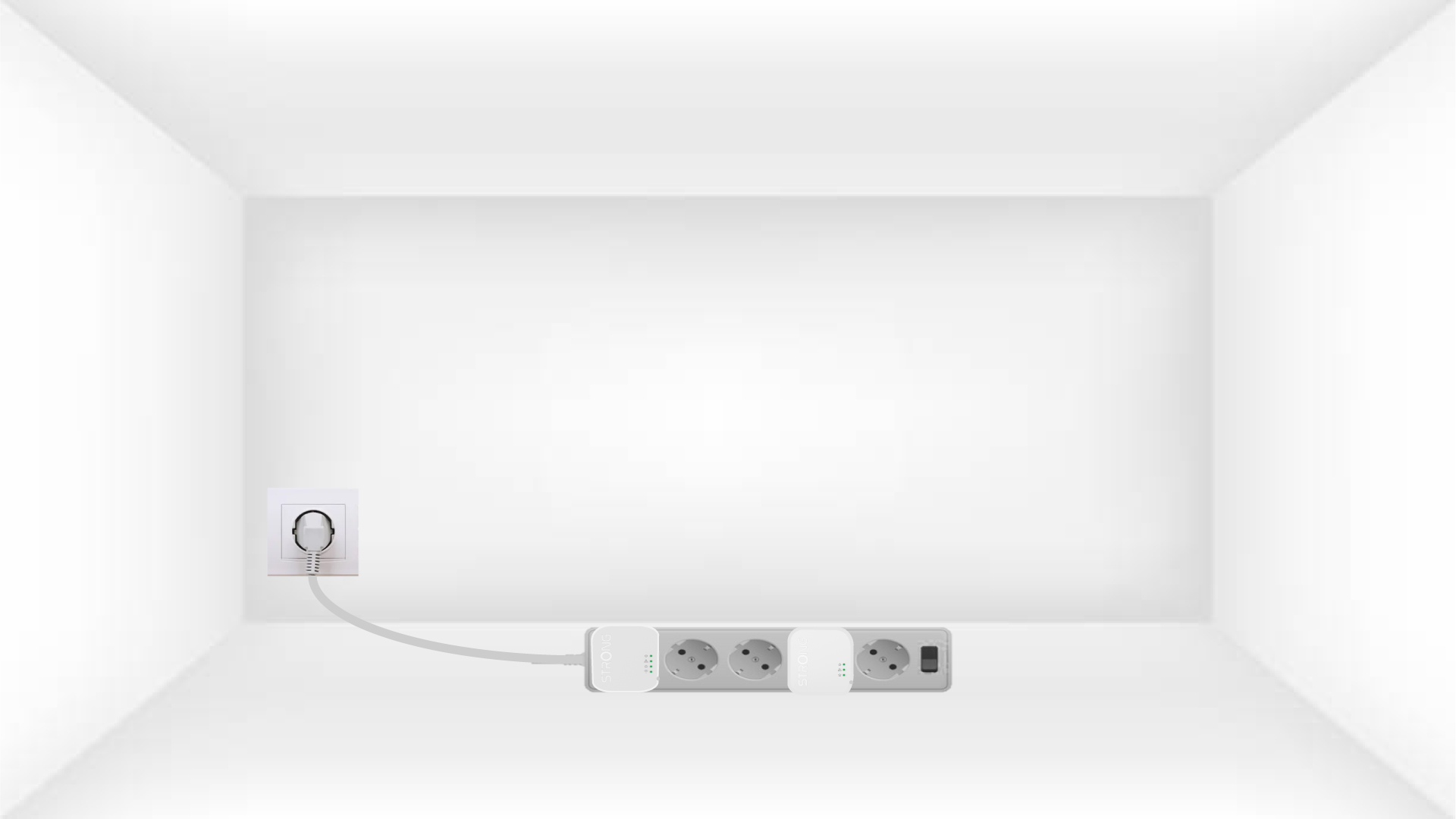
1Plug the adapters into a power strip
Collegare gli adattatori uno dopo l'altro a una presa multipla.
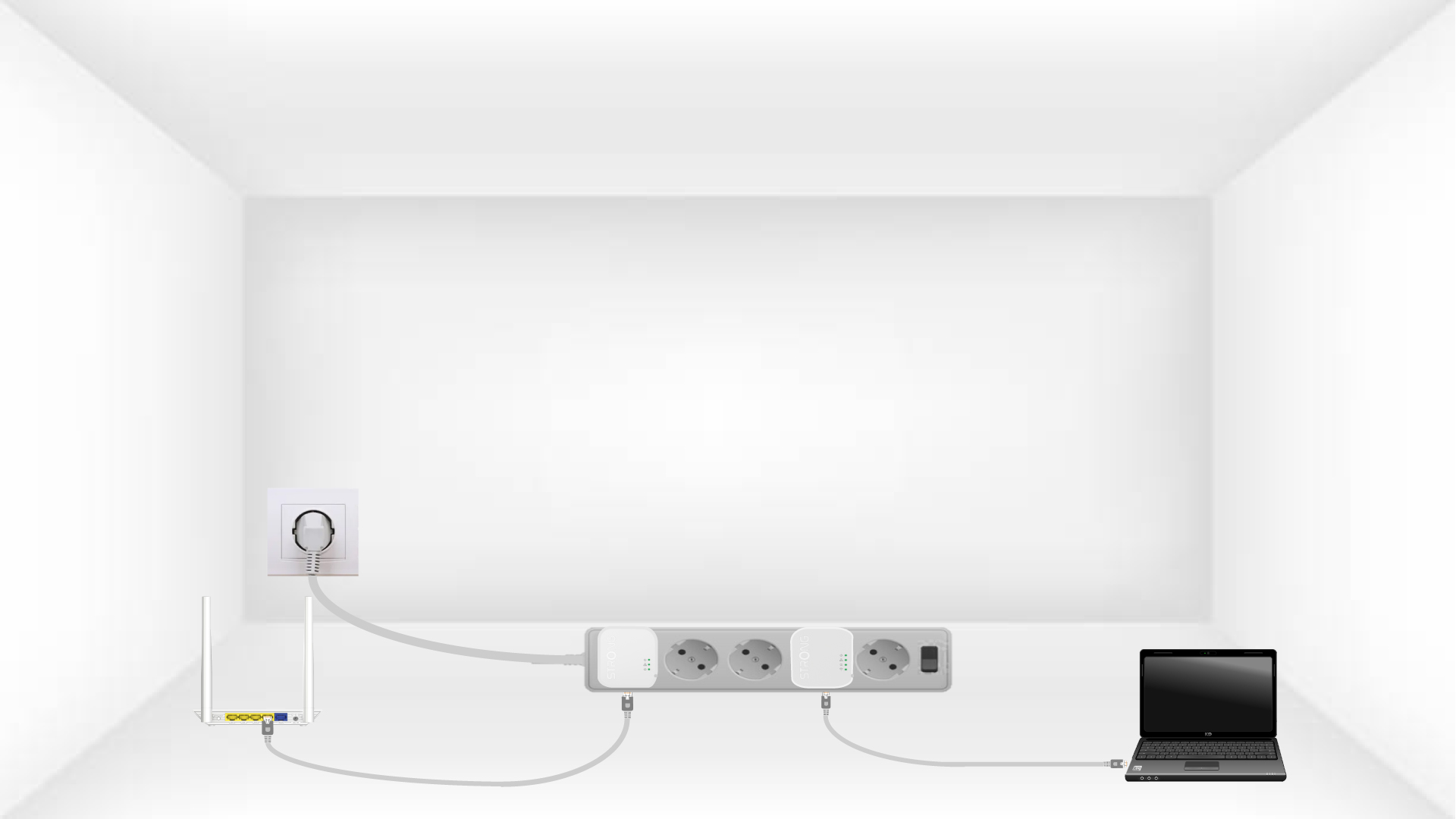
2. Collegaregli adattatori a Internet
Connect each adapter to a working device (Internet router/gateway, Android box, Smart TV, computer, etc.) with an Ethernet cable. There must be communication between the devices, otherwise the adapter will automatically go into standby mode.
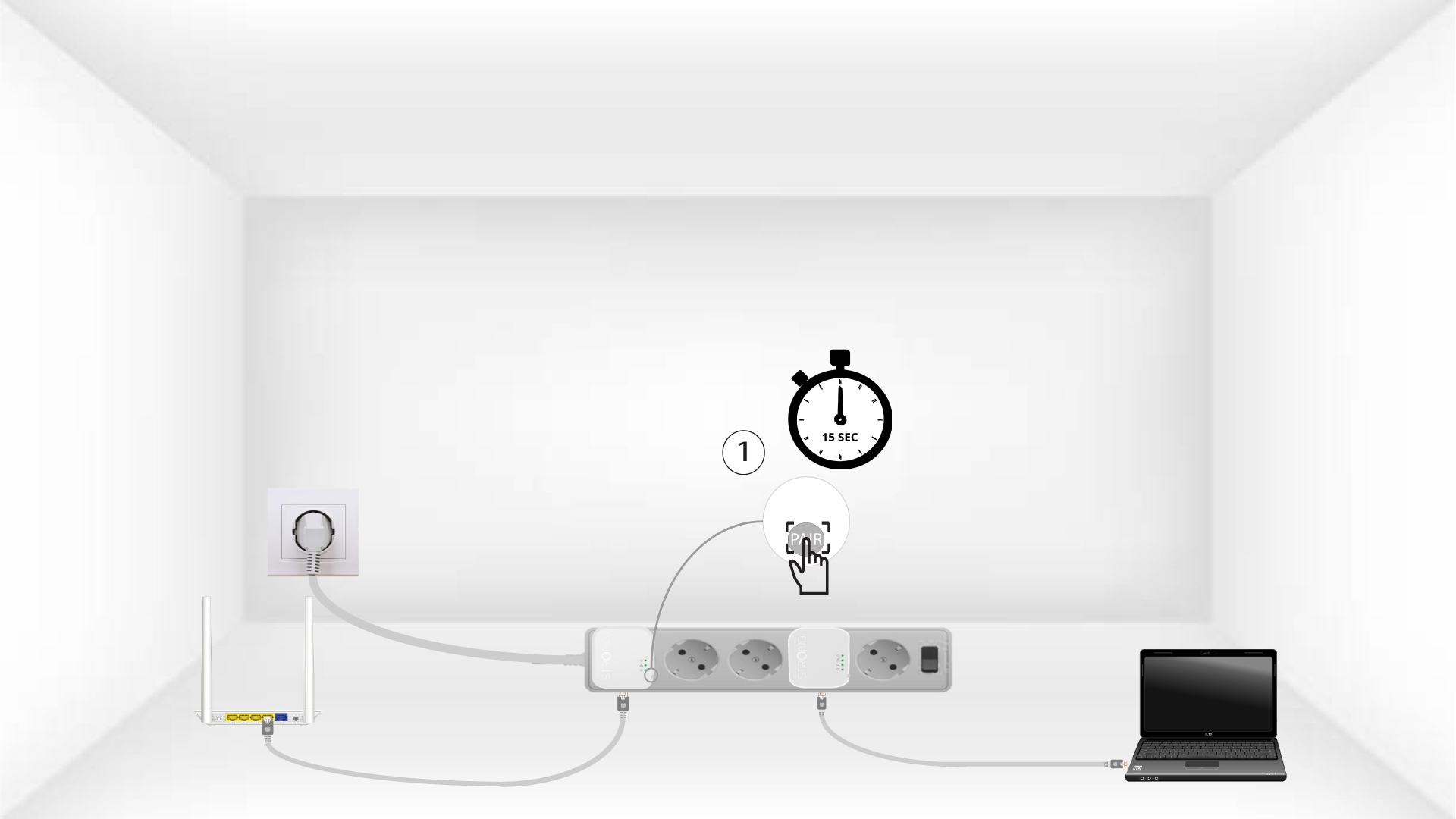
3Premereil pulsante "Connect & Secure" (primo adattatore)
Once the adapter is plugged in and connected to the Ethernet, press the Connect & Secure button on the right side of the device for 15 seconds.
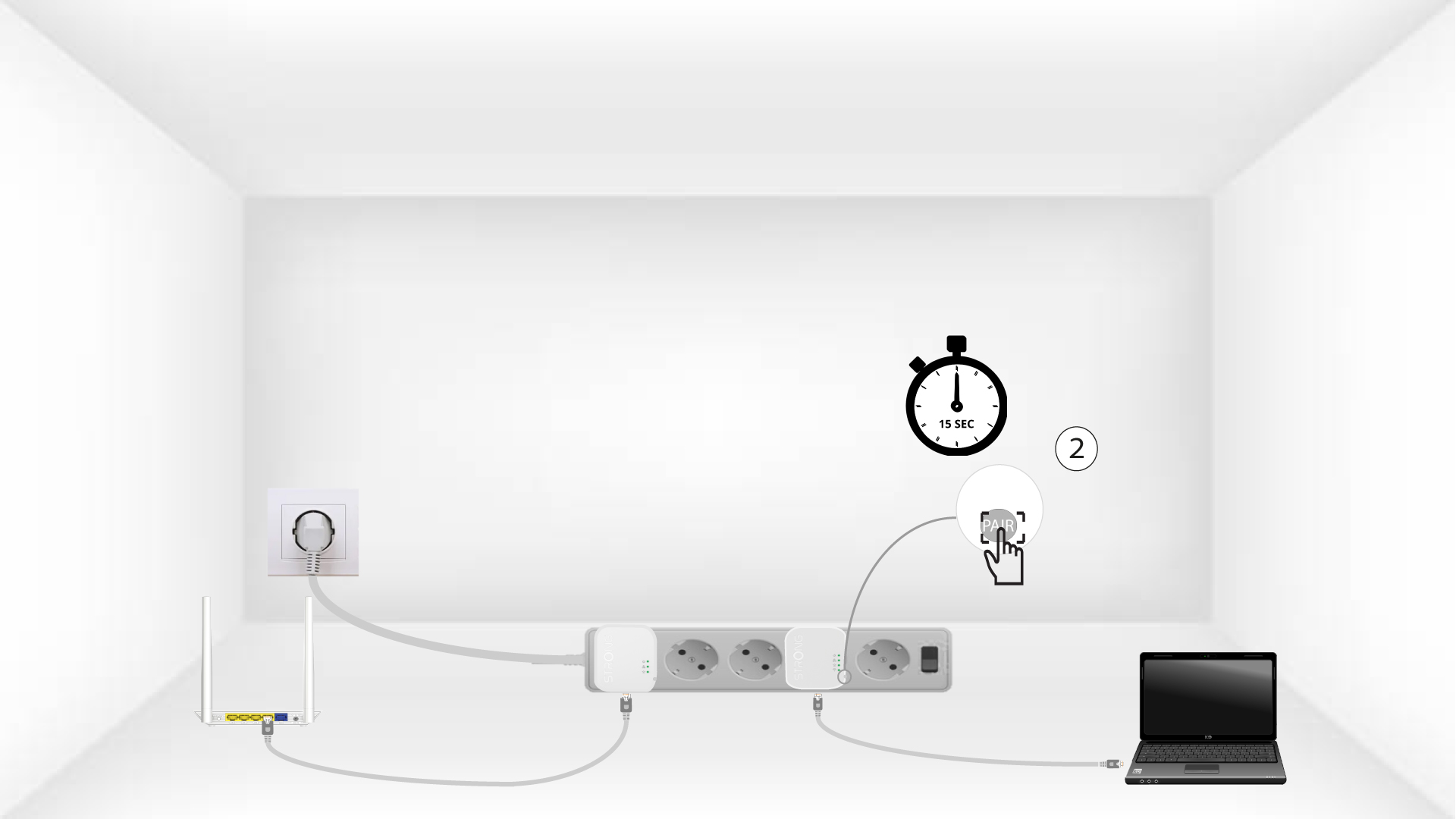
4Premereil pulsante "Connect & Secure" (secondo adattatore)
Press the Connect & Secure button on the right side of the second device for 15 seconds.
5The home LEDs blink
I LED della casa dovrebbero iniziare a lampeggiare.
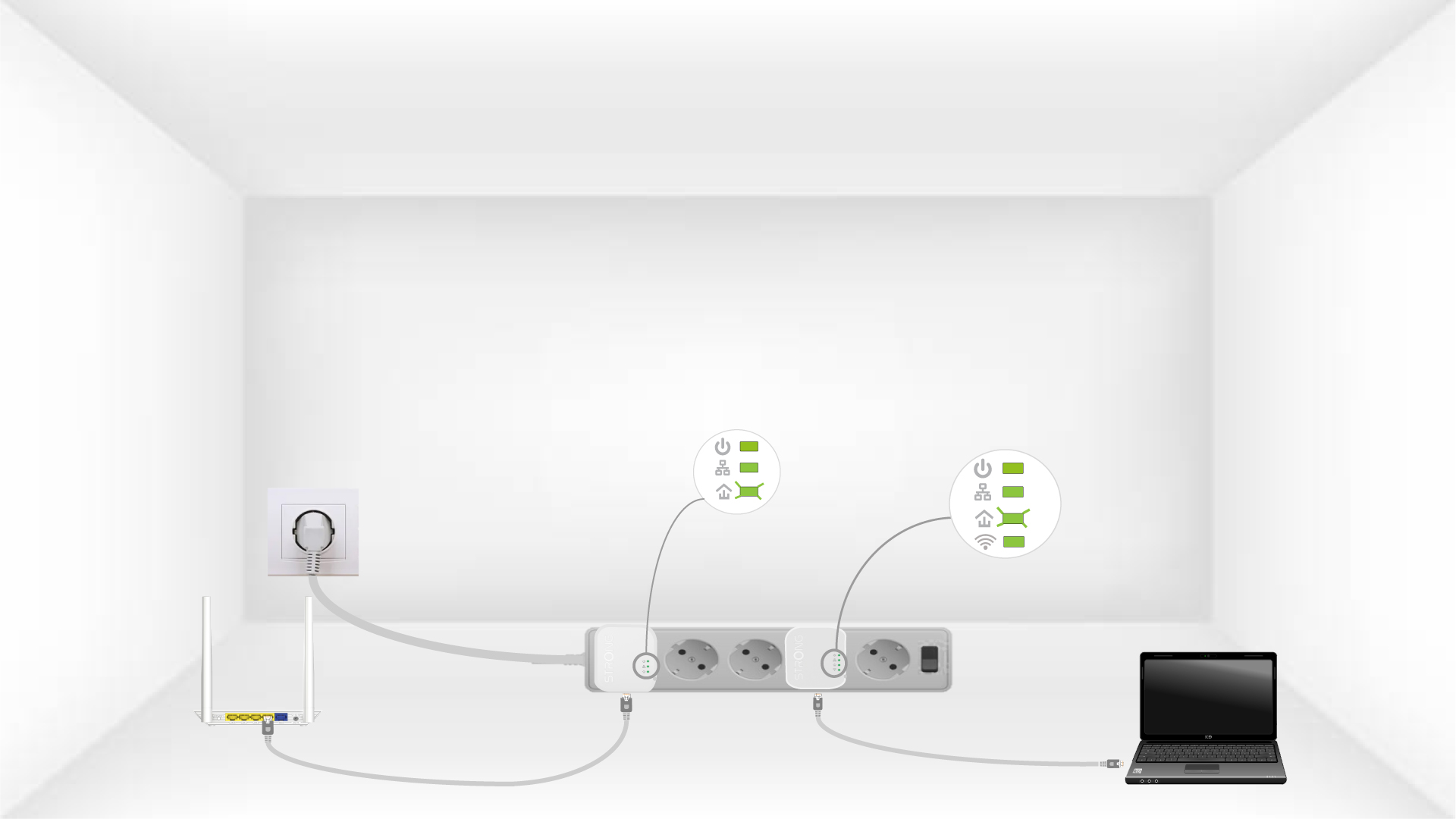
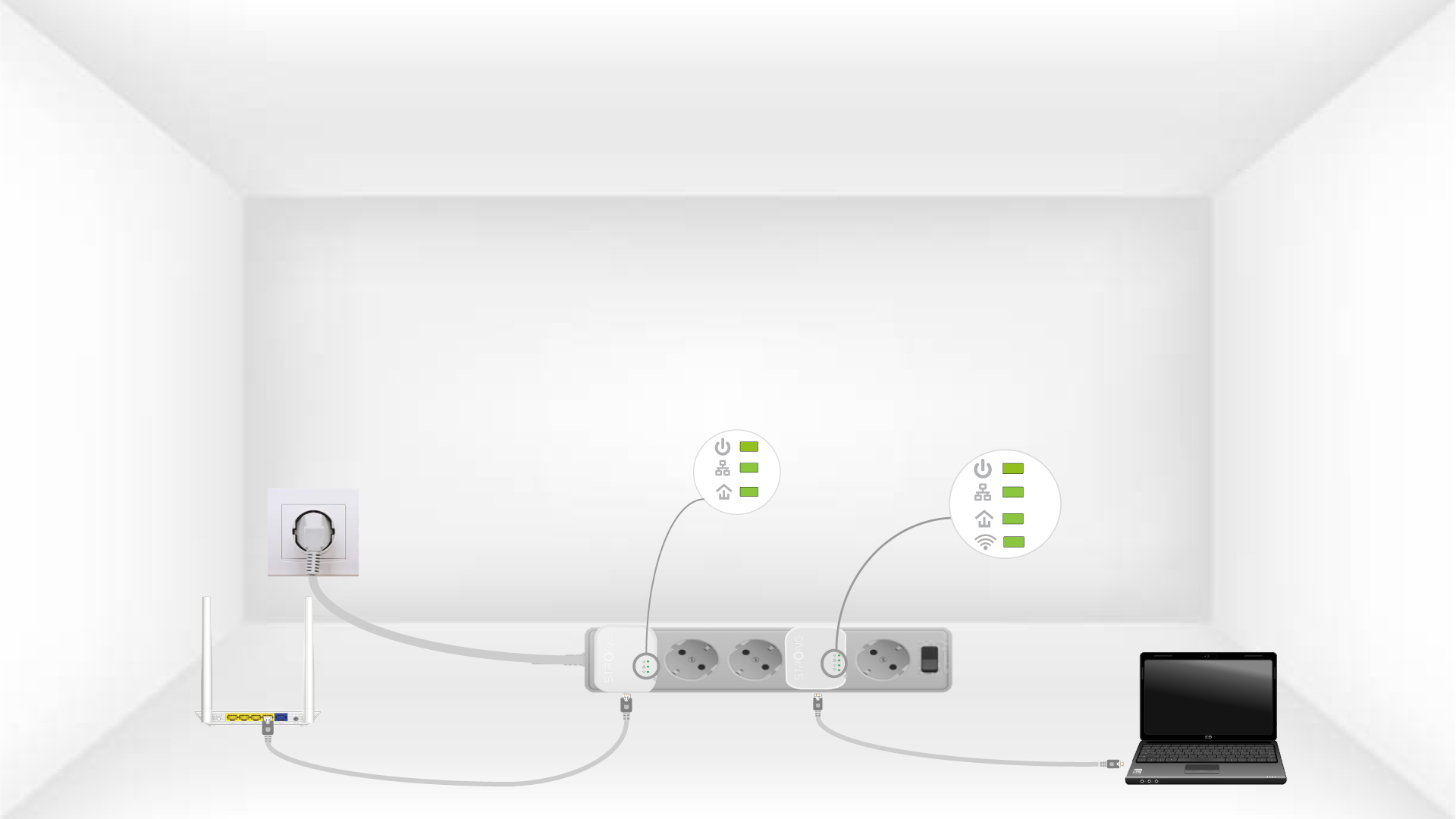
6The devices are reset
All the LEDs must be green at the end of the operation.
Repeat the same operation for a third powerline. You can have up to eight Powerline 600 Mini adapters on the same electrical installation. After resetting all the devices, you can put them in the rooms where you need them.