4G AIRSPOT 220 Mobiele wifi met display
Geen items gevonden.
Geen items gevonden.
Alle vragen
4G AIRSPOT 220 Mobiele wifi met display
Geen items gevonden.
Geen items gevonden.
Hoe wijzig ik het beheerderswachtwoord?
1. Opende webinterface
Volg de instructies in het artikel ‘Hoe krijg ik toegang tot de web-UI?’ om verbinding te maken met de web-UI.
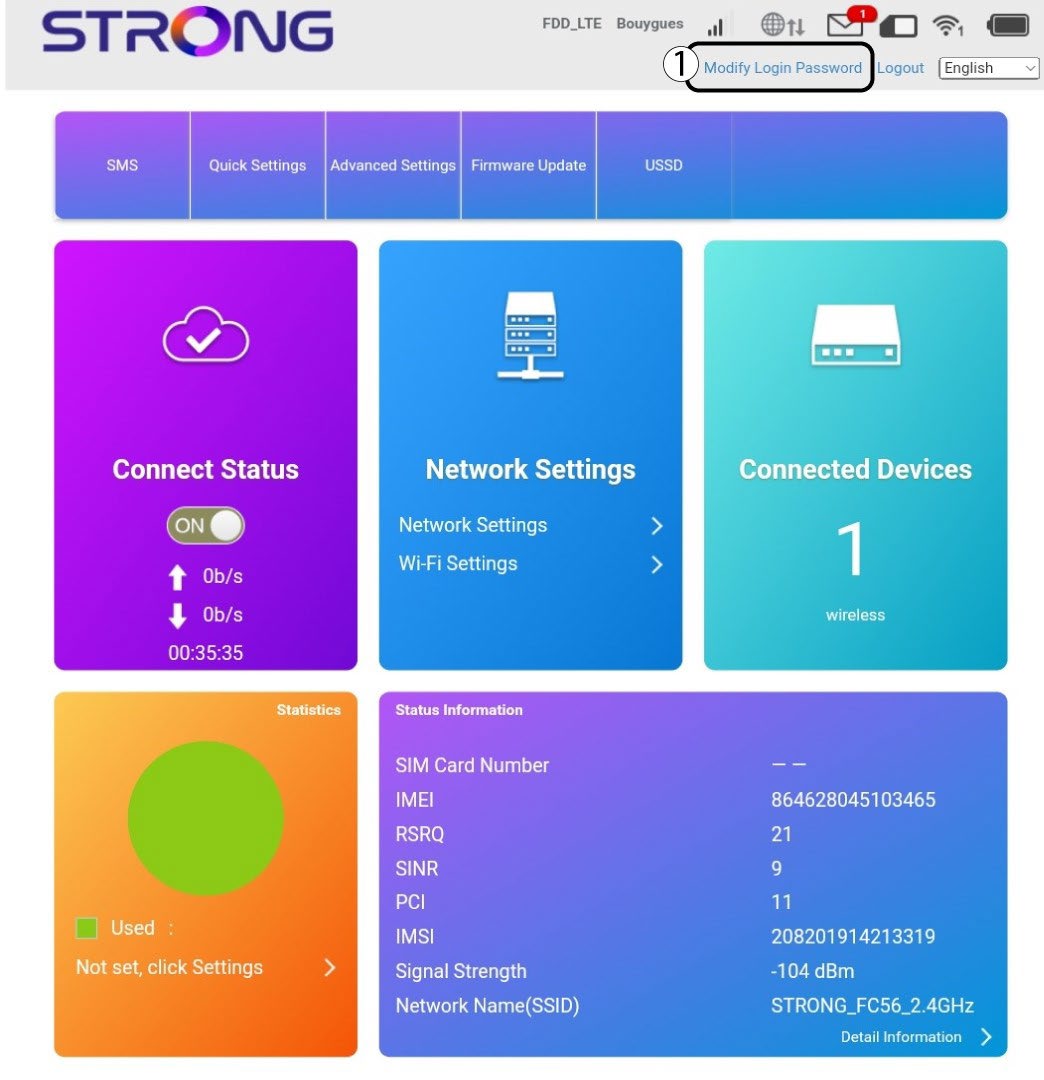
2Wachtwoord wijzigen
Zodra dit is gebeurd, klik je op ‘Inlogwachtwoord wijzigen’ in de bovenste balk.
3. Voerde nieuwe gegevens in
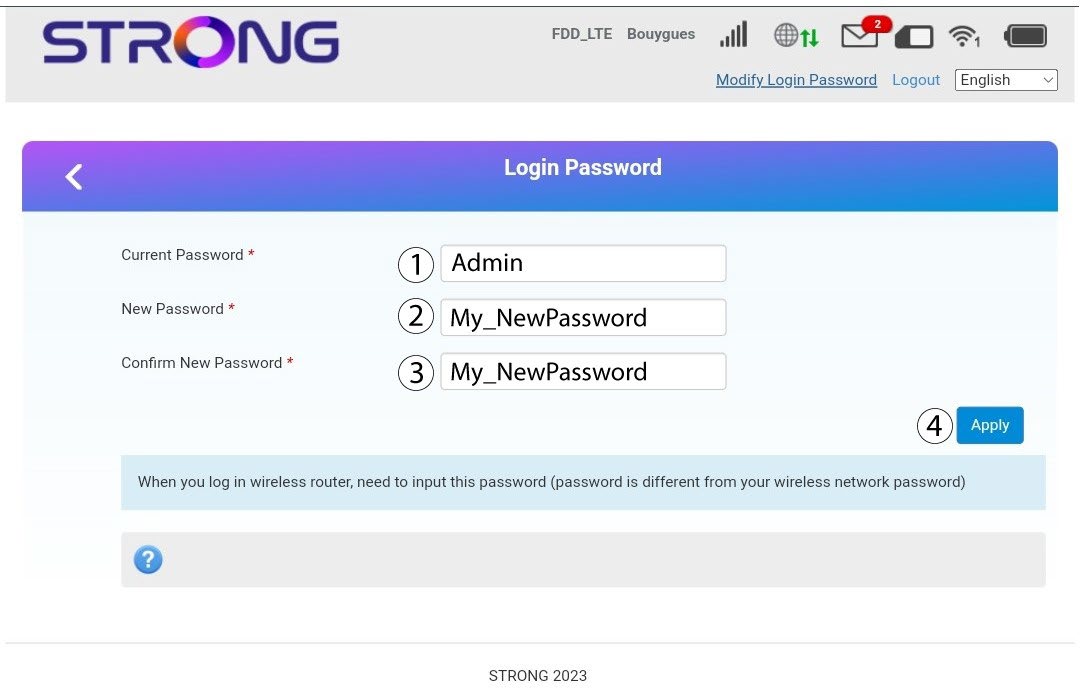
Voer de volgende gegevens in voordat u op ‘Toepassen’ klikt:
· Huidig wachtwoord: Voer het huidige wachtwoordin .
· New Password: Enter the new password. The new password can contain up to 32 characters including numbers, lower case, upper case, and special characters (! # $ * + , - . % : = ? @ [ ] ^ _ { | } ~).
· Nieuw wachtwoord bevestigen: Voer hetzelfde wachtwoordin als in het vorige veld.
4. Slade gegevens op
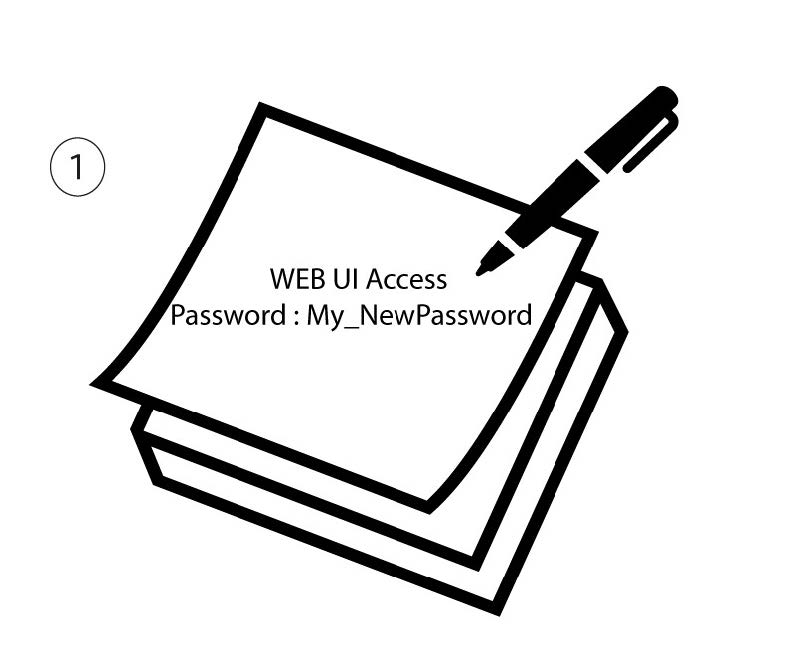
Noteer het nieuwe wachtwoord om toegang te krijgen tot de webinterface.