4G+ AIRSPOT 520 Mobiele wifi met touchscreen
Geen items gevonden.
Geen items gevonden.
Alle vragen
4G+ AIRSPOT 520 Mobiele wifi met touchscreen
Geen items gevonden.
Geen items gevonden.
Hoe zet ik mijn router terug naar de fabrieksinstellingen? (Mi-Fi-scherm)
Je kunt je apparaat via het scherm terugzetten naar de fabrieksinstellingen.
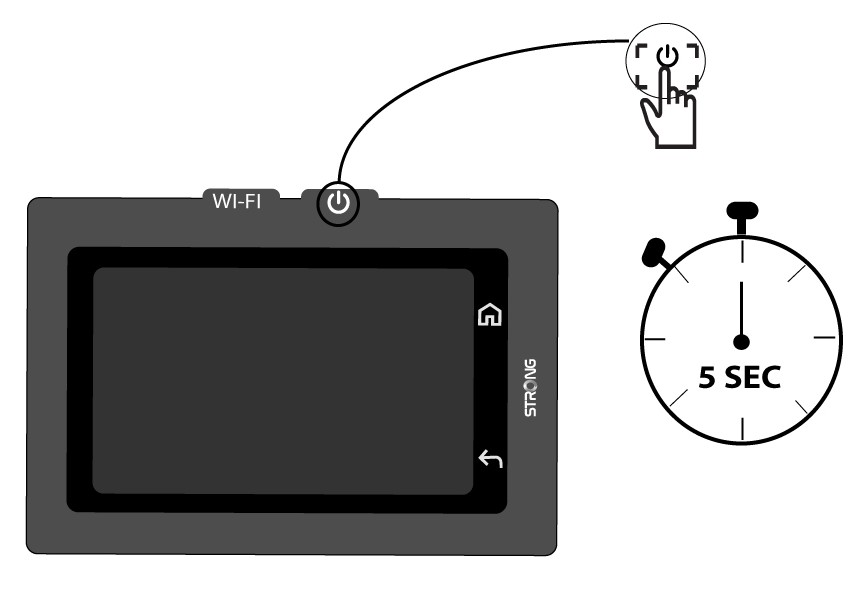
1. Schakelhet apparaat in
Schakel uw apparaat in door de aan/uit-knop 5 seconden ingedrukt te houden.
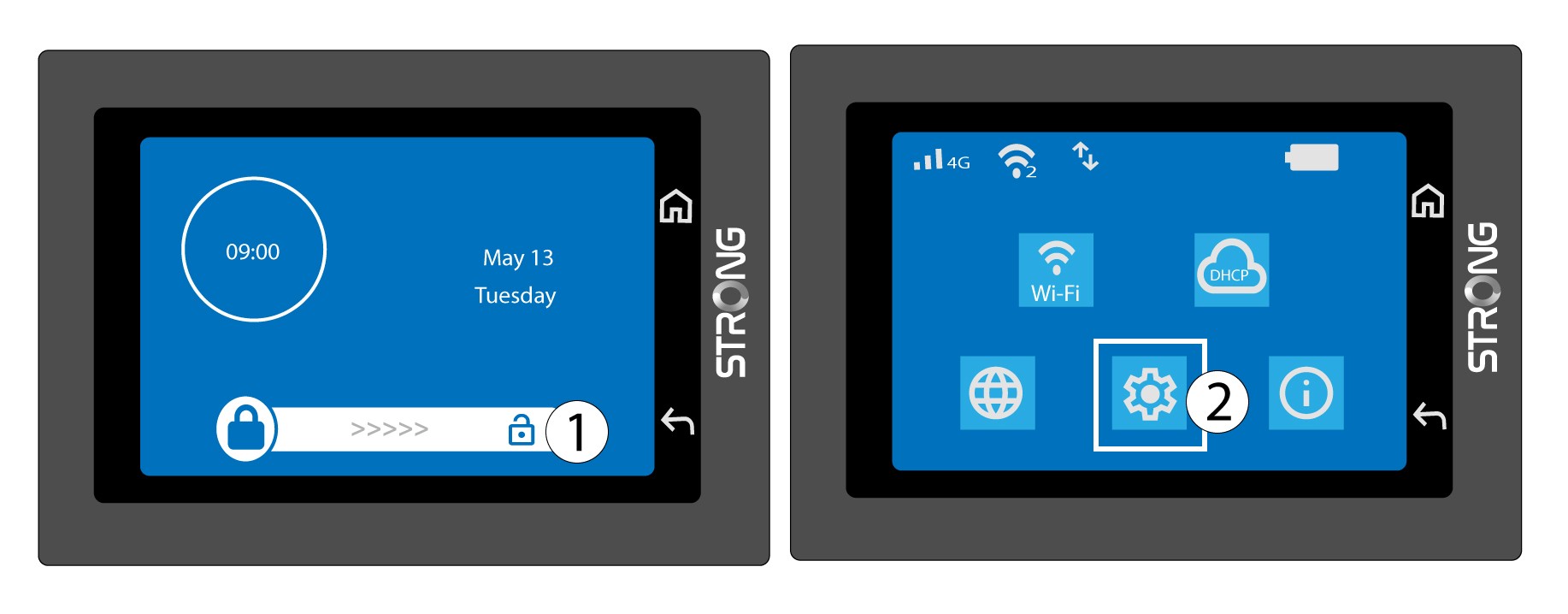
2. Openhet systeemmenu
Ontgrendel vervolgens het scherm en tik op het systeempictogram.
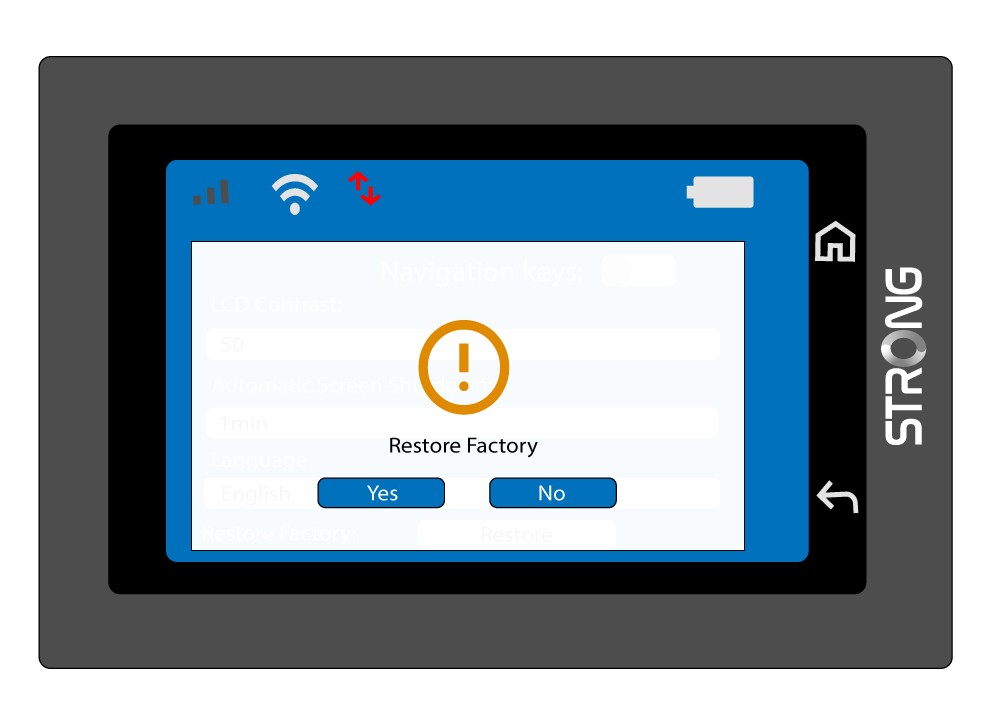
3. Selecteerde optie ‘Herstellen’
Scroll naar beneden in het menu en tik op ‘Herstellen’.

4. Bevestighet terugzetten naar de fabrieksinstellingen
Druk op Ja.