
ATRIA Wi-Fi 5- Mesh -systeem 2100 UK (3-pack)
Geen items gevonden.
Geen items gevonden.
Alle vragen
ATRIA Wi-Fi 5- Mesh -systeem 2100 UK (3-pack)
Geen items gevonden.
Geen items gevonden.
Ik ben het wifi-wachtwoord van mijn Mesh -netwerk vergeten. Hoe kan ik dat achterhalen?
1. Standaardinloggegevens
Het standaard wifi-wachtwoord staat vermeld aan de onderkant van je apparaat, maar als je dit al hebt gewijzigd, moet je de Mesh 2100 wellicht terugzetten naar de standaard fabrieksinstellingen.
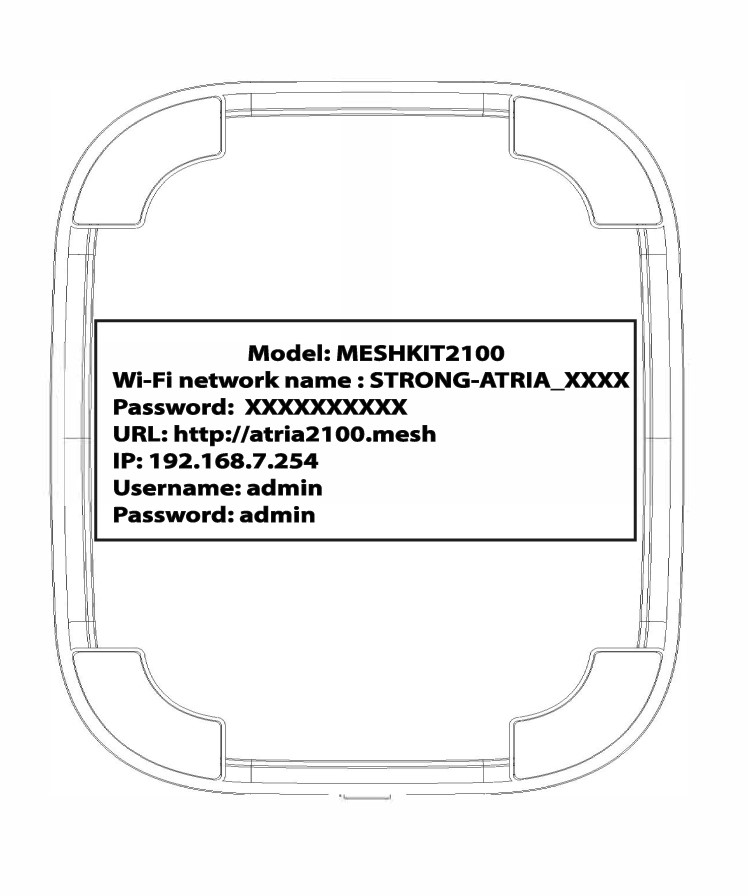
VOORBEELD 1: De wifi-netwerkgegevens bekijken in de webinterface
Raadpleeg de volgende procedure om verbinding te maken met de web-UI: Hoe krijg ik toegang tot de web-UI?
1WLAN
Klik op WLAN en WLAN 2,4 GHz. Klik vervolgens op het oogpictogram naast het veld PSK.

2. Noteerde nieuwe informatie
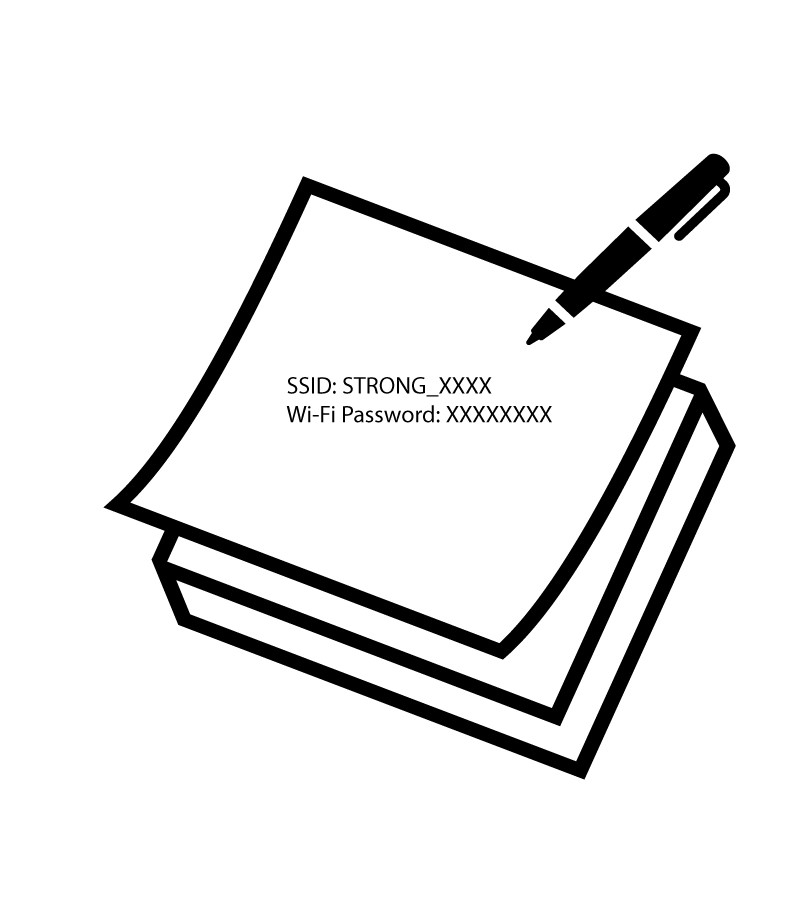
Schrijf het wachtwoord op een stukje papier.
VOORBEELD 2: De Wi-Fi-netwerkgegevens bekijken in de app
Raadpleeg de volgende handleiding om verbinding te maken met de webinterface: Hoe gebruik ik de Atria-app ‘ Mesh ’?
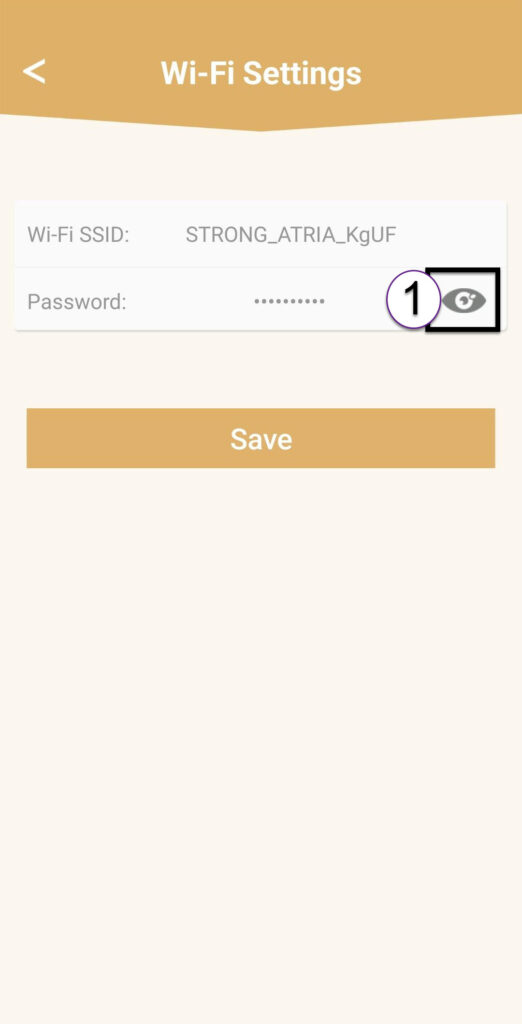
1Wi-Fi-instellingen
Klik vervolgens op ‘Wi-Fi-instellingen’.

2Password
Klik op het oogpictogram om het wachtwoord weer te geven.
3. Noteerde nieuwe informatie
Schrijf het wachtwoord op een stukje papier.