
Universal Repeater 300 V2
Ingen gjenstander funnet.
Ingen gjenstander funnet.
Alle spørsmål
Universal Repeater 300 V2
Ingen gjenstander funnet.
Ingen gjenstander funnet.
Hvordan får jeg tilgang til nettgrensesnittet?
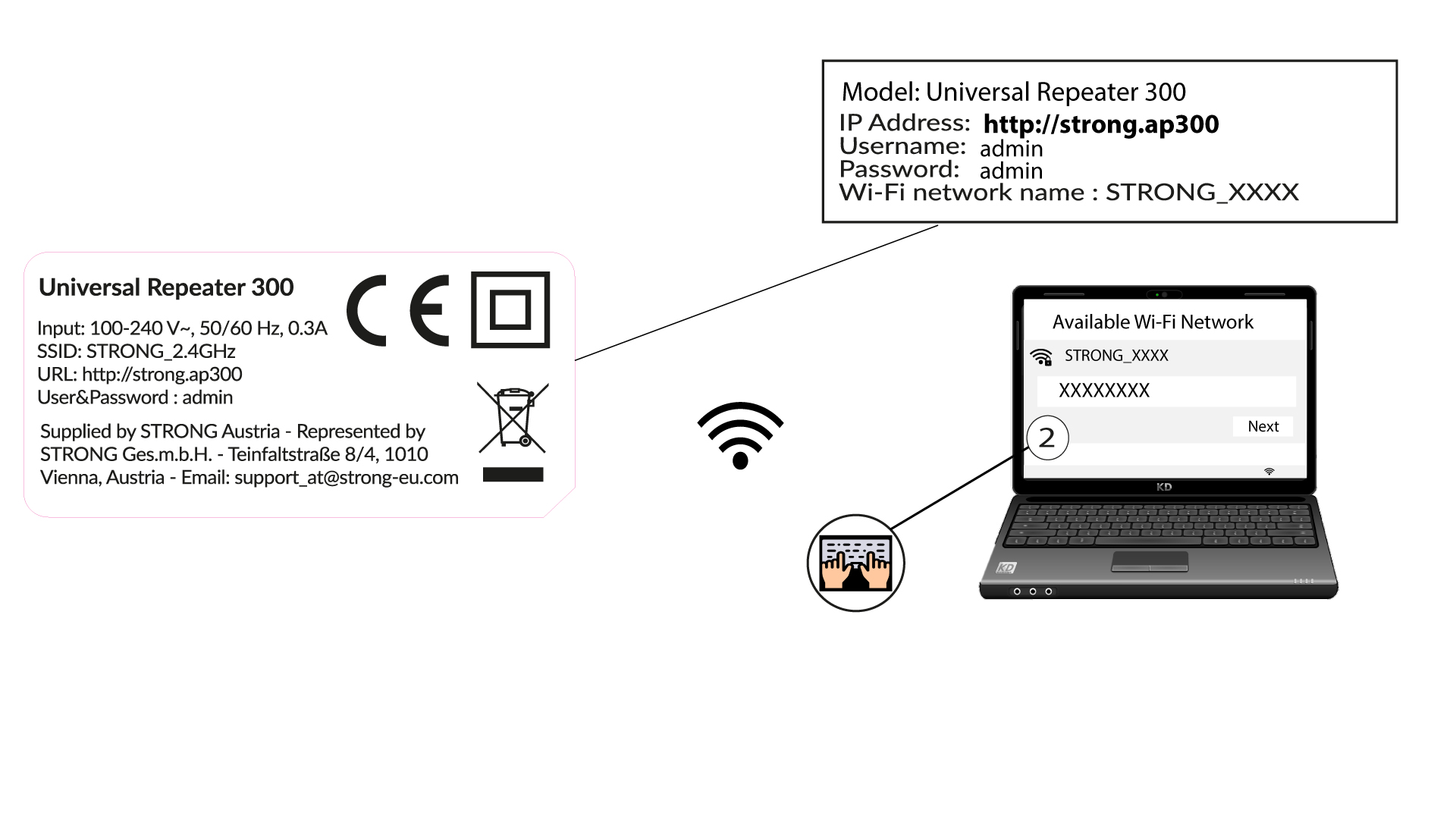
1 Koble til Wi-Fi-nettverket til repeateren
Koble til Wi-Fi-en til repeateren ved å se på produktetiketten.
Det finnes ikke noe passord for Wi-Fi-nettverket til repeateren din. Den nye Wi-Fi-nettverksinformasjonen vil bli angitt under konfigurasjonen etter den første tilkoblingen til brukergrensesnittet.
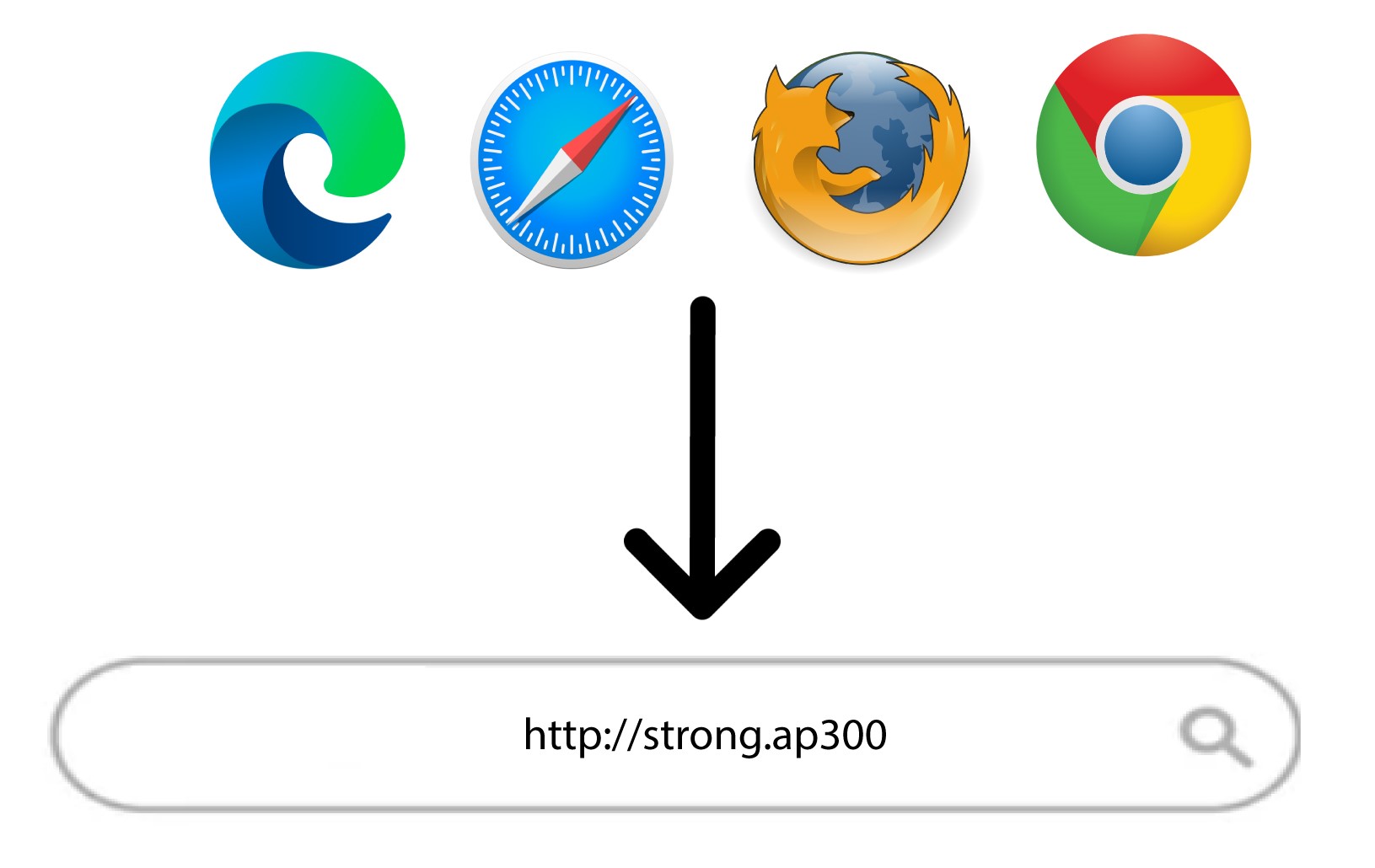
2 Bla til nettgrensesnittet
Bla til følgende URL: http://strong.ap300/
3 Logg inn
Skriv inn passordet og klikk på Logg inn.
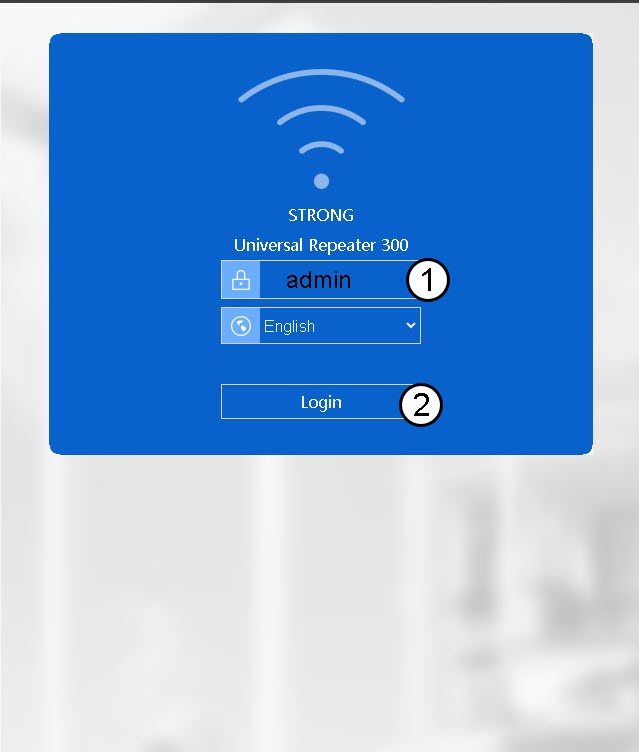

Advarsel: Vi anbefaler på det sterkeste å endre administratorpassordet for å forhindre hacking.