Ingen gjenstander funnet.
4K GOOGLE TV BOX S3+ | DOLBY VISION ATMOS
Ingen gjenstander funnet.
Alle spørsmål
Ingen gjenstander funnet.
4K GOOGLE TV BOX S3+ | DOLBY VISION ATMOS
Ingen gjenstander funnet.
Hvordan legger jeg til eller endrer rekkefølgen på et program på startskjermen?
1 Tilfelle 1: Legge til en app
For å legge til en applikasjon på startskjermen, gå til Legg til apper-knappen som ligger nederst i listen over applikasjoner som allerede er på startsiden, og trykk på «OK».
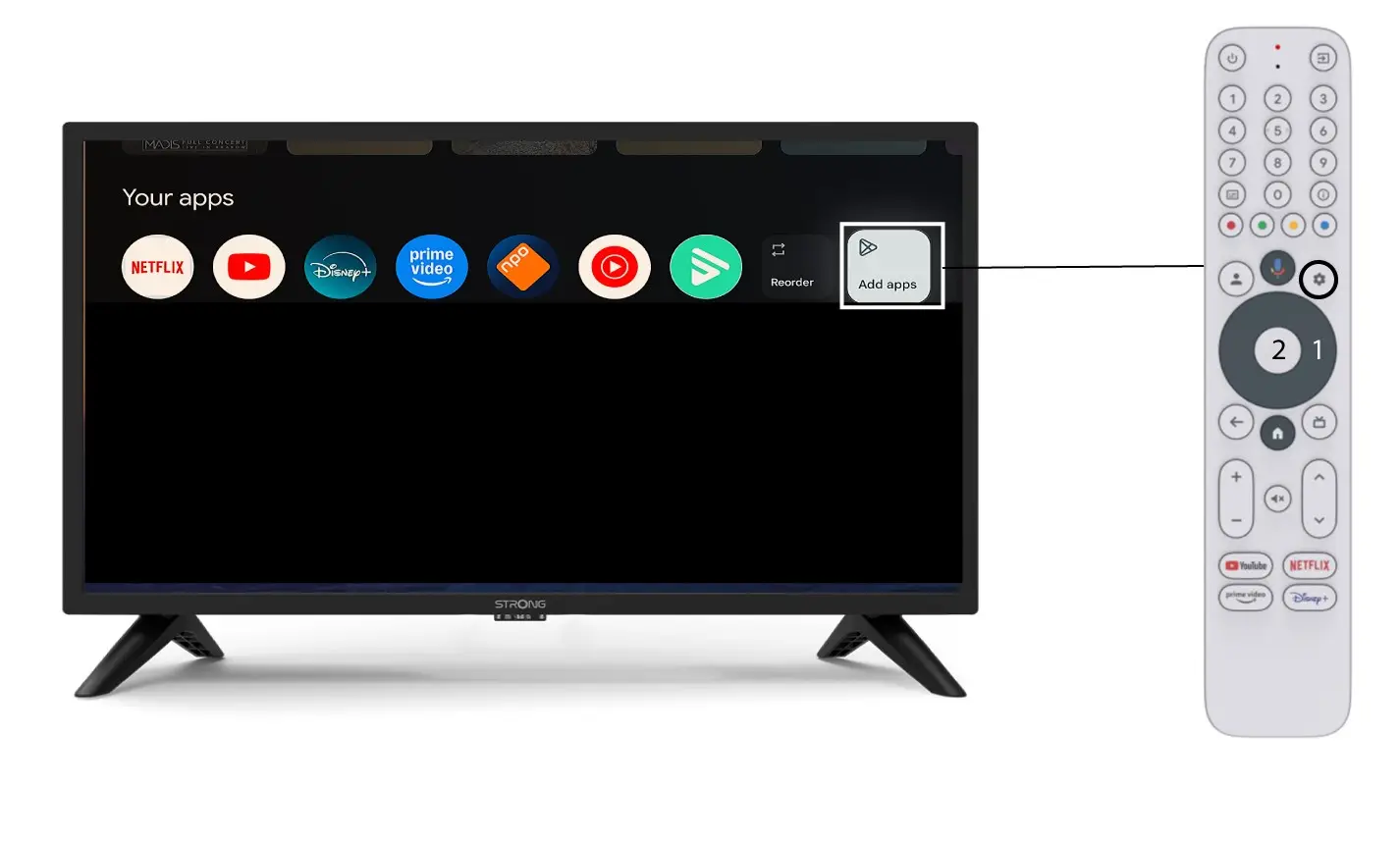
2 Appliste
Deretter åpnes listen over applikasjoner, velg applikasjonen du ønsker og trykk på OK -knappen på fjernkontrollen.
Vær oppmerksom på at det ikke er mulig å fjerne apper fra favorittene. Du må avinstallere appen hvis du vil at den skal forsvinne fra denne siden.

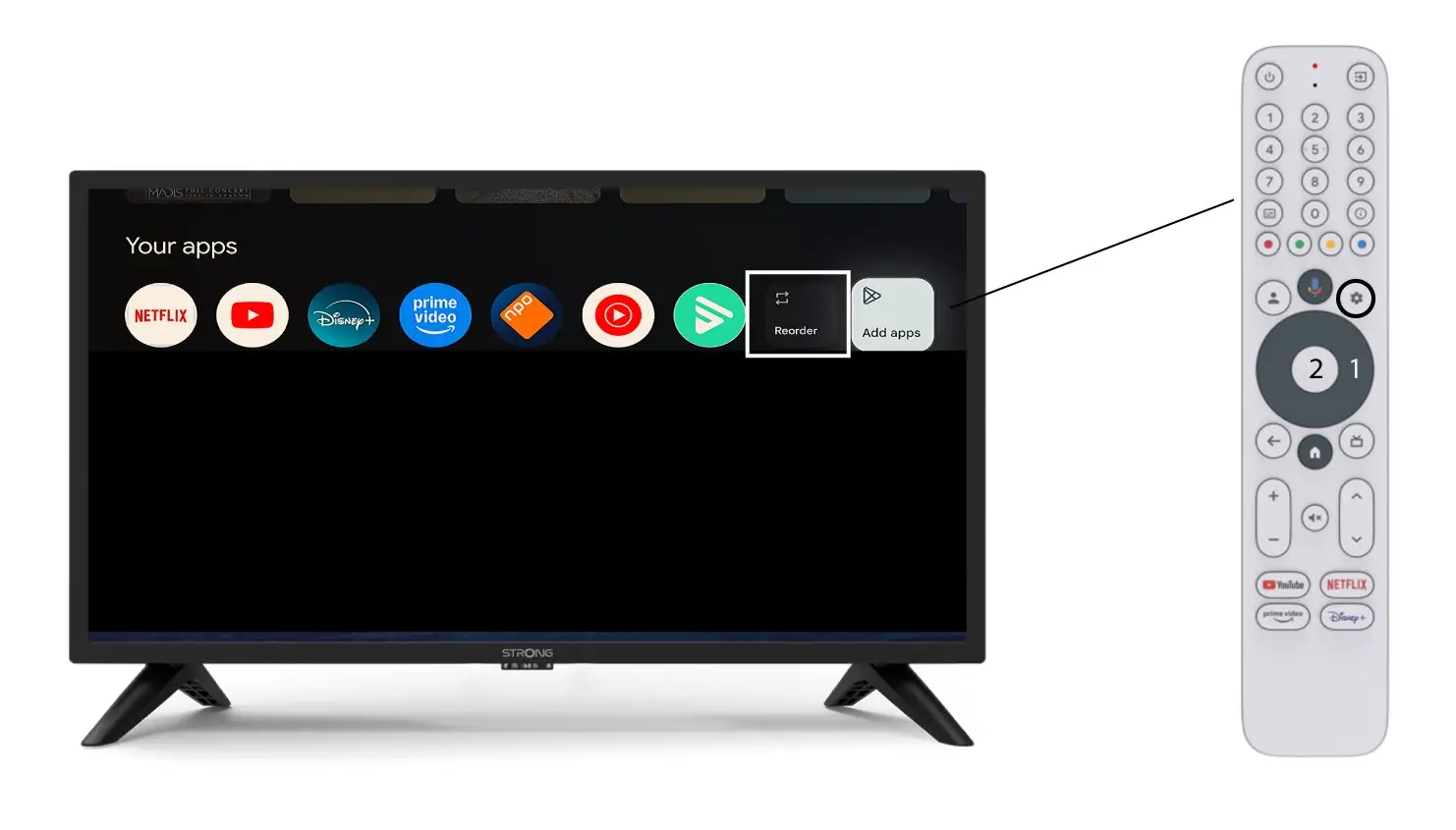
3 Tilfelle 2: Endre rekkefølgen på apper
Hvis du vil endre rekkefølgen på apper som vises på hjemmesiden, klikker du på Endre rekkefølge.