
4G+ AIRSPOT 520 Mobil Wi-Fi med berøringsskjerm
Ingen gjenstander funnet.
Ingen gjenstander funnet.
Alle spørsmål
4G+ AIRSPOT 520 Mobil Wi-Fi med berøringsskjerm
Ingen gjenstander funnet.
Ingen gjenstander funnet.
Hvordan skriver jeg inn PIN-koden min? (Mi-Fi-skjerm)
Når du setter inn SIM-kortet for første gang, vil enheten be deg om å taste inn PIN-koden.
1 Få tilgang til tastaturet
Klikk på pennikonet for å få tilgang til det numeriske tastaturet.
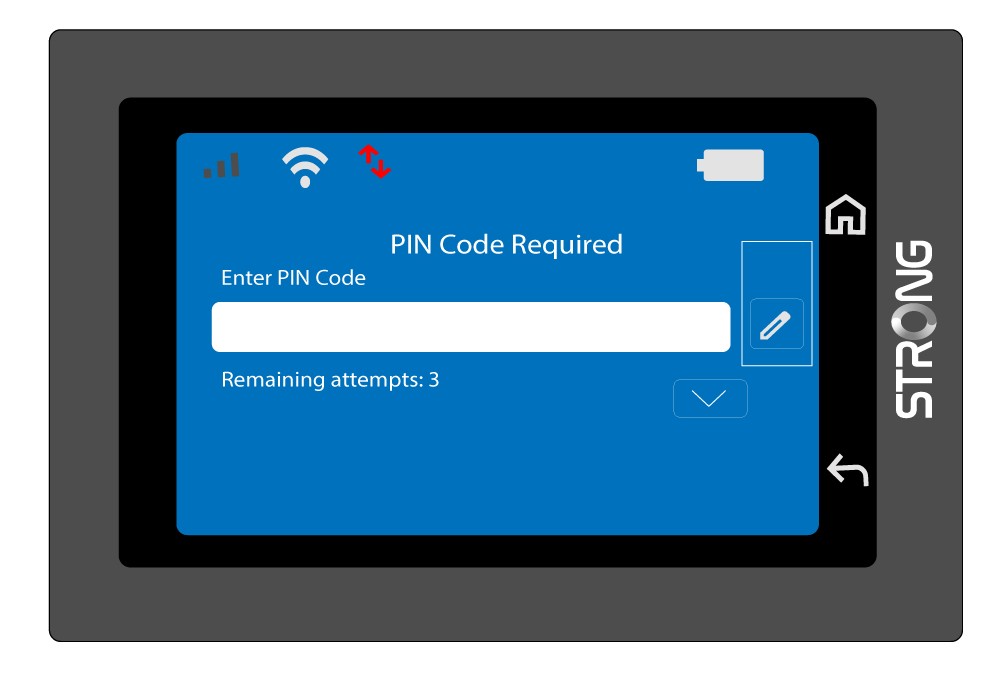
2 Tast inn PIN-koden
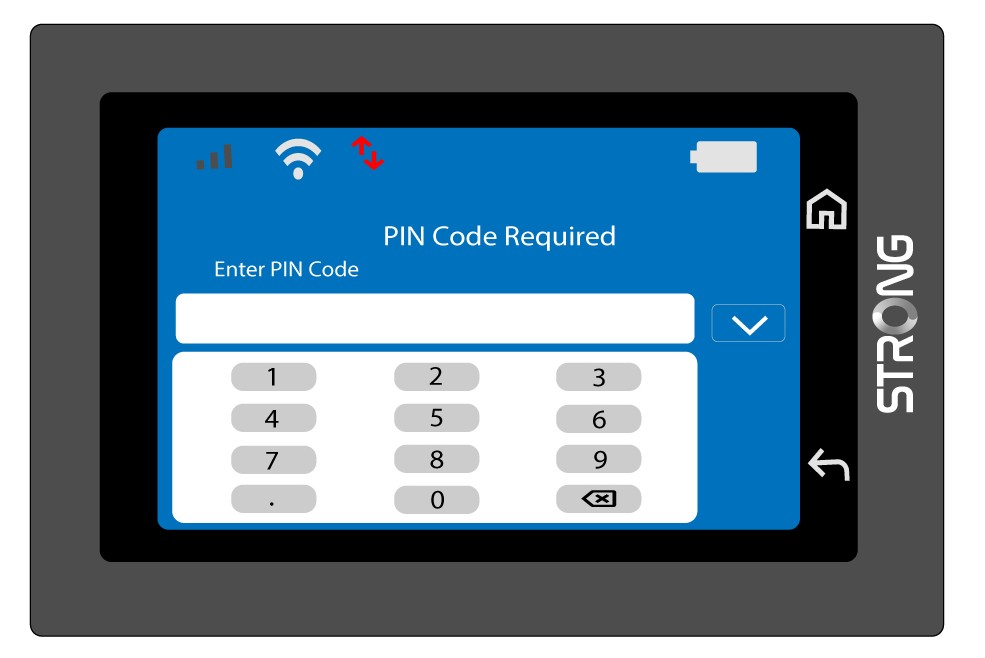
Skriv inn PIN-koden din med talltastaturet, og trykk deretter på (v)-ikonet for å bekrefte.
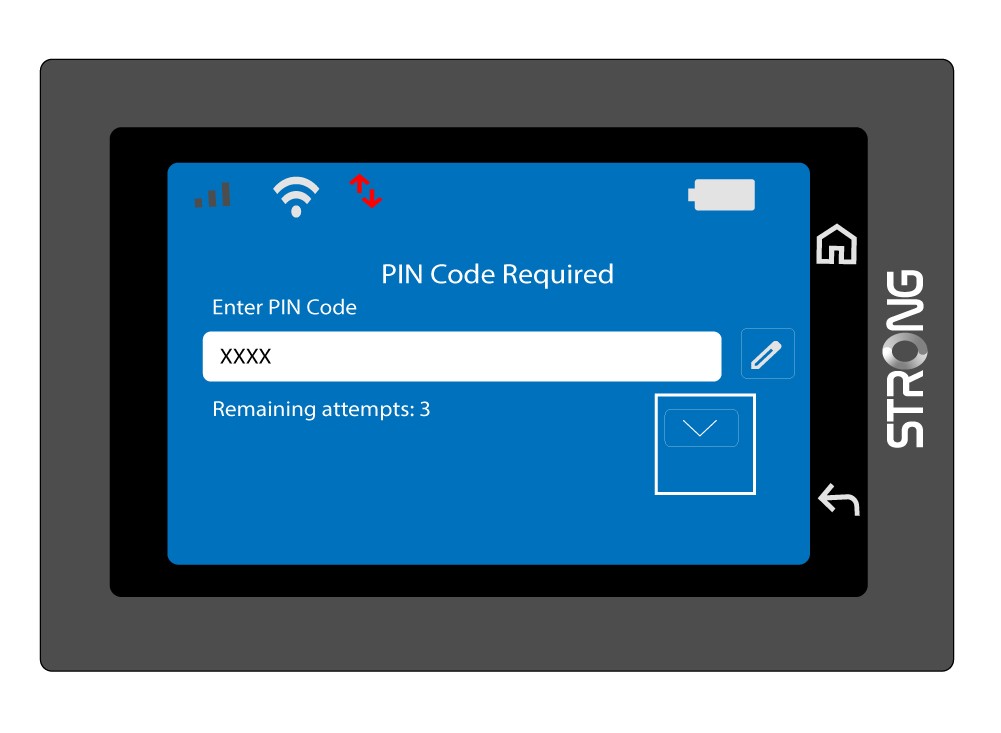
3 Bekreft koden
Valider PIN-koden på hovedskjermen.
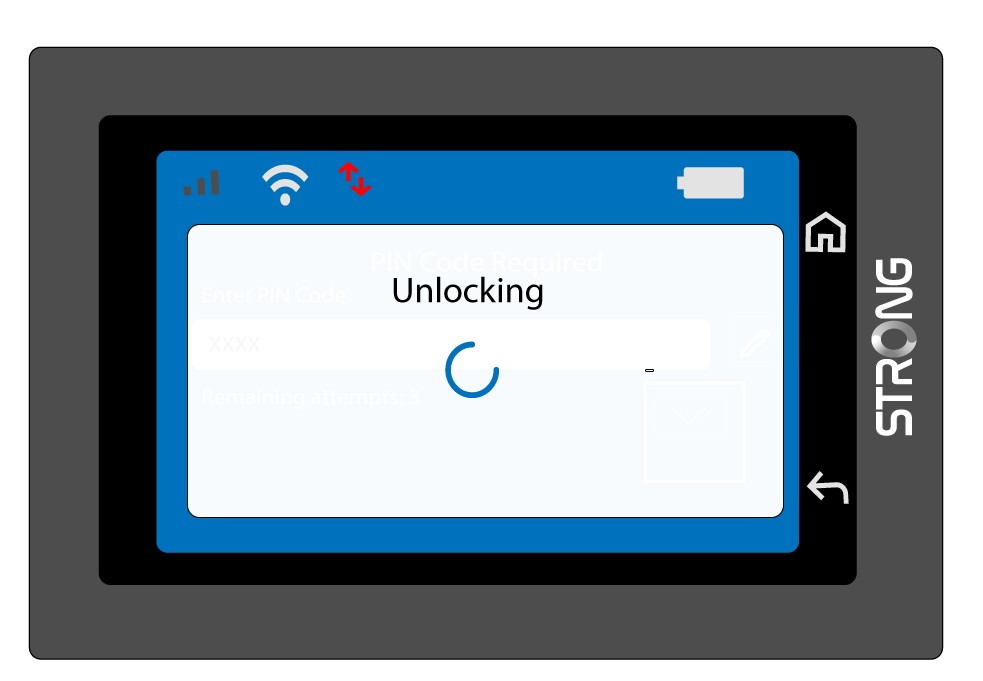
4 Vent på bekreftelse
Vent til opplåsingsmeldingen forsvinner fra skjermen.
5 Klar til bruk
Du bør se følgende skjermbilde.
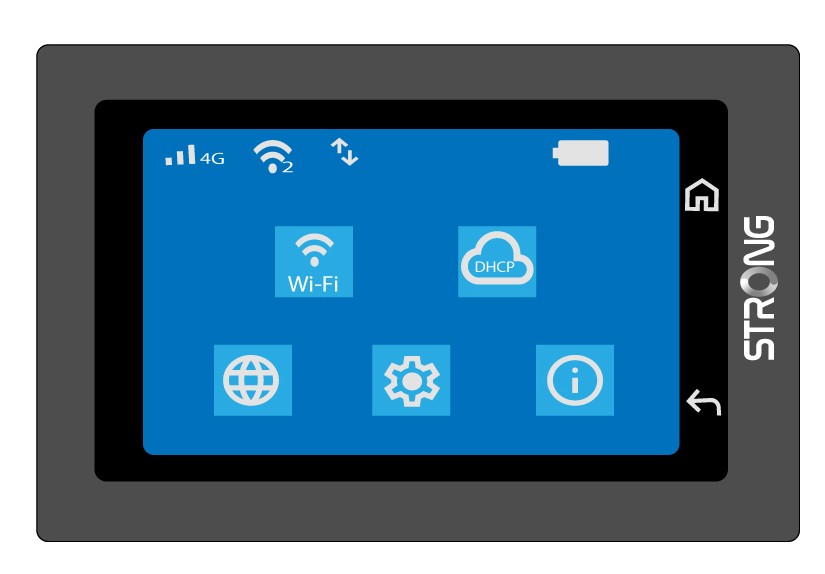
Etter den første vellykkede inntastingen vil Mi-Fi huske PIN-koden din.