
PLW600MDUO
Alle spørsmål
PLW600MDUO
Hvordan endrer jeg SSID-navnet og passordet til Powerline 600 Mini Wi-Fi-nettverket?
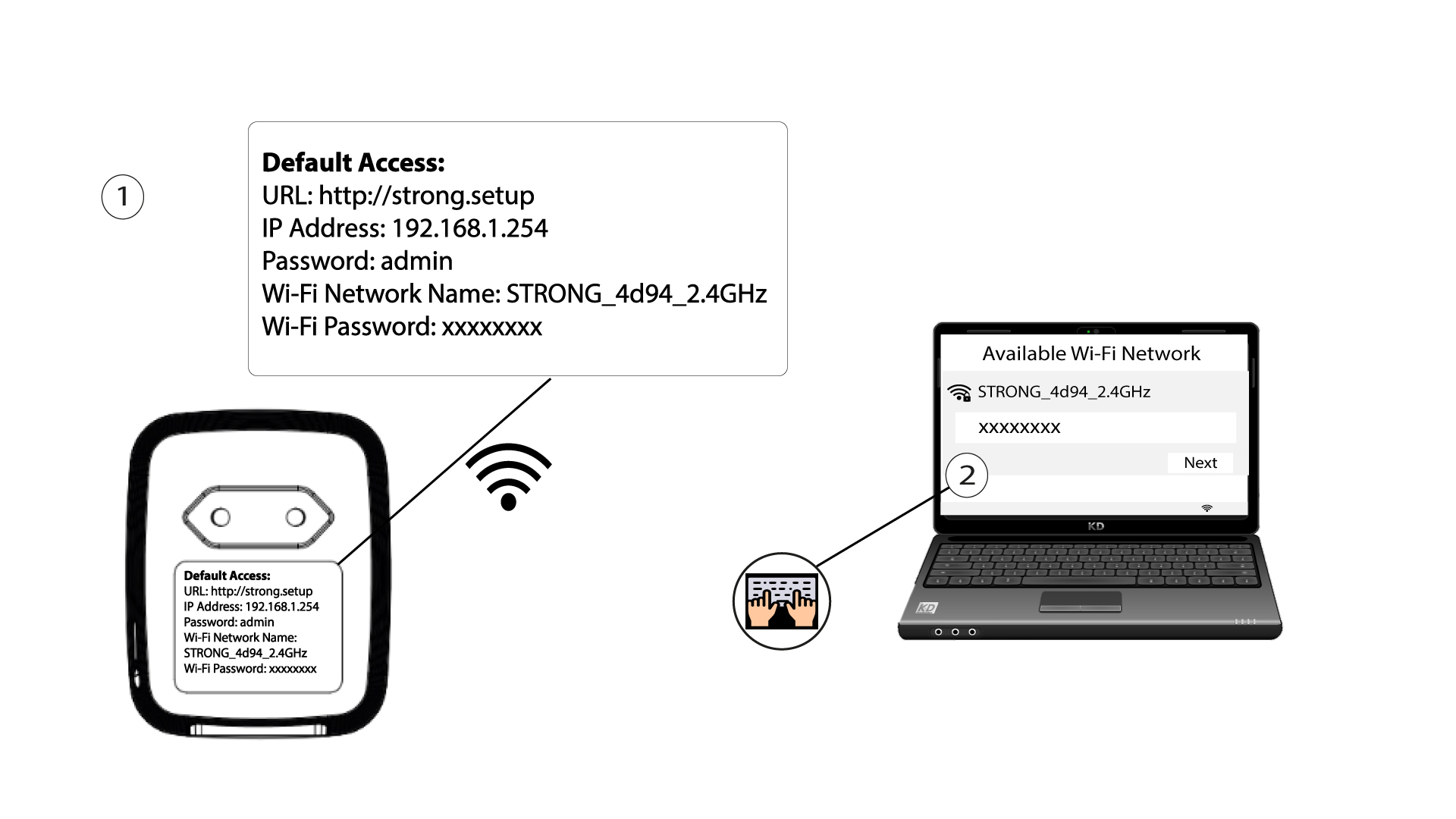
1 Koble til Wi-Fi
Koble til Wi-Fi-nettverket til Powerline 600 Wi-Fi Mini.
2Browse to the web interface
Access the user interface by entering the URL http://setup.strong in the address bar of your Internet browser.

3Log in
The first time you log in, you are asked to create your login password. It must contain at least 8 characters, including uppercase and lowercase letters, numbers and special characters (@ $ ! % * ? &). Enter it in Create Password and Confirm Password, then click Commit. For later logins, enter this password.
4 Hurtigoppsett
Gå til menyen, velg Hurtigoppsett , klikk deretter på Tilgangspunkt (AP) og klikk på NESTE .

5 Skriv inn den nye nettverksinformasjonen
Edit the SSID and the Pass Phrase. When defining the new pass phrase, please avoid using the uppercase I and the lowercase l as they can easily be mixed up. We also advise you to create a pass phrase made of alternating uppercase letters, lowercase letters and numbers. When your edits are finished, click NEXT to save.

6 Skriv ned den nye nettverksinformasjonen
Please write down the new SSID and Pass Phrase on paper, then reconnect all your devices to the Powerline 600 Duo Wi-Fi Mini using the new settings.
