
PLW600MDUO
Ingen gjenstander funnet.
Ingen gjenstander funnet.
Alle spørsmål
PLW600MDUO
Ingen gjenstander funnet.
Ingen gjenstander funnet.
Hvordan konfigurerer du høyt sikkerhetsnivå 2 på strømnettproduktene dine?
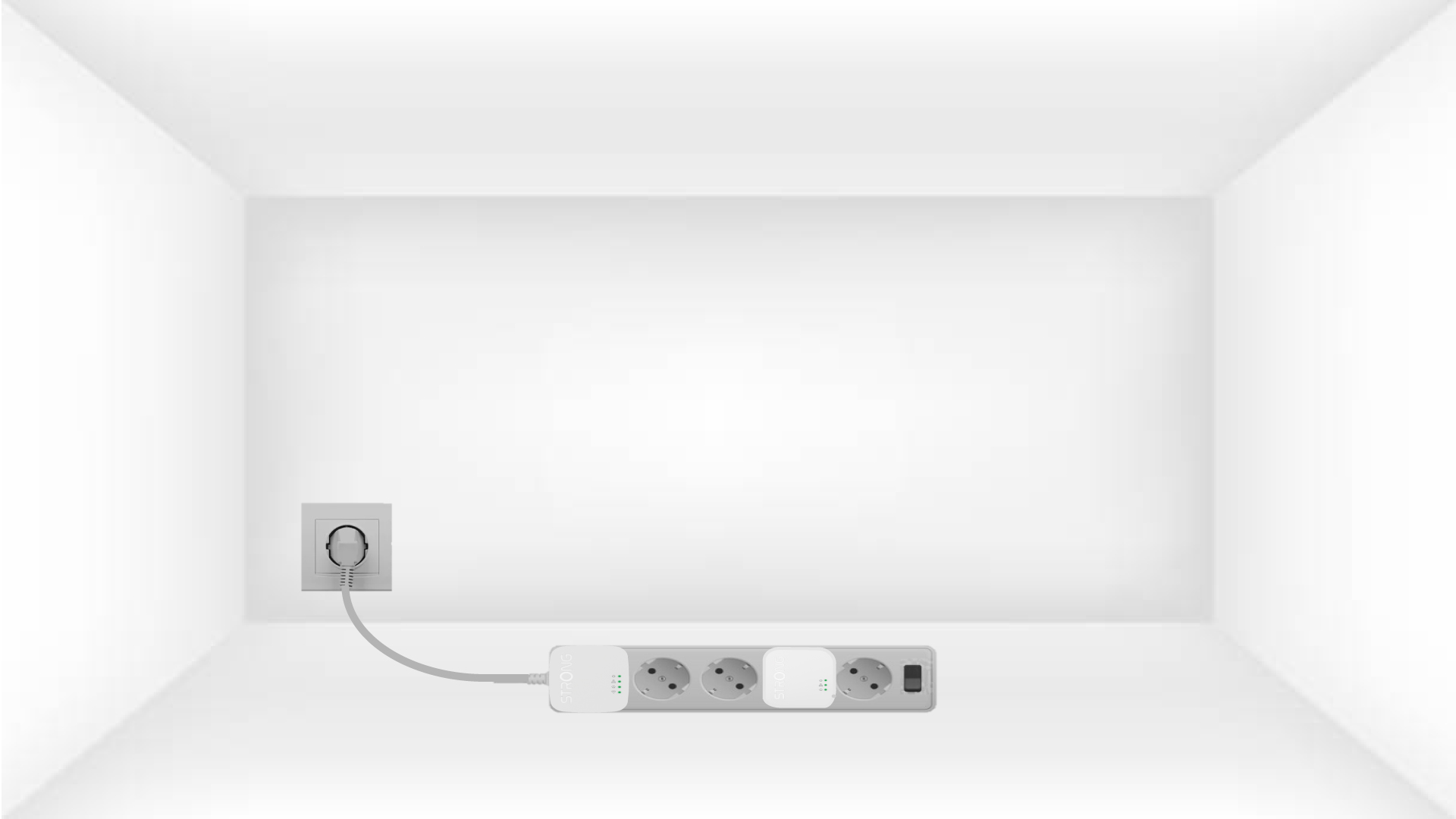
1 Plasser adapterne på en strømskinne
Take a power strip and plug all the powerline adapters into it.
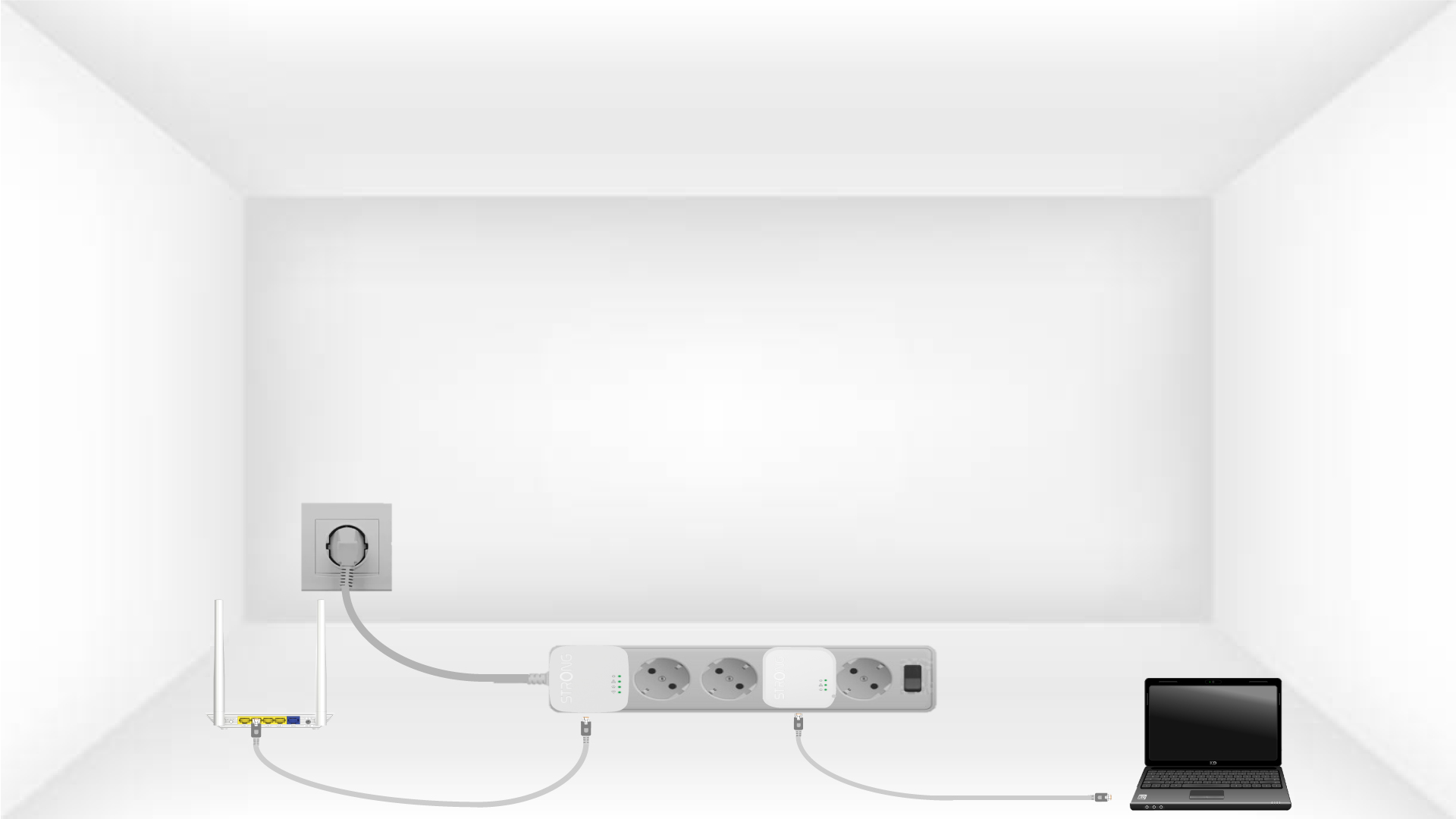
2 Koble adapterne til Internett
Connect one of the powerline adapters to the Internet gateway/router with an RJ45 cable.
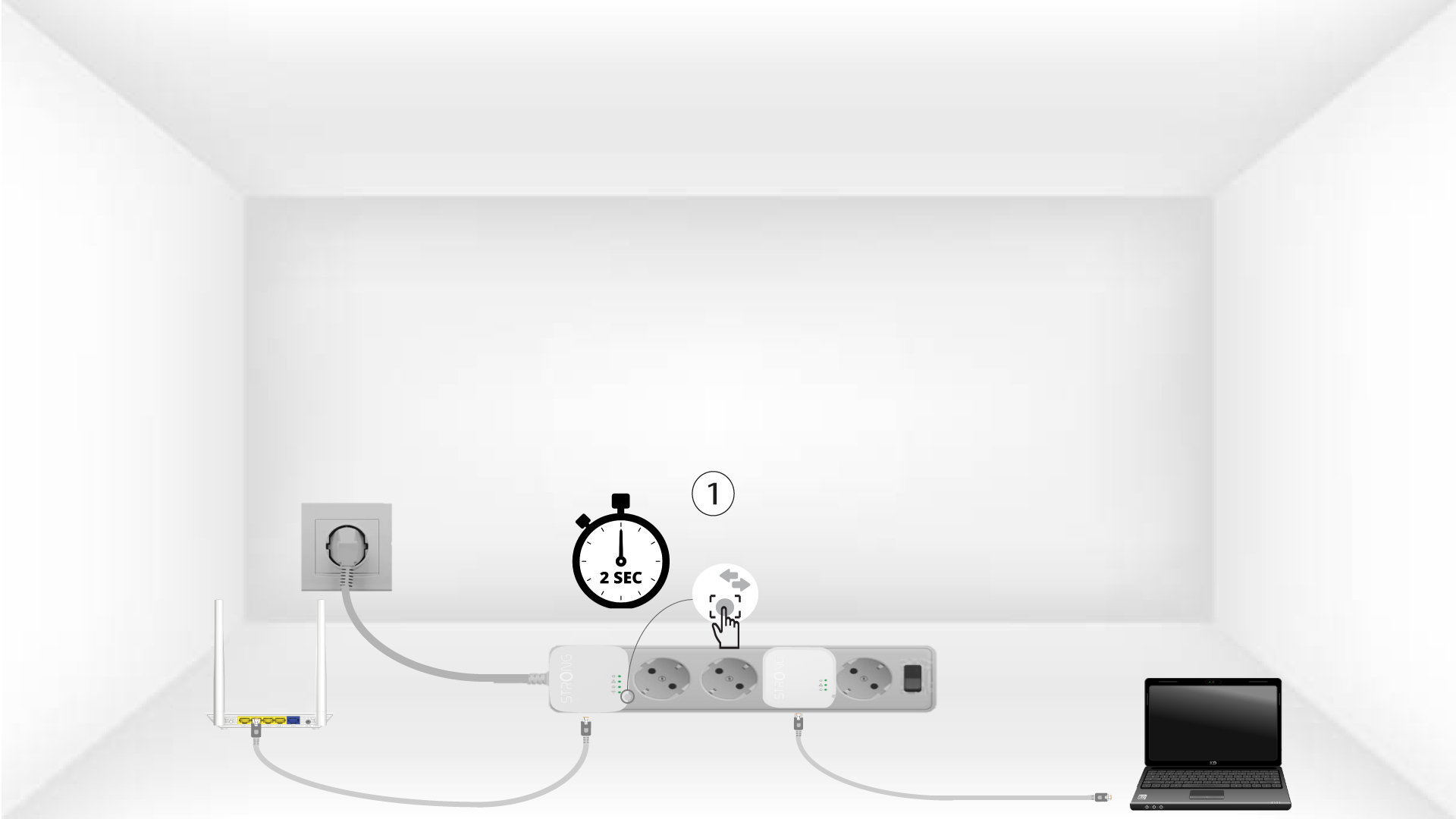
3 Trykk på Koble til og sikre-knappen (første enhet)
Press the Connect & Secure button on the first device for 2 seconds.
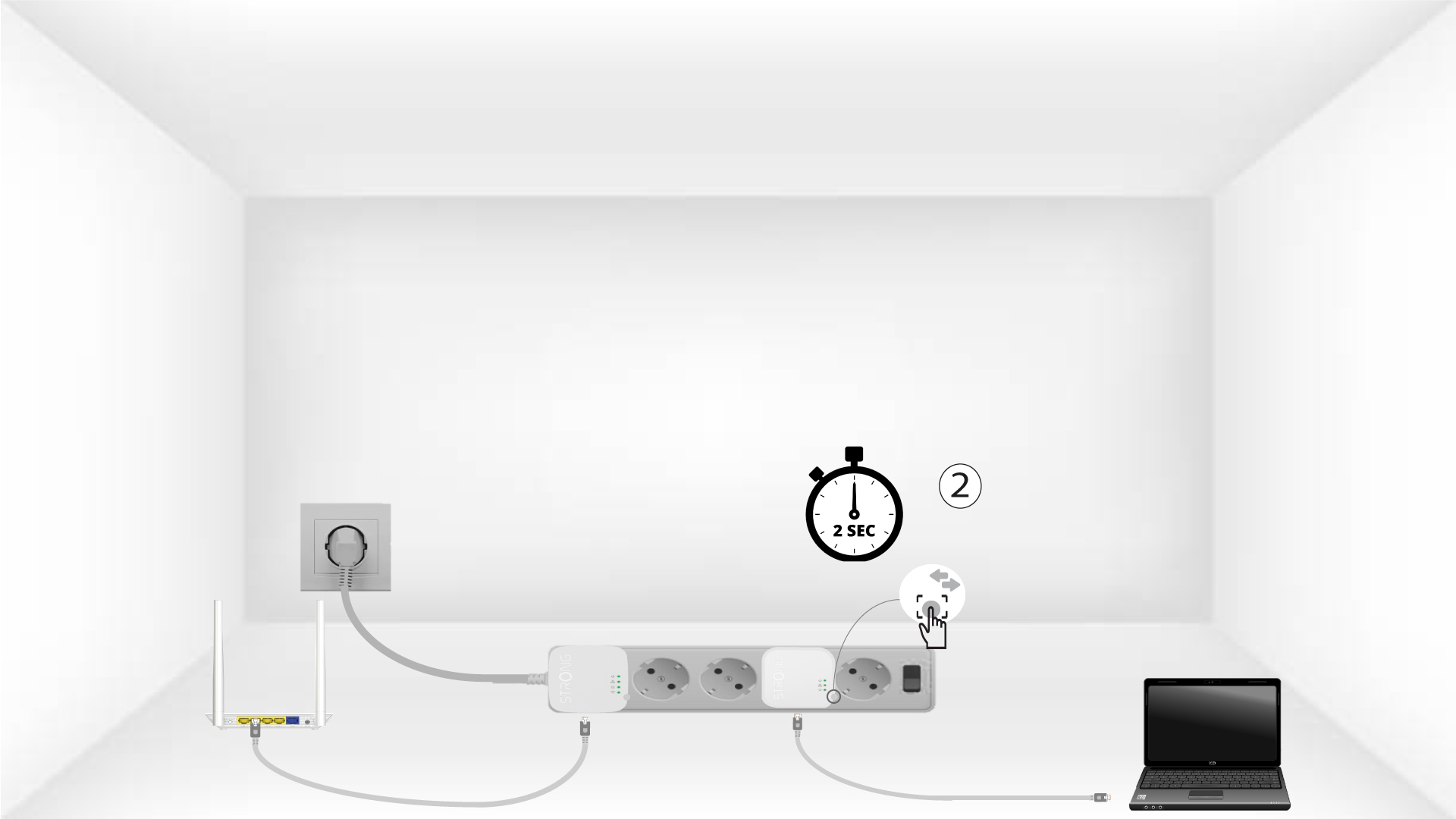
4 Trykk på Koble til og sikre-knappen (andre enhet)
Press the Connect & Secure button on the second device for 2 seconds. You have up to two minutes to do it.
5The home LED blinks
The home LED should blink on both devices.
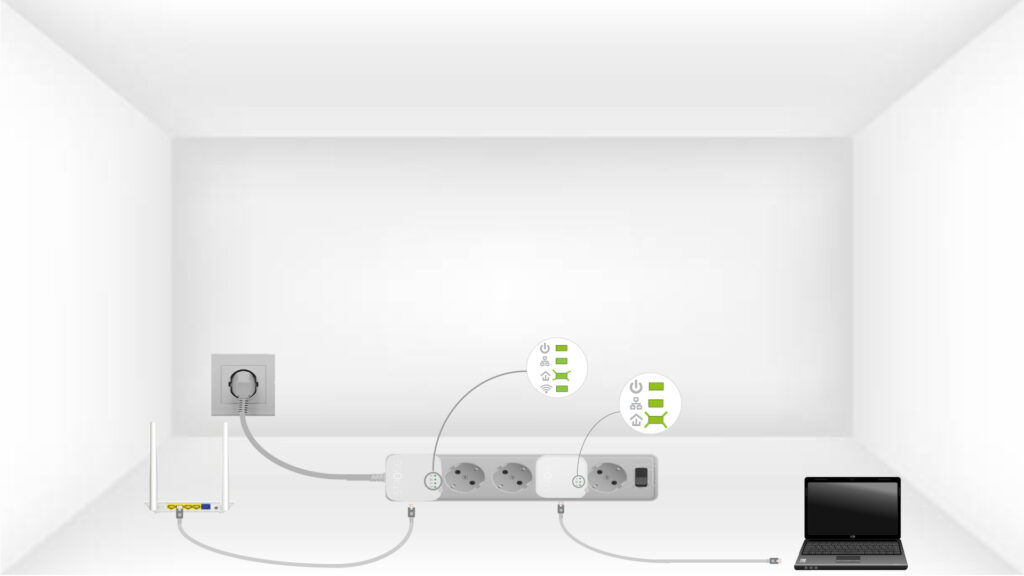
6 Krypteringsnøkkelen er satt
Din unike krypteringsnøkkel er nå angitt, og alle LED-lampene på enhetene skal lyse grønt.
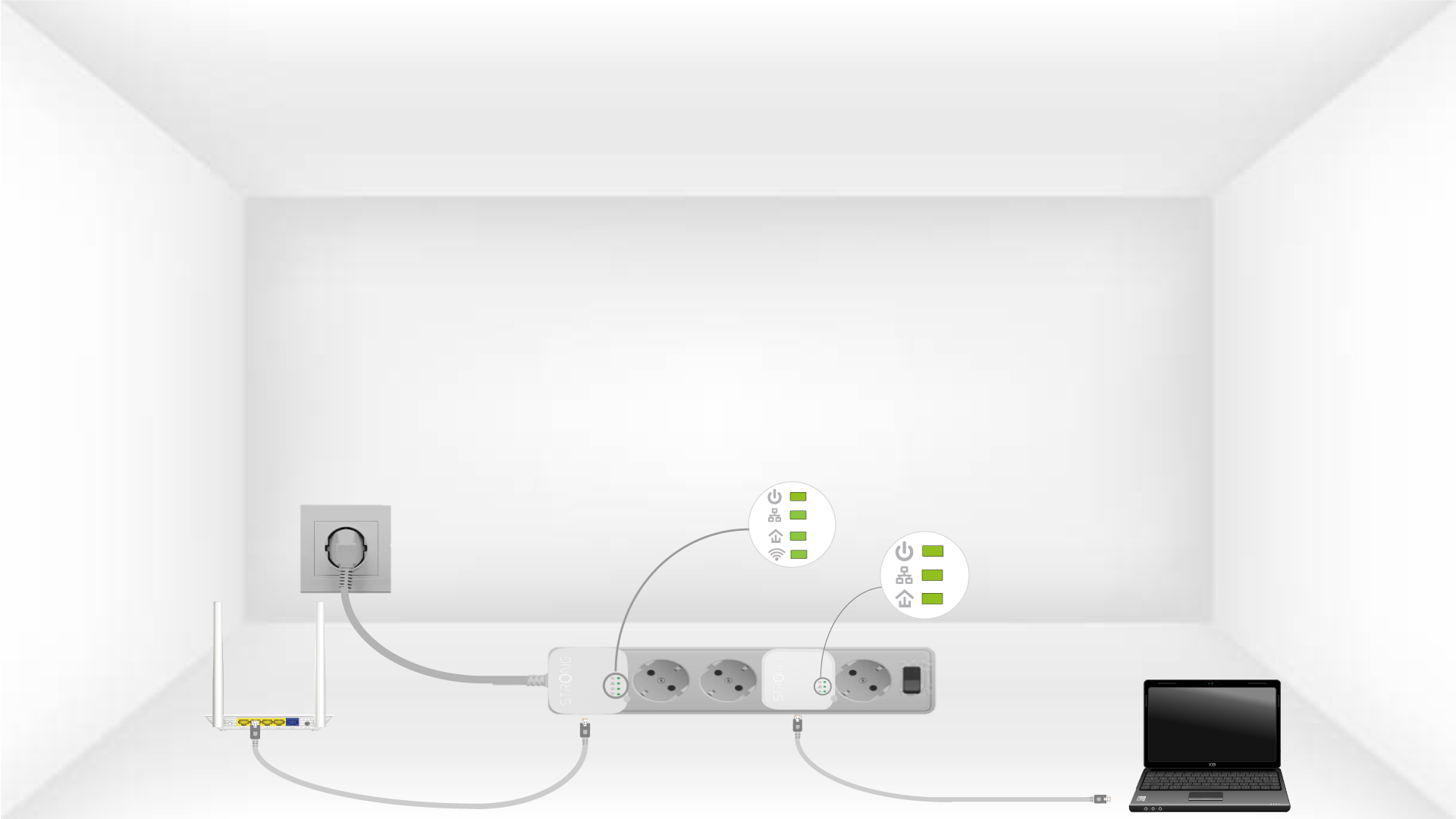
Now, install the adapters in the rooms where you need them. We strongly recommend not plugging the adapters into a power strip.