
ATRIA Wi-Fi 5 Mesh 1200 (balenie po 2 kusoch)
Nenašli sa žiadne položky.
Nenašli sa žiadne položky.
Všetky otázky
ATRIA Wi-Fi 5 Mesh 1200 (balenie po 2 kusoch)
Nenašli sa žiadne položky.
Nenašli sa žiadne položky.
Ako nakonfigurovať sieť Wi-Fi na zariadení mesh (Prípad 1: Tlačidlo WPS)
Ak chcete nakonfigurovať sieť typu „ Mesh “, postupujte podľa rýchleho sprievodcu (QIG), ktorý nájdete v príručke „ box “ k vášmu produktu.
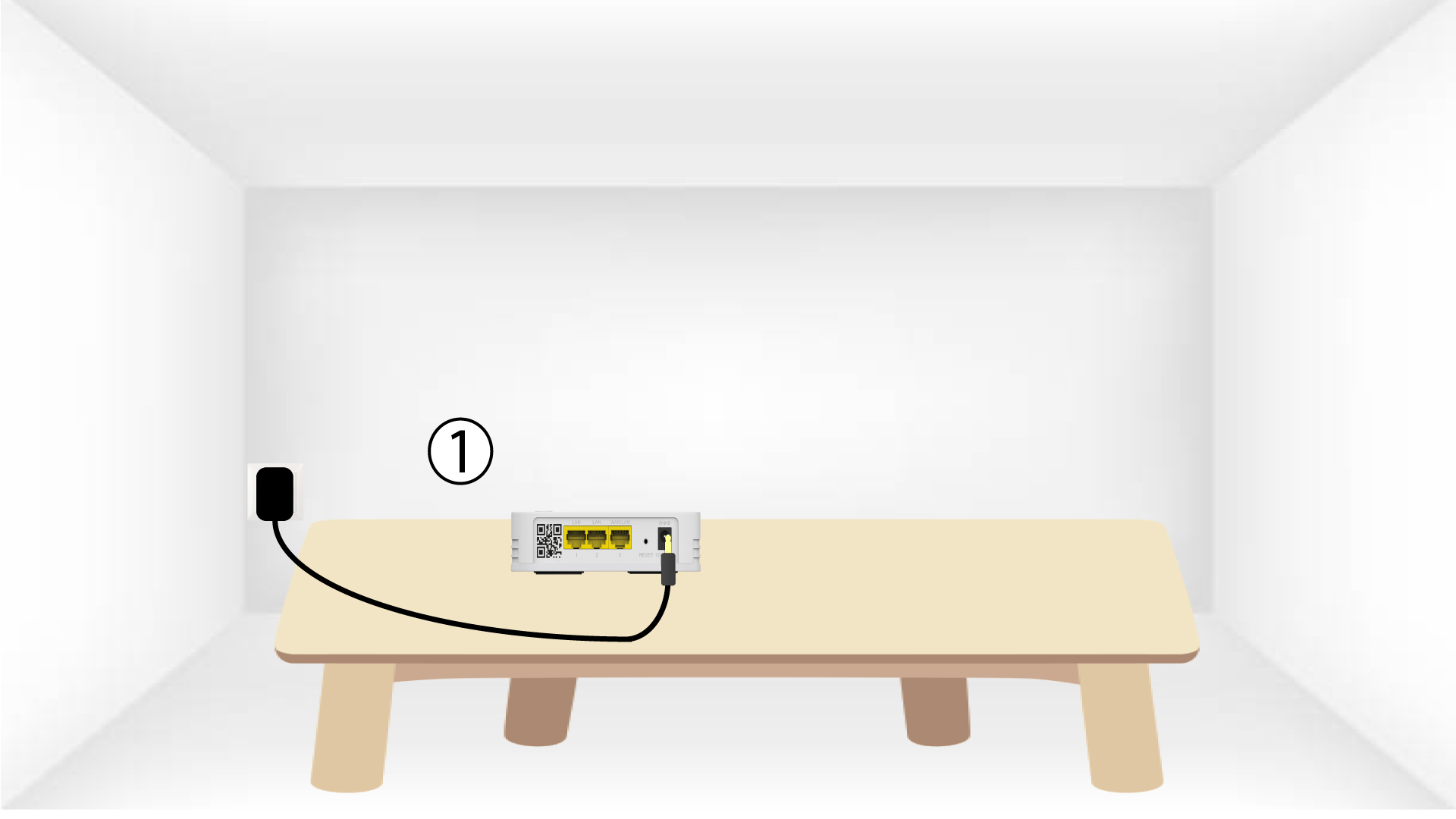
1. Pripojtezariadenie
Na zapnutie zariadenia „ mesh “ ho musíte pripojiť do zásuvky (na zariadení sa nenachádza tlačidlo na zapnutie) a pomocou kábla RJ45 ho pripojiť k
vášmu modemu.

2Počkajtepočas konfigurácie
Potom musíte počkať niekoľko minút, kým sa zariadenie samo nakonfiguruje.
3.Pripojte druhé zariadenie
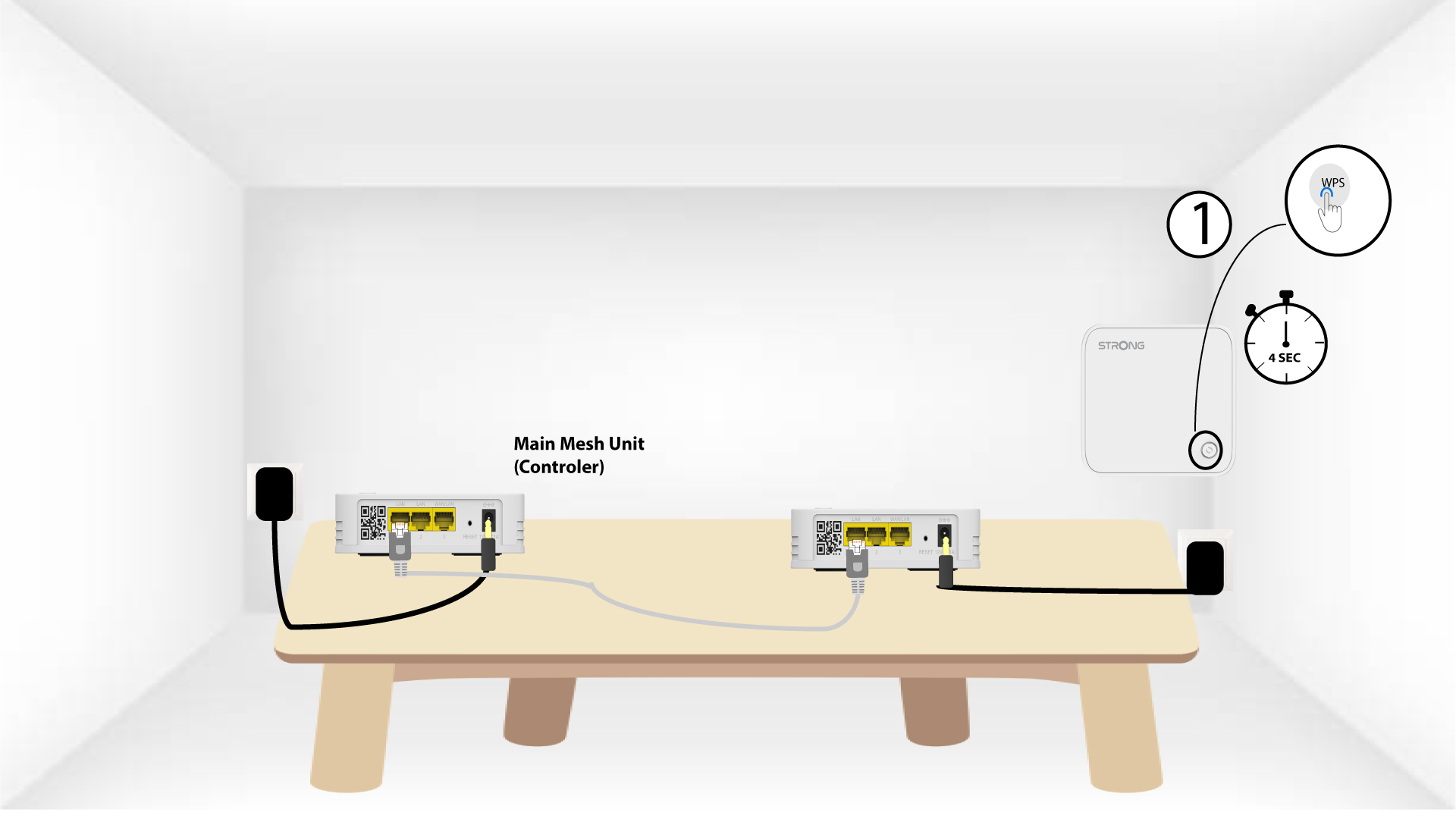
Musíte pripojiť druhý modul mesh .
4Aktivujtefunkciu WPS na hlavnom mesh
Stlačte tlačidlo WPS na zariadení Mesh , ktoré je pripojené k vášmu modemu/routeru, a podržte ho stlačené aspoň 4 sekundy.
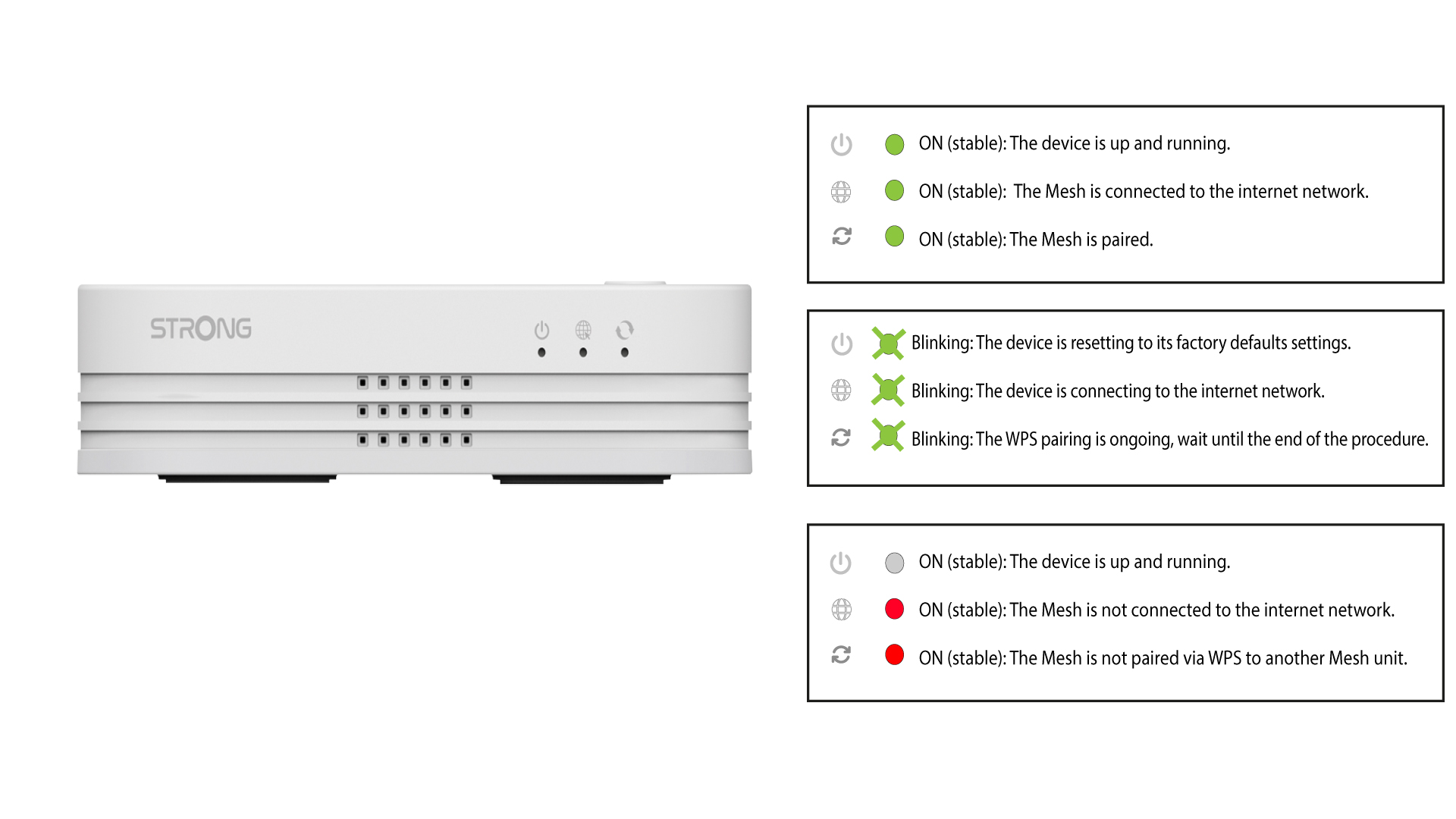
Po aktivácii funkcie WPS bude LED blikať zelenou farbou.
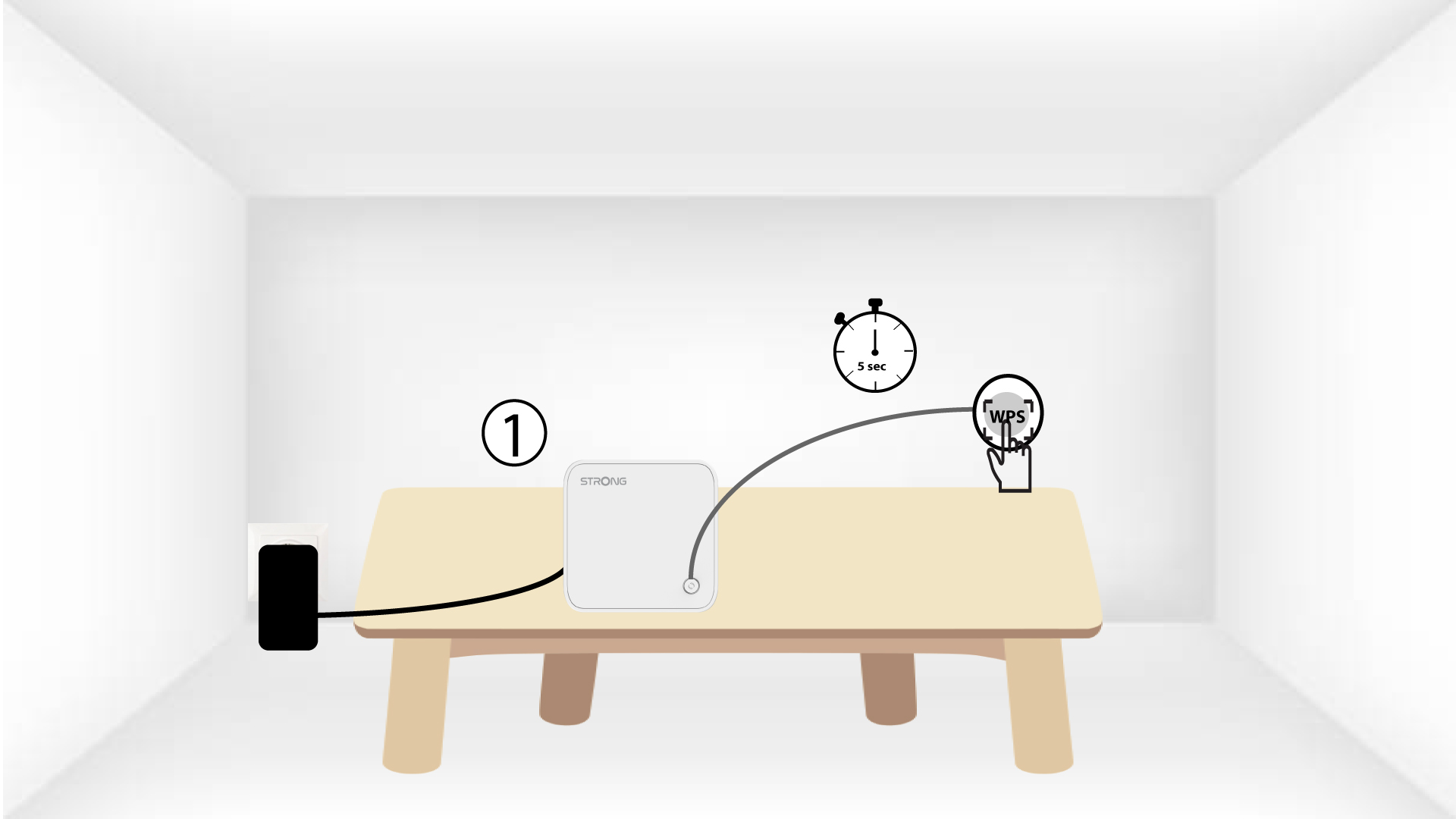
5. Aktivujtefunkciu WPS na druhom zariadení mesh
Stlačte tlačidlo WPS na druhom zariadení typu „ Mesh “ a podržte ho stlačené aspoň 4 sekundy.
6Zariadeniasa spájajú
Lorem ipsum dolor sit amet, consectetur adipisicing elit. Nikto totiž nevie, že povinnosti sa dajú vyhnúť výberom medzi povinnosťami.