
ATRIA Wi-Fi 5 Mesh 1200 (balenie po 2 kusoch)
Všetky otázky
ATRIA Wi-Fi 5 Mesh 1200 (balenie po 2 kusoch)
Ako by som mal pomenovať svoje jednotky typu „ Mesh “?
Podľa nižšie uvedeného postupu môžete definovať názvy vašich jednotiek typu „ mesh “, aby ste ich mohli ľahko identifikovať.
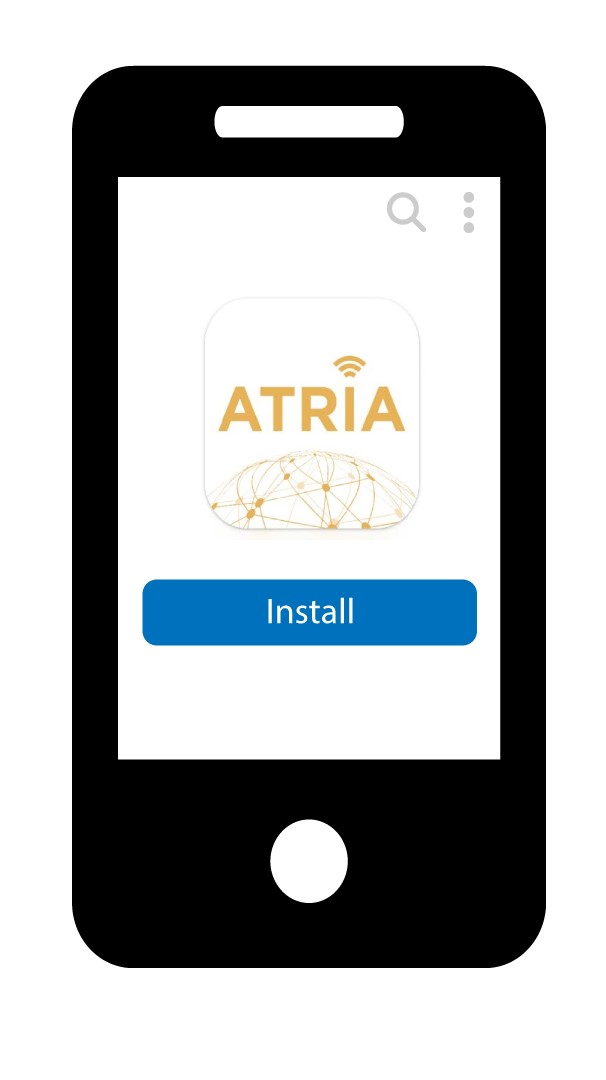
1Stiahnitesi aplikáciu
Stiahnite si aplikáciu Atria „ Mesh “.
2Pripojtesa k sieti Wi-Fi mesh
Pripojte sa k sieti Wi-Fi vášho zariadenia mesh .

3Pripojte sak aplikácii
Pred kliknutím na tlačidlo „Prihlásiť sa“ zadajte používateľské meno a heslo.

4Mojasieť
Kliknite na „Moja sieť“

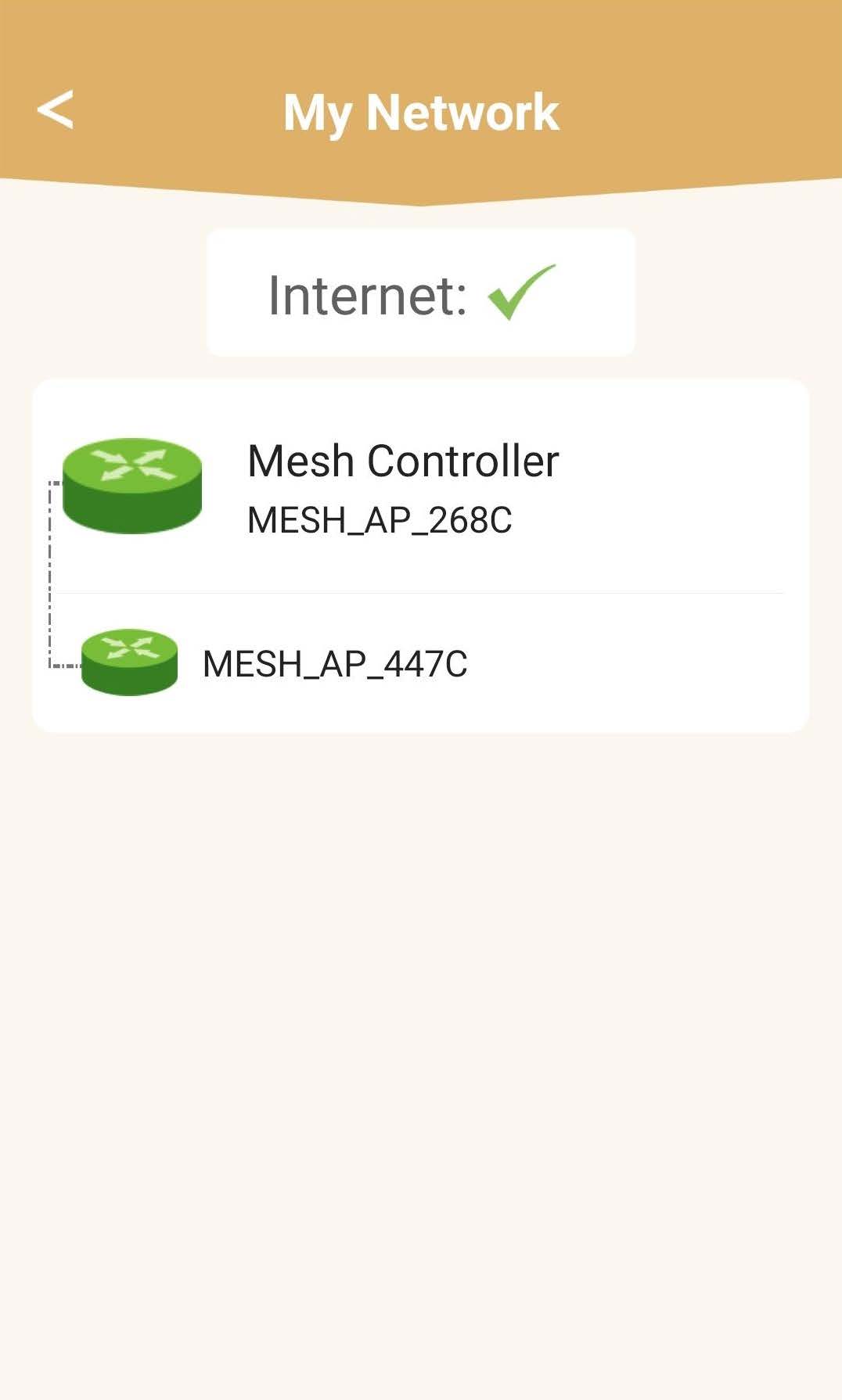
5 Stav sieteMesh
Zobrazí sa vám stav pokrytia, ktoré zabezpečujú vaše zariadenia mesh .
Upozorňujeme, že ak sú jednotky mesh zobrazené v šedej farbe, dosah danej jednotky nie je dostatočný. V takomto prípade je potrebné zmeniť polohu jednotky mesh .
Ak sú jednotky systému mesh zobrazené na zeleno, znamená to, že fungujú správne a poskytujú dostatočné pokrytie.
6 Hlavnájednotka mesh
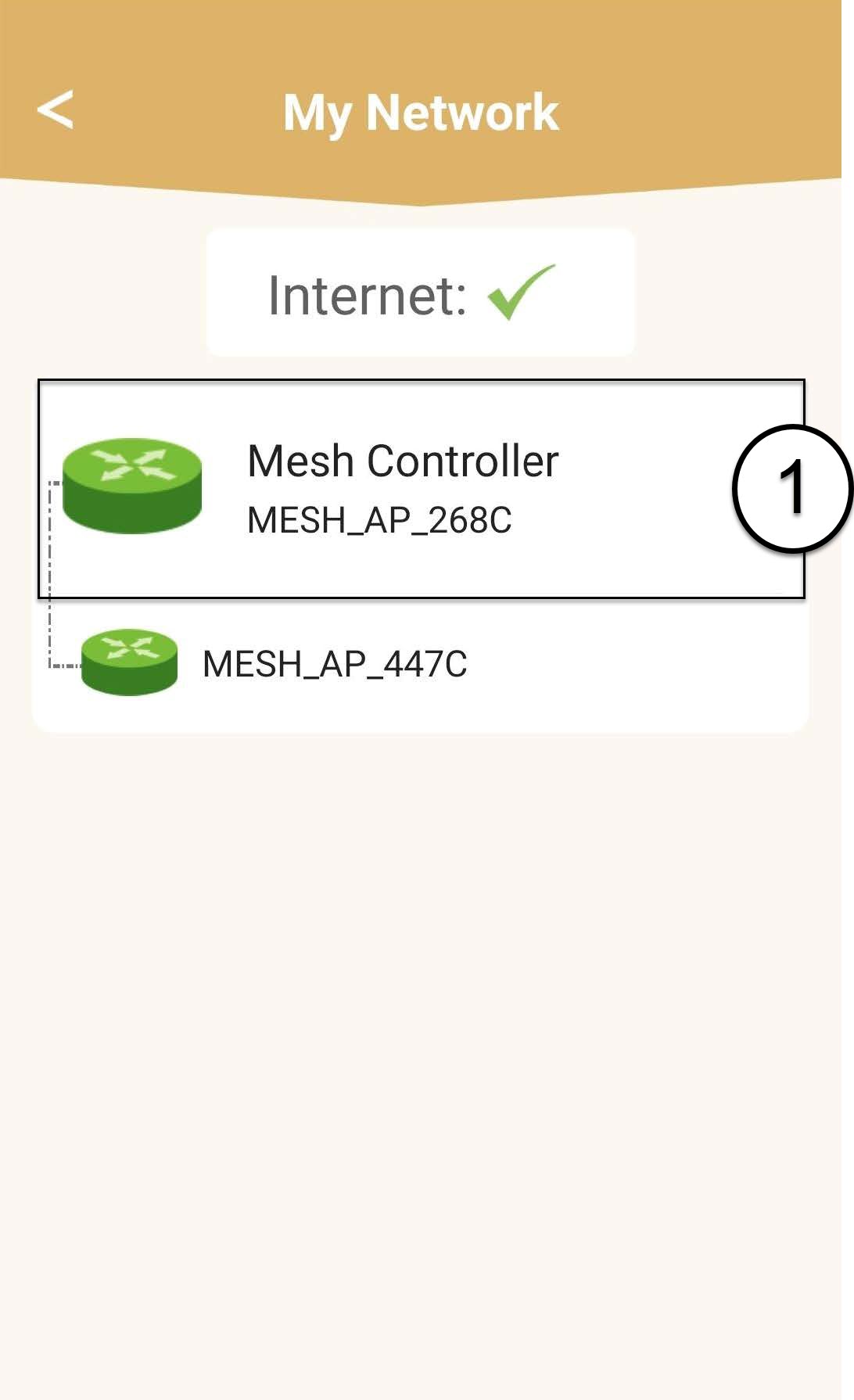
Kliknutím na názov jednotky „ mesh “ sa dostanete k informáciám o nej.
7. Upravtenázov hlavnej jednotky typu „ mesh “
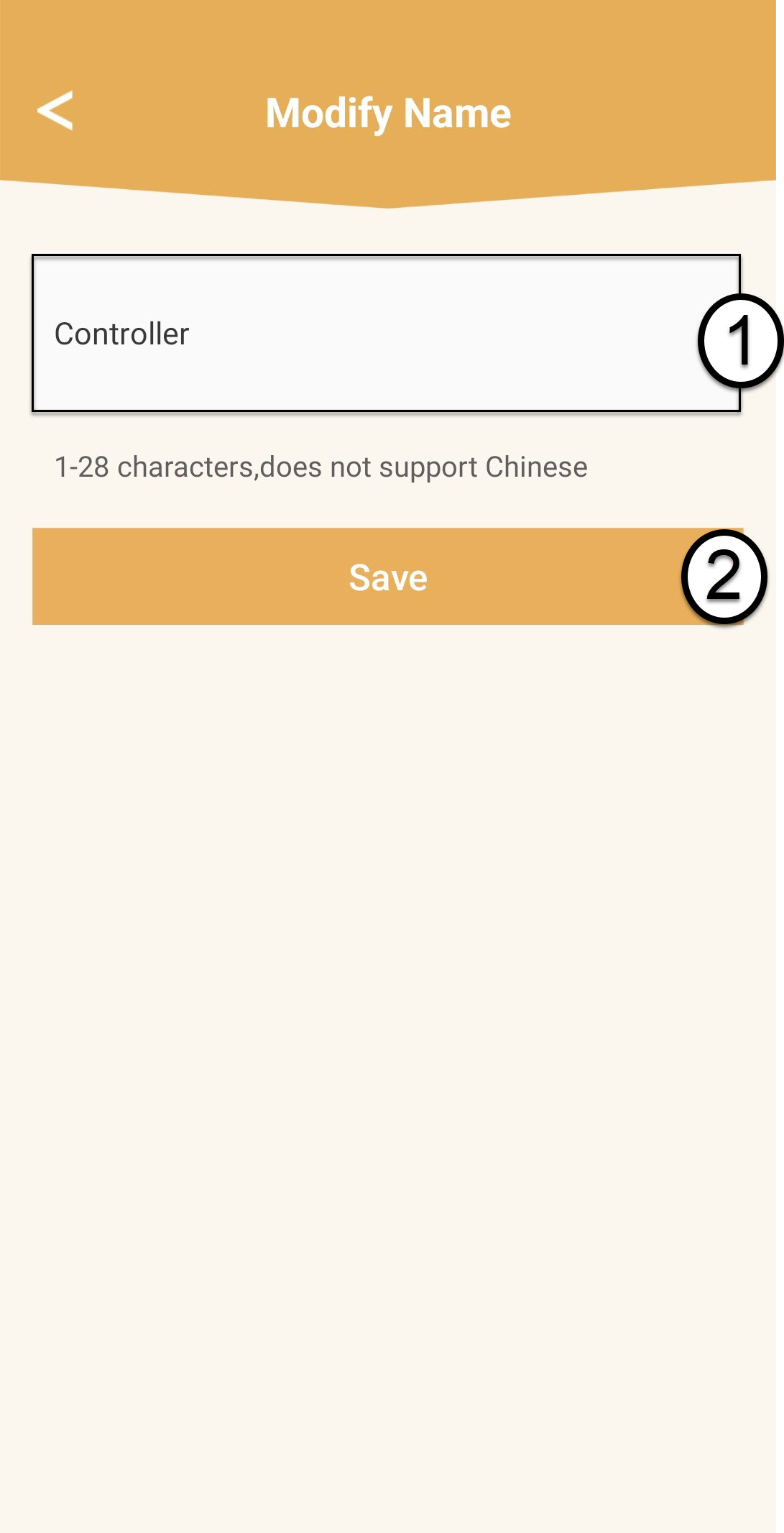
Zadajte nový názov a kliknite na Uložiť.
Ovládač mesh by mal byť pomenovaný takto: Mesh1200-Main-
Názv miestnostiAgentom siete „ mesh “ by mali byť priradené názvy v tomto formáte: Mesh1200-Názovmiestnosti
8 Sekundárnajednotka typu „ mesh “
V prípade ostatných jednotiek typu „ mesh “ kliknite na ich názov, aby ste získali prístup k informáciám. Následne zadajte nový názov a kliknite na „Uložiť“.