
Nenašli sa žiadne položky.
Nenašli sa žiadne položky.
KAMERA 2K+ SMART HOME
Všetky otázky
Nenašli sa žiadne položky.
Nenašli sa žiadne položky.
KAMERA 2K+ SMART HOME
Ako môžem vykonať tvrdý reset na zariadení kamera (bez použitia aplikácie)?
Ak nemôžete používať aplikáciu, môžete zariadenie „ kamera “ vynulovať pomocou tlačidla na zariadení.
Na to je potrebné postupovať podľa nižšie uvedených krokov.
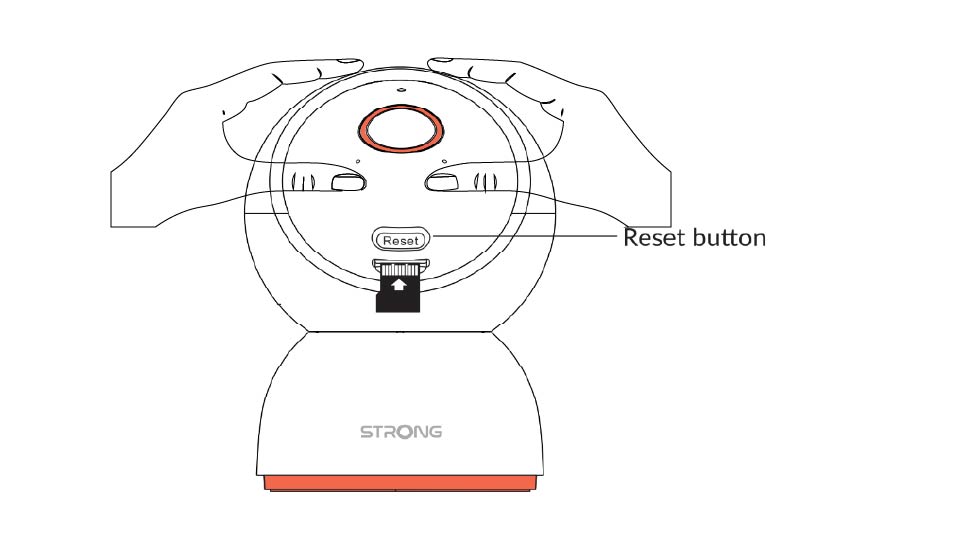
1. Nájditetlačidlo „Reset“
Otočte objektívom kamera , aby ste našli tlačidlo na resetovanie.
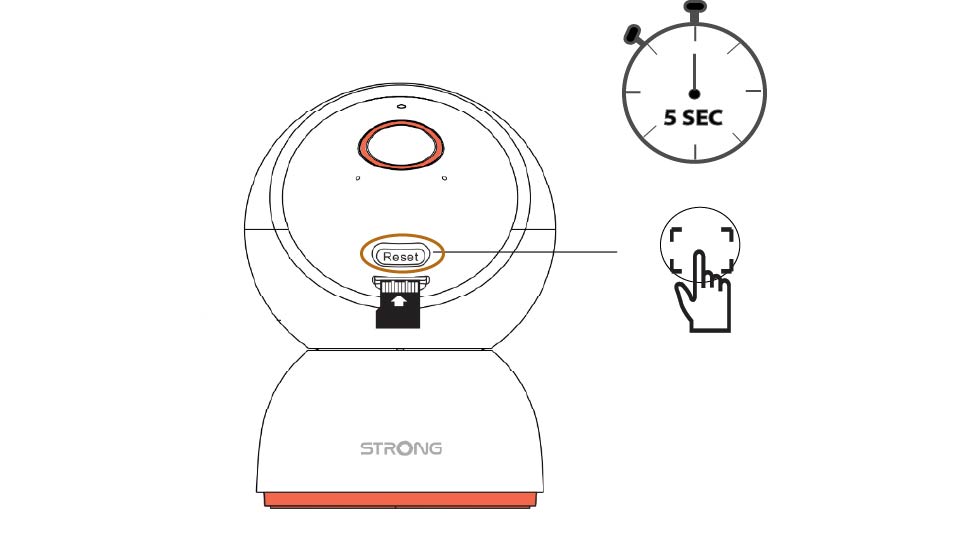
2Stlačtetlačidlo Reset
Stlačte tlačidlo a podržte ho stlačené 5 sekúnd.
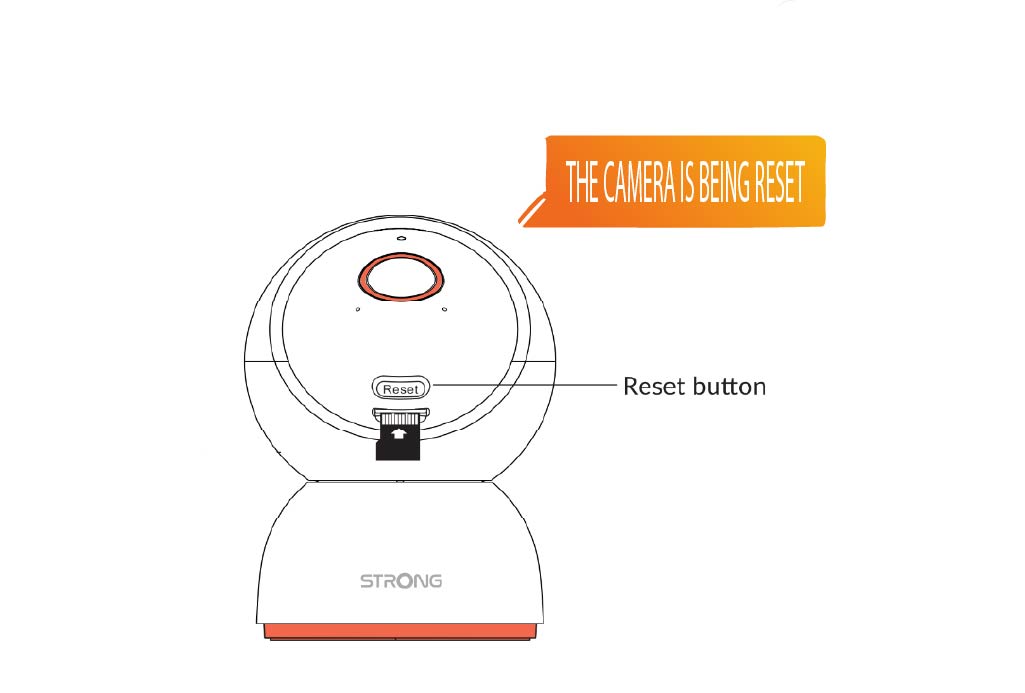
3Počkajtena správu o resete
Po dokončení tohto kroku sa ozve hlásenie: „ kamera sa resetuje.“ kamera sa následne automaticky reštartuje.
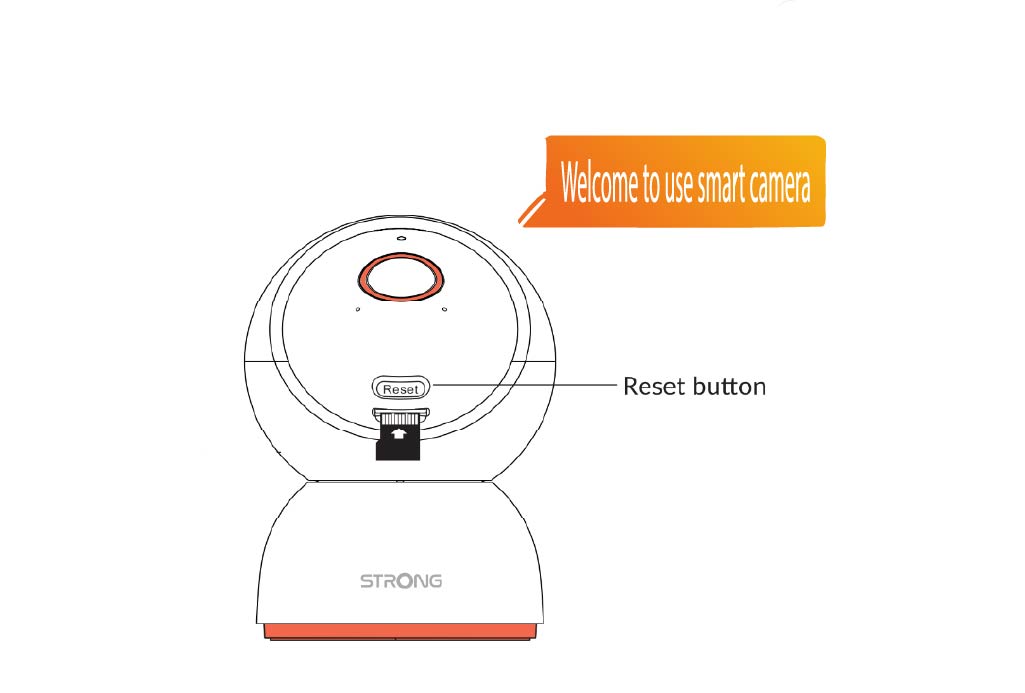
4. Uvítacíodkaz
Až bude pripravené, zobrazí sa nasledujúci text: „Vitajte na stránke smart kamera.”
TIP: Po dokončení obnovenia otvorte aplikáciu a znovu pridajte kamera .