Wi-Fi 4G+ AIRSPOT 520 s dotykovým displejom
Nenašli sa žiadne položky.
Nenašli sa žiadne položky.
Všetky otázky
Wi-Fi 4G+ AIRSPOT 520 s dotykovým displejom
Nenašli sa žiadne položky.
Nenašli sa žiadne položky.
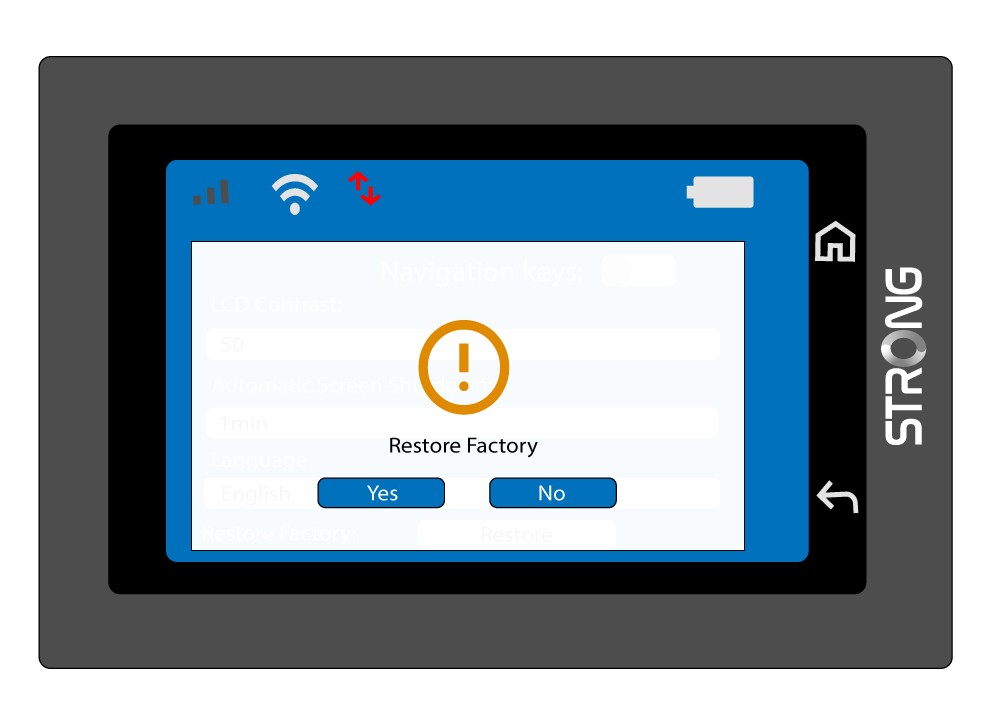
Ako môžem obnoviť továrenské nastavenia svojho routera? (Obrazovka Mi-Fi)
Na tejto obrazovke môžete zariadenie obnoviť do továrenských nastavení.
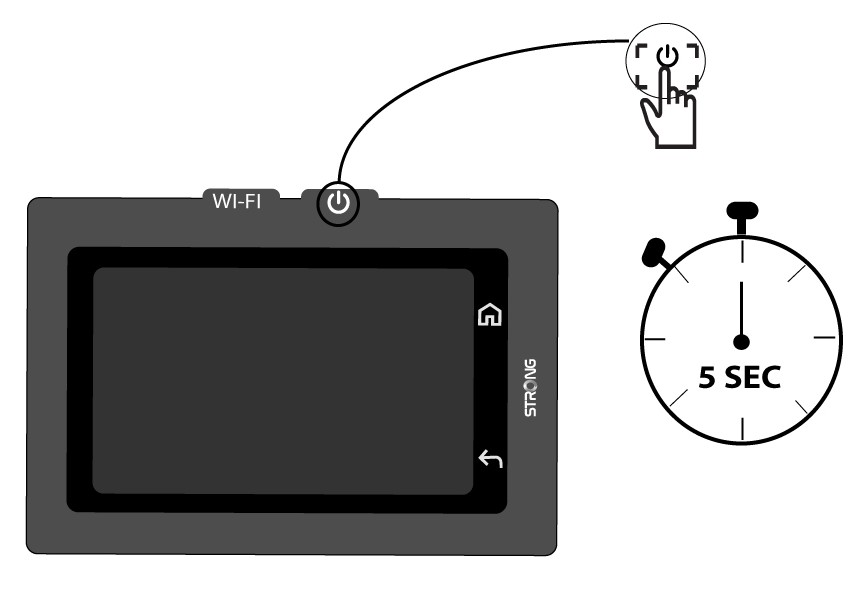
1Zapnutie zariadenia
Zapnite zariadenie stlačením tlačidla napájania na 5 sekúnd.
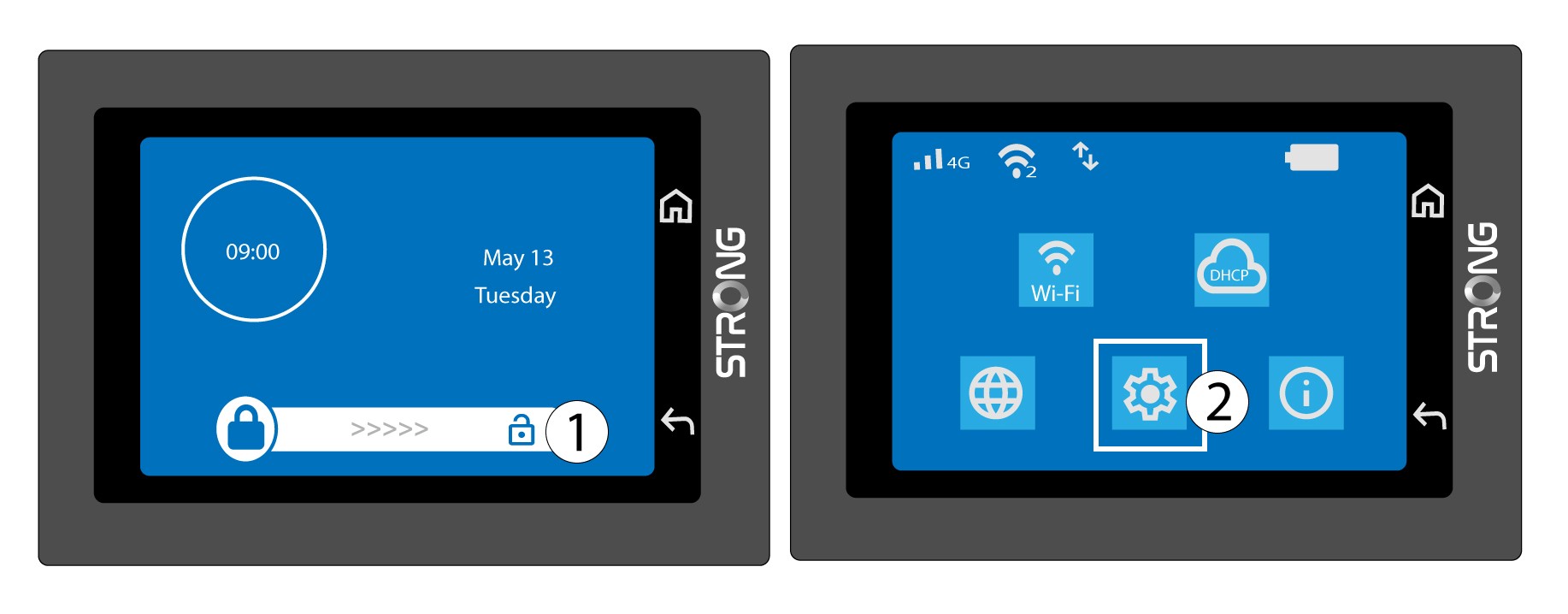
2. Otvoreniesystémového menu
Potom odomknite obrazovku a stlačte ikonu systému.
3. Vybertemožnosť „Obnoviť“
Prejdite v ponuke nadol a stlačte tlačidlo Obnoviť.

4. Potvrďteobnovenie továrenských nastavení
Stlačte tlačidlo „Áno“.