CPL 600 Duo Wi-Fi FR V2
Nenašli sa žiadne položky.
Nenašli sa žiadne položky.
Všetky otázky
CPL 600 Duo Wi-Fi FR V2
Nenašli sa žiadne položky.
Nenašli sa žiadne položky.
Ako pridať nový produkt Strong powerline do vašej existujúcej Wi-Fi siete powerline s vysokou úrovňou zabezpečenia 1?
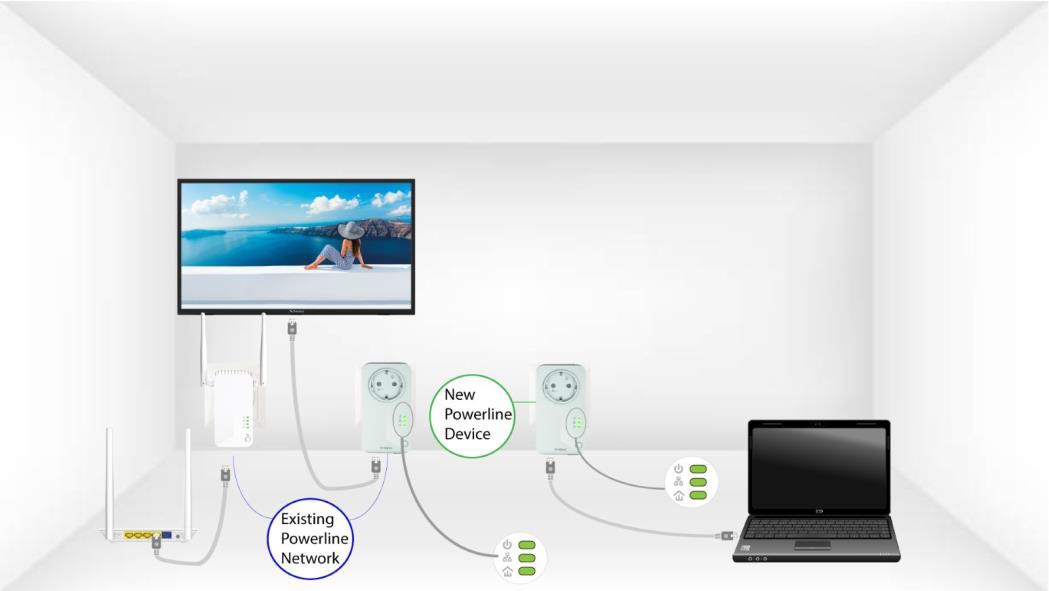
Keďže vaša existujúca sieť je nakonfigurovaná na vysokú úroveň zabezpečenia 1, pridanie produktu prebieha jednoducho podľa princípu Plug & Play. Na samotnom produkte nie je potrebné vykonávať žiadne kroky. Stačí pripojiť nový produkt powerline a ten sa automaticky pridá do siete.
Adaptéry powerline sa zvyčajne spárujú v súpravách po dvoch alebo troch, takže ak potrebujete pridať ďalšie produkty powerline do siete nakonfigurovanej na vysokú úroveň zabezpečenia 1, musíte postupovať podľa nižšie uvedených krokov.
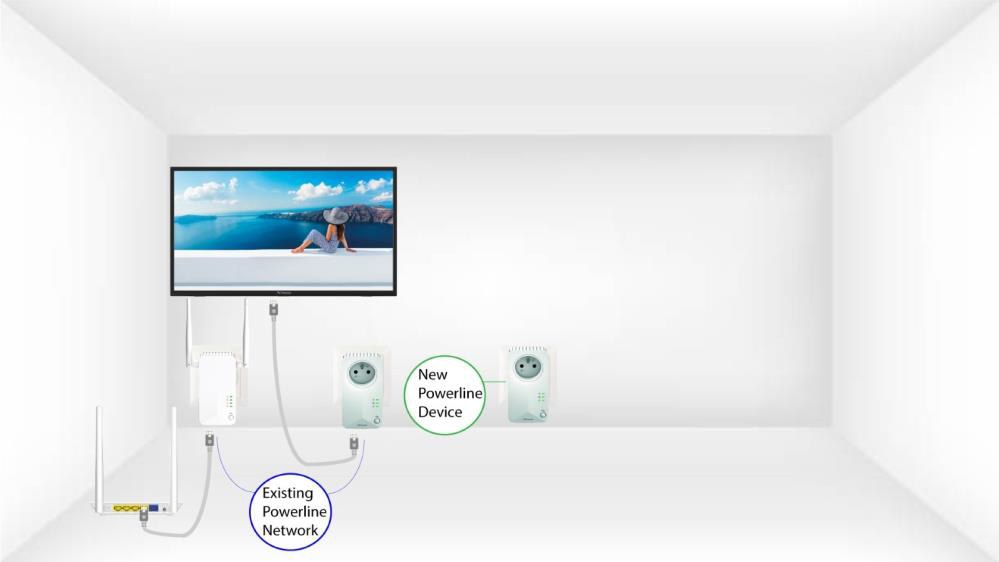
1. Zapojtenové zariadenie do zásuvky
Zapojte ďalšie zariadenia do elektrickej zásuvky.
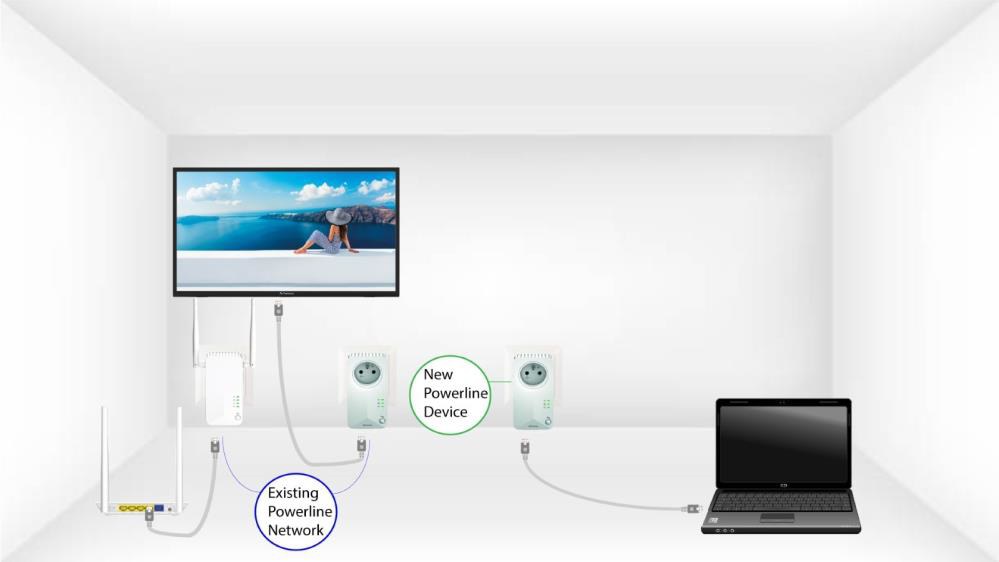
2. Pripojteadaptéry k internetu
Pripojte zariadenie k internetovému routeru/bráne pomocou konektora RJ45.
3Nový adaptér je nastavený
Po pripojení nového zariadenia svietia všetky LED diódy na všetkých zariadeniach na zeleno.