PLW600MDUO
Všetky otázky
PLW600MDUO
Ako nakonfigurovať nové produkty powerline s vysokou úrovňou zabezpečenia 2 vo vašej existujúcej sieti powerline ?
If you want to add more than one new powerline product, each product must be configured one after the other by following the same process, not simultaneously. Typically, powerline adapters are paired in sets of two, so if you need to add new powerline products to your network that is configured with High Security Level 2, follow the steps below.
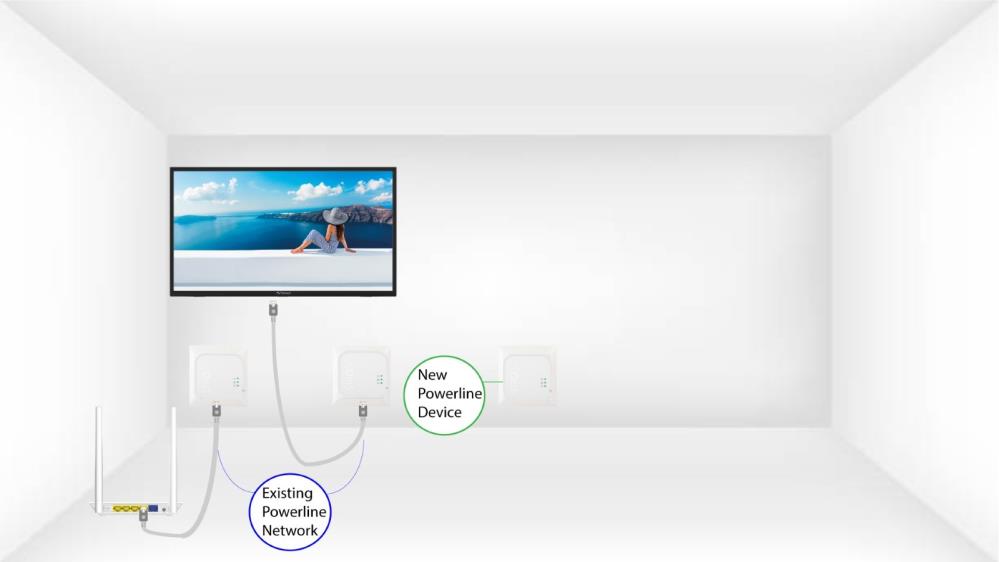
1Plug in the new adapter
Plug the additional device(s) into a power socket.
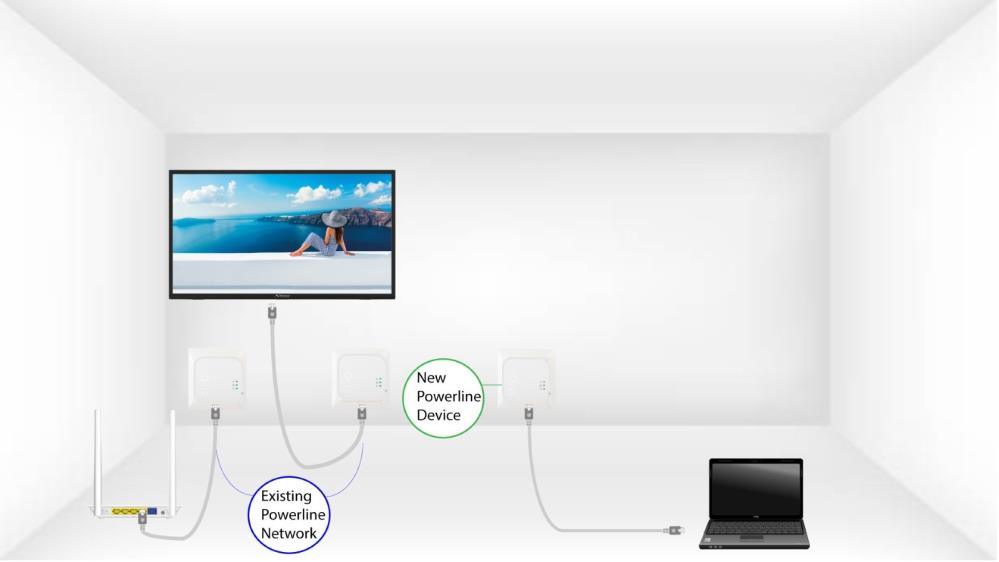
2. Pripojtenové zariadenie k internetu
Connect the device to an Internet router/gateway with an RJ45 cable.
3Stlačtetlačidlo „Connect & Secure“ (existujúce zariadenie)
Press the Connect & Secure button on one of the existing devices of the network for two seconds.
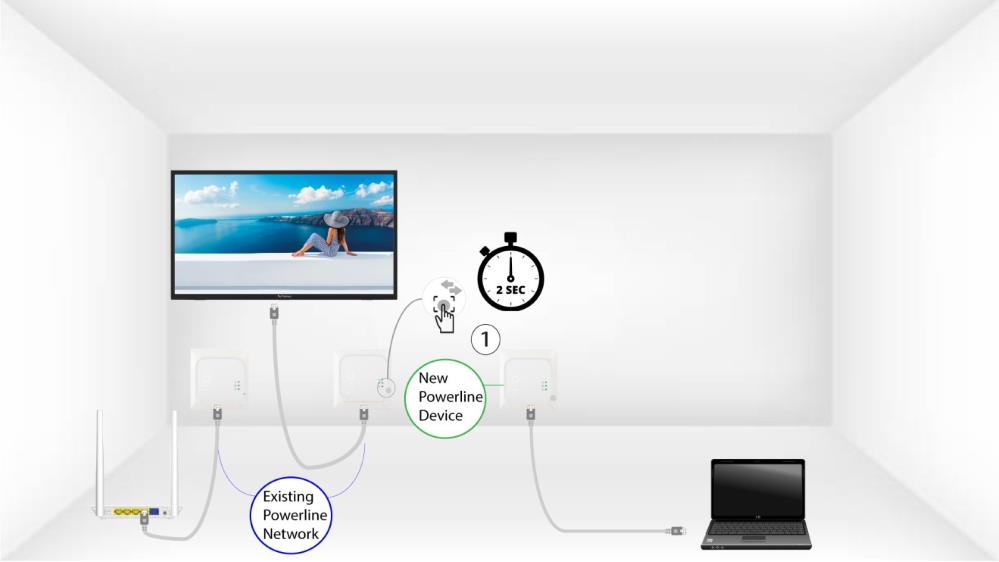
4Stlačtetlačidlo „Connect & Secure“ (nové zariadenie)
Then, press the Connect & Secure button on the new device for two seconds to add it to the network. You have up to two minutes to press the button.
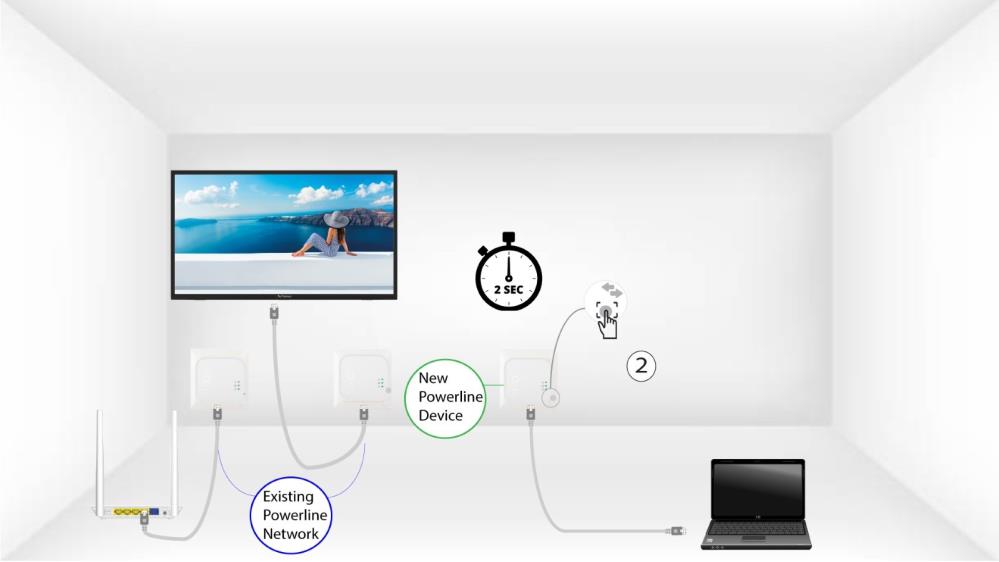
5The home LED blinks
The home LED should start blinking.
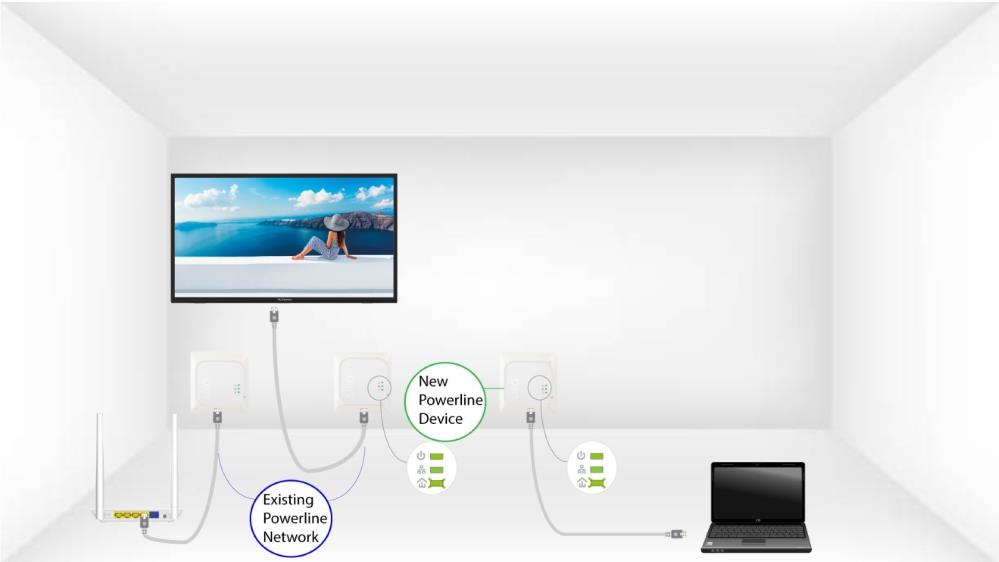
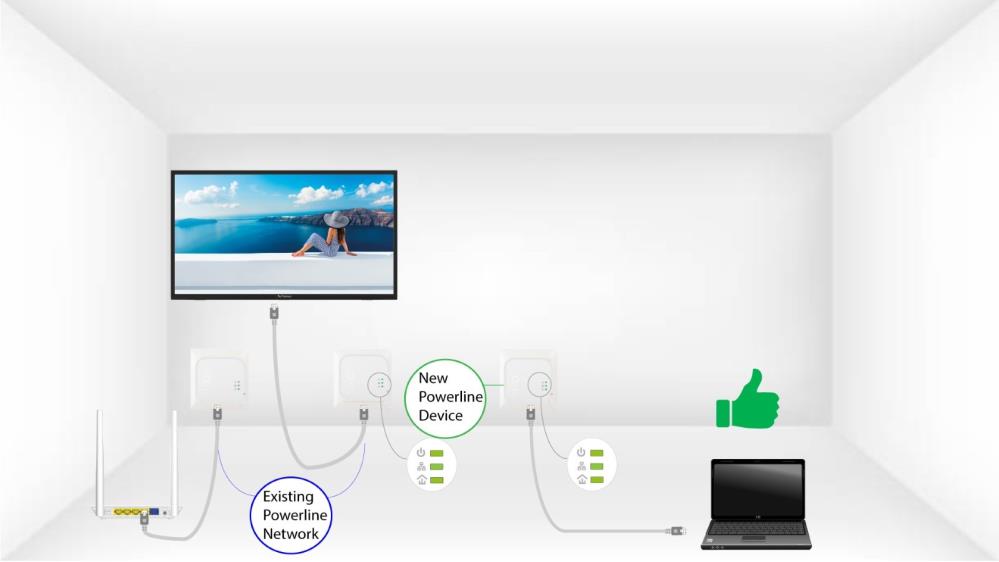
6The LEDs are green
Po pridaní nového zariadenia by mali svietiť zelené kontrolky na oboch zariadeniach.
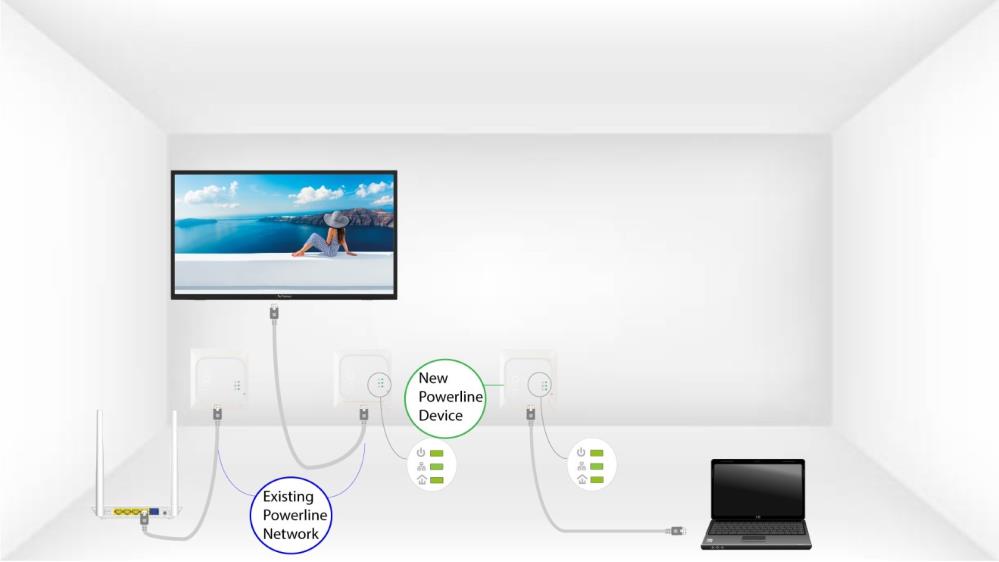
7Šifrovací kľúč je nastavený
Váš nový jedinečný šifrovací kľúč je nastavený na zariadení, ktoré ste práve nakonfigurovali.