
PLW600MDUO
Všetky otázky
PLW600MDUO
Nemám prístup k internetu a/alebo LED kontrolka pri ikone „domov“ nesvieti.
Musíte obnoviť továrenské nastavenia adaptérov. Na obnovenie továrenských nastavení adaptérov postupujte podľa nižšie uvedených krokov.
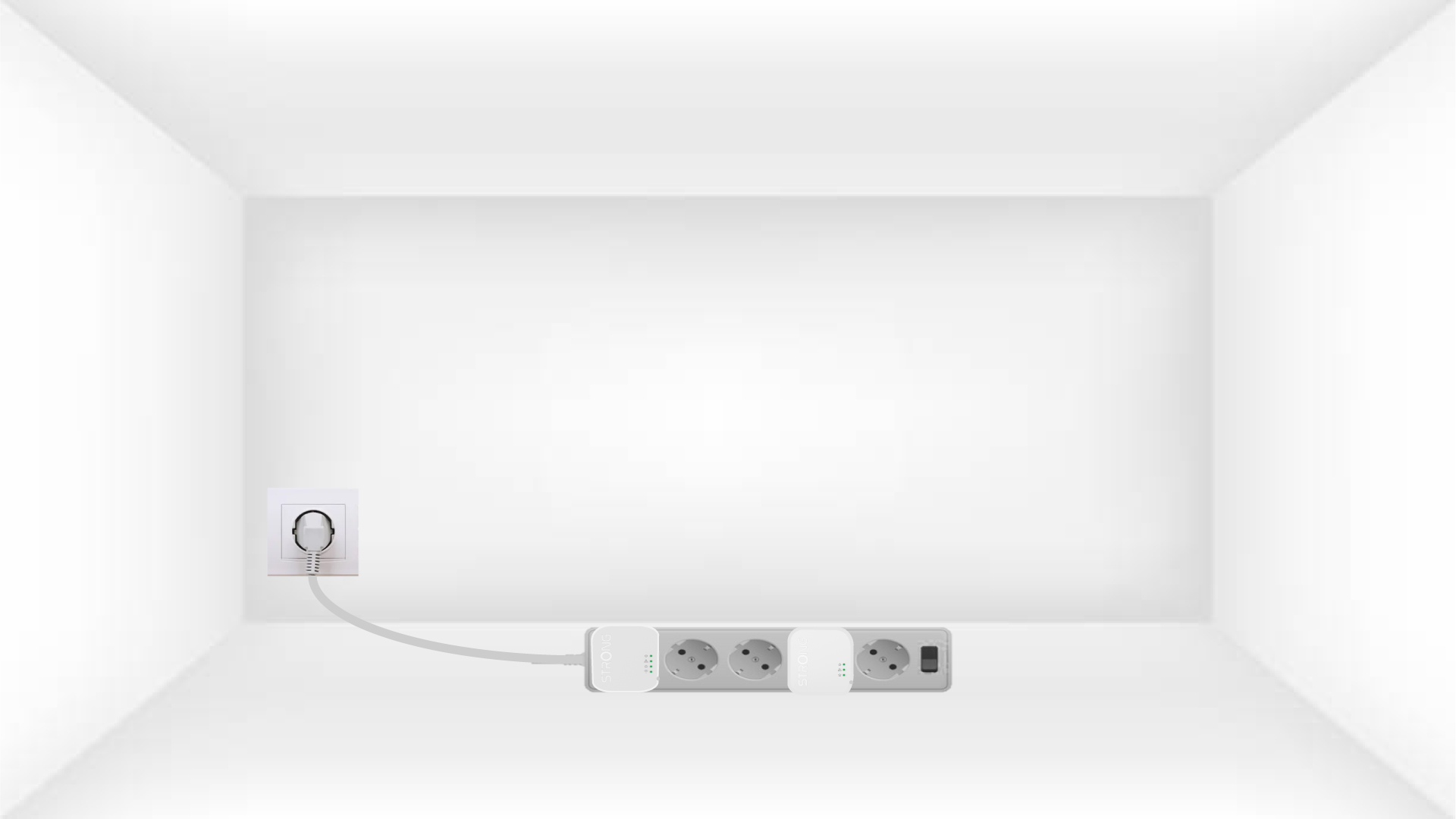
1Plug the adapters into a power strip
Pripojte adaptéry jeden po druhom k predlžovačke.
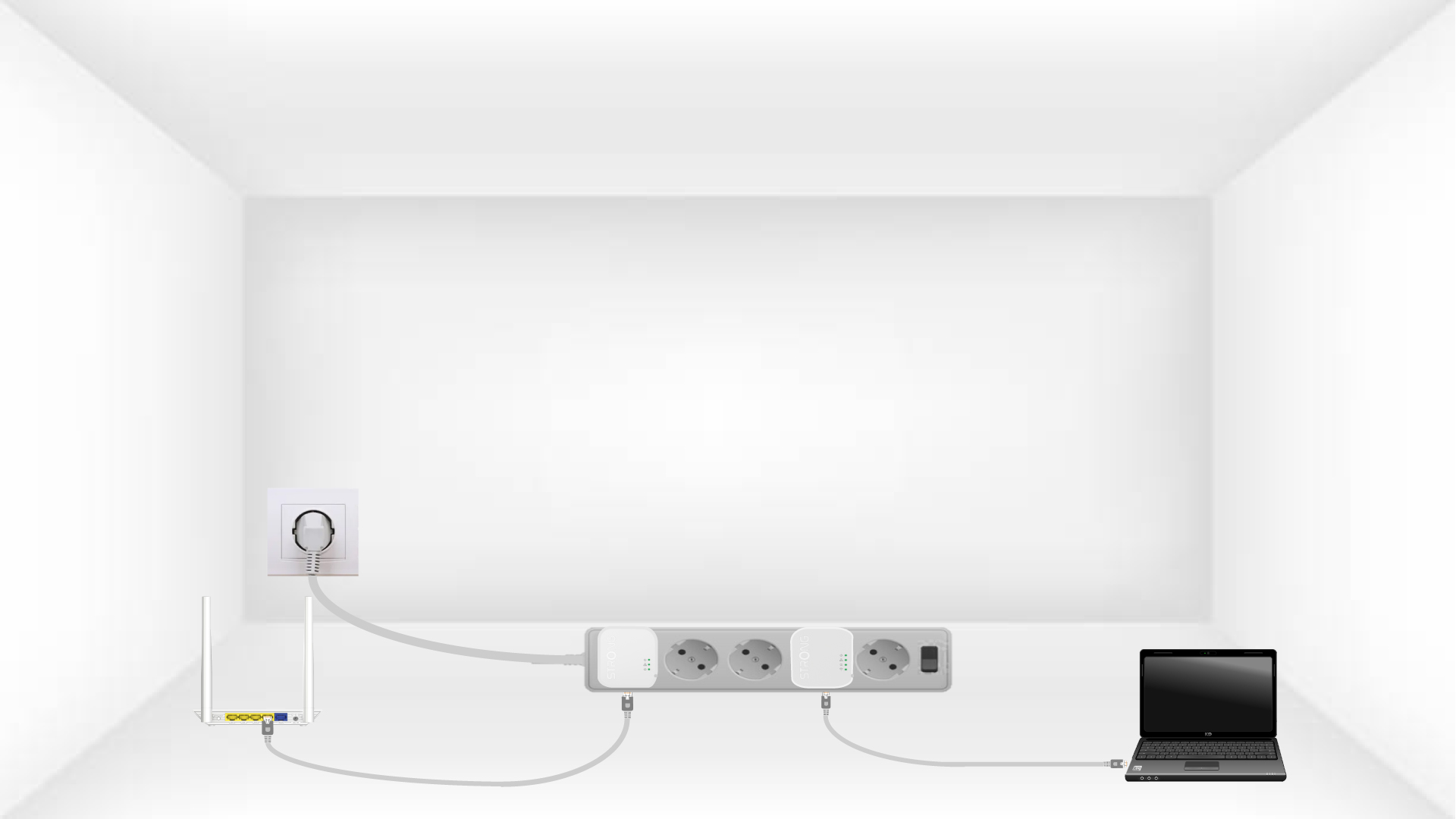
2. Pripojteadaptéry k internetu
Connect each adapter to a working device (Internet router/gateway, Android box, Smart TV, computer, etc.) with an Ethernet cable. There must be communication between the devices, otherwise the adapter will automatically go into standby mode.
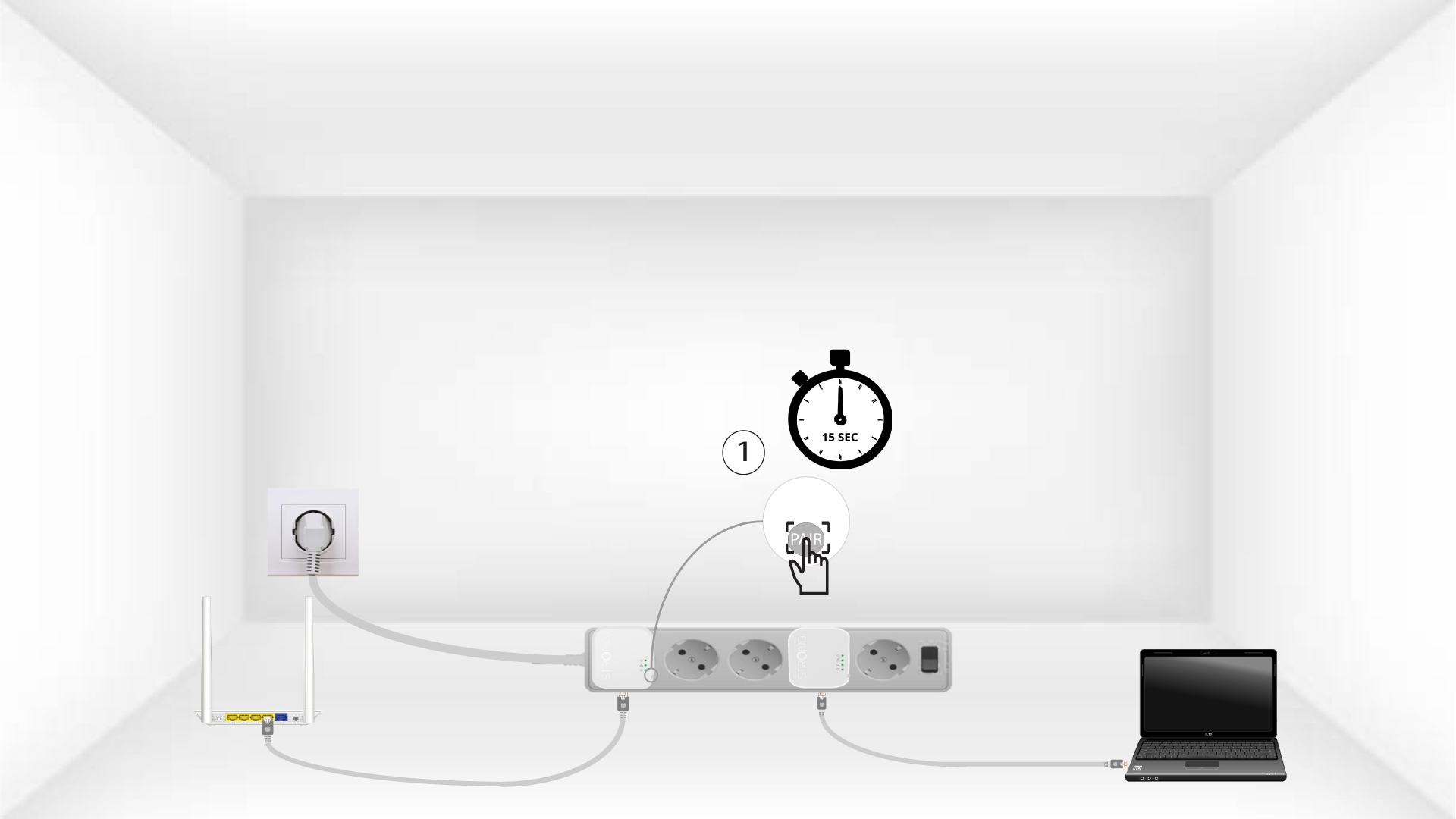
3Stlačtetlačidlo „Connect & Secure“ (prvý adaptér)
Once the adapter is plugged in and connected to the Ethernet, press the Connect & Secure button on the right side of the device for 15 seconds.
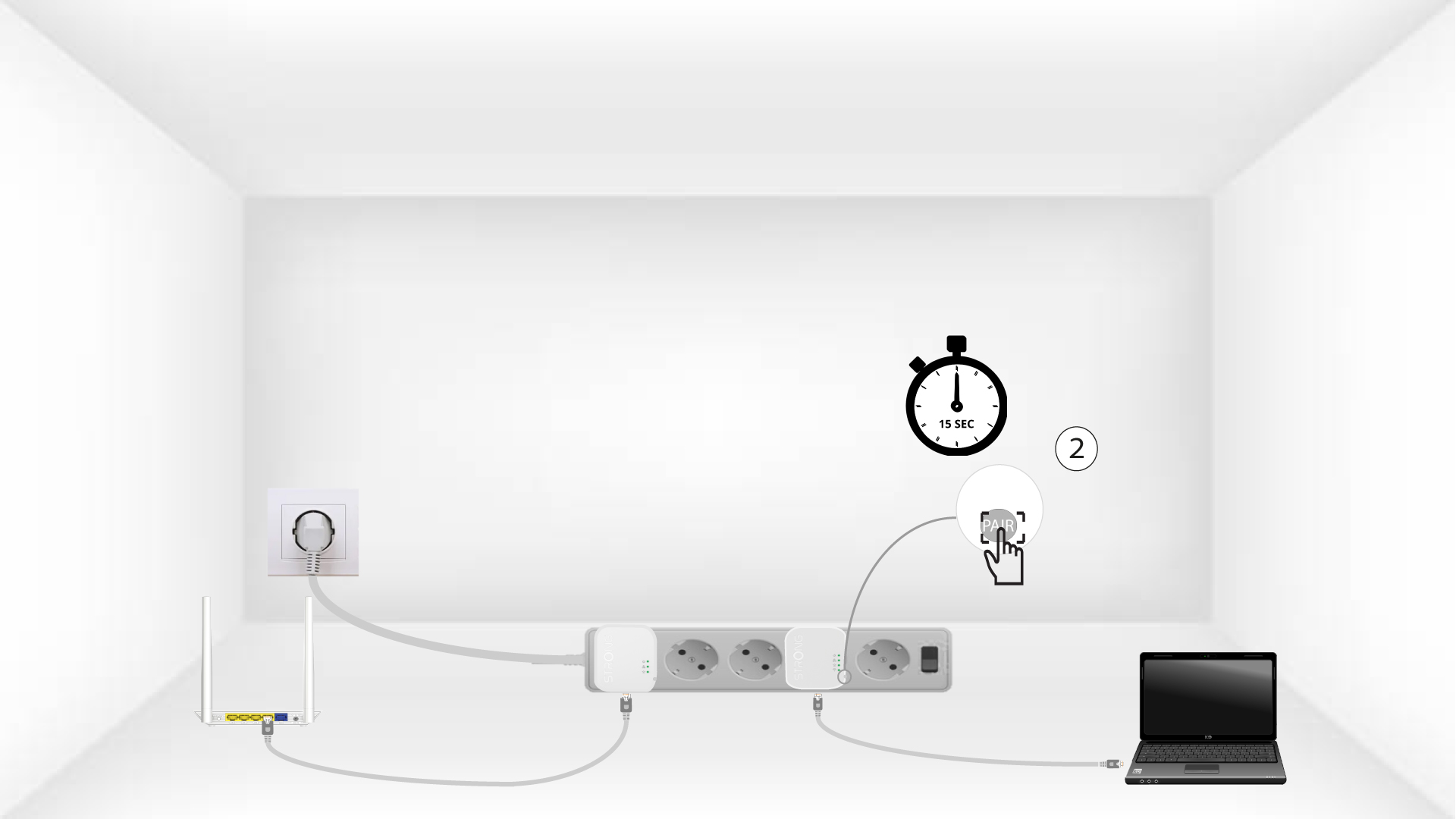
4Stlačtetlačidlo „Connect & Secure“ (druhý adaptér)
Press the Connect & Secure button on the right side of the second device for 15 seconds.
5The home LEDs blink
Domáce LED diódy by mali začať blikať.
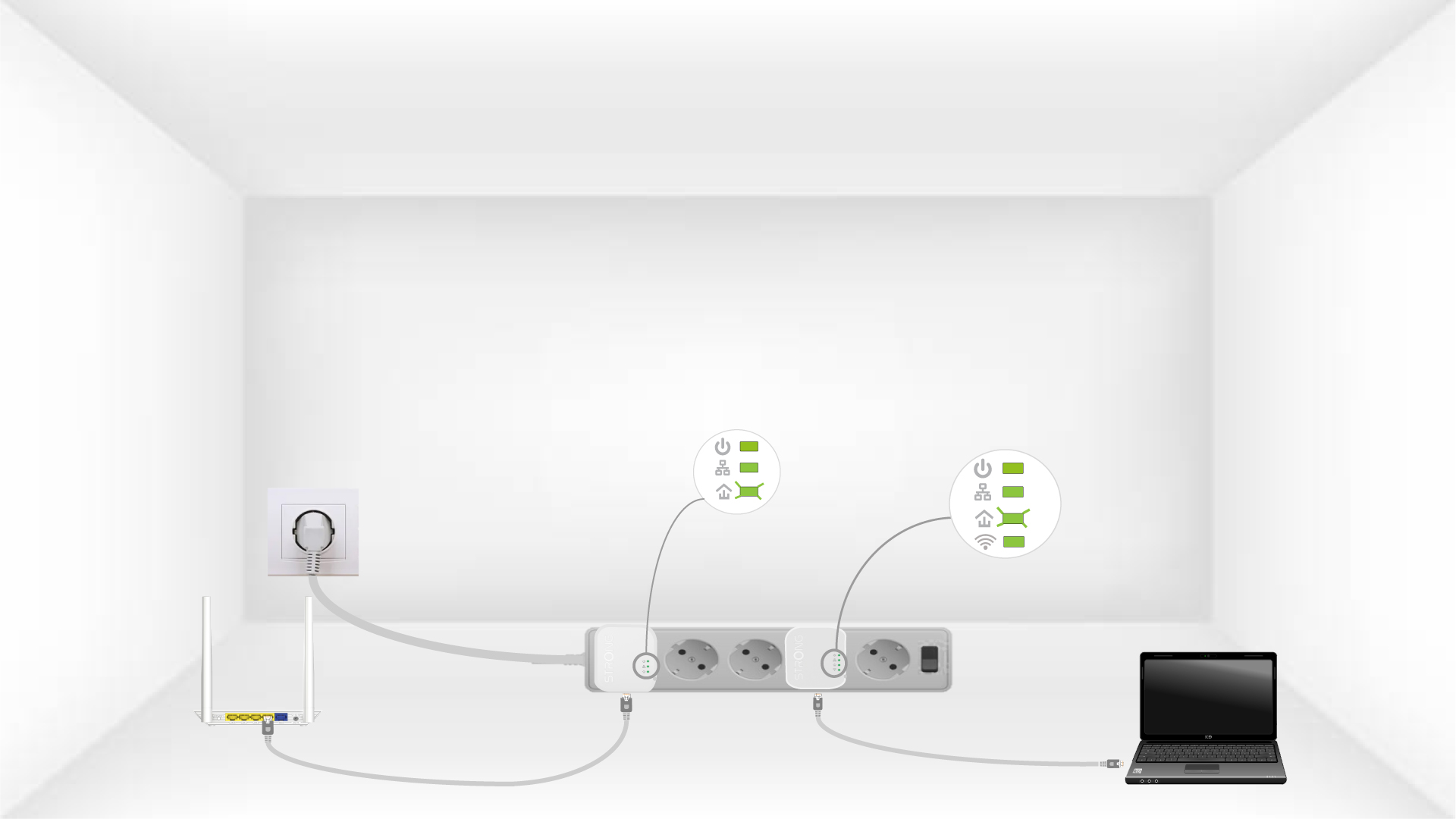
6The devices are reset
All the LEDs must be green at the end of the operation.
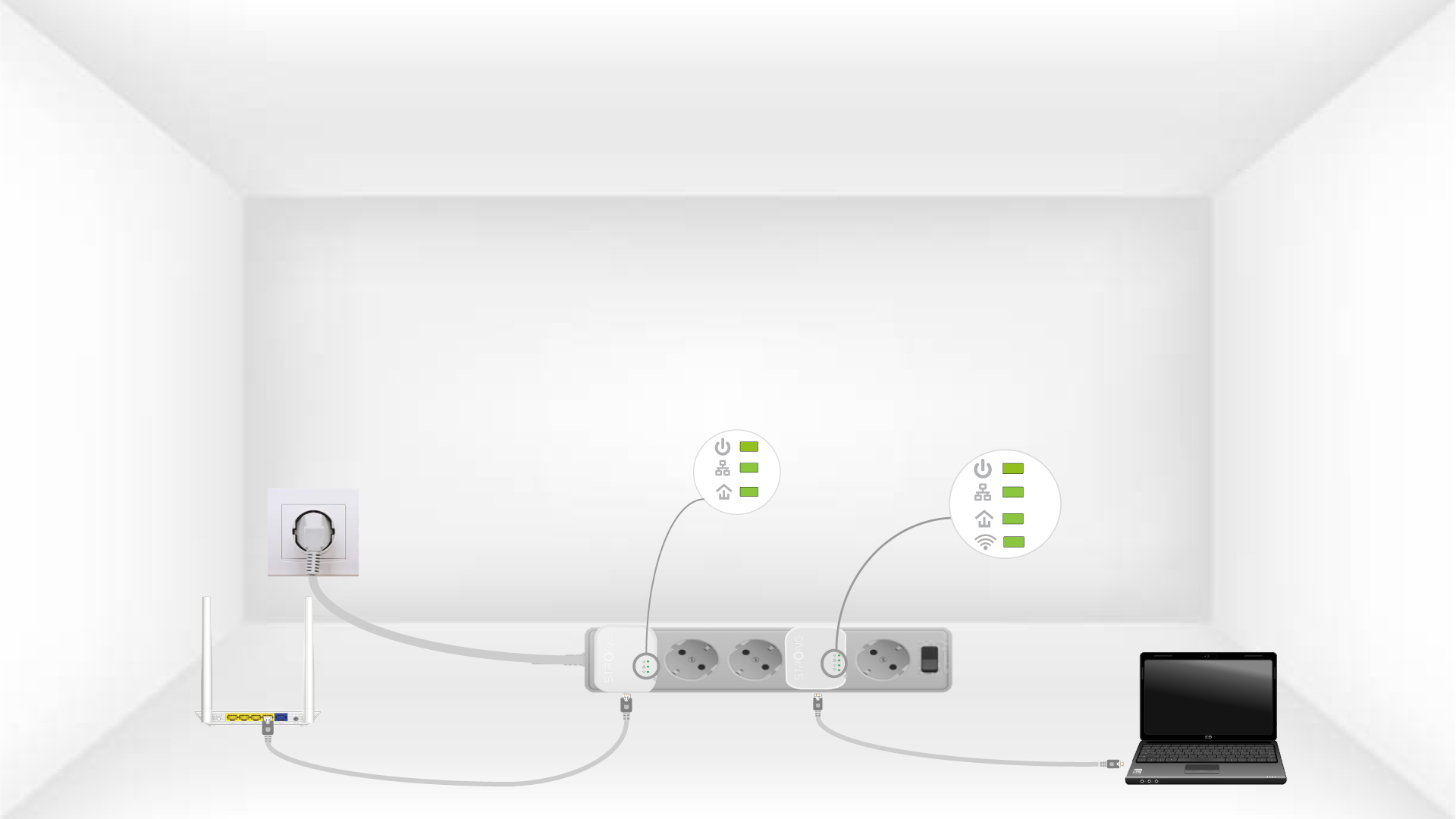
Repeat the same operation for a third powerline. You can have up to eight Powerline 600 Mini adapters on the same electrical installation. After resetting all the devices, you can put them in the rooms where you need them.