
Нема пронађених ставки.
Нема пронађених ставки.
2К+ SMART HOME ЦАМЕРА
Сва питања
Нема пронађених ставки.
Нема пронађених ставки.
2К+ SMART HOME ЦАМЕРА
Како да извршим хард ресетовање на камери (без коришћења апликације)
Ако не можете да користите апликацију, можете ресетовати камеру помоћу дугмета на уређају.
Да бисте то урадили, потребно је да следите кораке у наставку.
1 Пронађите дугме за ресетовање
Окрените објектив камере да бисте пронашли дугме за ресетовање .
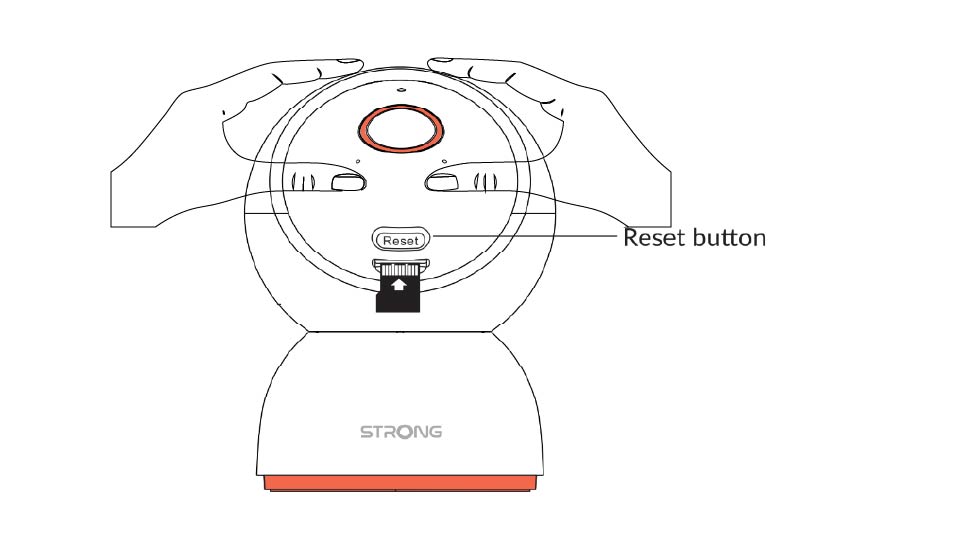
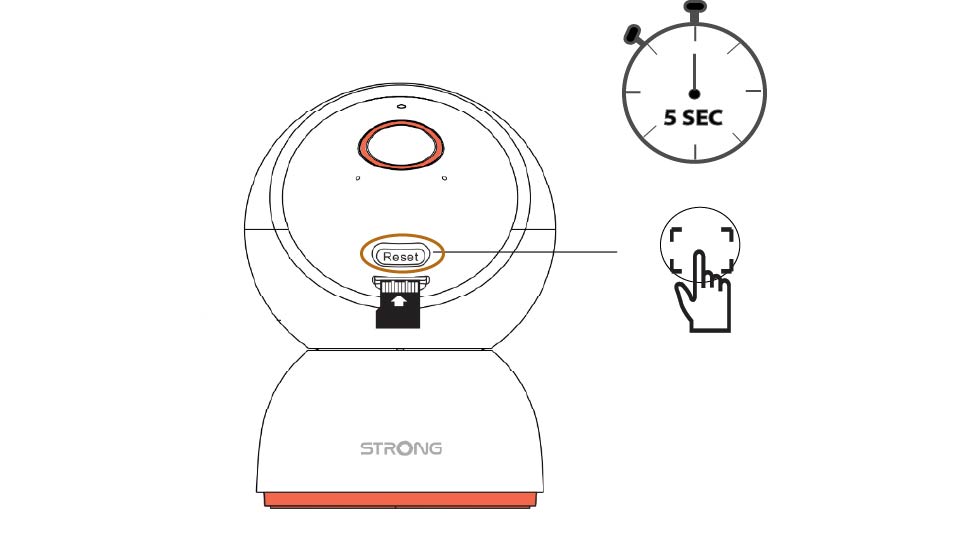
2 Притисните дугме за ресетовање
Притисните и држите дугме 5 секунди.
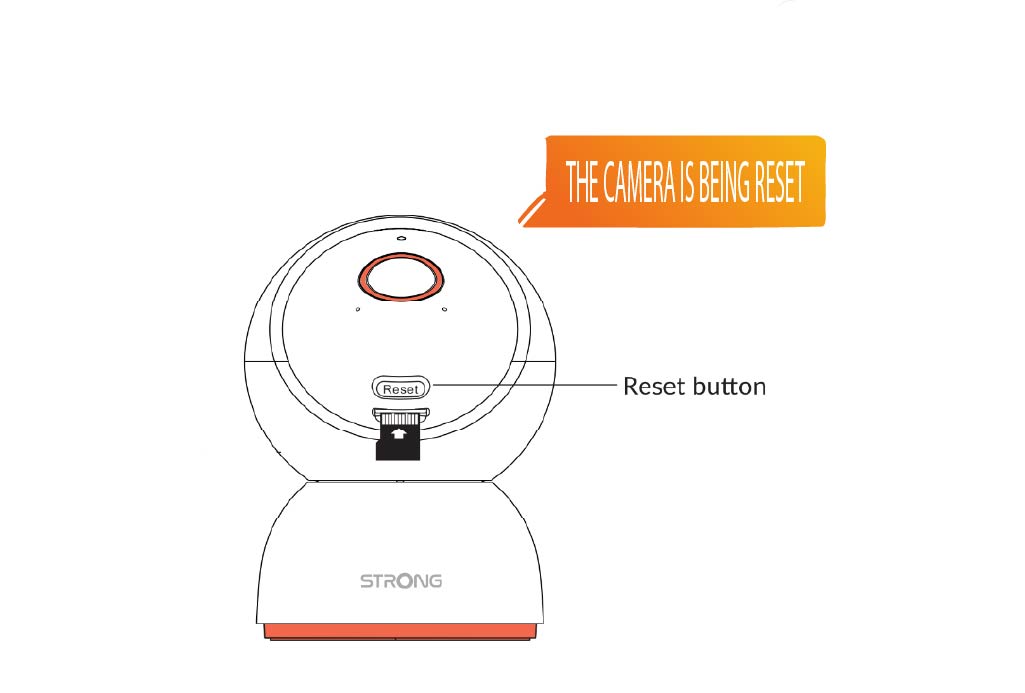
3 Сачекајте поруку за ресетовање
Када завршите овај корак, чућете: „Камера се ресетује.“ Камера ће се затим аутоматски поново покренути.
4 Порука добродошлице
Када буде спремно, писаће: „Добродошли да користите паметну камеру.“
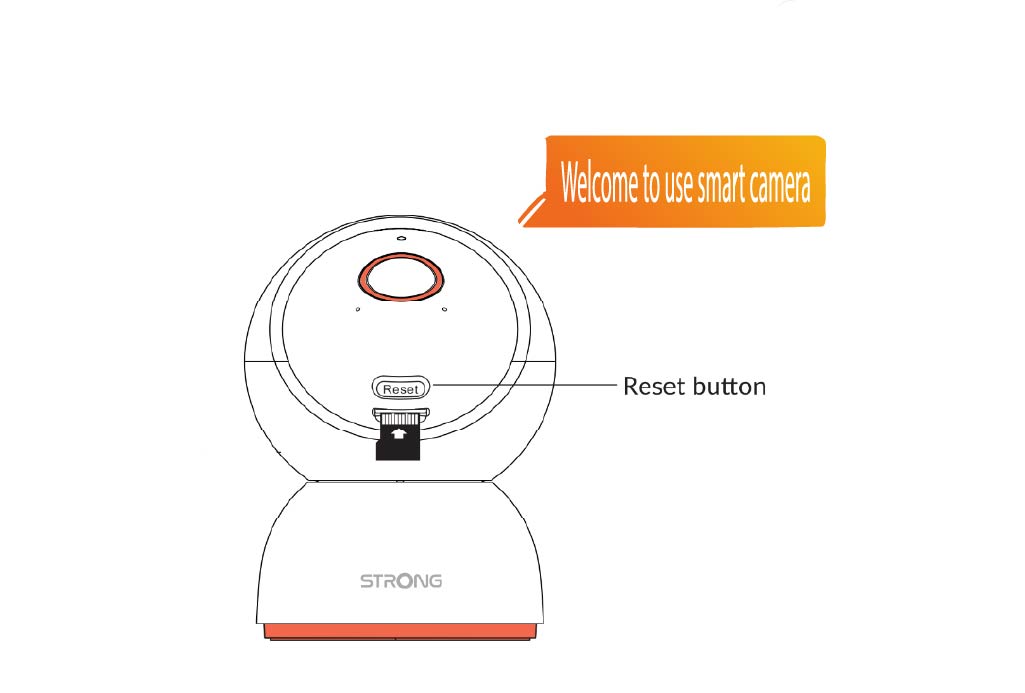
САВЕТ: Када се ресетовање заврши, отворите апликацију и поново додајте камеру.