2К+ SMART HOME ЦАМЕРА
Сва питања
2К+ SMART HOME ЦАМЕРА
Како да подесим детекцију људи?
1 Отворите подешавања камере
Кликните на Подешавања.

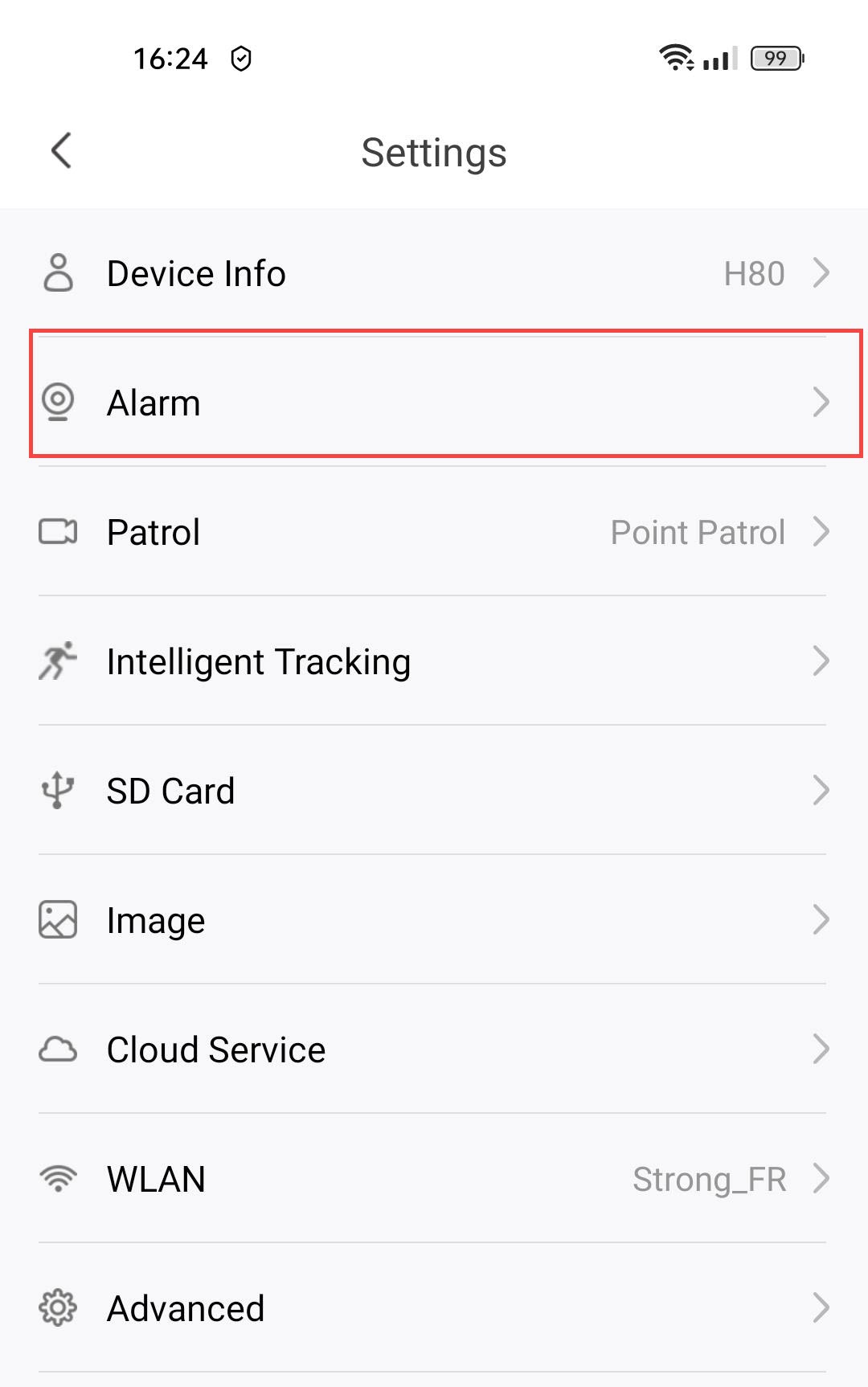
2 Приступите подешавањима аларма
Изаберите Аларм.
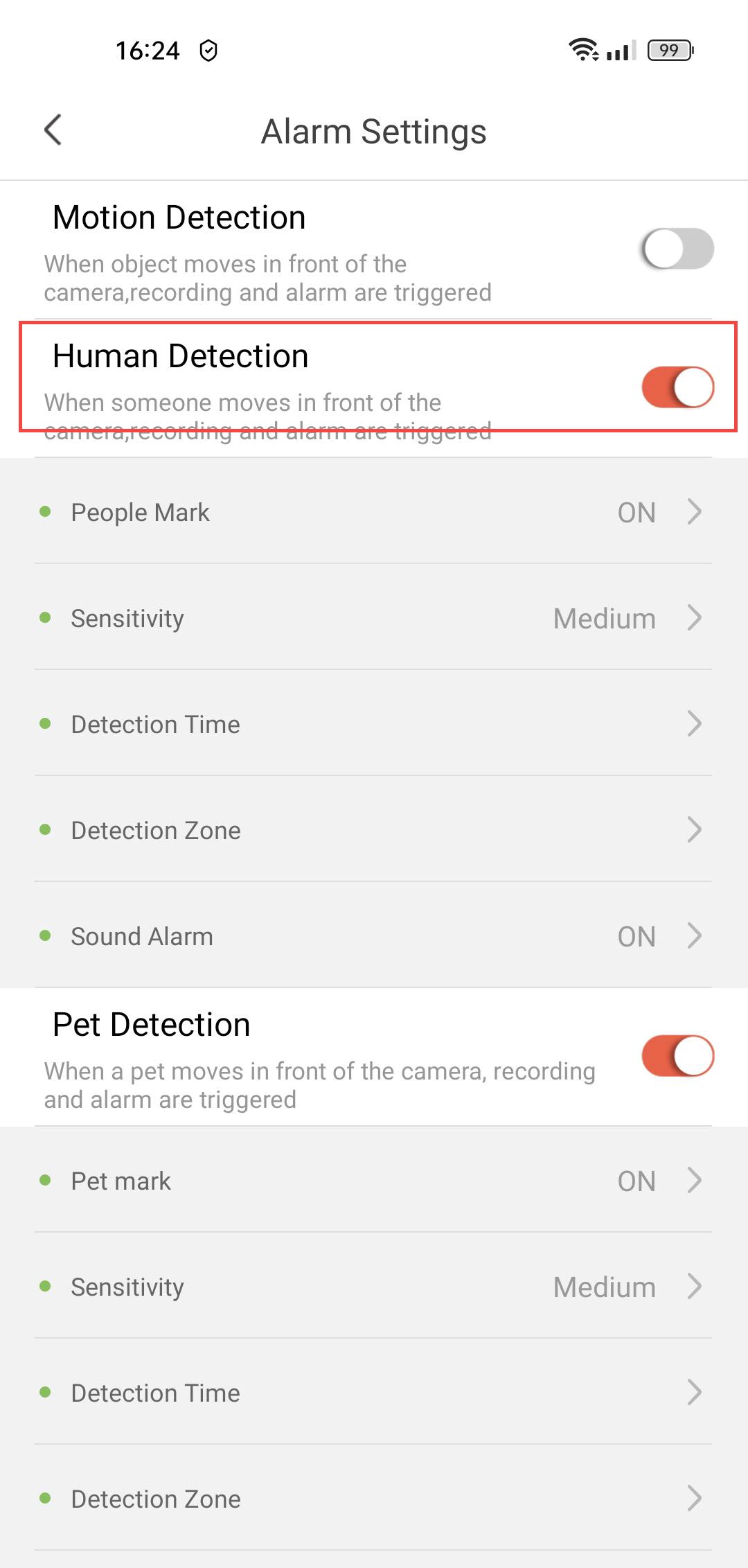
3 Омогућите детекцију људи
Притисните прекидач за детекцију људи .
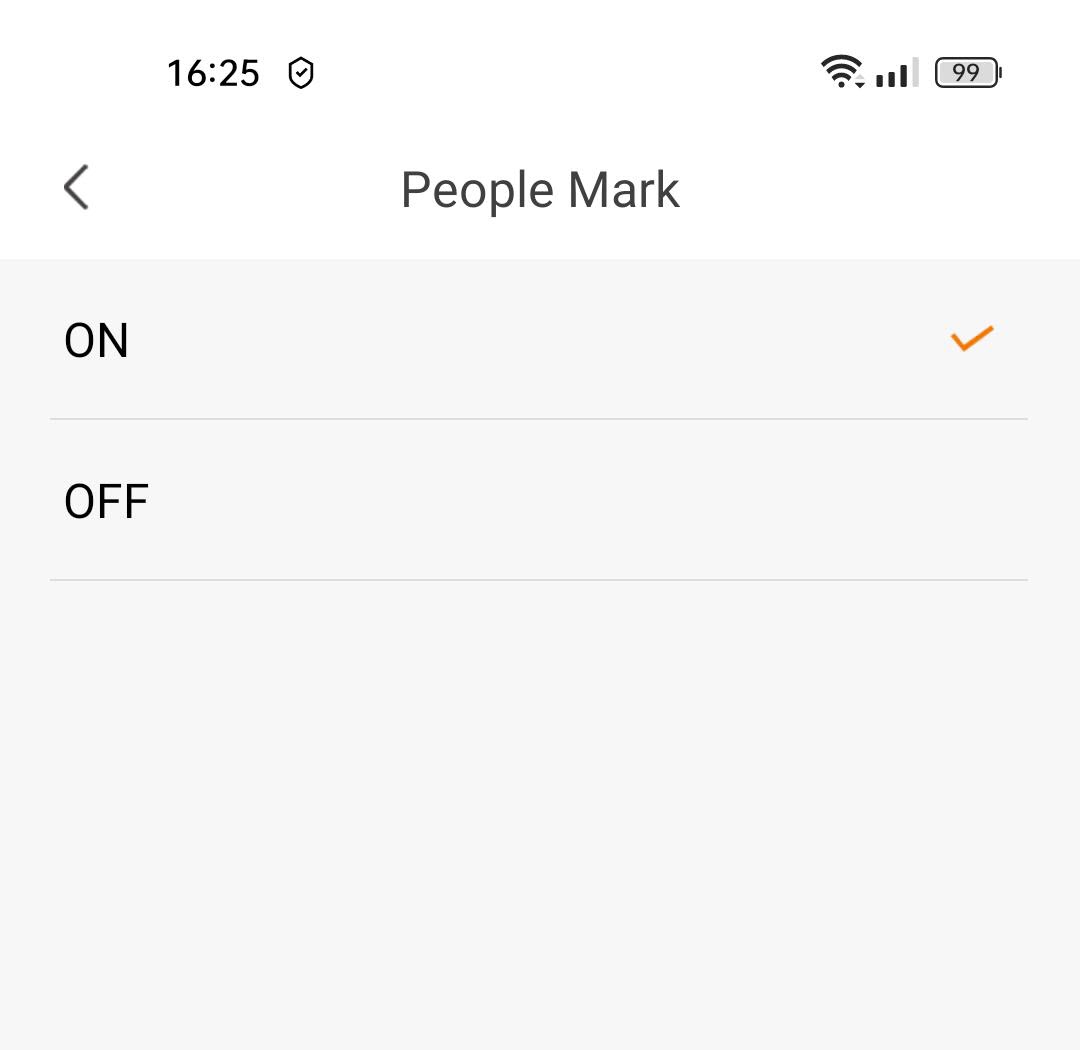
4 Омогућите означавање људи
Изаберите Означи људе : (активирајте означавање људи).
5 Подесите осетљивост детекције
Изаберите Осетљивост (изаберите ниво између ниског, средњег и високог да бисте побољшали тачност детекције).

6 Конфигуришите време детекције
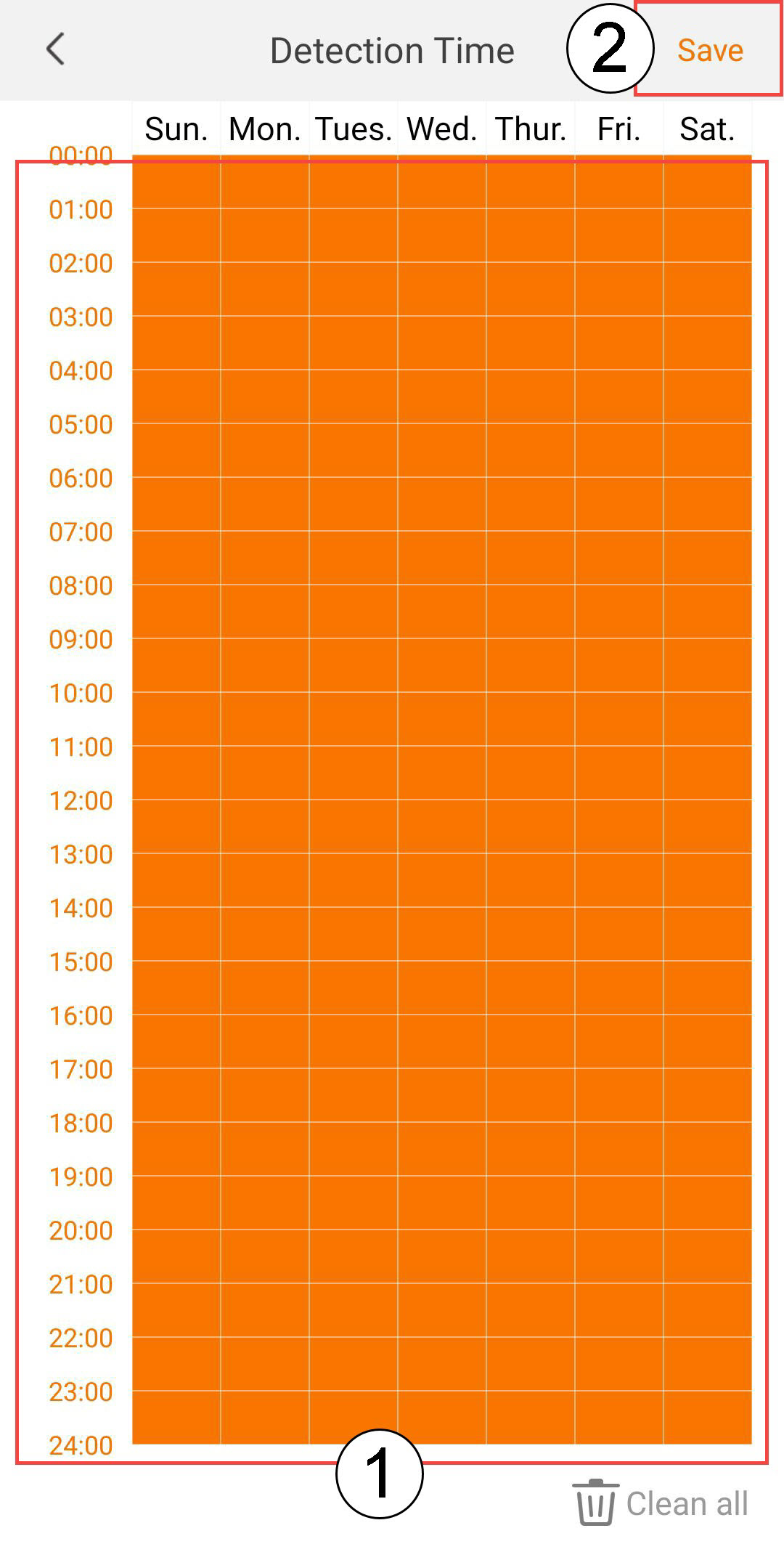
Изаберите Време детекције (изаберите дане и време када желите да се аларм активира у случају детекције људи, а затим кликните на Сачувај ).
7 Дефинишите зону детекције
Изаберите Зону детекције : (креирајте зону детекције на мрежи и кликните на Сачувај . Аларм ће се активирати ако се у овој зони детектује особа).

8 Активирајте звучни аларм
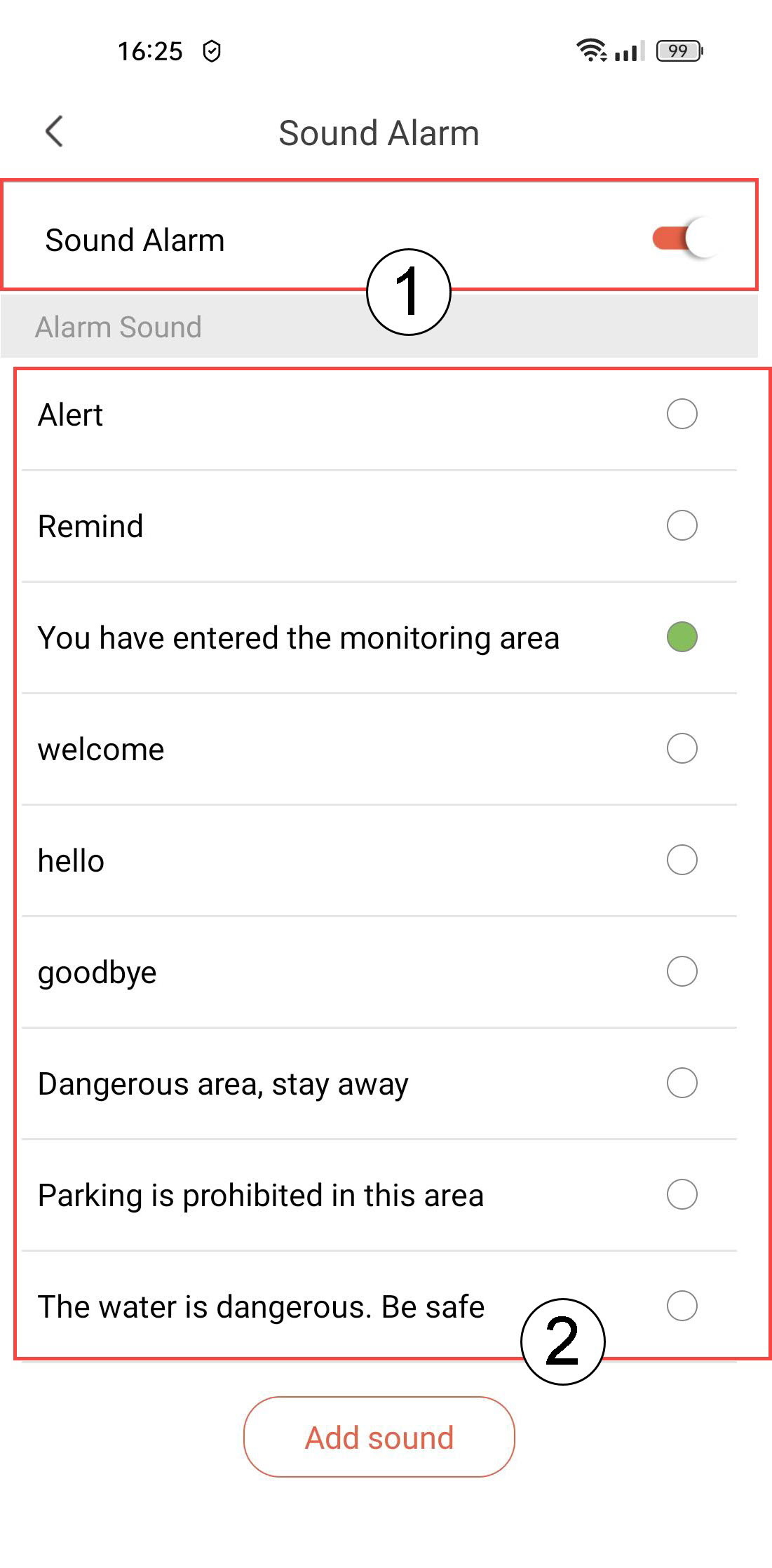
Изаберите Звучни аларм (притисните прекидач да бисте активирали аларм и изаберите звук са листе).
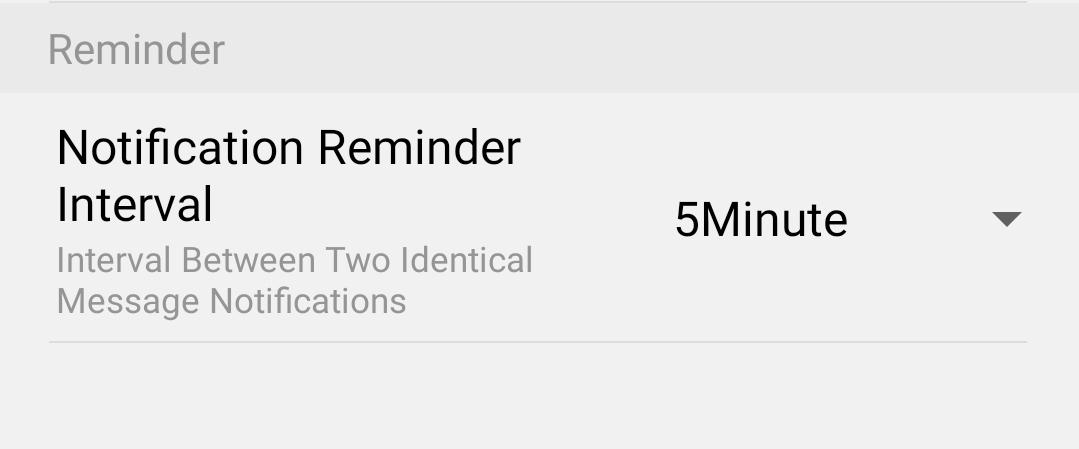
9. Подешавање интервала подсетника
Изаберите Подсетник (подесите интервал обавештења између два идентична догађаја. Морате изабрати вредност од 30 секунди до 30 минута).