Universalrepeater 300 V2
Inga föremål hittades.
Inga föremål hittades.
Alla frågor
Universalrepeater 300 V2
Inga föremål hittades.
Inga föremål hittades.
Hur kan jag ändra inställningarna för repeatern?
Du kan ändra alla inställningar via webbgränssnittet som är inbyggt i produkten. Webbadressen till webbgränssnittet är http://strong.ap300
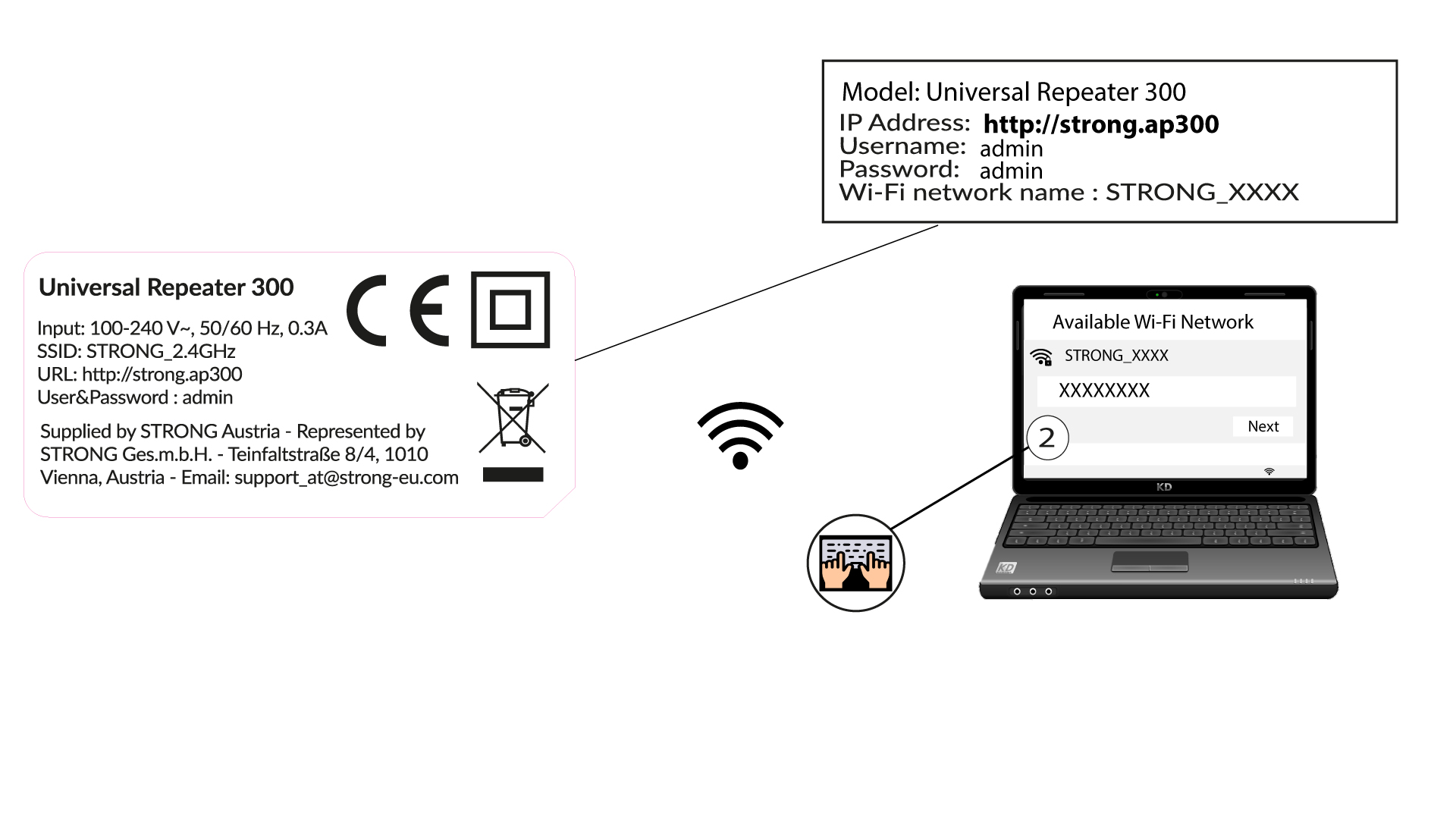
1. Ansluttill repeaterens Wi-Fi-nätverk
Anslut till repeaterns Wi-Fi-nätverk. Nätverksuppgifterna står på etiketten som sitter under repeatern.
2Gåtill webbadressen
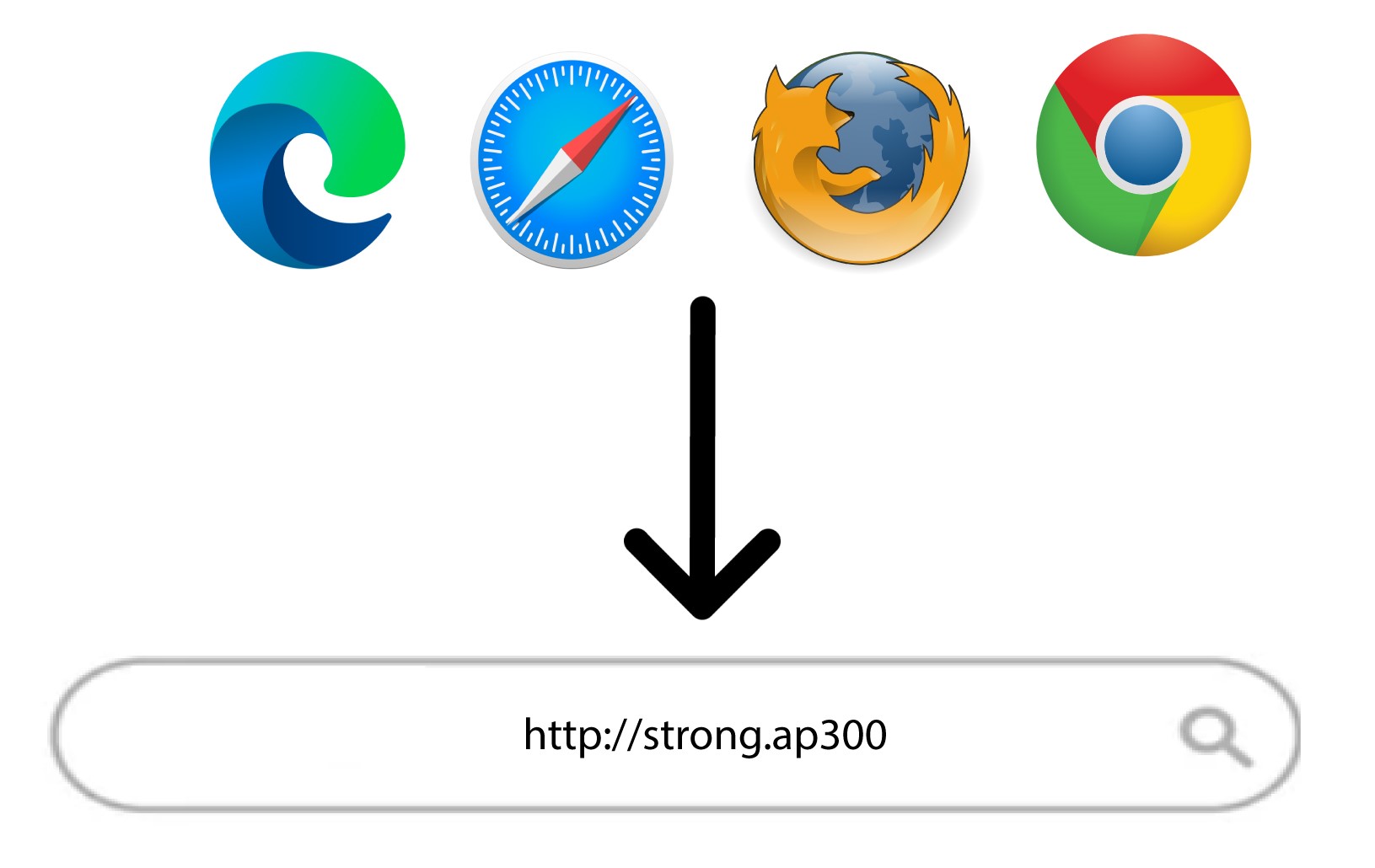
Ange följande URL: http://strong.ap300
3Inloggningssida
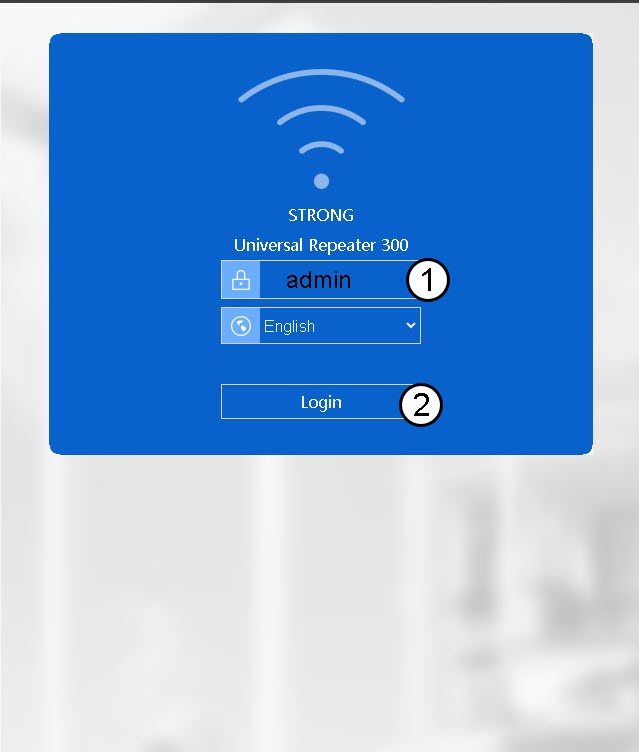
På inloggningssidan i webbgränssnittet anger du ditt lösenord (admin). Klicka sedan på Logga in.