4G AIRSPOT 220 Wi-Fi med display
Inga föremål hittades.
Inga föremål hittades.
Alla frågor
4G AIRSPOT 220 Wi-Fi med display
Inga föremål hittades.
Inga föremål hittades.
Hur ändrar jag administratörslösenordet?
1Öppnawebbgränssnittet
För att ansluta till webbgränssnittet, följ anvisningarna i: Hur kommer jag åt webbgränssnittet?
2Ändralösenord
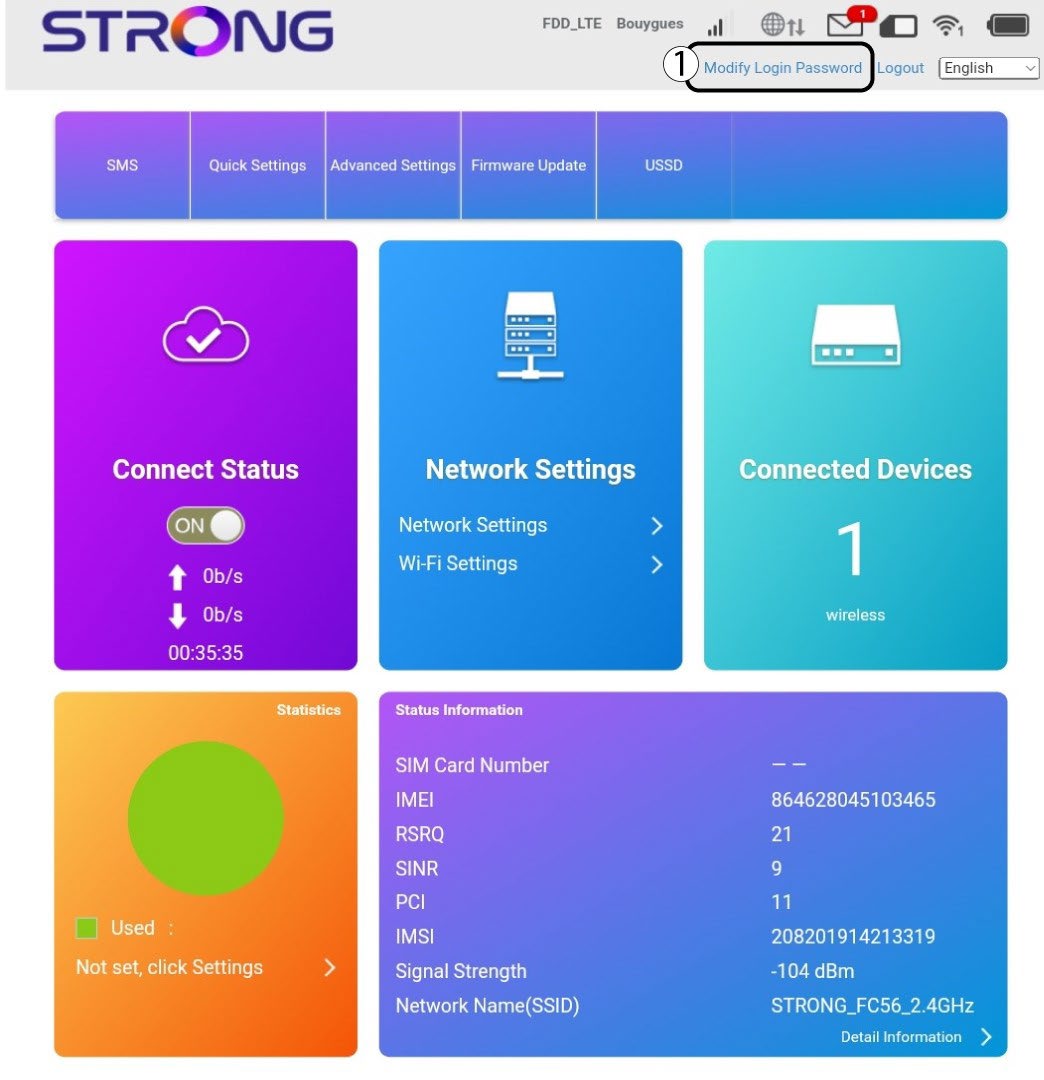
När detta är klart klickar du på ”Ändra inloggningslösenord” i den övre menyraden.
3Angede nya uppgifterna
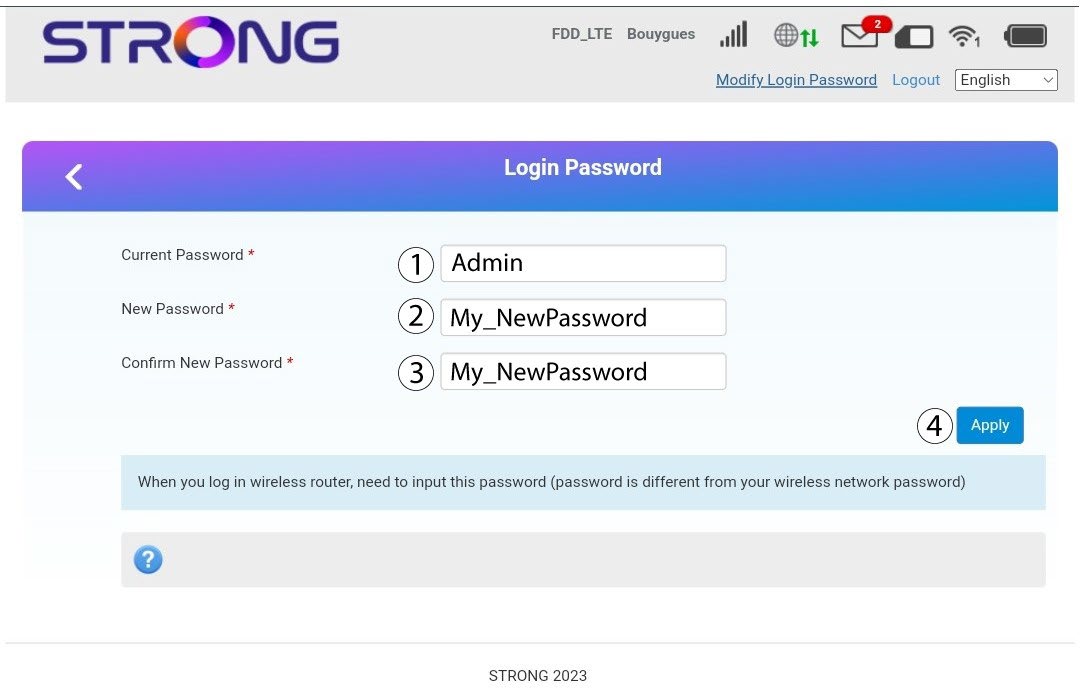
Ange följande uppgifter innan du klickar på ”Apply”:
· Nuvarande lösenord: Ange det nuvarande lösenordet.
· New Password: Enter the new password. The new password can contain up to 32 characters including numbers, lower case, upper case, and special characters (! # $ * + , - . % : = ? @ [ ] ^ _ { | } ~).
· Bekräfta nytt lösenord: Ange samma lösenord som i fältet ovan.
4Sparauppgifterna
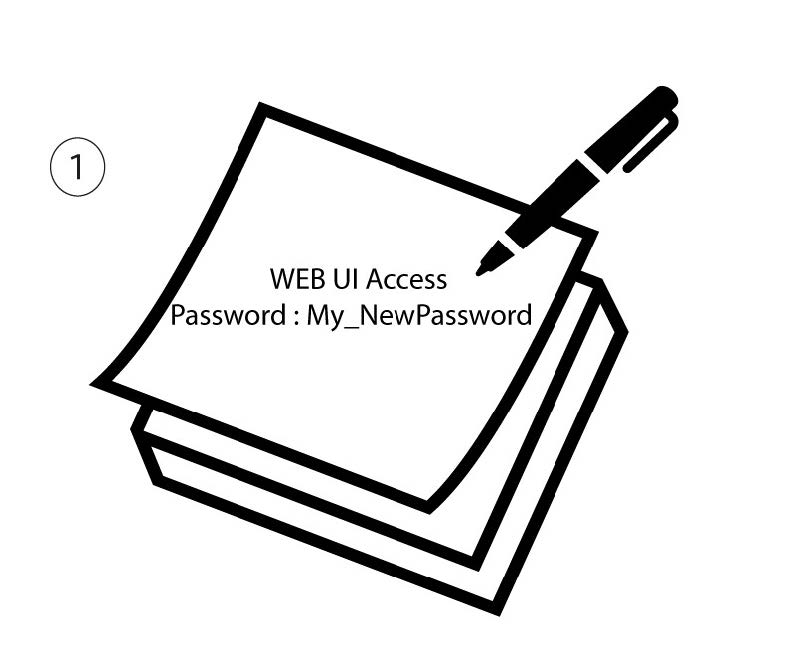
Skriv ner det nya lösenordet för att komma åt webbgränssnittet.