
Inga föremål hittades.
Inga föremål hittades.
2K+ KAMERA FÖR SMART HOME
Alla frågor
Inga föremål hittades.
Inga föremål hittades.
2K+ KAMERA FÖR SMART HOME
Hur gör jag en hård återställning av min kamera (utan att använda appen)?
Om du inte kan använda appen kan du återställa kameran med knappen på enheten.
För att göra det måste du följa stegen nedan.
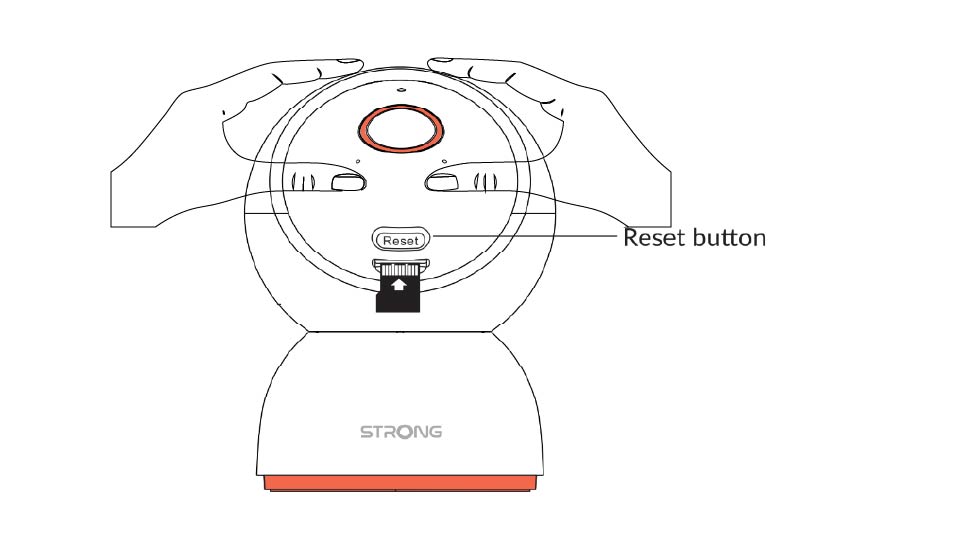
1. Letareda på återställningsknappen
Vrid på kameralinsen för att hitta återställnings knappen.
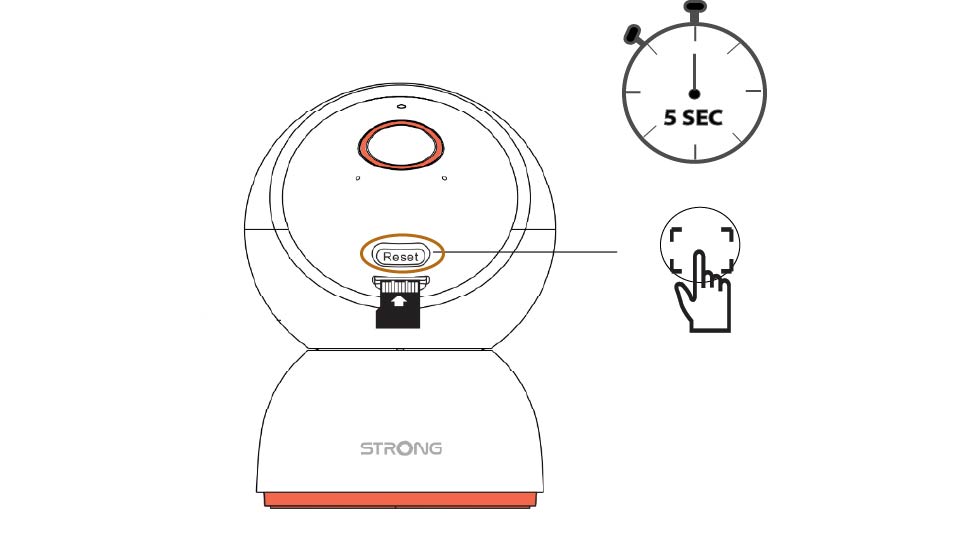
2Tryck pååterställningsknappen
Håll knappen intryckt i 5 sekunder.
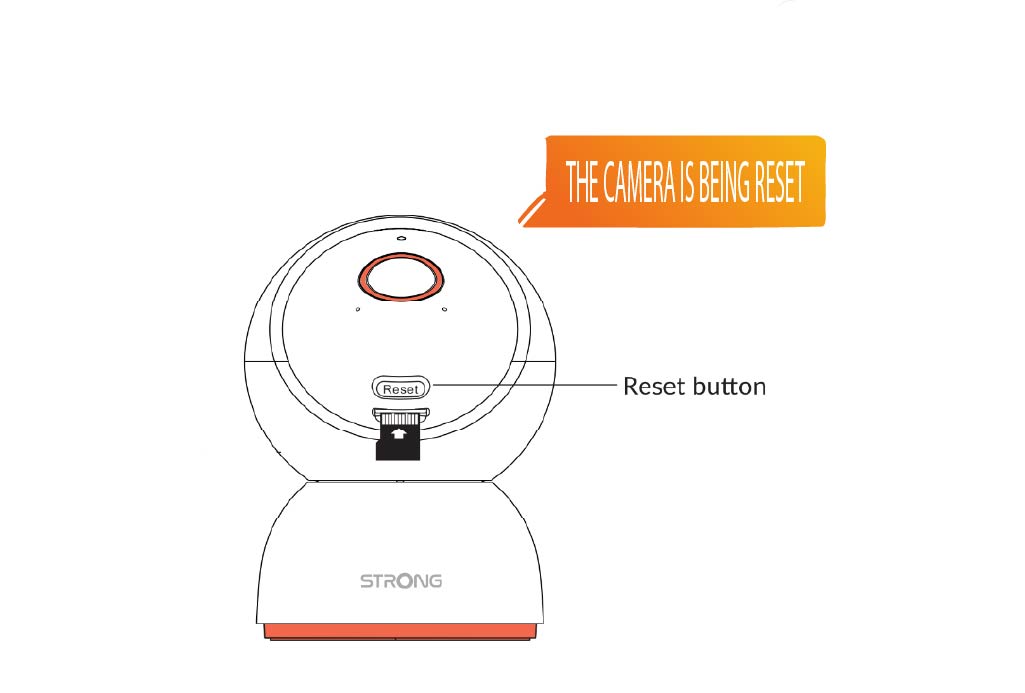
3. Väntapå återställningsmeddelandet
När du har slutfört detta steg hör du följande meddelande: ”Kameran återställs.” Kameran startar sedan om automatiskt.
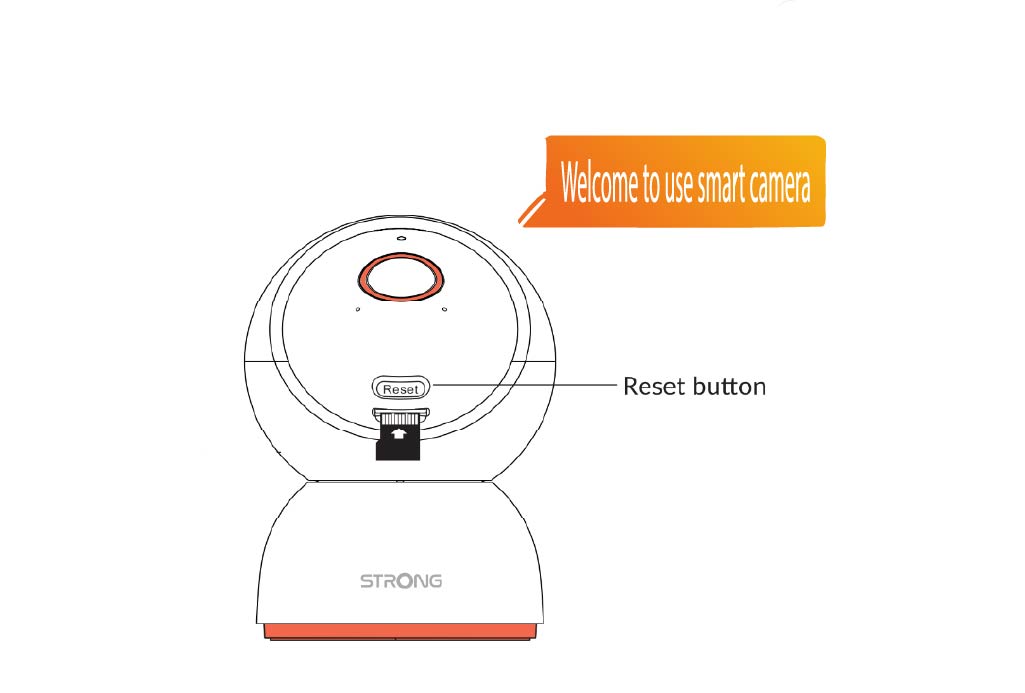
4Välkomstmeddelande
När den är klar kommer det att stå: ”Välkommen att använda den smarta kameran.”
TIPS: När återställningen är klar öppnar du appen och lägger till kameran på nytt.