Inga föremål hittades.
Inga föremål hittades.
2K+ KAMERA FÖR SMART HOME
Alla frågor
Inga föremål hittades.
Inga föremål hittades.
2K+ KAMERA FÖR SMART HOME
Hur ställer jag in funktionen för människodetektering?
1Öppnakamerainställningarna
Klicka på Inställningar.

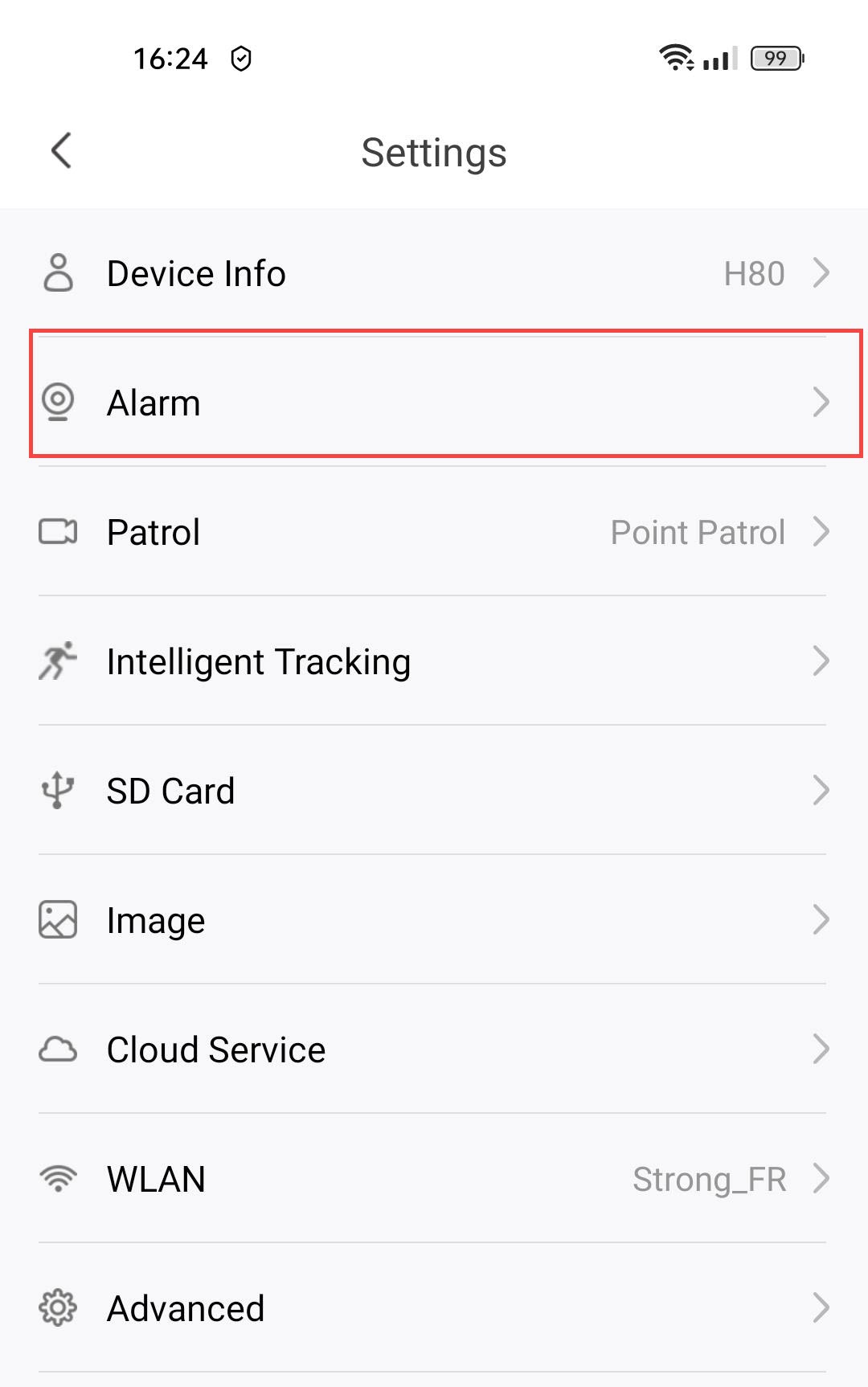
2Öppnalarminställningarna
Välj ”Alarm”.
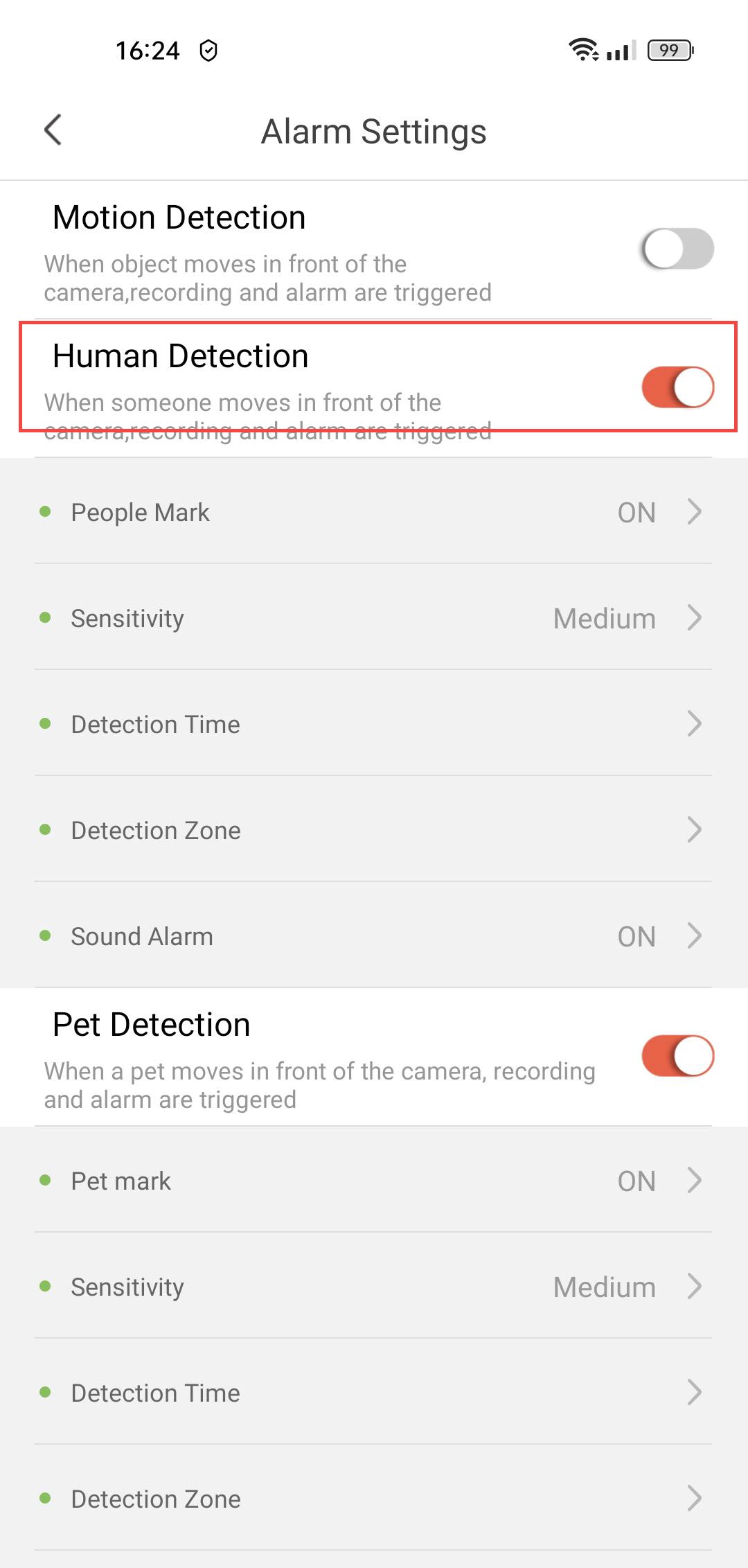
3Aktiveramänniskodetektering
Tryck på växlingsknappen för personavkänning .
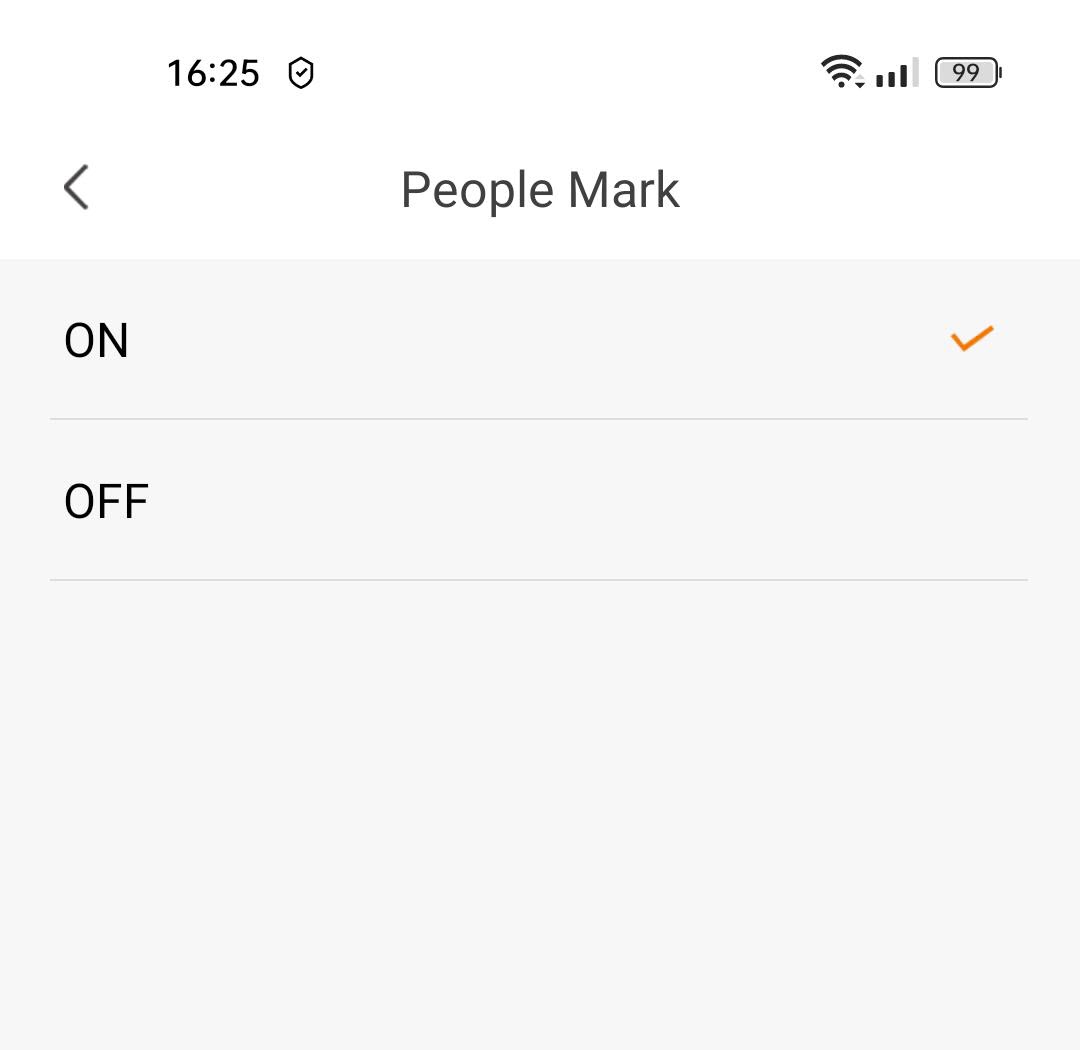
4Aktiverataggning av personer
Välj ”Personmarkering”: (aktivera personmarkering).
5 Ställ indetekteringskänsligheten
Välj känslighet (välj mellan låg, medel och hög för att förbättra detekteringens noggrannhet).

6. Ställ indetekteringstiden
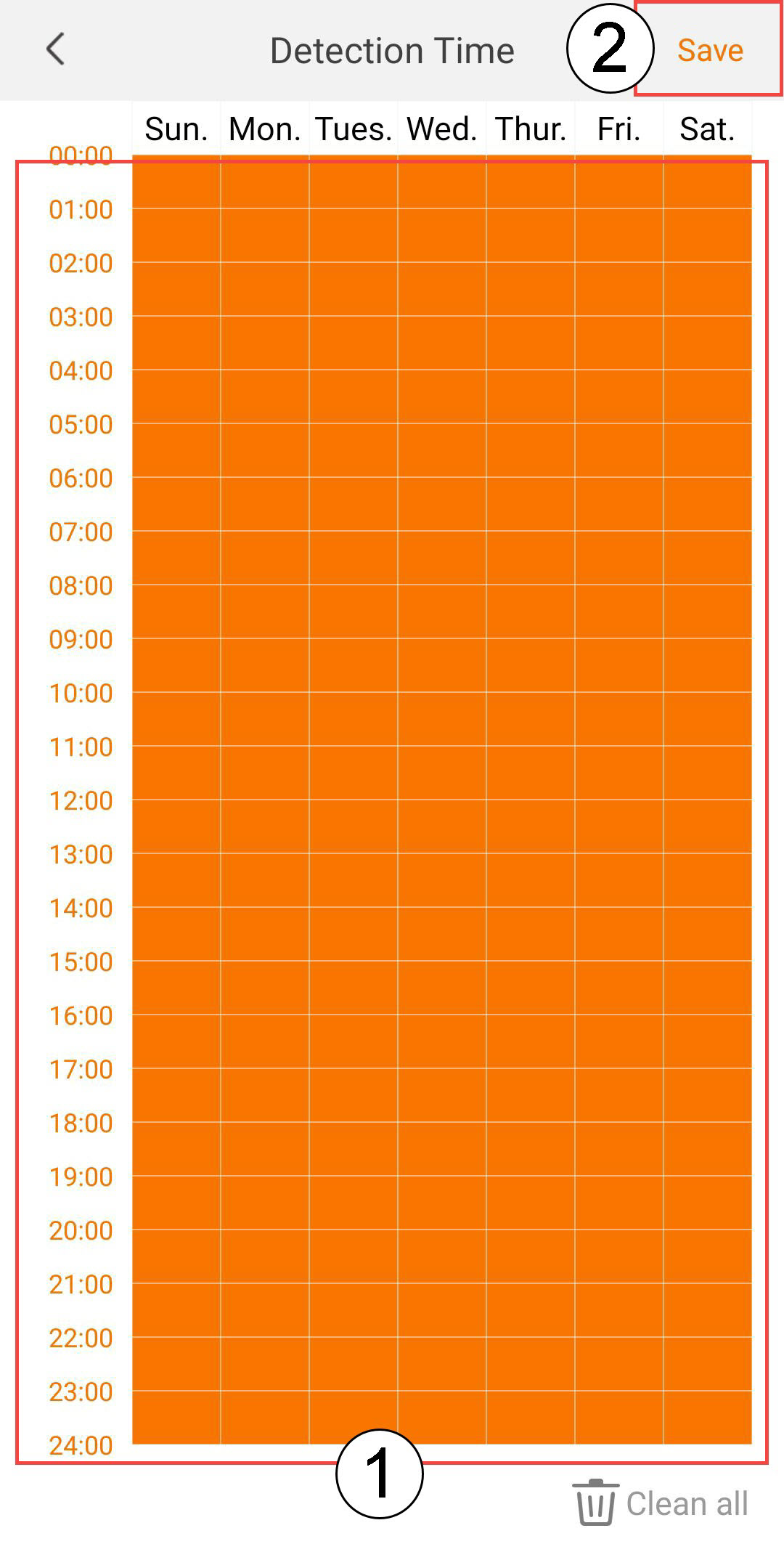
Välj detekteringstid (välj de dagar och tider då du vill att larmet ska utlösas om en person upptäcks, och klicka sedan på Spara).
7. Definieradetekteringszonen
Välj detekteringszon: (skapa en detekteringszon på rutnätet och klicka på Spara. Larmet utlöses om en person upptäcks i denna zon).

8Aktiveraljudlarm
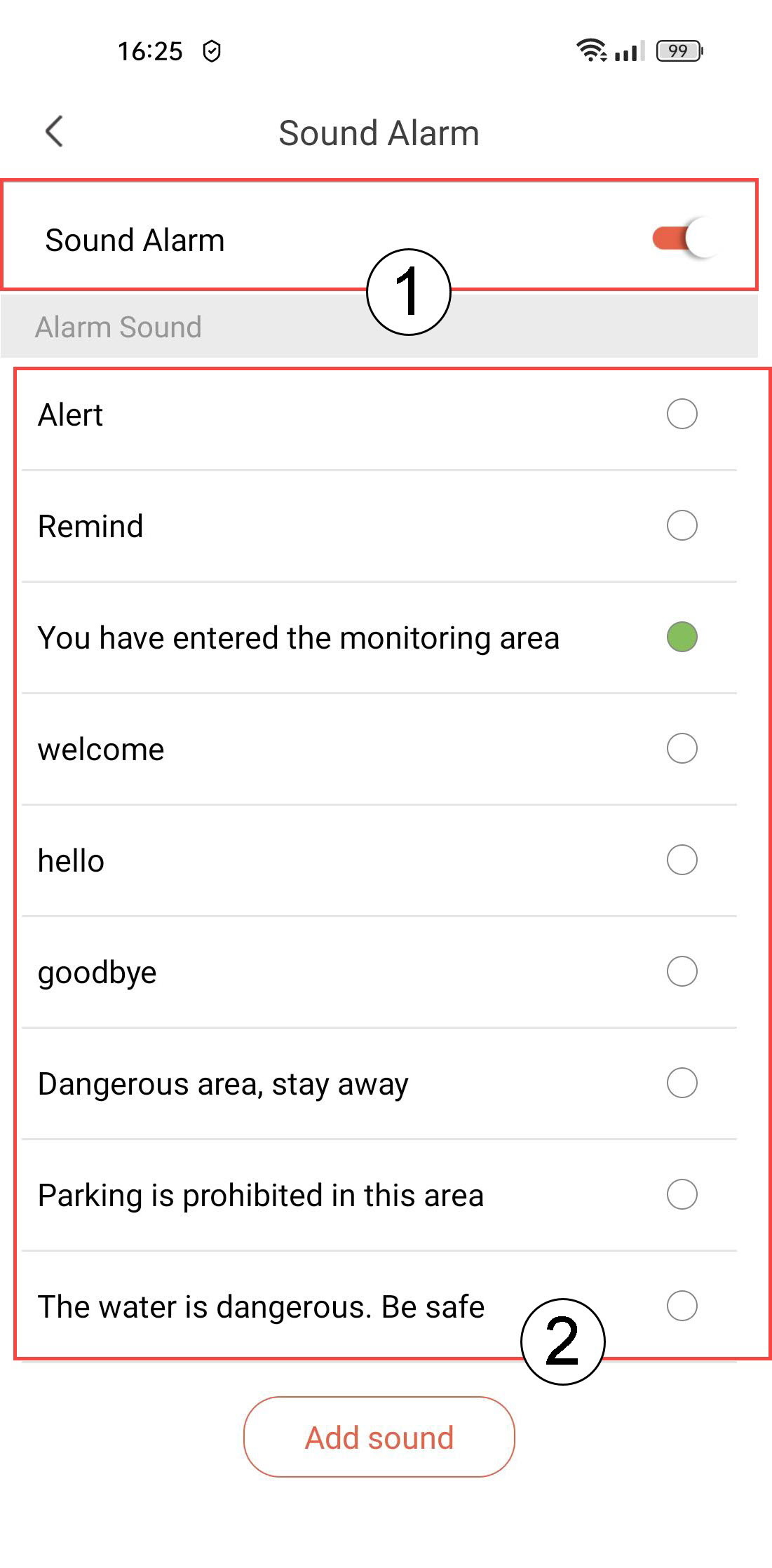
Välj Ljudlarm (tryck på vippknappen för att aktivera larmet och välj ett ljud från listan).
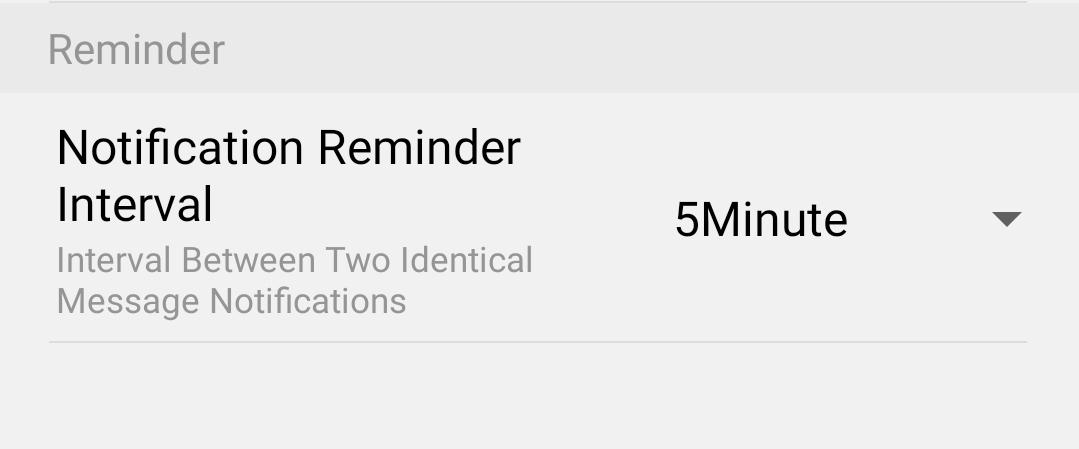
9Ställ inintervall för påminnelser
Välj ”Påminnelse” (ställ in intervallet mellan två identiska händelser. Du måste välja ett värde mellan 30 sekunder och 30 minuter).