Inga föremål hittades.
LEAP 41 | 4K Google TV med HDR10+
Inga föremål hittades.
Alla frågor
Inga föremål hittades.
LEAP 41 | 4K Google TV med HDR10+
Inga föremål hittades.
Hur återställer jag enheten till fabriksinställningarna?
1. Sättpå TV:n och mottagaren
Sätt på TV:n och din digitalbox.
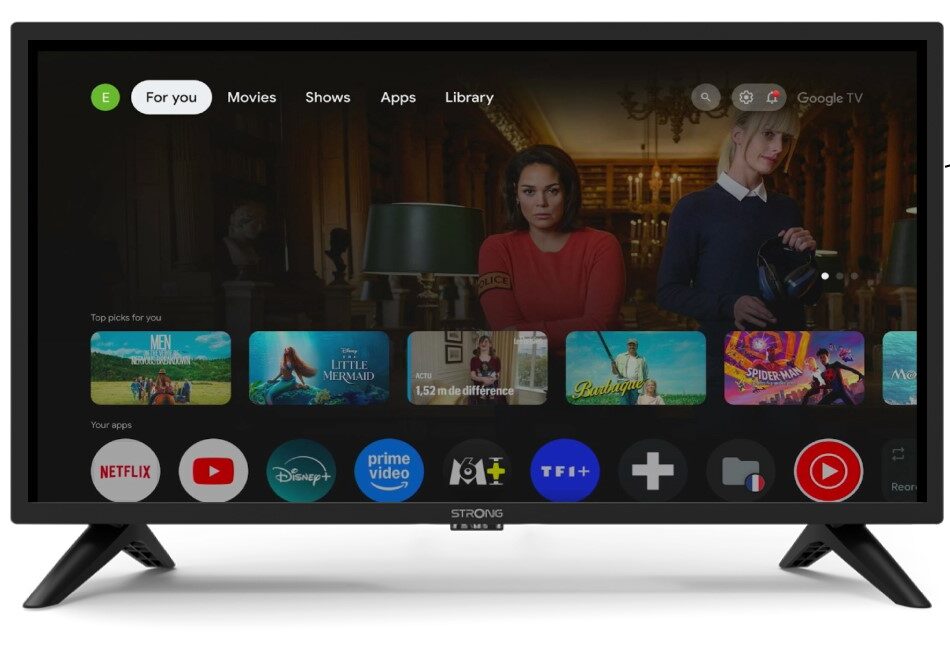
2Inställningar
Tryck på kugghjulsikonen på fjärrkontrollen.
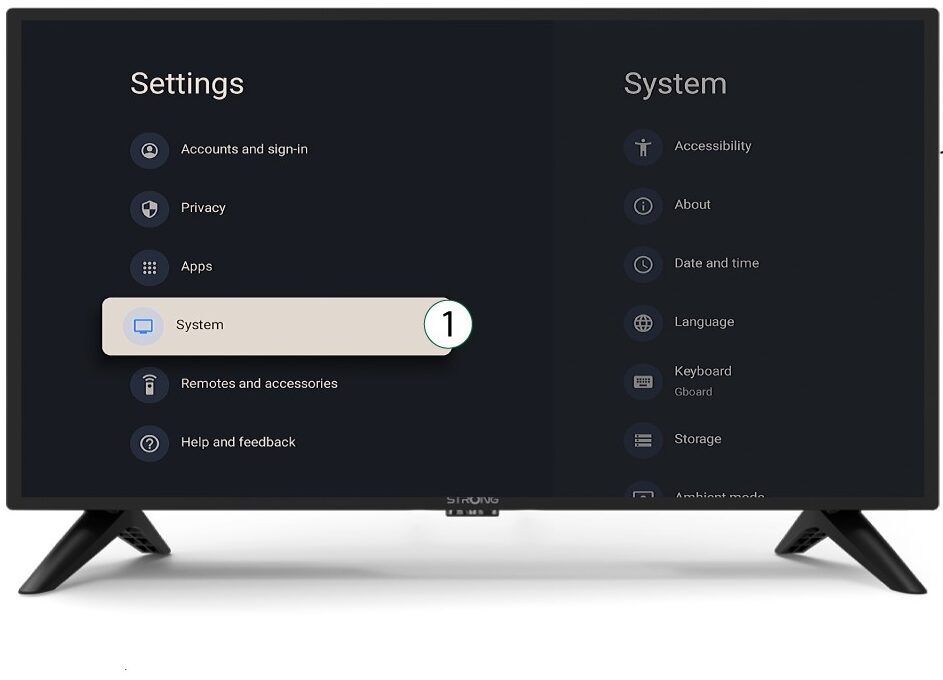
3System
I inställningsmenyn väljer du ”System ” och trycker på OK.
4Om
Välj ”Om” i systemmenyn och tryck på OK.
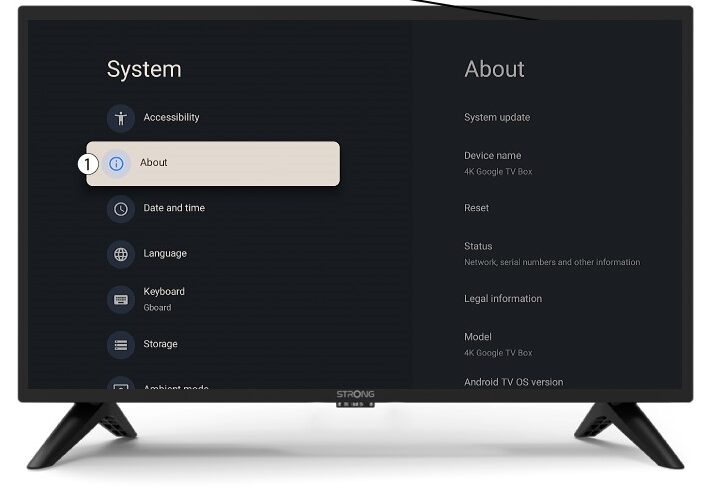
5Återställ
Välj Återställ.
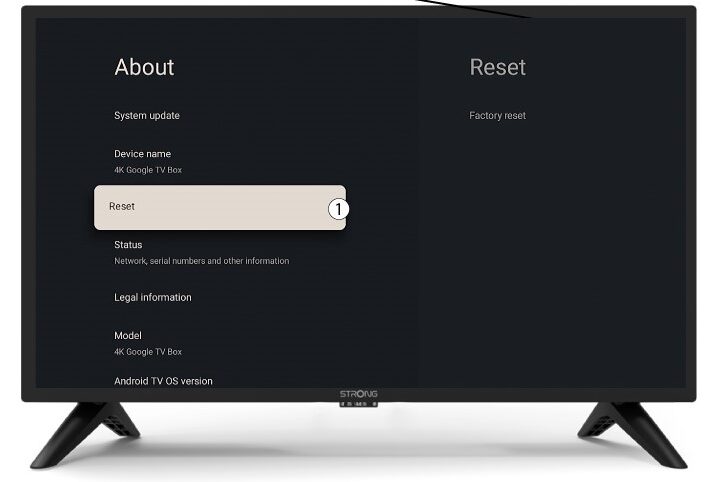
6 Återställ till fabriksinställningar
Välj ”Återställ till fabriksinställningar ” och tryck på OK.
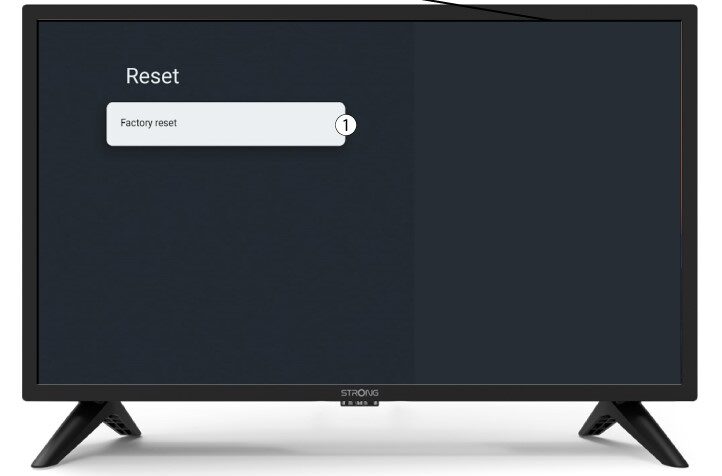
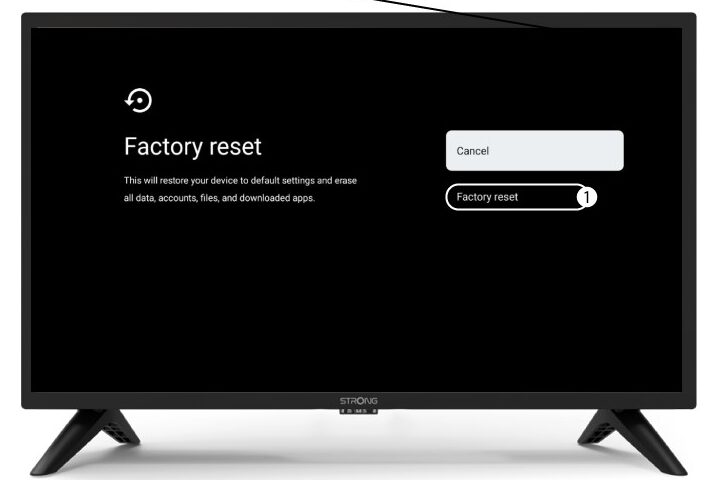
7 Bekräftaåterställning
Välj ”Återställ till fabriksinställningar” på sidan ”Återställ till fabriksinställningar”.