LEAP 41 | 4K Google TV med HDR10+
Alla frågor
LEAP 41 | 4K Google TV med HDR10+
Jag har anslutit ett AZERTY-tangentbord via USB, men det känns igen som ett QWERTY-tangentbord. Varför?

Varning: Observera att det är Google som avgör vilka tangentbordslayouter som stöds för externa tangentbord. Det kan därför hända att din tangentbordslayout inte stöds. I så fall rekommenderar vi att du kontaktar tillverkaren av ditt tangentbord för att ta reda på om det finns någon app som kan göra ditt tangentbord kompatibelt.
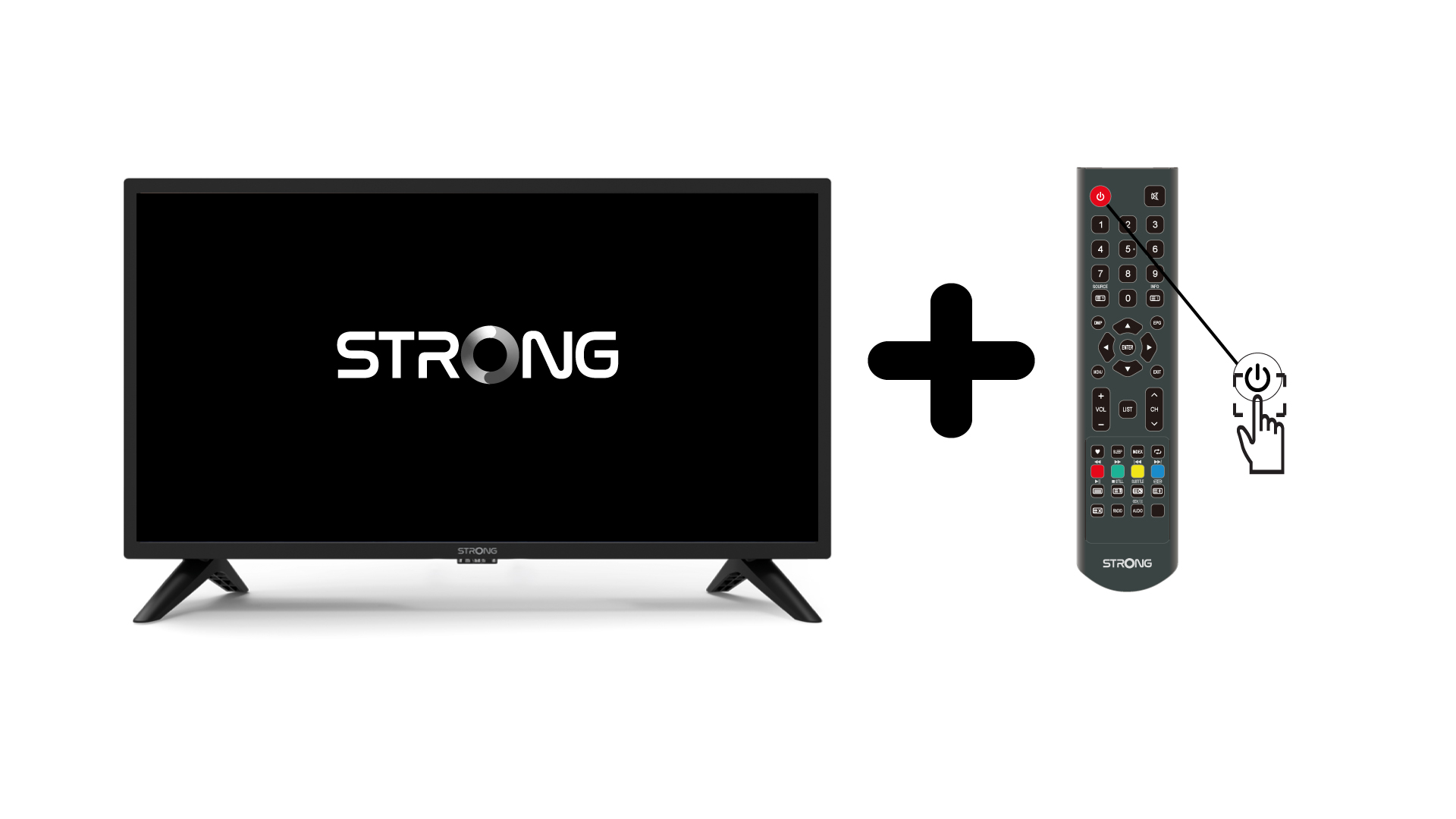
1. Slåpå TV:n och enheten
Slå på TV:n och din enhet.
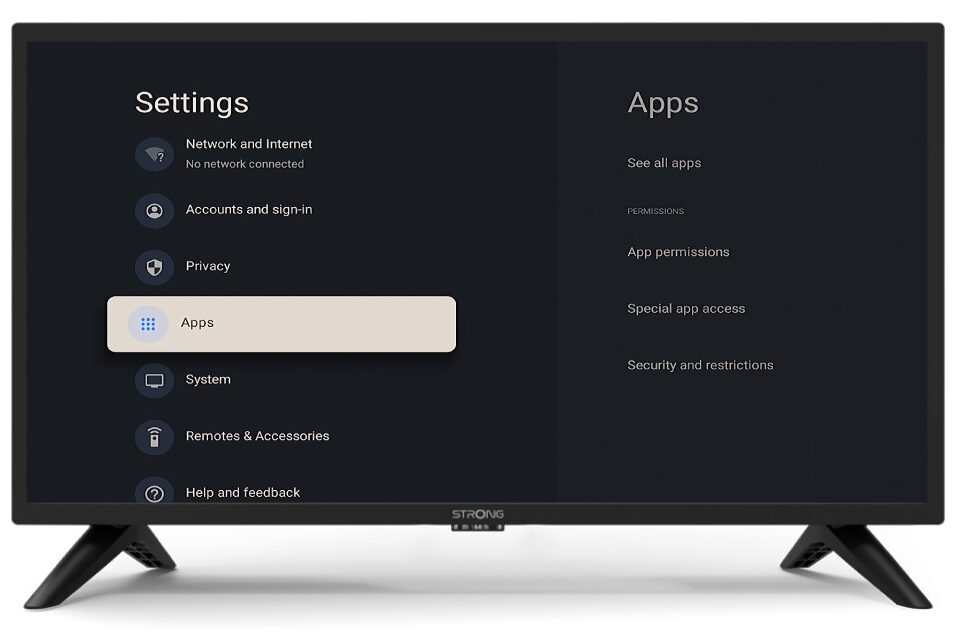
2Inställningar
Tryck på knappen ”Inställningar” på fjärrkontrollen (kugghjulsikonen). Menyn ”Inställningar” visas på TV-skärmen.
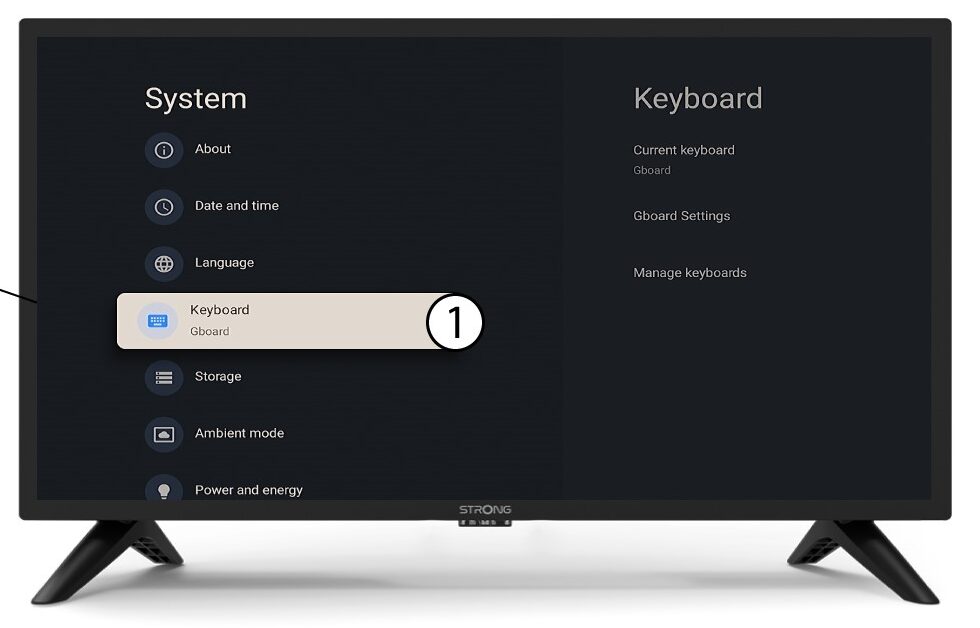
3Tangentbord
Välj ”Tangentbord” i inställningsmenyn och tryck på OK-knappen på fjärrkontrollen.
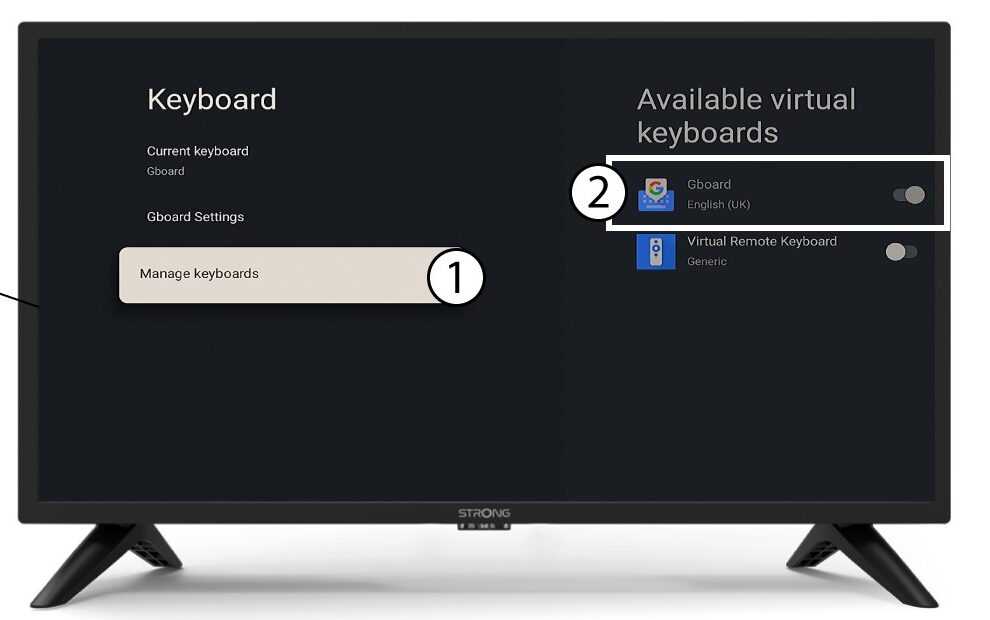
4Manage-tangentbordet
Klicka på ”Hantera tangentbord”. Klicka sedan på växlingsknappen för att inaktivera det.
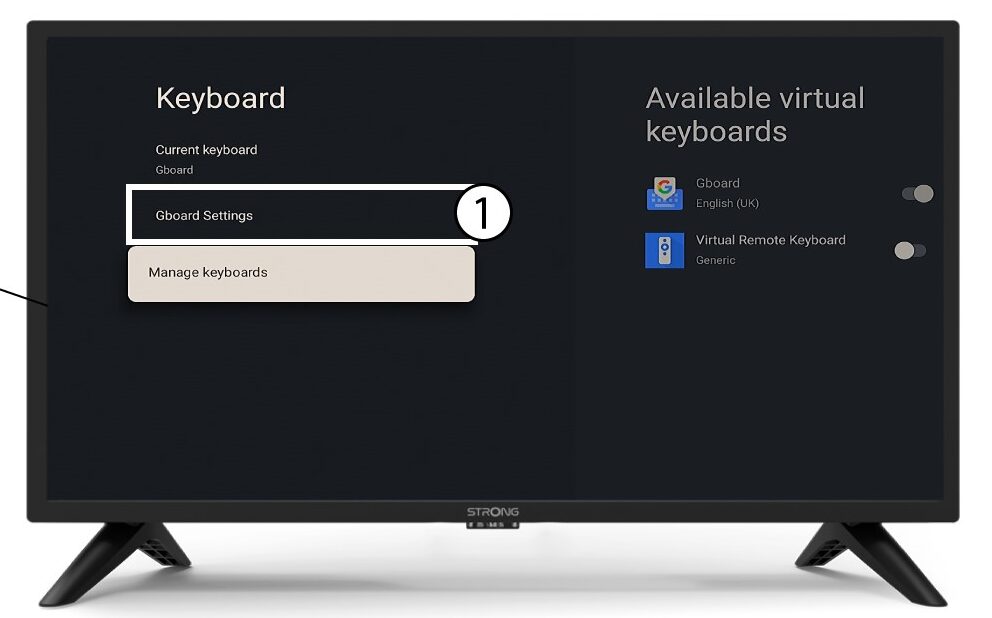
Inställningar för 5Gboard
Klicka på ”Gboard-inställningar” och tryck på OK.
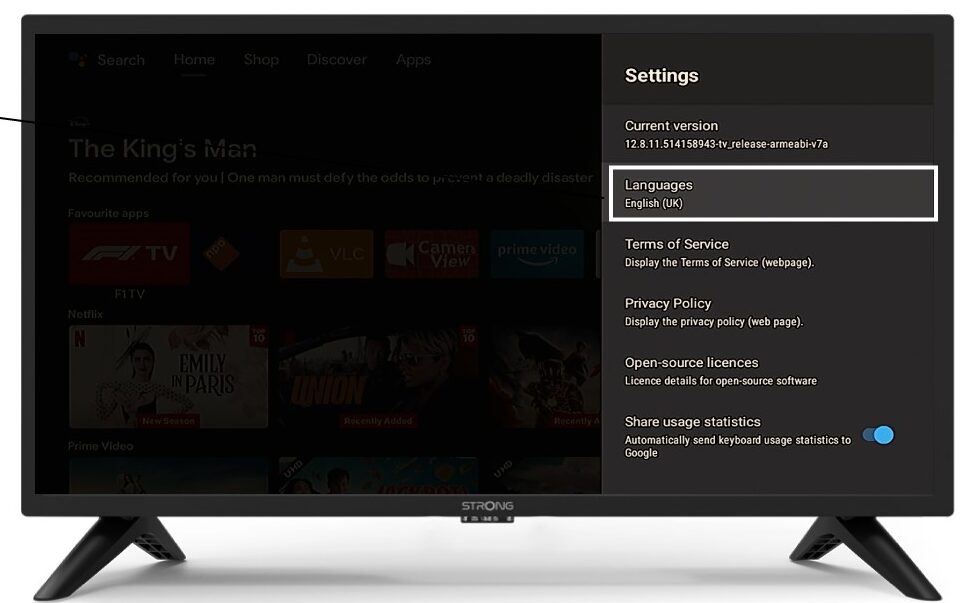
6språk
Klicka på ”Språk” och tryck på OK på fjärrkontrollen. Välj sedan språk.