PLW600MDUO
Alla frågor
PLW600MDUO
Hur konfigurerar man nya Powerline-produkter med säkerhetsnivå 2 i ditt befintliga Powerline-nätverk?
If you want to add more than one new powerline product, each product must be configured one after the other by following the same process, not simultaneously. Typically, powerline adapters are paired in sets of two, so if you need to add new powerline products to your network that is configured with High Security Level 2, follow the steps below.
1Plug in the new adapter
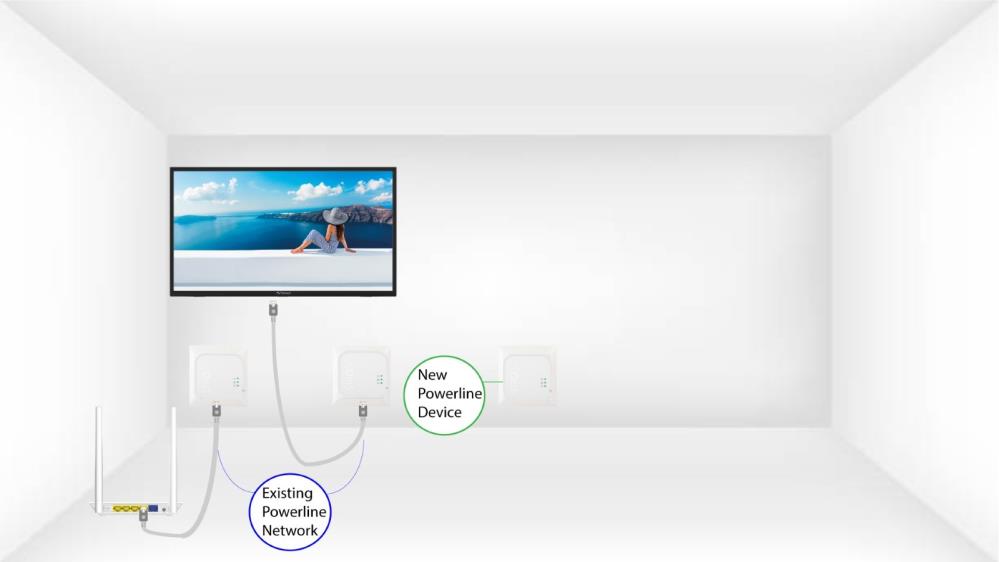
Plug the additional device(s) into a power socket.
2. Anslutden nya enheten till internet
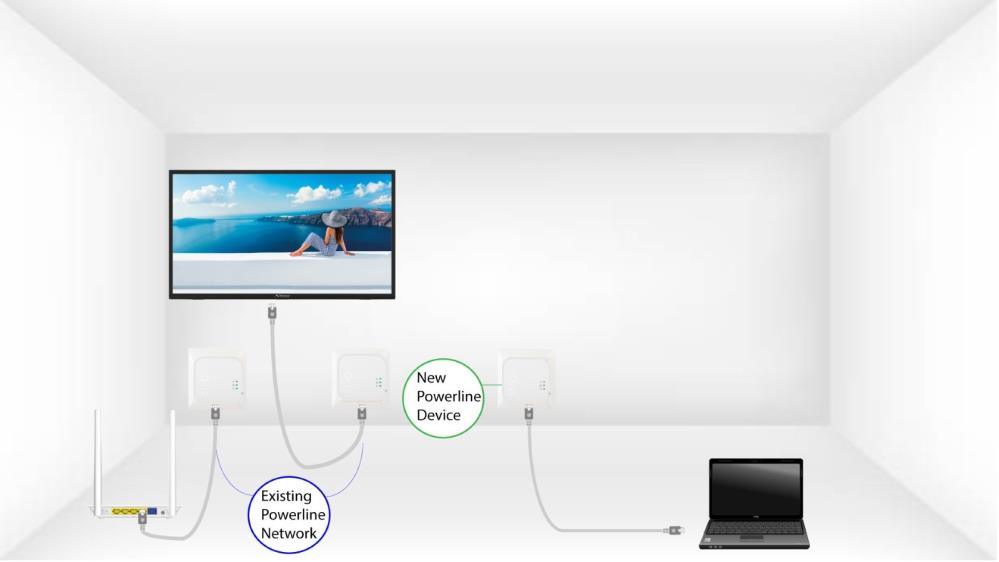
Connect the device to an Internet router/gateway with an RJ45 cable.
3Tryck påknappen ”Connect & Secure” (befintlig enhet)
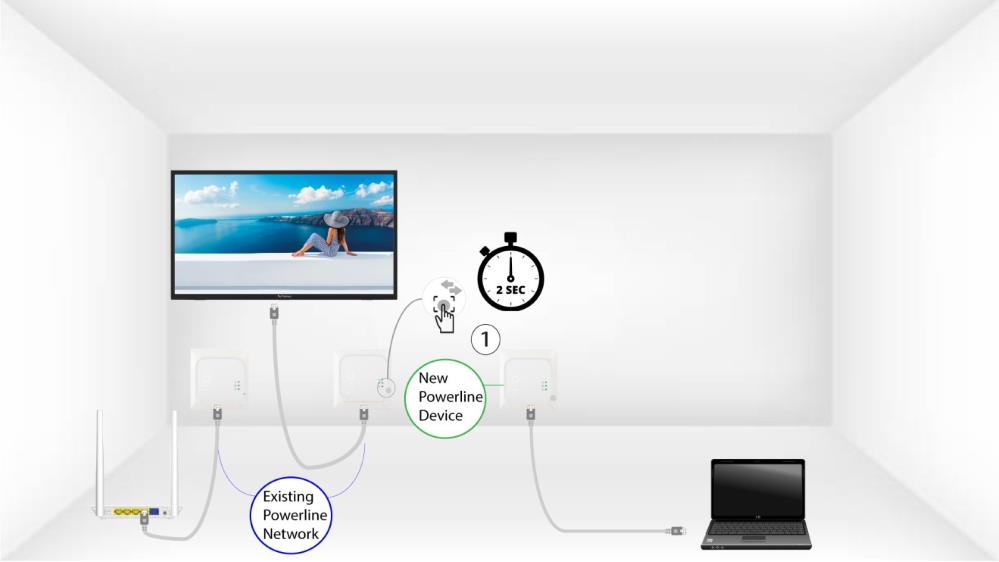
Press the Connect & Secure button on one of the existing devices of the network for two seconds.
4Tryck påknappen ”Anslut och säkra” (ny enhet)
Then, press the Connect & Secure button on the new device for two seconds to add it to the network. You have up to two minutes to press the button.
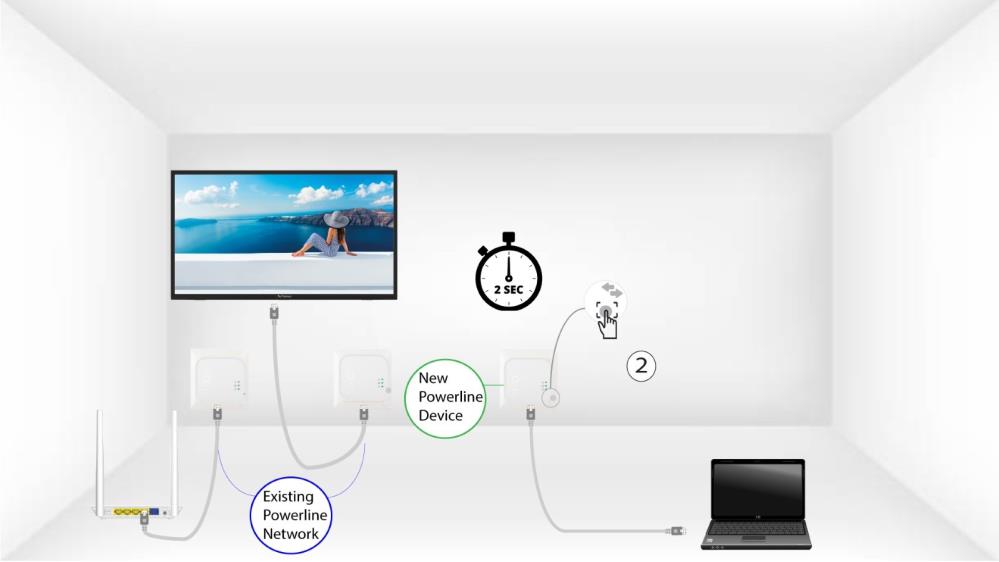
5The home LED blinks
The home LED should start blinking.
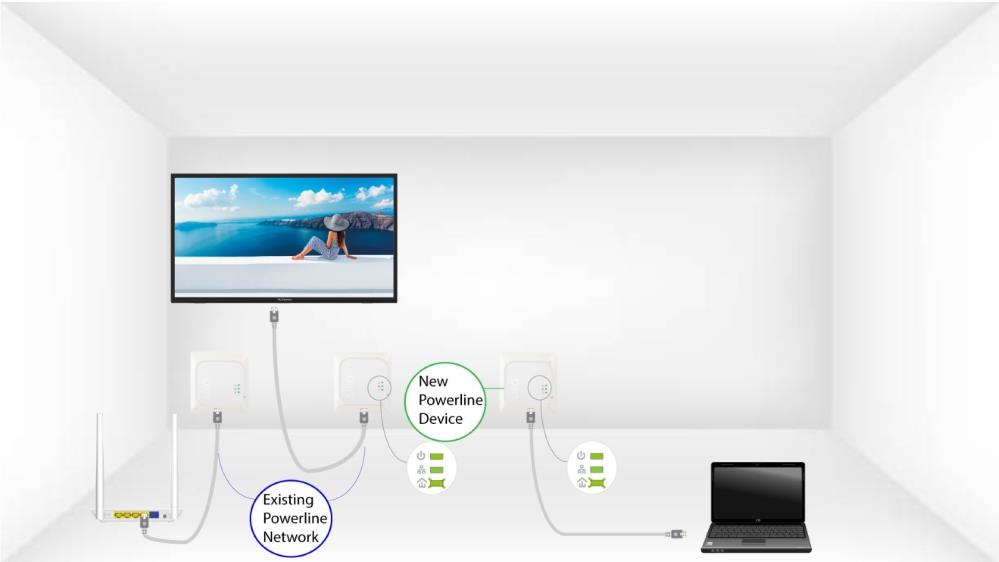
6The LEDs are green
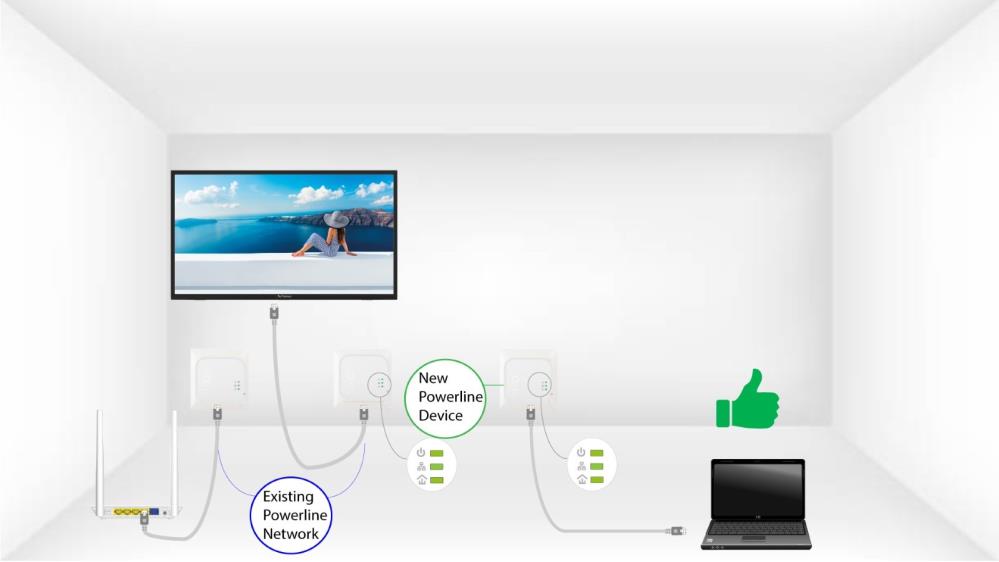
När den nya enheten har lagts till ska hem-LED-lamporna lysa grönt på båda enheterna.
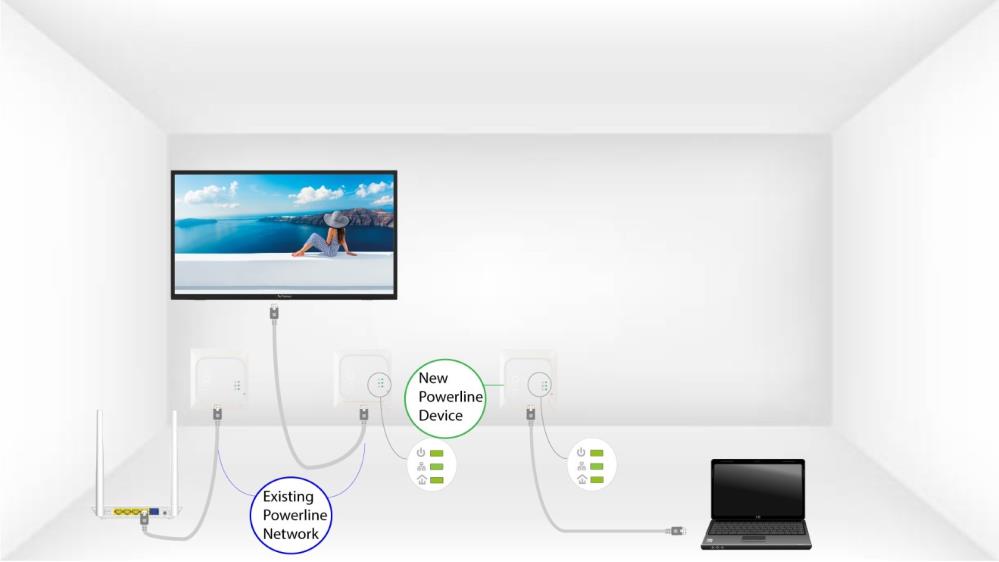
7Krypteringsnyckelnär inställd
Din nya unika krypteringsnyckel har ställts in på den enhet du just har konfigurerat.