PLW600MDUO
Усі питання
PLW600MDUO
Як налаштувати нові пристрої powerline з високим рівнем безпеки 2 у вашій існуючій мережі powerline ?
If you want to add more than one new powerline product, each product must be configured one after the other by following the same process, not simultaneously. Typically, powerline adapters are paired in sets of two, so if you need to add new powerline products to your network that is configured with High Security Level 2, follow the steps below.
1Plug in the new adapter
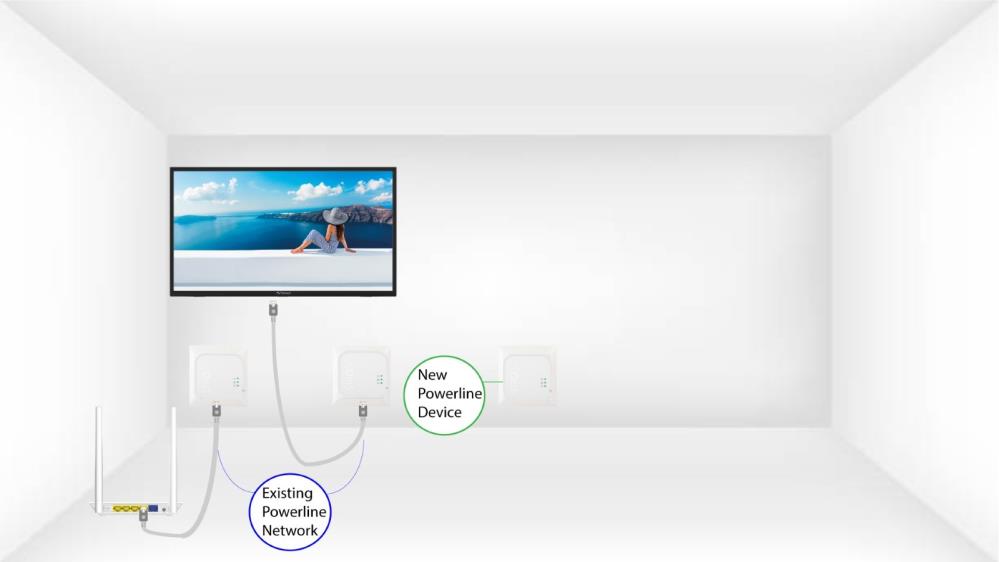
Plug the additional device(s) into a power socket.
2. Підключітьновий пристрій до Інтернету
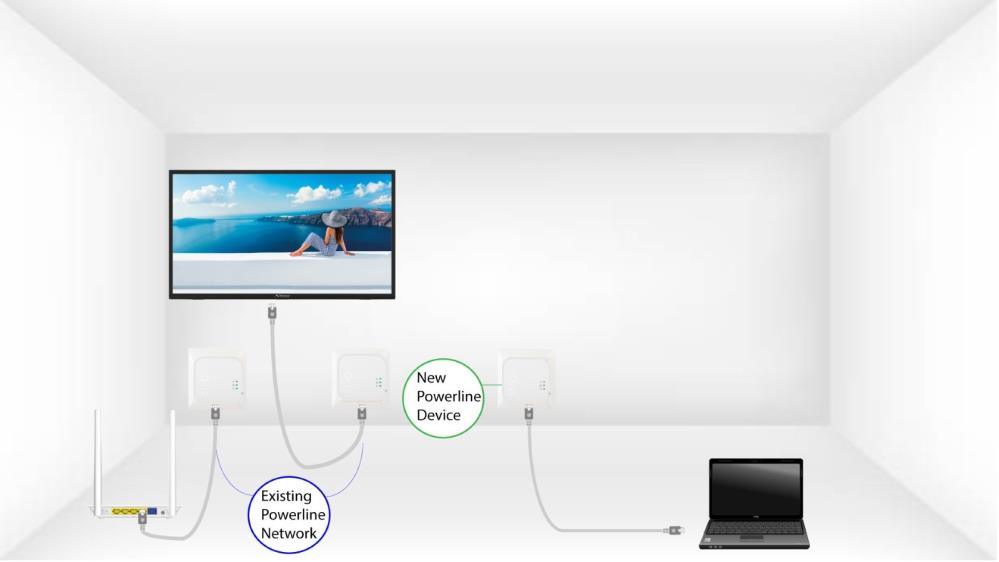
Connect the device to an Internet router/gateway with an RJ45 cable.
3. Натиснітькнопку «Підключити та захистити» (для існуючого пристрою)
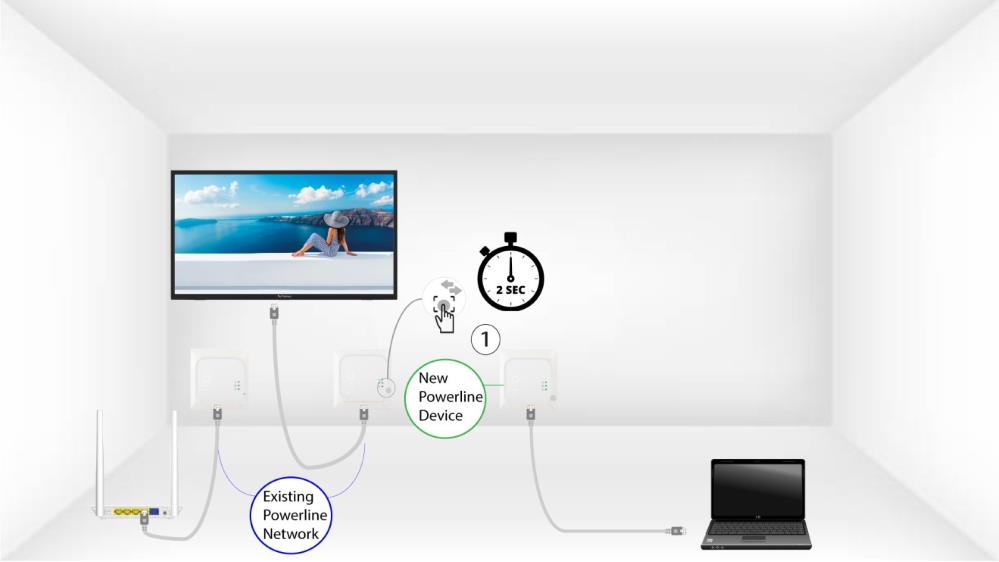
Press the Connect & Secure button on one of the existing devices of the network for two seconds.
4. Натиснітькнопку «Підключити та захистити» (нове пристрій)
Then, press the Connect & Secure button on the new device for two seconds to add it to the network. You have up to two minutes to press the button.
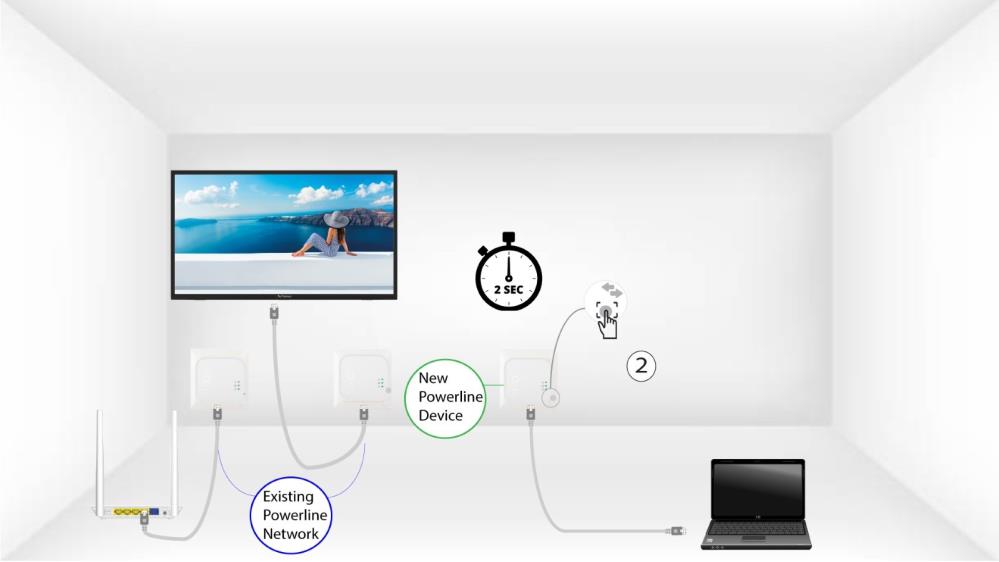
5The home LED blinks
The home LED should start blinking.
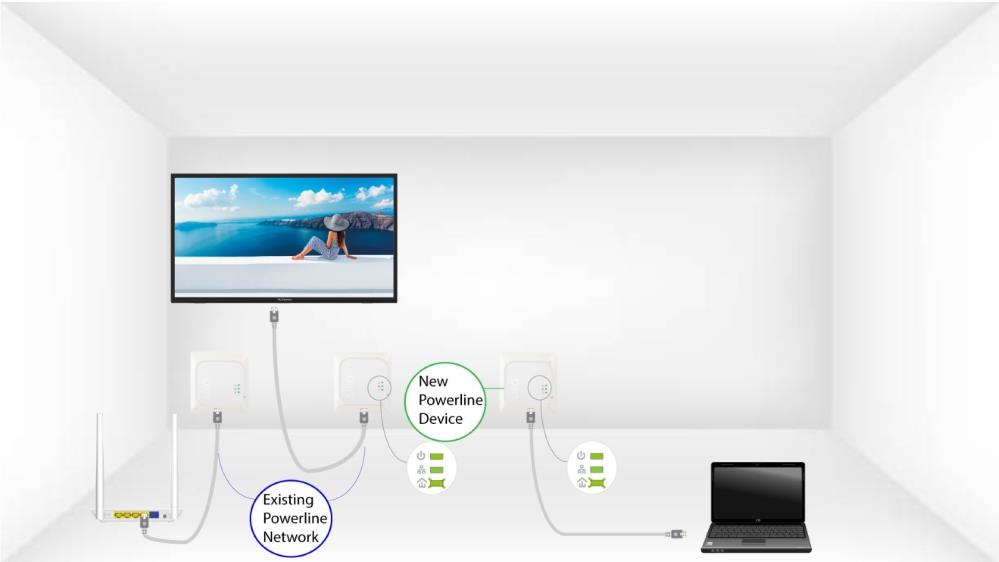
6The LEDs are green
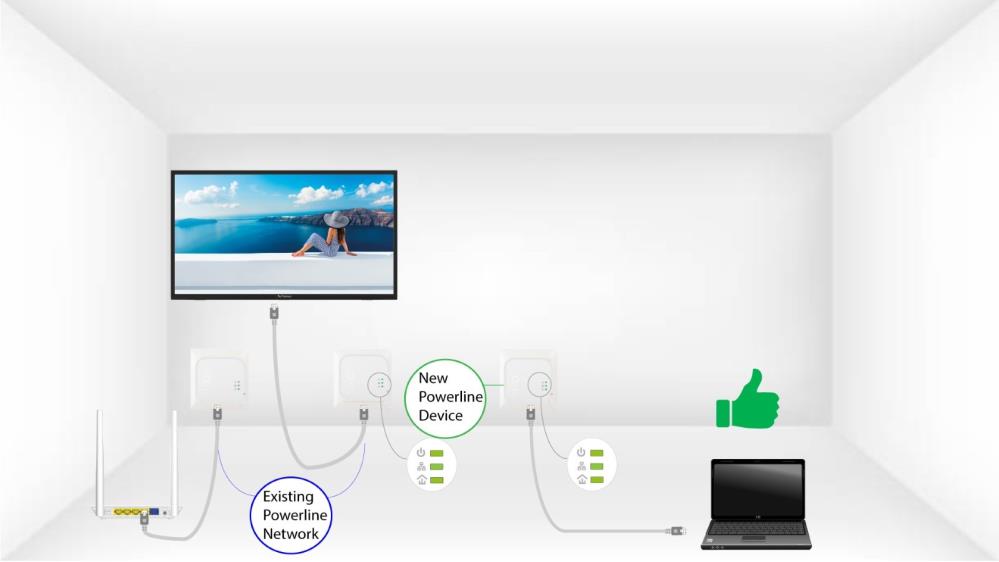
Після додавання нового пристрою світлодіоди «Home» на обох пристроях повинні світитися зеленим кольором.
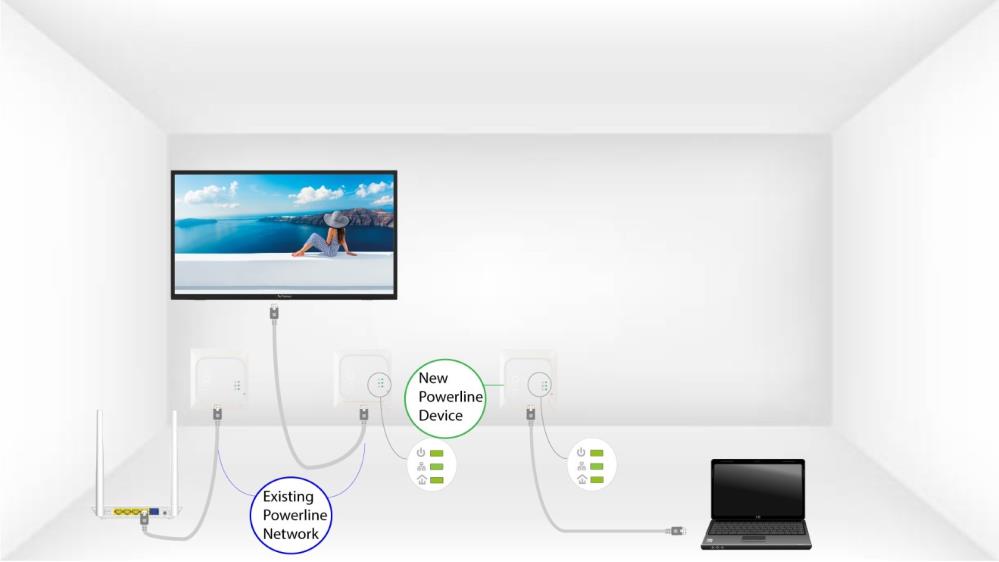
7. Ключ шифрування встановлено
Ваш новий унікальний ключ шифрування встановлено на пристрої, який ви щойно налаштували.