
PLW600MDUO
Нічого не знайдено.
Нічого не знайдено.
Усі питання
PLW600MDUO
Нічого не знайдено.
Нічого не знайдено.
Як налаштувати 2-й рівень високої безпеки на пристроях powerline ?
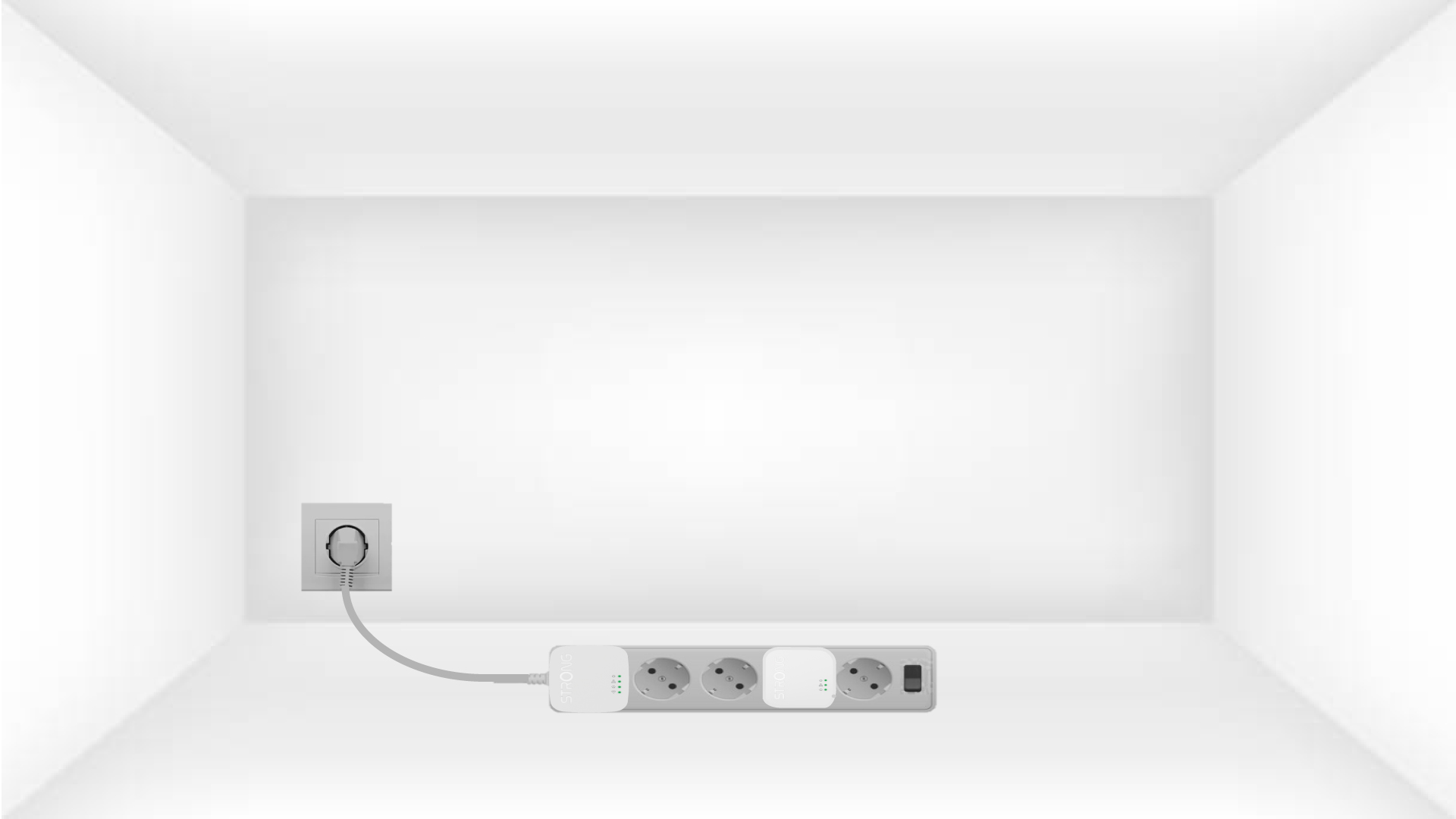
1. Підключітьадаптери до розетки з розгалуженим виводом
Take a power strip and plug all the powerline adapters into it.
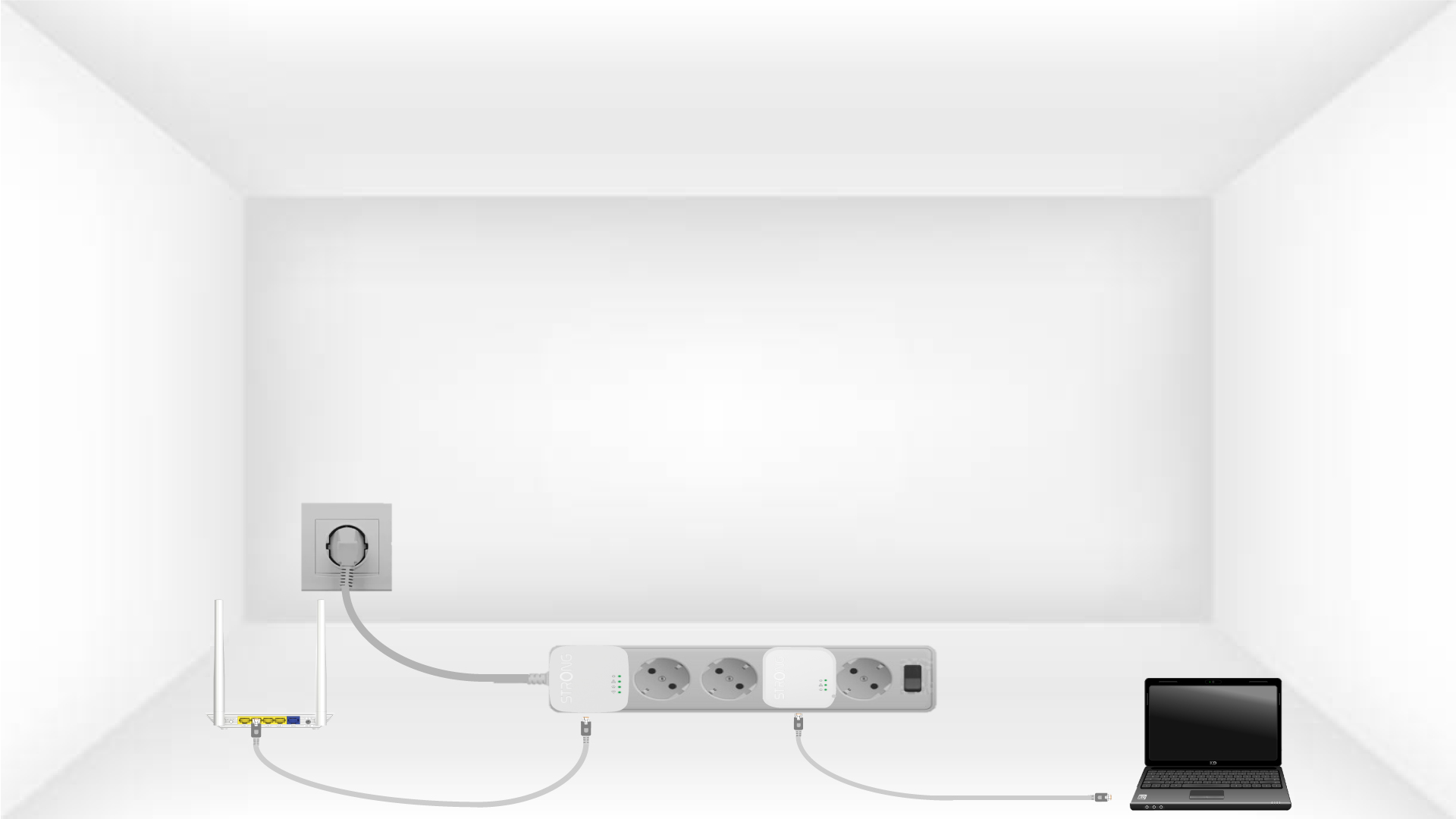
2. Підключітьадаптери до Інтернету
Connect one of the powerline adapters to the Internet gateway/router with an RJ45 cable.
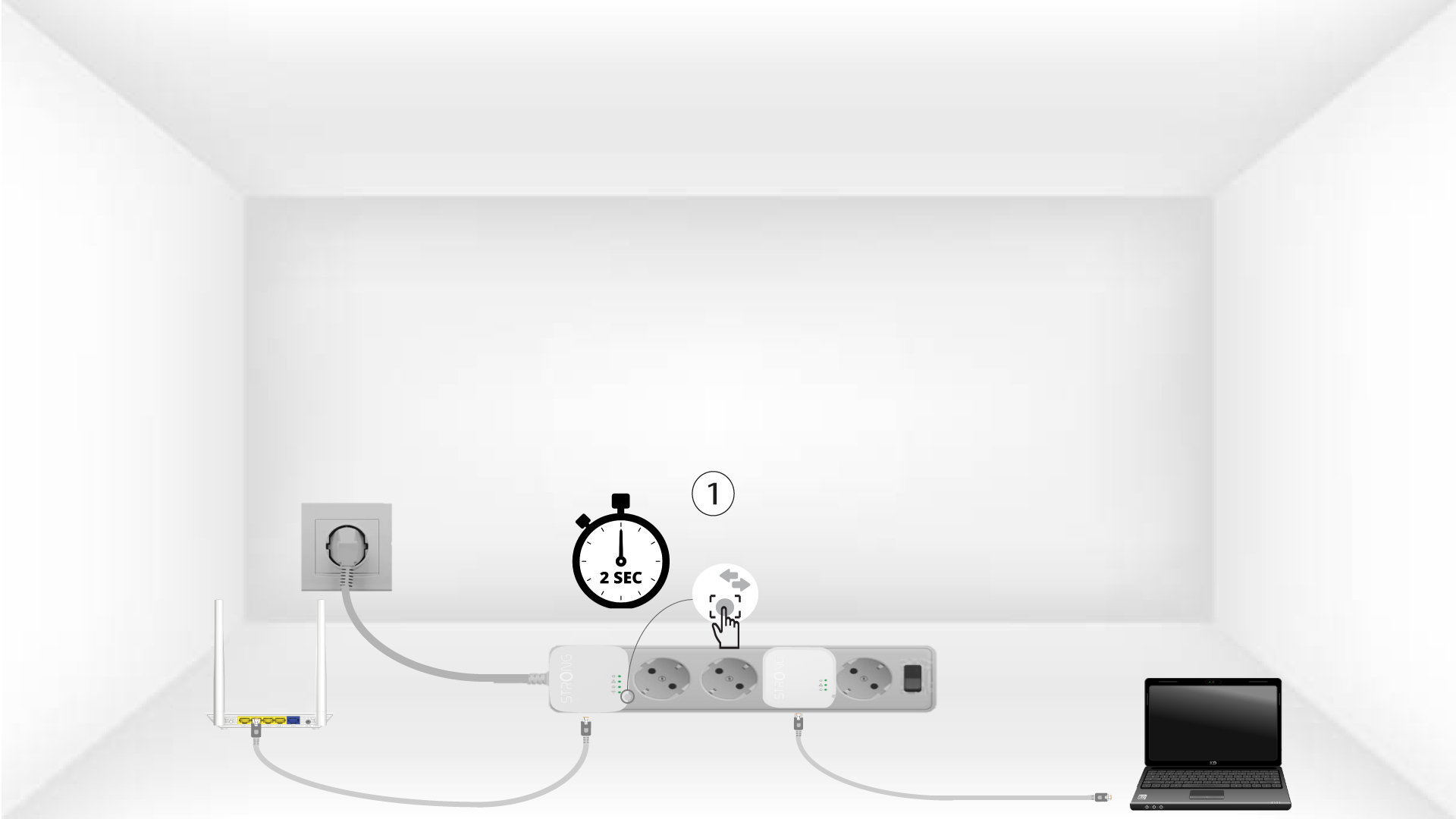
3. Натиснітькнопку «Підключити та захистити» (перший пристрій)
Press the Connect & Secure button on the first device for 2 seconds.
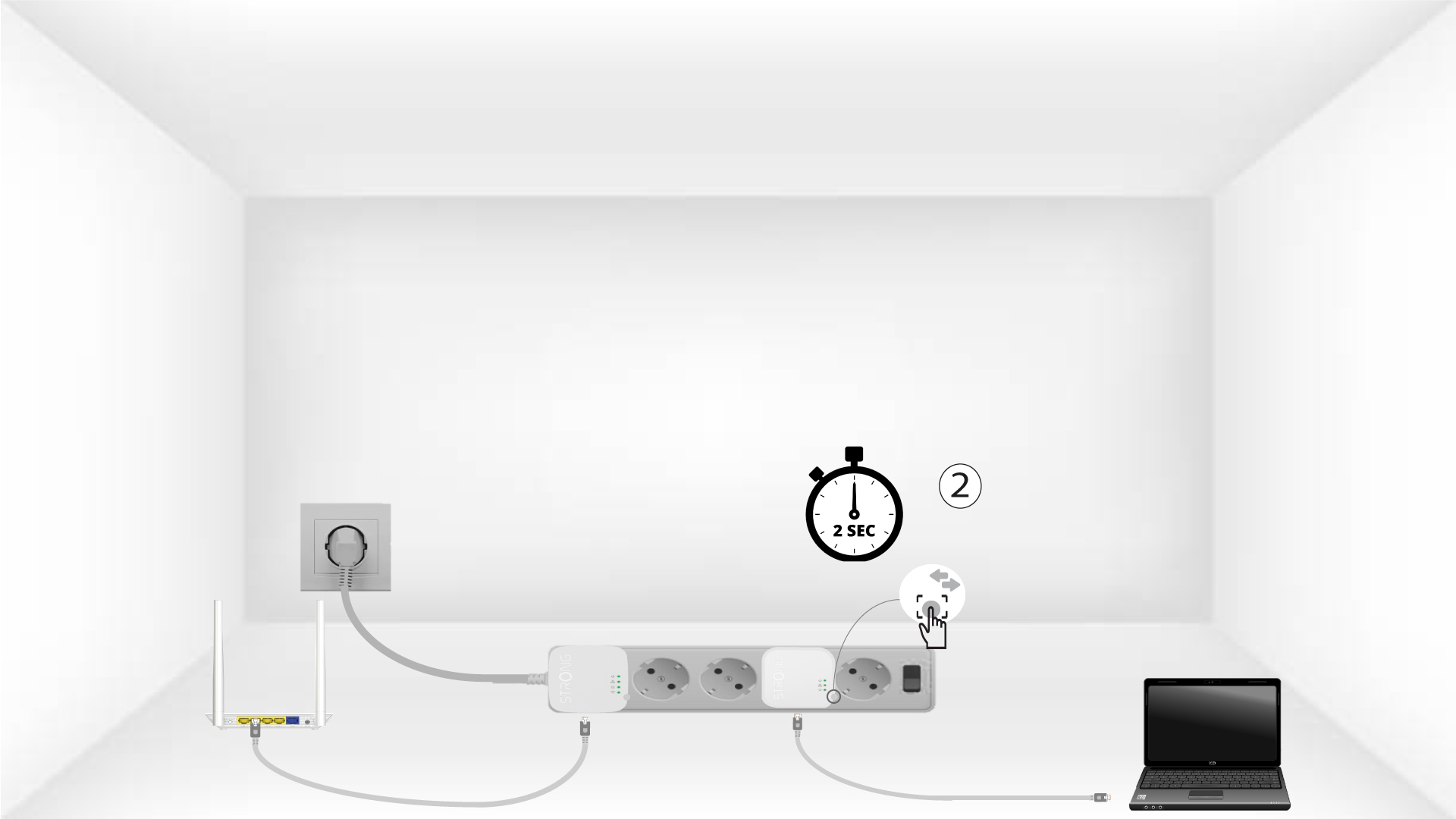
4. Натиснітькнопку «Підключити та захистити» (другий пристрій)
Press the Connect & Secure button on the second device for 2 seconds. You have up to two minutes to do it.
5The home LED blinks
The home LED should blink on both devices.
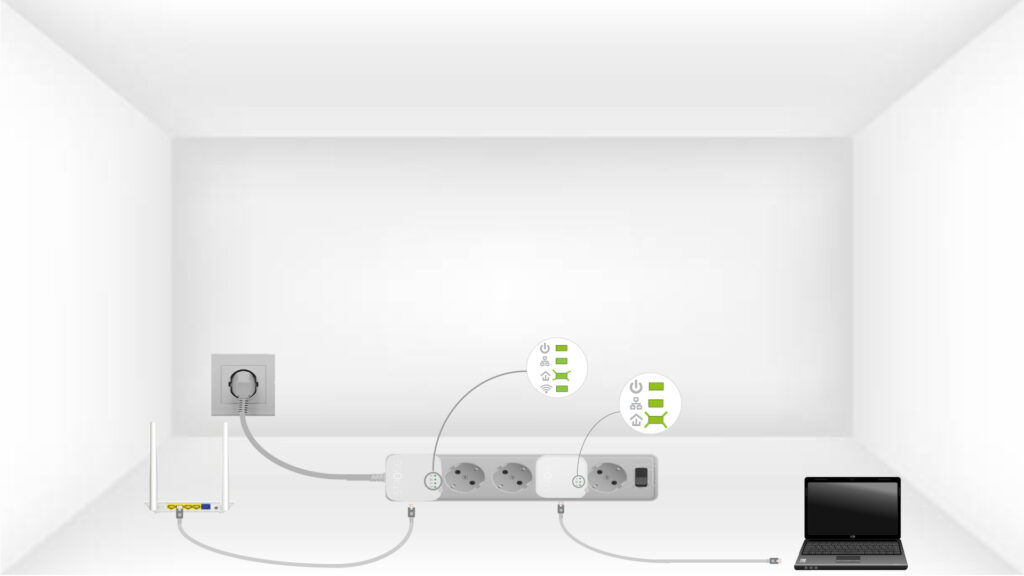
6. Ключ шифрування встановлено
Ваш унікальний ключ шифрування налаштовано, і всі світлодіоди пристроїв мають світитися зеленим кольором.
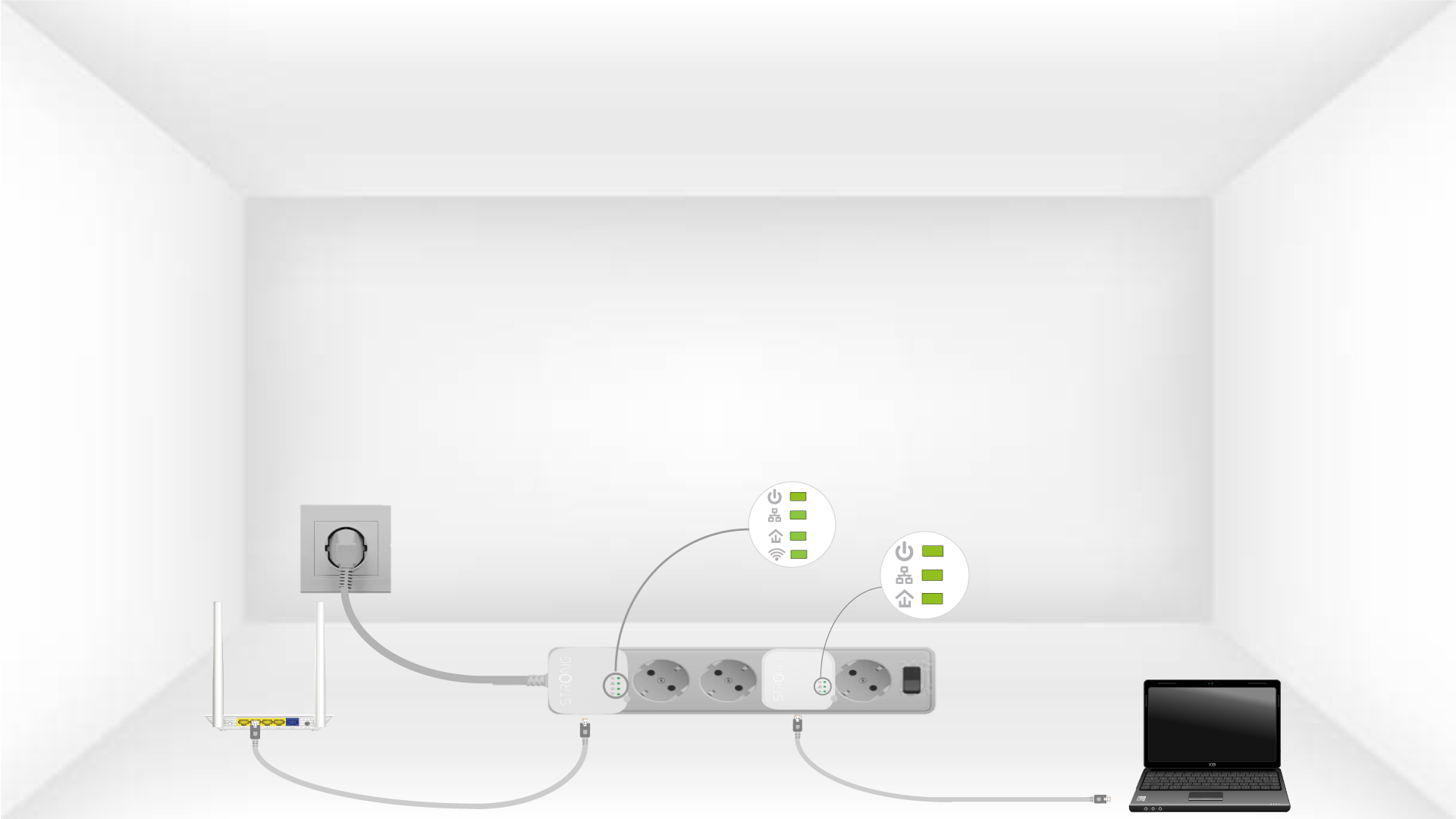
Now, install the adapters in the rooms where you need them. We strongly recommend not plugging the adapters into a power strip.