ATRIA Wi-Fi 5 Mesh 1200 (2-пакет)
Всички въпроси
ATRIA Wi-Fi 5 Mesh 1200 (2-пакет)
Как мога да настроя/присвоя статичен IP адрес на моето устройство Atria Mesh 1200? (Приложение)
Може да е интересно да зададете статичен IP адрес на контролера си mesh , за да имате по-лесен достъп до уеб интерфейса
във вашата мрежа чрез приложението Atria Mesh .
Можете също така да присвоите специални IP адреси на устройствата, свързани към мрежата ви mesh , чрез уеб интерфейса
.
1Свържете сес Wi-Fi мрежата на вашето mesh
За да направите това, свържете се с Wi-Fi мрежата на вашия „ mesh “.

2. Отворетеприложението
Свържете се с приложението „ Mesh “ на Atria.

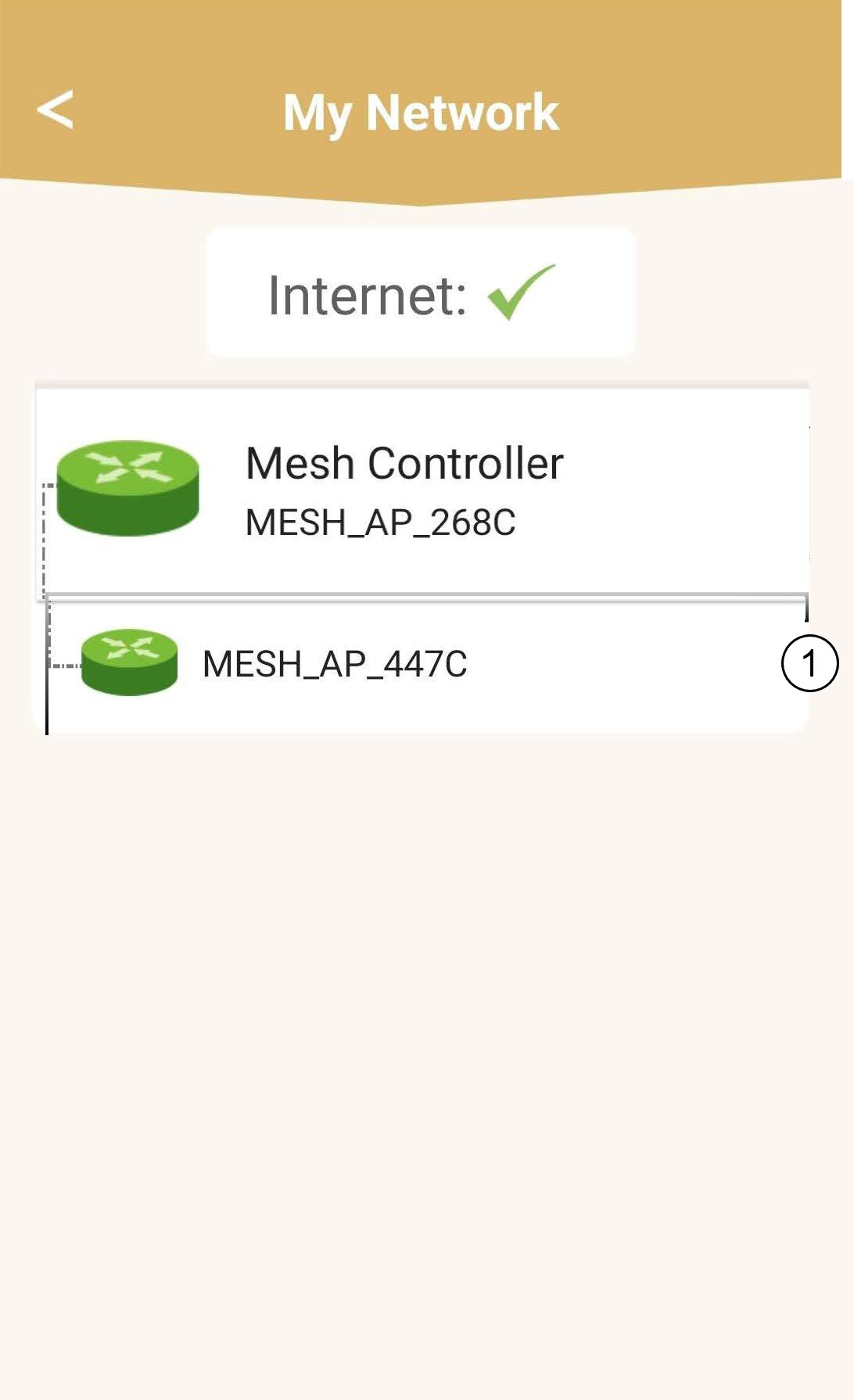
3Network
Кликнете върху „Моята мрежа“.

4Изберетеосновното устройство „ mesh “
Кликнете върху името на агента „ Mesh “ в списъка.
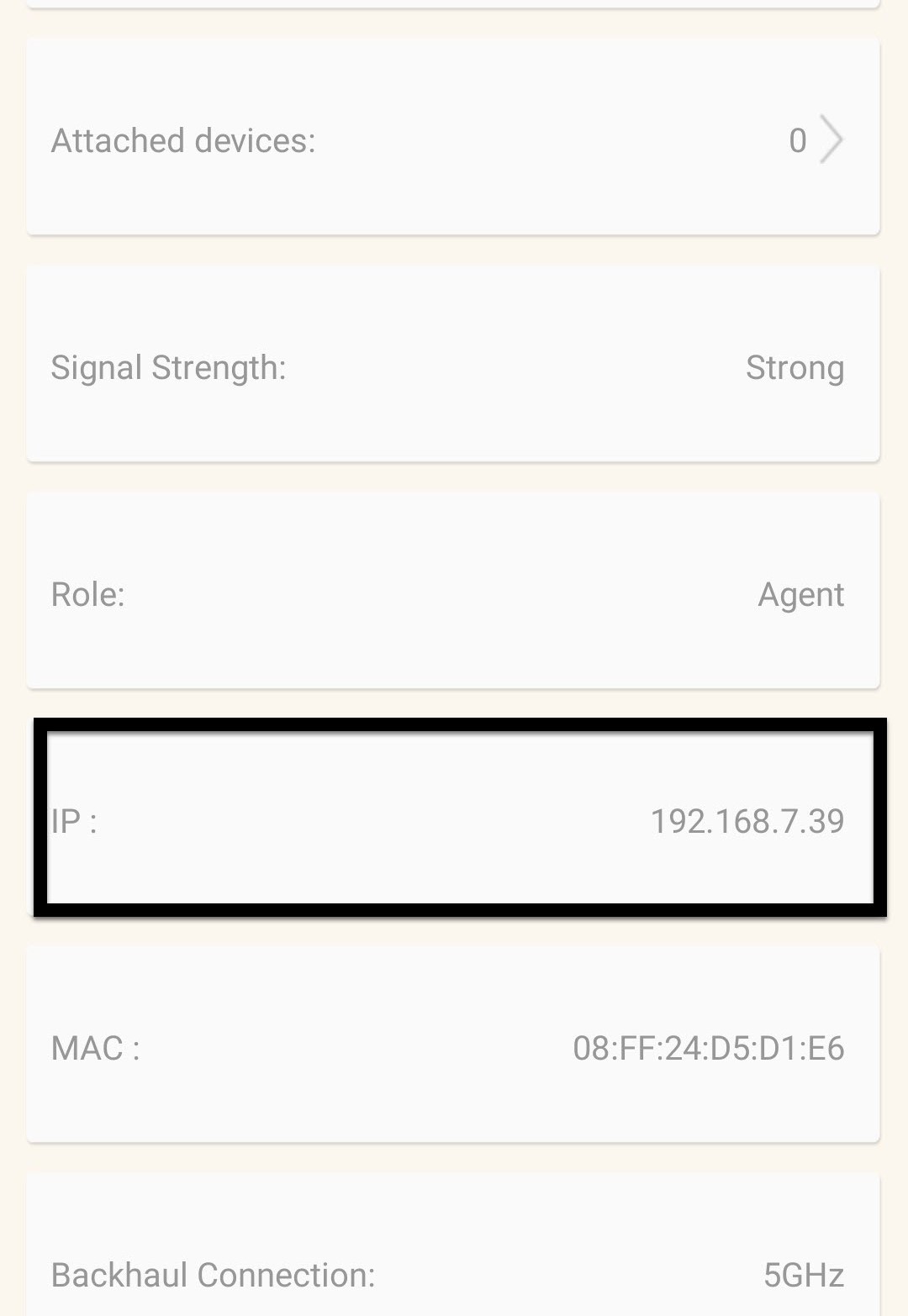
5. НамеретеIP адреса
Определете неговия IP-адрес и MAC-адрес.
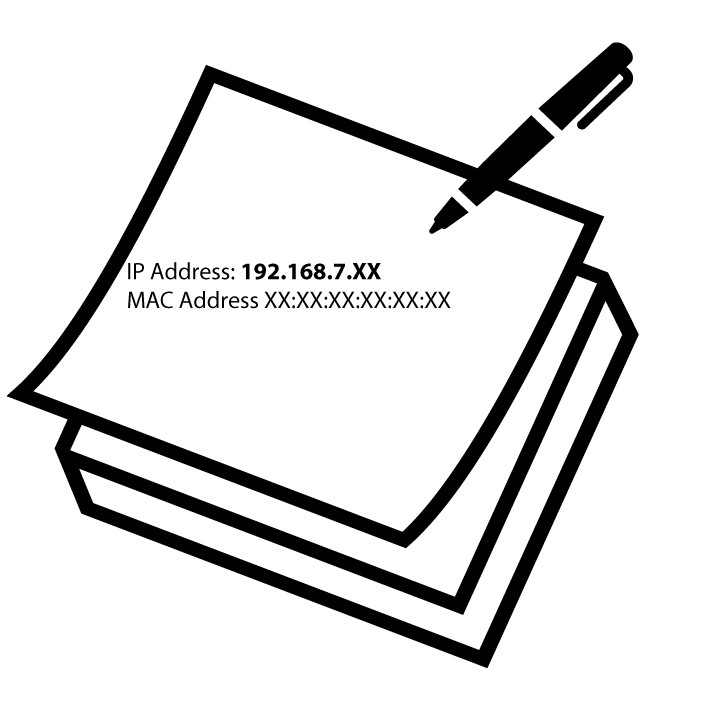
6 ЗапишетеIP адреса
Запишете IP адреса и MAC адреса.
7. Настройки на интернет
Кликнете върху „Настройки на интернет“.
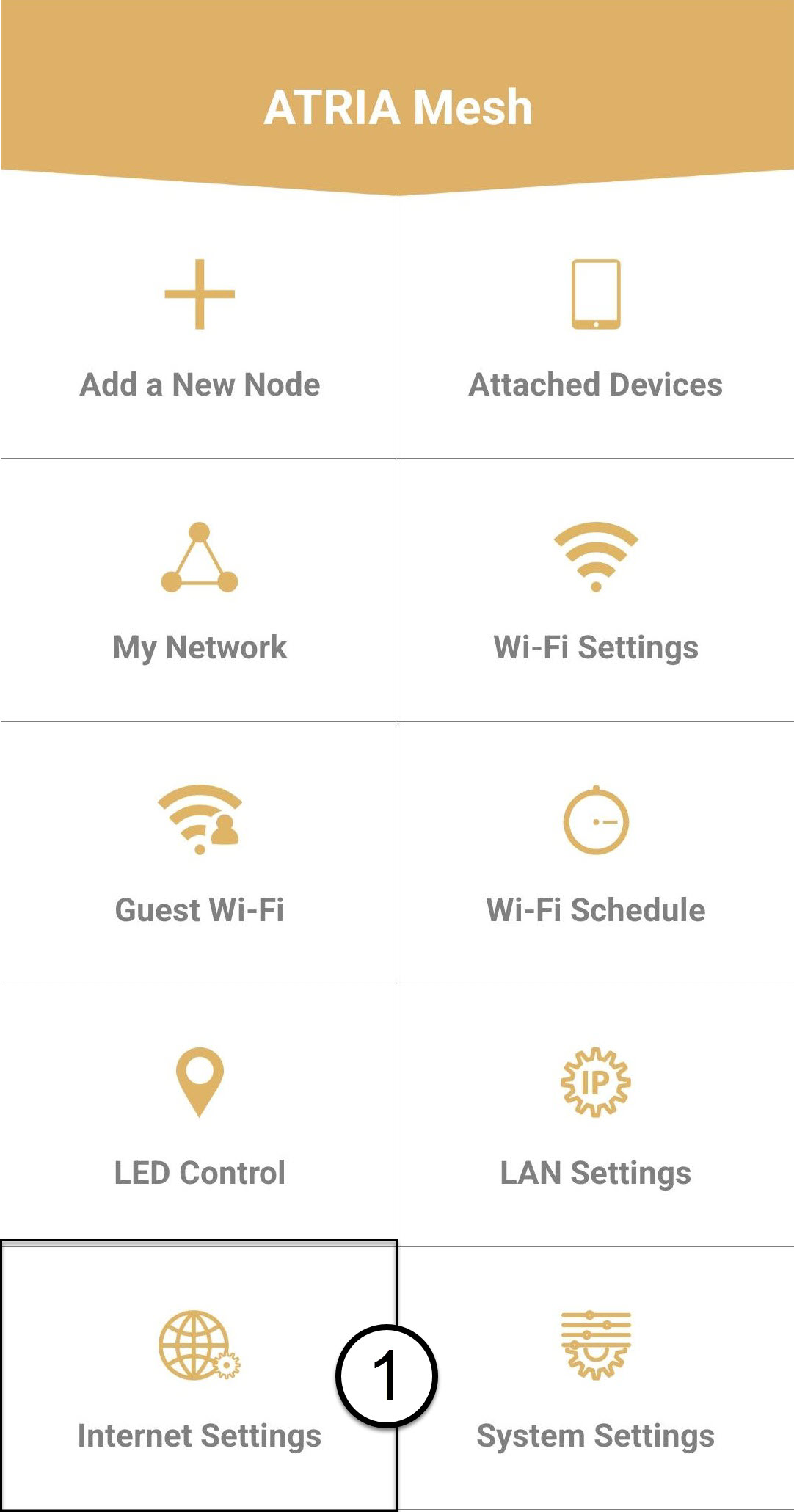
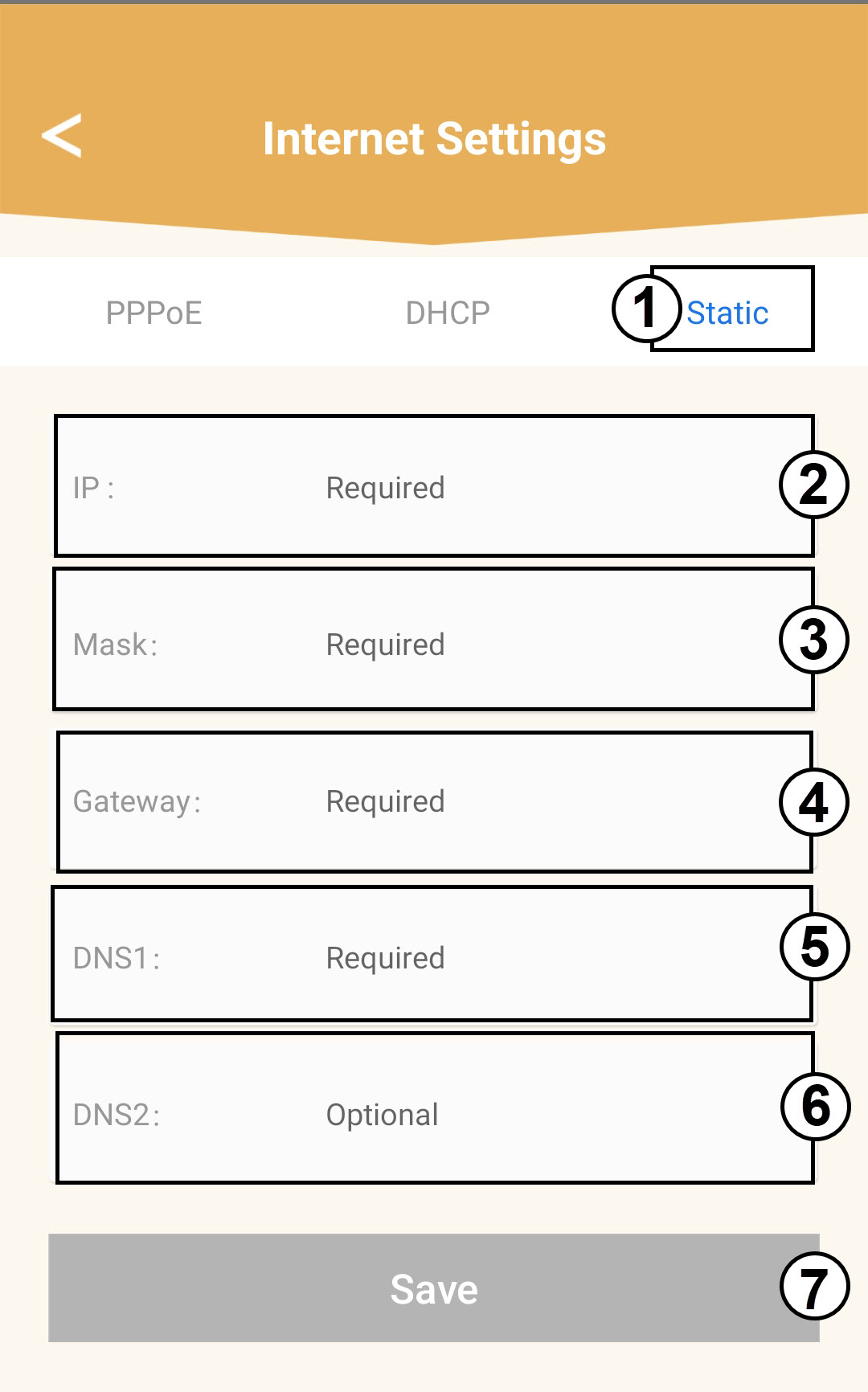
8 СтатиченIP адрес
Изберете „Статичен IP“. Въведете следната информация, преди да кликнете върху „Запази“:
o IP: Въведете IP адреса на агента
o Маска: Полето се попълва автоматично със съответната стойност
o Шлюз: Полето се попълва автоматично с подходящата стойност
o DNS1: Въведете основния DNS адрес (можете да намерите тази информация в уеб интерфейса:
Мрежа > LAN -> Активиране на ръчен DNS)
o DNS2: Въведете вторичния DNS адрес (можете да намерите тази информация в уеб интерфейса
: Мрежа > LAN -> Активиране на ръчен DNS)