
ATRIA Wi-Fi 5 Mesh 1200 (2-пакет)
Всички въпроси
ATRIA Wi-Fi 5 Mesh 1200 (2-пакет)
Забравих паролата за Wi-Fi на мрежата си „ Mesh “ – как мога да я намеря?
Паролата по подразбиране за Wi-Fi е указана от долната страна на устройството ви; ако обаче вече сте я променили, може да се наложи да възстановите фабричните настройки на „ Mesh 1200“.

1СЛУЧАЙ1: Информация за мрежата в уеб интерфейса
За да се свържете с уеб интерфейса, моля, следвайте тази процедура: Как да осъществя достъп до уеб интерфейса?
2. Настройки на Wi-Fi
Кликнете върху „Wi-Fi“ в лявата лента.
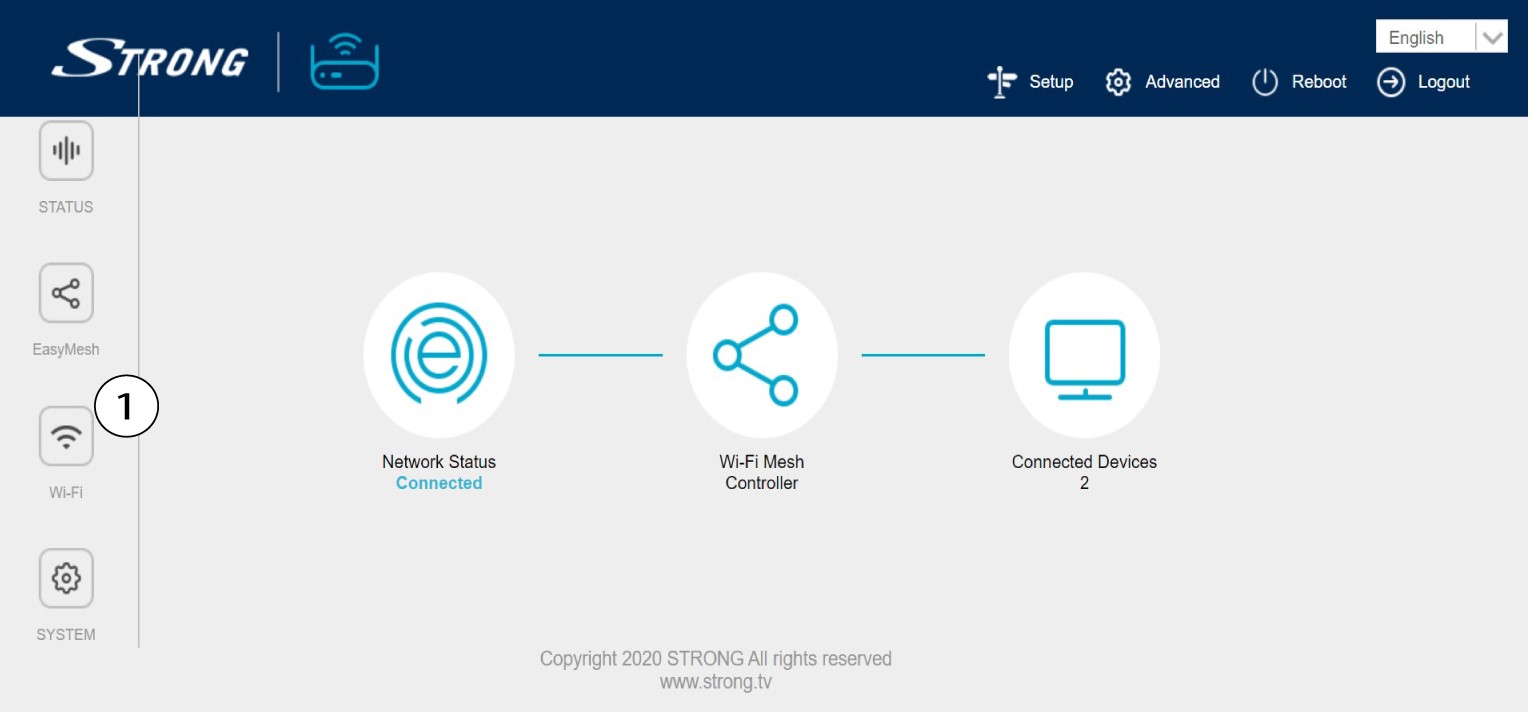
32,4G WLAN
След това в 5G WLAN или 2.4G WLAN името на вашата Wi-Fi мрежа се показва в полето „SSID“, а можете да видите паролата на тази Wi-Fi мрежа на адрес
, като отбележите квадратчето „Display“ вдясно от полето „Wi-Fi Key“.

4. Запишете информацията
Напишете паролата на лист хартия.

1СЛУЧАЙ2: Информация за мрежата в приложението
За да се свържете с уеб интерфейса, моля, следвайте тази процедура: Как да използвам приложението „Atria Mesh “?
2. Настройки на Wi-Fi
Кликнете върху „Wi-Fi“ в лявата лента.

3Покажипаролата
Кликнете върху иконата с окото, за да видите паролата.

4. Запишете информацията
Напишете паролата на лист хартия.