ATRIA Mesh extender kit 1200 UK
Všechny otázky
ATRIA Mesh extender kit 1200 UK
Jak mohu nastavit/přiřadit statickou IP adresu pro mé zařízení Atria Mesh 1200? (Aplikace)
Může být užitečné nastavit statickou IP adresu pro váš řadič mesh , abyste měli ve své síti snazší přístup k webovému uživatelskému rozhraní
v aplikaci Atria Mesh .
V webovém uživatelském rozhraní
můžete také přiřadit vyhrazené IP adresy zařízením připojeným k vaší síti mesh .
1. Připojte sek síti Wi-Fi svého mesh
Chcete-li to provést, připojte se k síti Wi-Fi s názvem „ mesh “.

2. Spusťteaplikaci
Připojte se k aplikaci Atria „ Mesh “.

3Network
Klikněte na „Moje síť“.

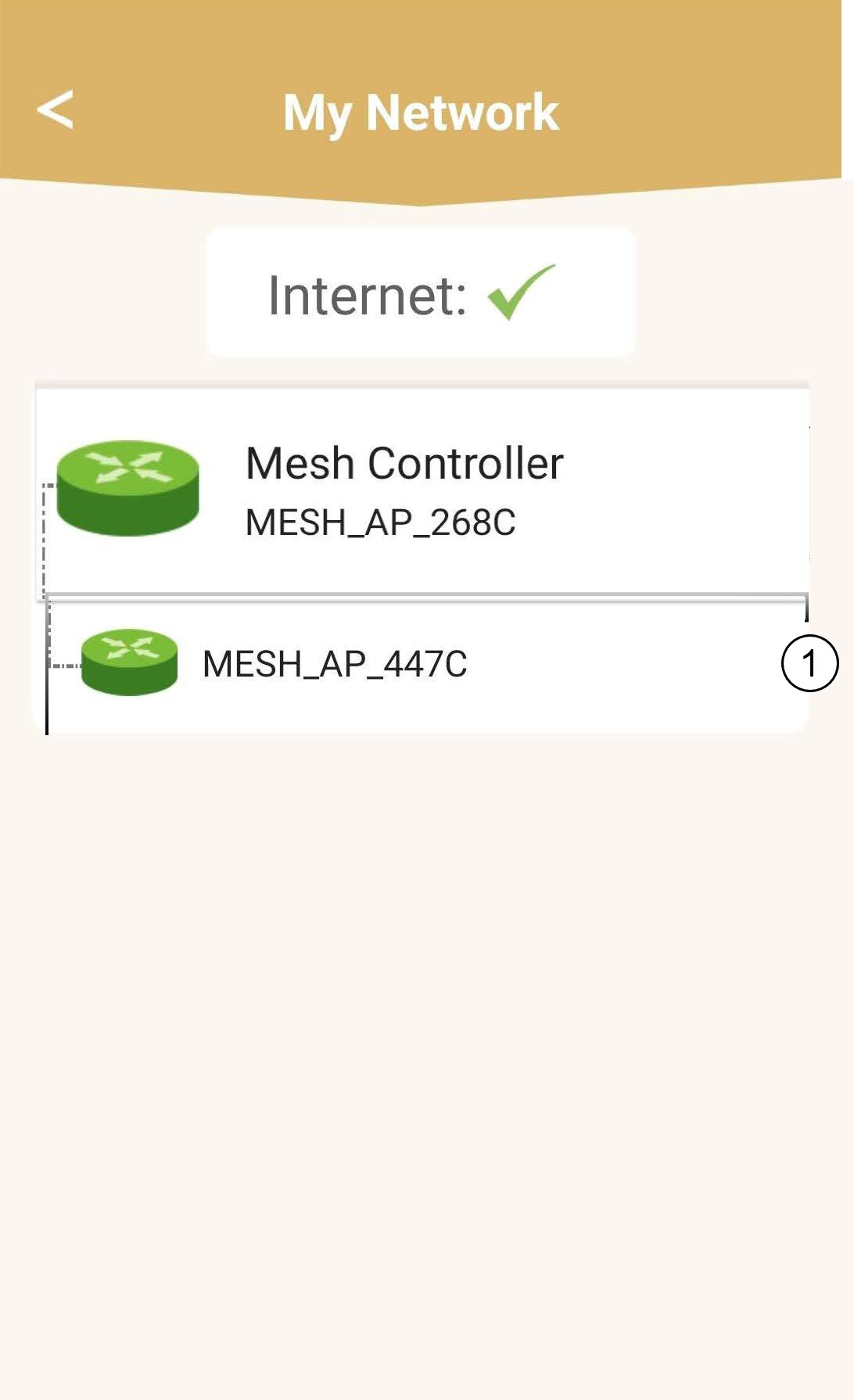
4Vybertehlavní jednotku mesh
Klikněte v seznamu na název agenta služby „ Mesh “.
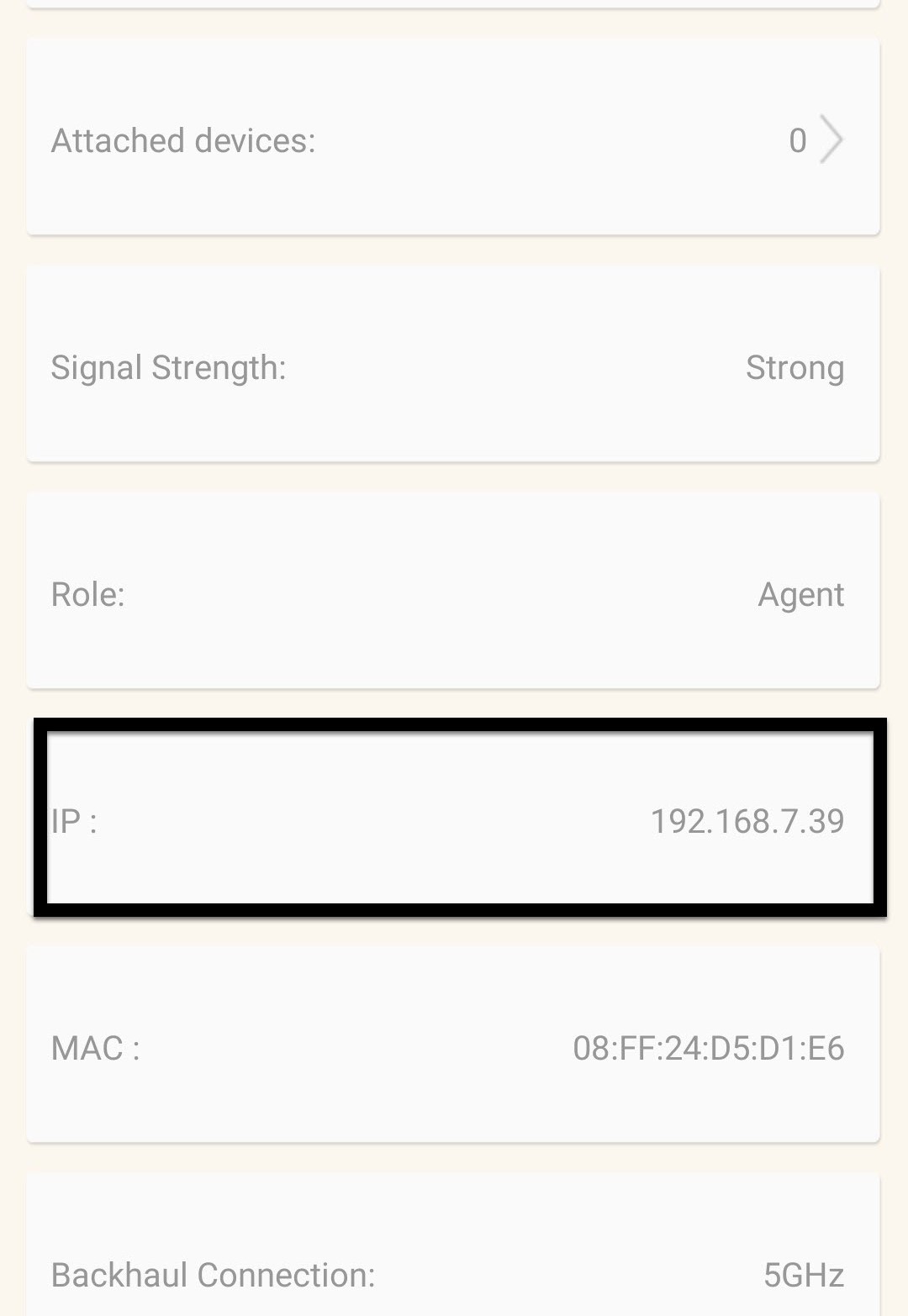
5. ZjistěteIP adresu
Zjistěte jeho IP adresu a MAC adresu.
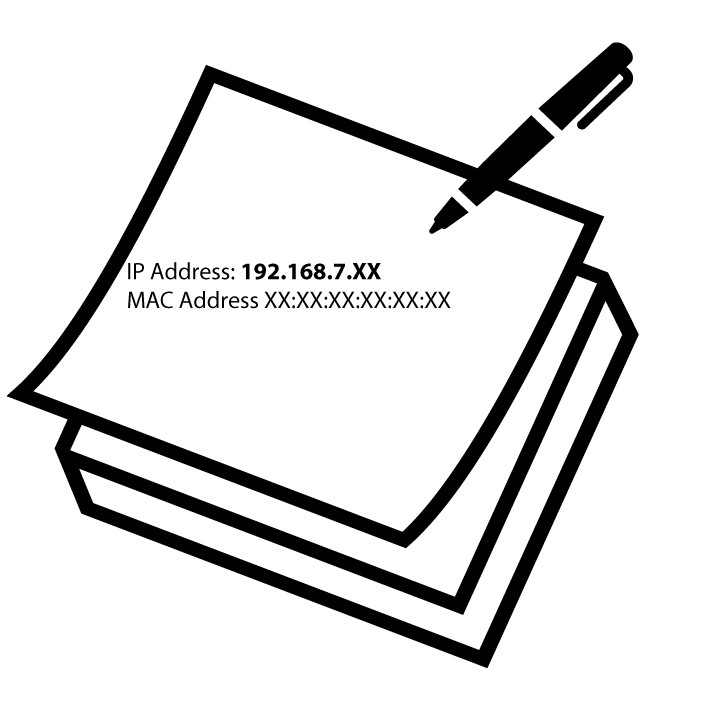
6. Zapištesi IP adresu
Zapište si IP adresu a MAC adresu.
7. Nastavení internetu
Klikněte na položku „Nastavení internetu“.
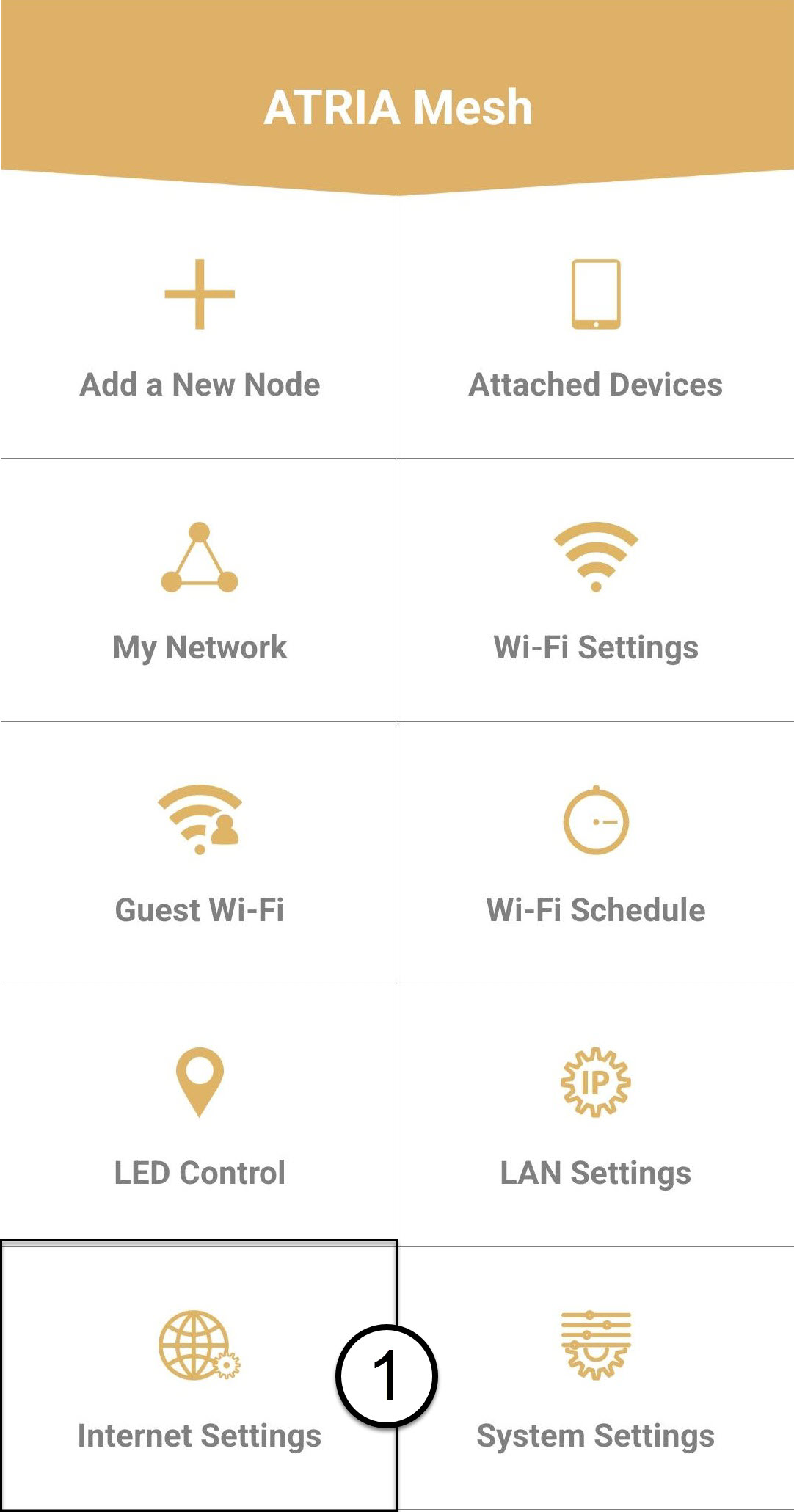
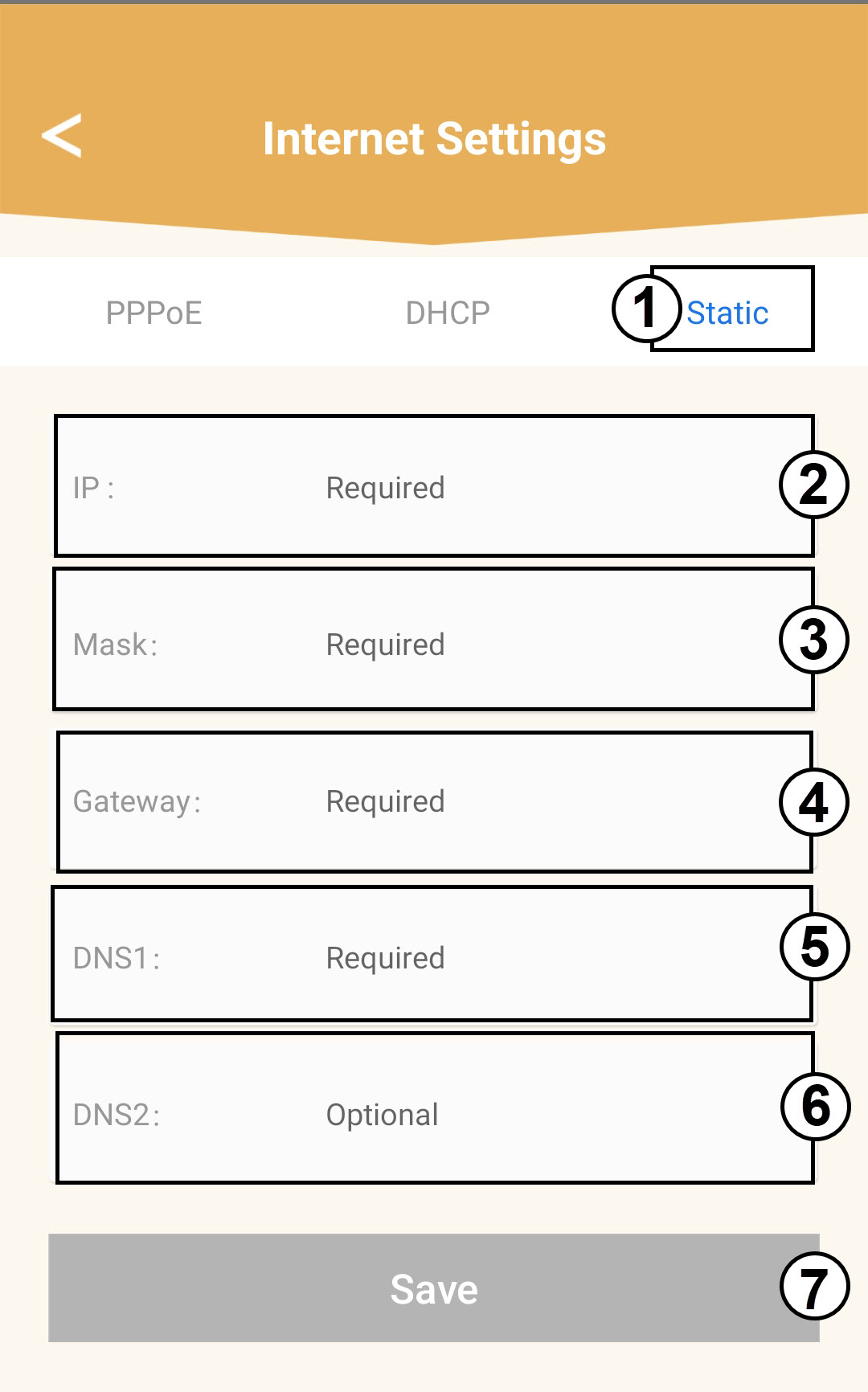
8 StatickáIP adresa
Vyberte možnost Statická IP adresa. Před kliknutím na tlačítko Uložit zadejte následující údaje:
o IP: Zadejte IP adresu agenta
o Maska: Pole se automaticky vyplní příslušnou hodnotou
o Brána: Toto pole se automaticky vyplní příslušnou hodnotou
o DNS1: Zadejte primární adresu DNS (tuto informaci najdete ve webovém uživatelském rozhraní:
Síť > LAN -> Povolit Manuál DNS)
o DNS2: Zadejte sekundární adresu DNS (tuto informaci najdete ve webovém uživatelském rozhraní
: Síť > LAN -> Povolit Manuál DNS)