ATRIA Mesh extender kit 1200 UK
Nebyly nalezeny žádné položky.
Nebyly nalezeny žádné položky.
Všechny otázky
ATRIA Mesh extender kit 1200 UK
Nebyly nalezeny žádné položky.
Nebyly nalezeny žádné položky.
Jak se používá aplikace Atria „ Mesh “?
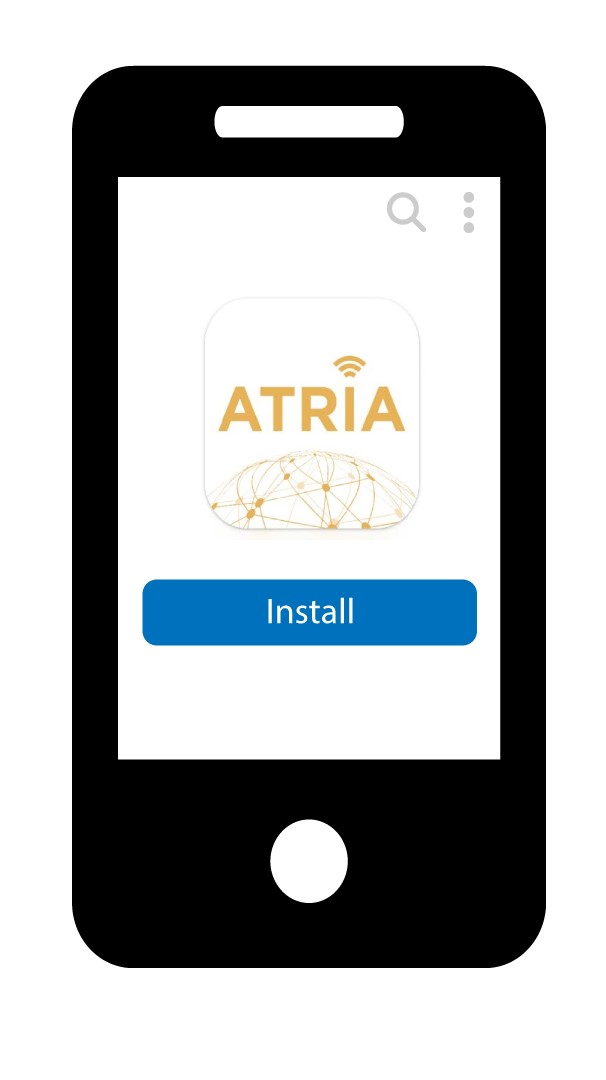
1. Stáhněte siaplikaci
Stáhněte si aplikaci pro chytré telefony „ATRIA MESH“ z App Store nebo Google Play Store.
2. Připojte sek Wi-Fi sítě svého Mesh
Musíte se pomocí svého smartphonu připojit k Wi-Fi sítě „ Mesh “.

3. Přihlaste sedo aplikace
Poté se do aplikace přihlaste pomocí svých přihlašovacích údajů, které by měly být „admin“ a „admin“, pokud jste je nezměnili.

4Úvodnístránka
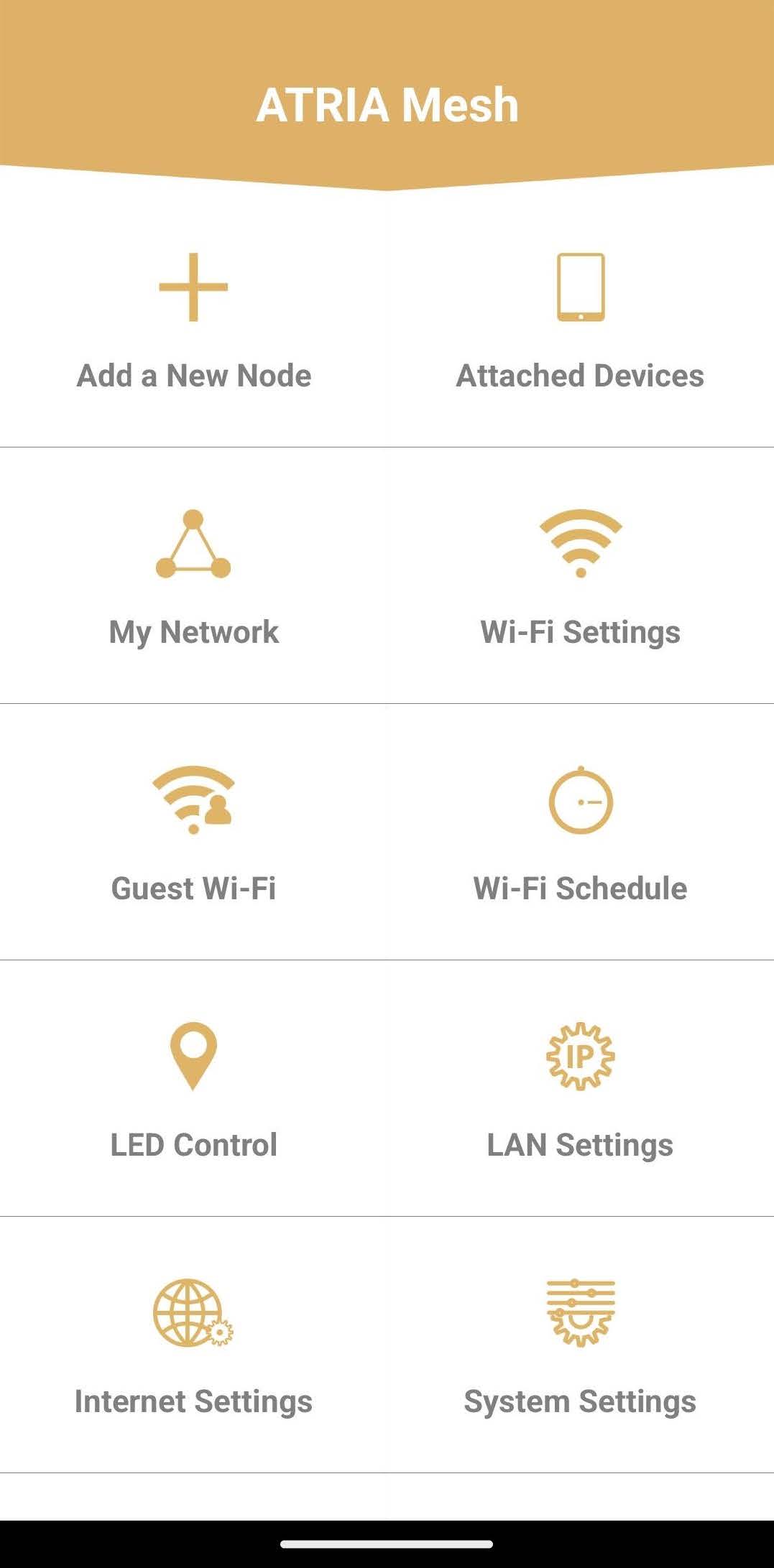
Nyní se nacházíte na hlavní stránce:
- Přidat nový uzel: Zde můžete do své sítě Mesh přidat novou jednotku Mesh .
- Připojená zařízení: Zde můžete zkontrolovat, která zařízení jsou připojena k vaší síti Mesh .
- Moje síť: Zde můžete zkontrolovat všechna zařízení Mesh připojená k vaší síti Mesh .
- Nastavení Wi-Fi: Zde můžete upravovat a měnit SSID (název sítě Wi-Fi) a heslo vaší sítě Wi-Fi Mesh .
- Wi-Fi pro hosty: Zde můžete nastavit a konfigurovat síť Wi-Fi pro hosty v pásmu 2,4 GHz nebo 5 GHz.
- Plánování Wi-Fi: Zde můžete nastavit časové období, ve kterém bude vaše Wi-Fi síť aktivní.
- Ovládání LED: Zde můžete zapnout nebo vypnout LED diody na vašem zařízení Mesh .
- Nastavení sítě LAN: Zde můžete povolit nebo zakázat protokol DHCP.
- Nastavení internetu: Zde můžete nakonfigurovat připojení přes DHCP, DNS typu „ Manuál “, PPPoE a nastavit statickou IP adresu.
- Nastavení systému: Zde můžete změnit uživatelské jméno a heslo správce pro přístup k aplikaci.