
Dual Band Repeater 750 V2
Ingen varer fundet.
Ingen varer fundet.
Alle spørgsmål
Dual Band Repeater 750 V2
Ingen varer fundet.
Ingen varer fundet.
Hvordan opretter jeg en ny administratoradgangskode?
1Tilslutdin repeater til Wi-Fi-netværket
Du skal oprette forbindelse til repeateren via RJ45 eller til et af de Wi-Fi-netværk, der blev oprettet efter konfigurationen.
.
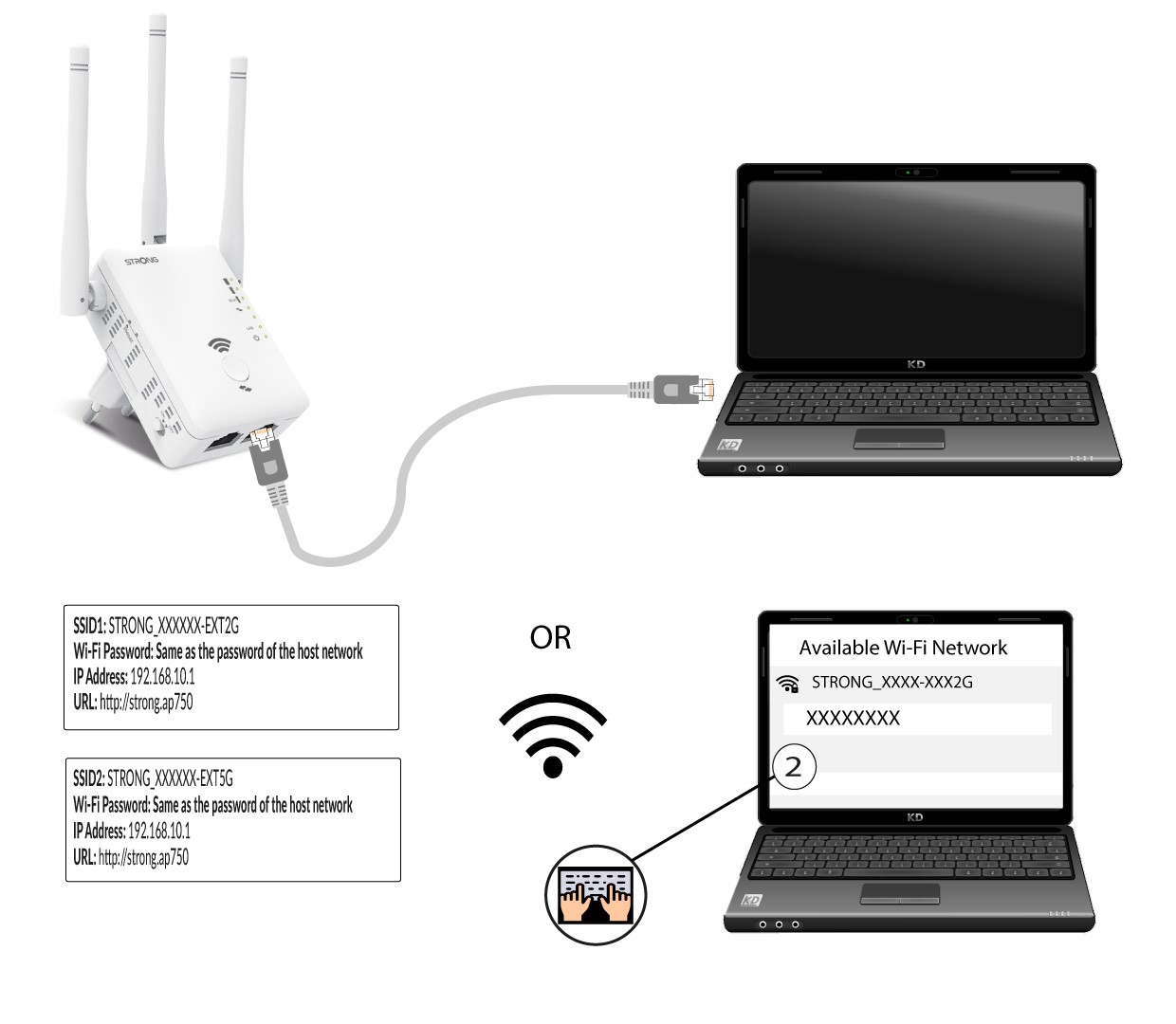
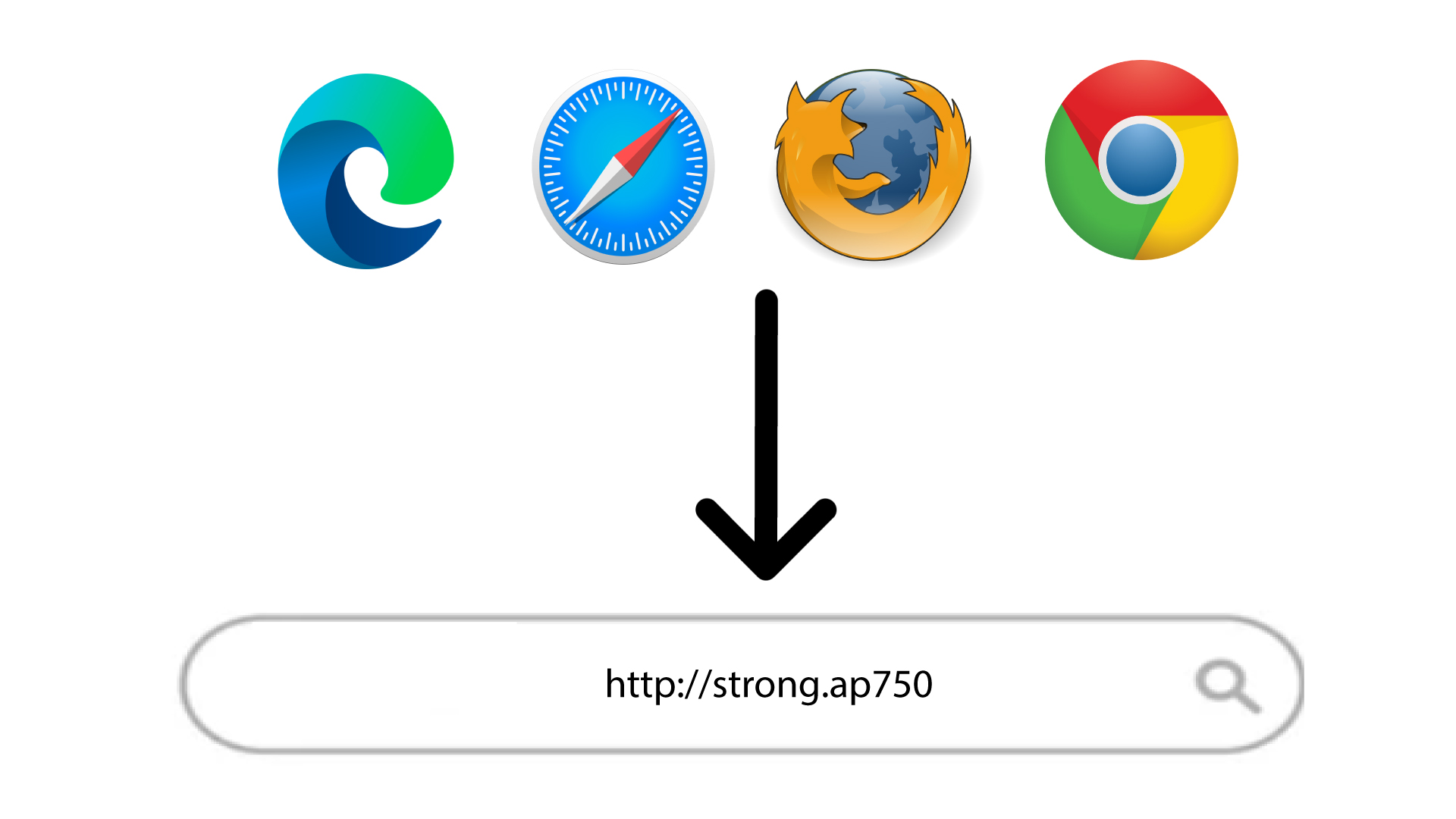
2Gåtil URL’en til webgrænsefladen
Indtast URL-adressen i din browser.
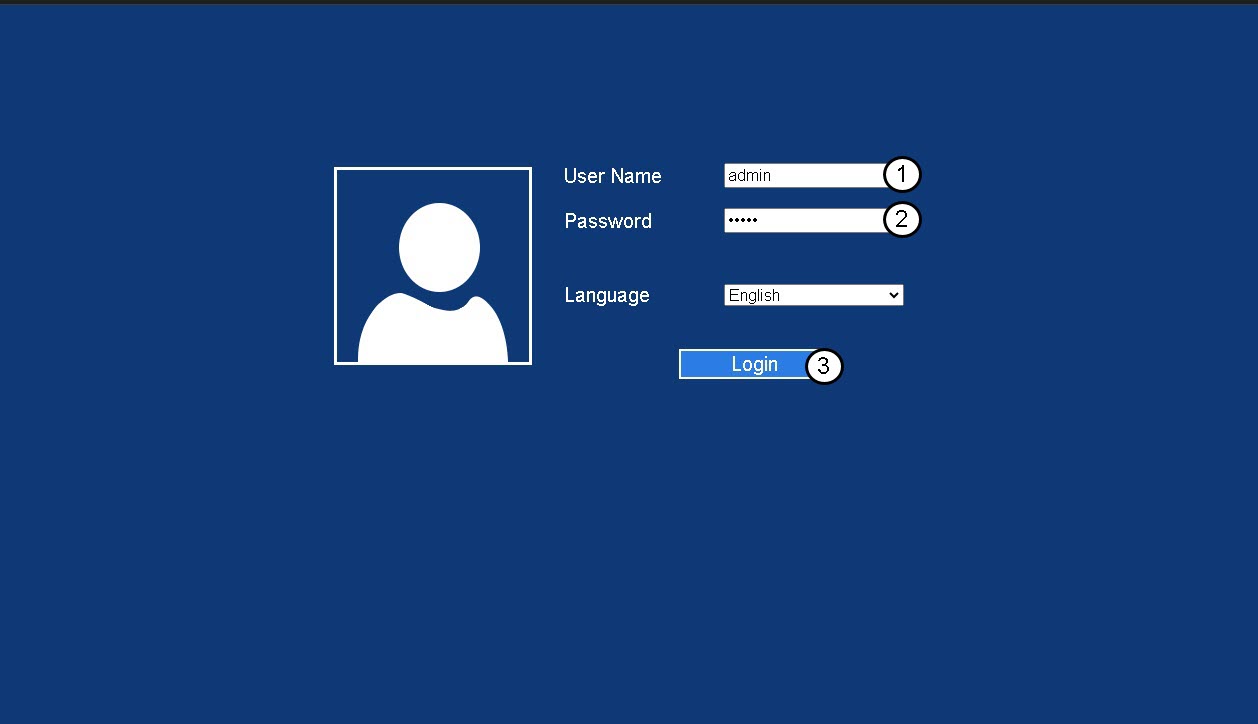
3Loginside
Indtast din administratoradgangskode, og klik på »Log ind«.
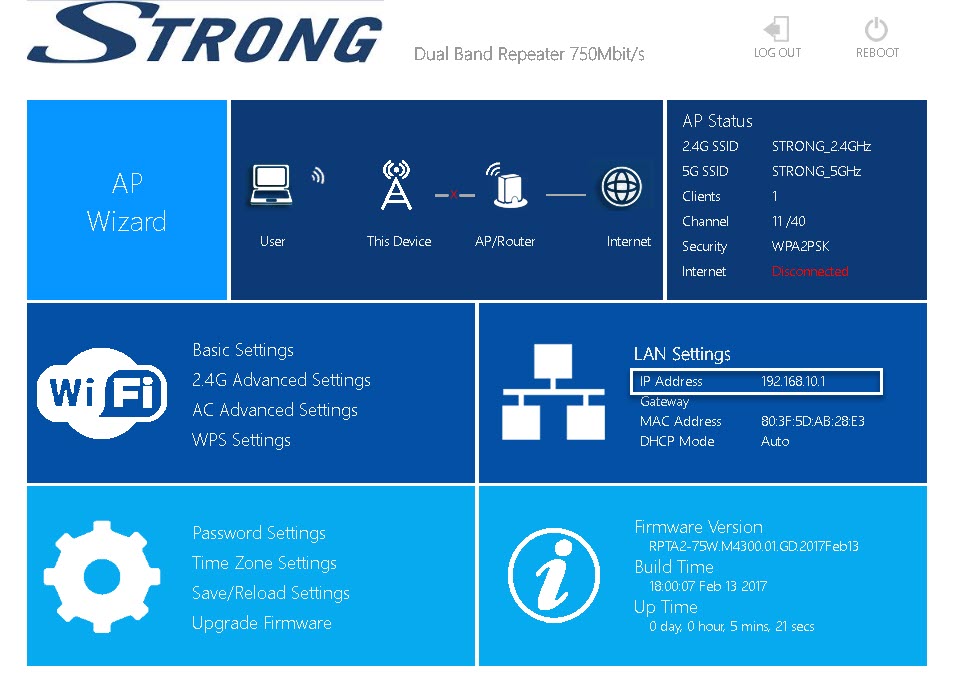
4. Indstillinger for adgangskode
Klik på »Adgangskodeindstillinger«.
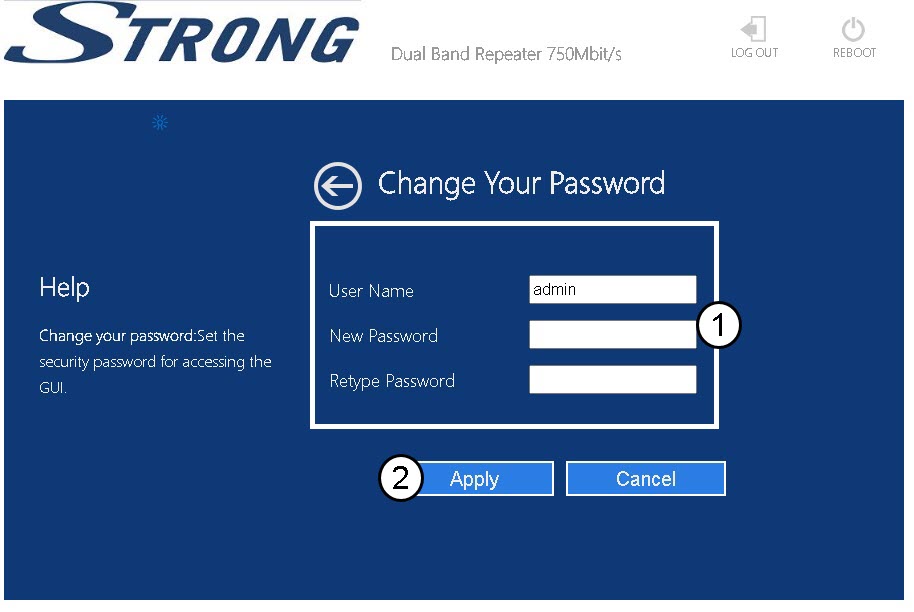
5Opretny adgangskode
Indtast følgende oplysninger, inden du klikker på »Gem og anvend«:
- Ny adgangskode: Indtast en ny adgangskode...
- Indtast adgangskoden igen: Indtast den samme adgangskode som i det forrige felt.

Advarsel: Bemærk venligst, at vi på det kraftigste anbefaler, at du noterer din nye administratoradgangskode, da du får brug for den for at oprette forbindelse til webgrænsefladen. Hvis du har glemt din adgangskode, skal du nulstille enheden til fabriksindstillingerne.