Ingen varer fundet.
LEAP 41 | 4K Google TV med HDR10+
Ingen varer fundet.
Alle spørgsmål
Ingen varer fundet.
LEAP 41 | 4K Google TV med HDR10+
Ingen varer fundet.
Hvordan opdaterer jeg min fjernbetjening?

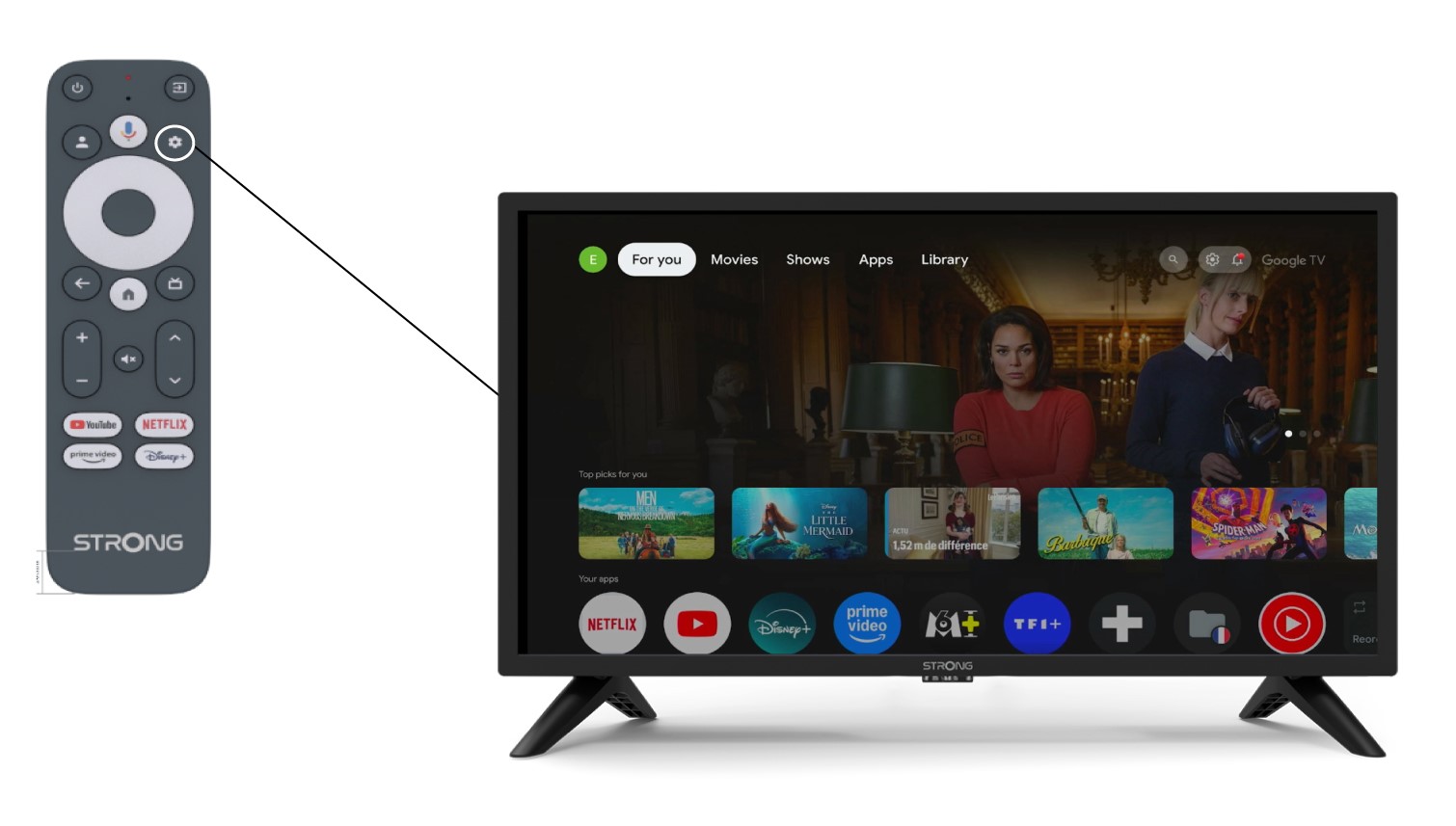
Advarsel: Når du har konfigureret din enhed, kan du i indstillingerne se en meddelelse i venstre side af tv-skærmen, der opfordrer dig til at opdatere din fjernbetjening
1Indstillinger
Vælg »Fjernbetjening og tilbehør« på siden »Indstillinger«.
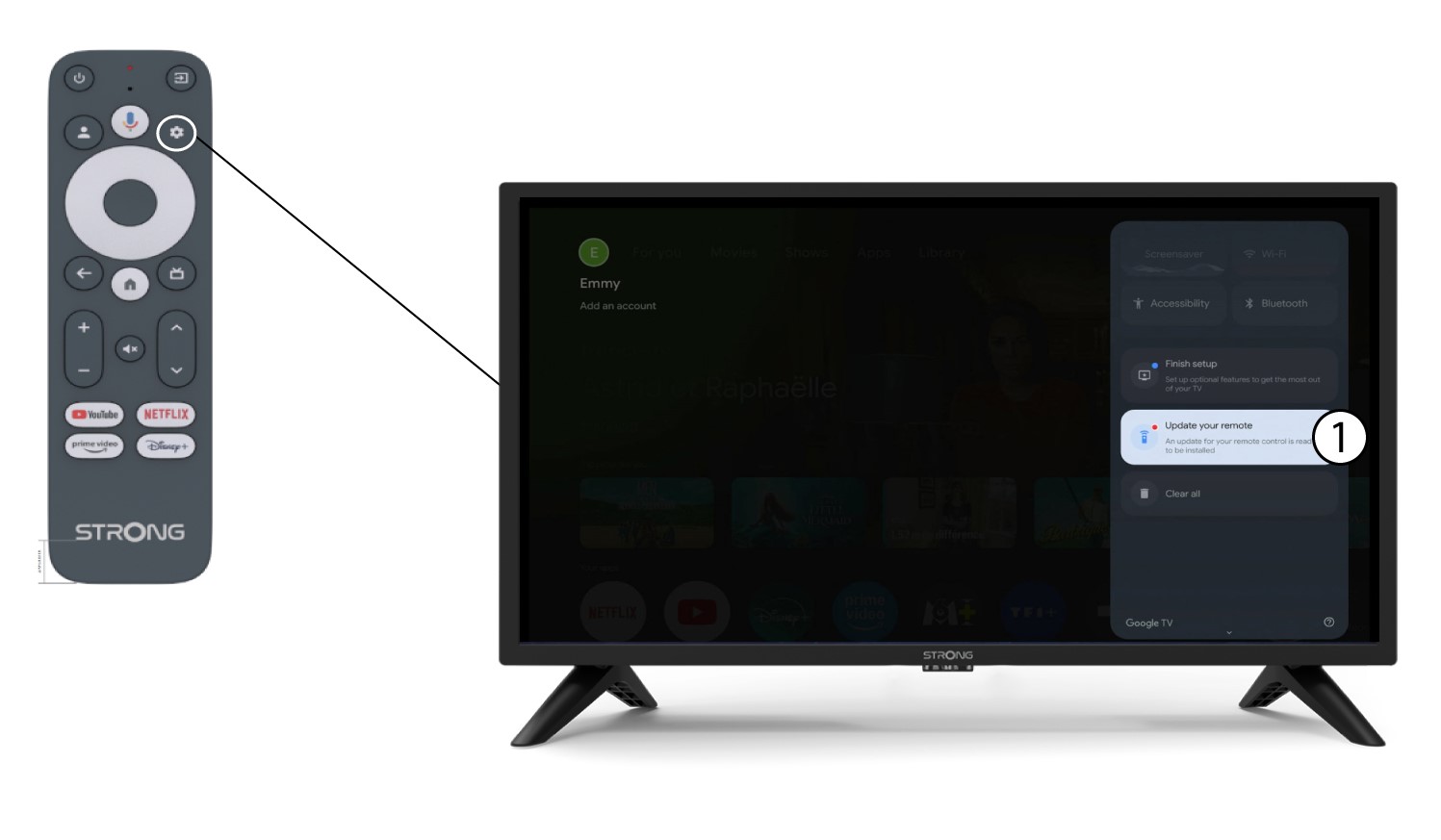
2. Opdaterdin fjernbetjening
Vælg »Opdater din fjernbetjening« i menuen.
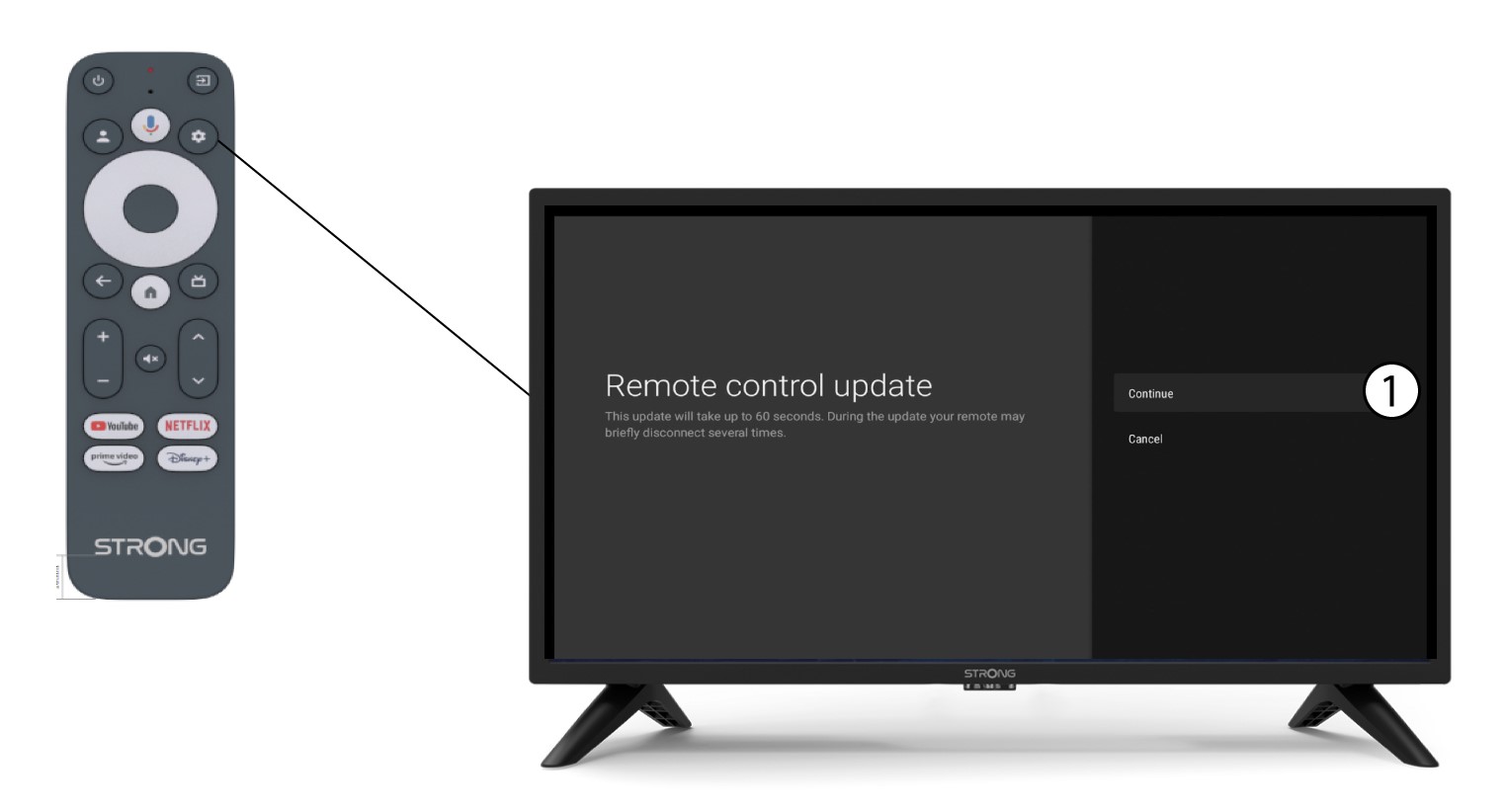
3Bekræftopdateringen
Klik på »Fortsæt«.
Vent, indtil opdateringen er færdig.