Ingen varer fundet.
LEAP 41 | 4K Google TV med HDR10+
Ingen varer fundet.
Alle spørgsmål
Ingen varer fundet.
LEAP 41 | 4K Google TV med HDR10+
Ingen varer fundet.
Hvordan opdaterer jeg min enhed?
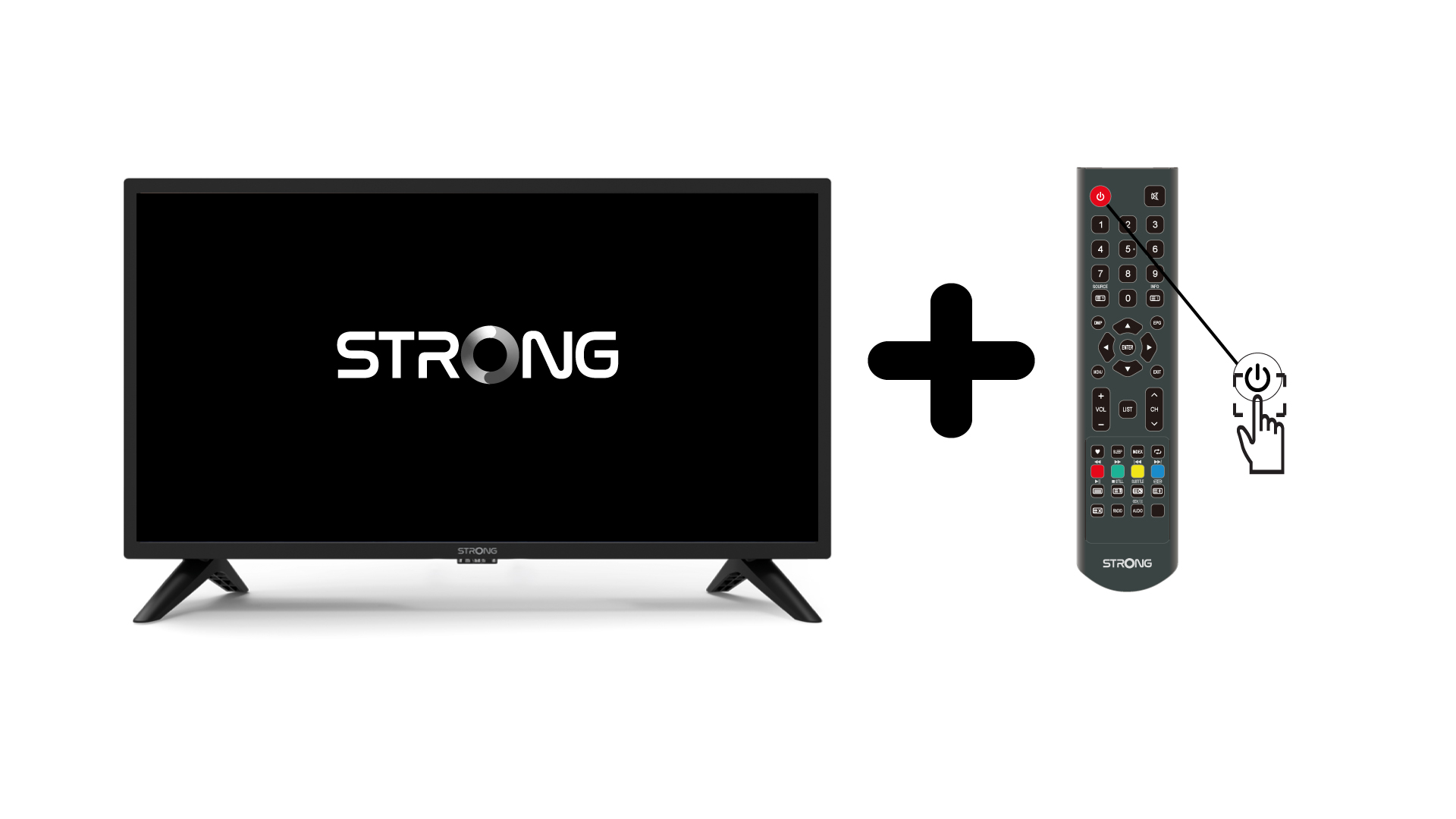
1. Tændfor tv’et og enheden
Tænd for dit tv og din enhed.
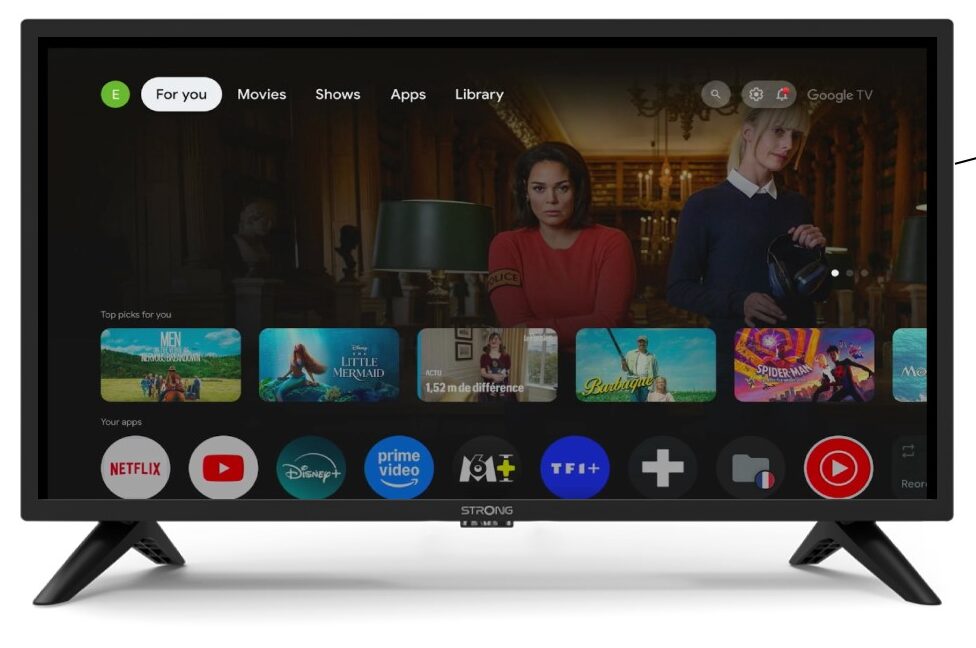
2Indstillinger
Vælg »Fjernbetjening og tilbehør« på siden »Indstillinger«.
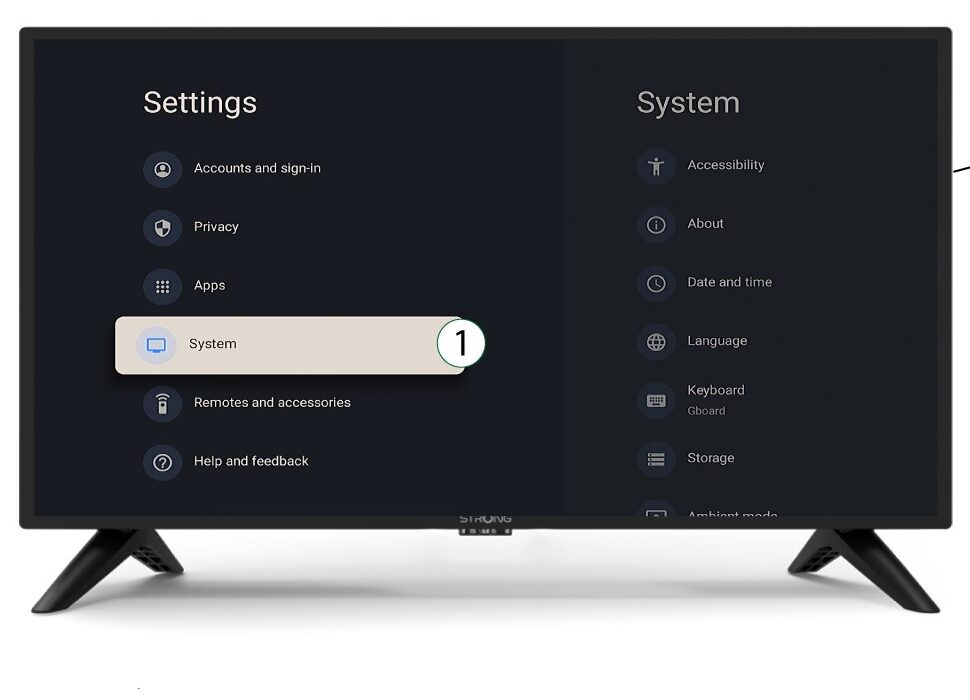
3System
I menuen »Indstillinger« skal du vælge »System« og trykke på OK.
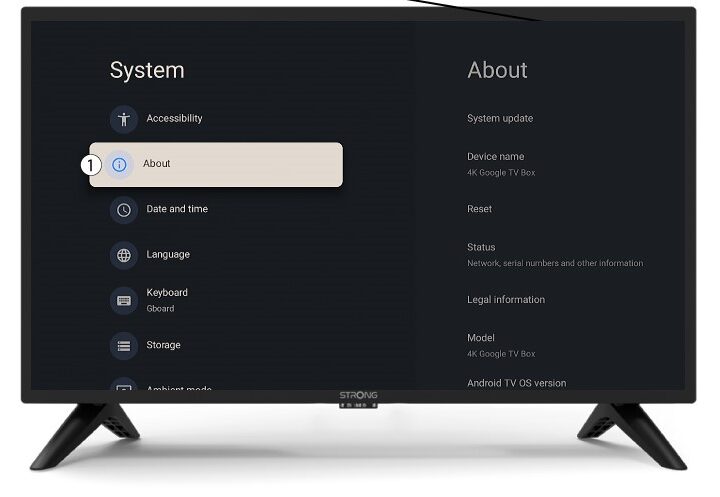
4Om
Vælg »Om« i systemmenuen, og tryk på OK.
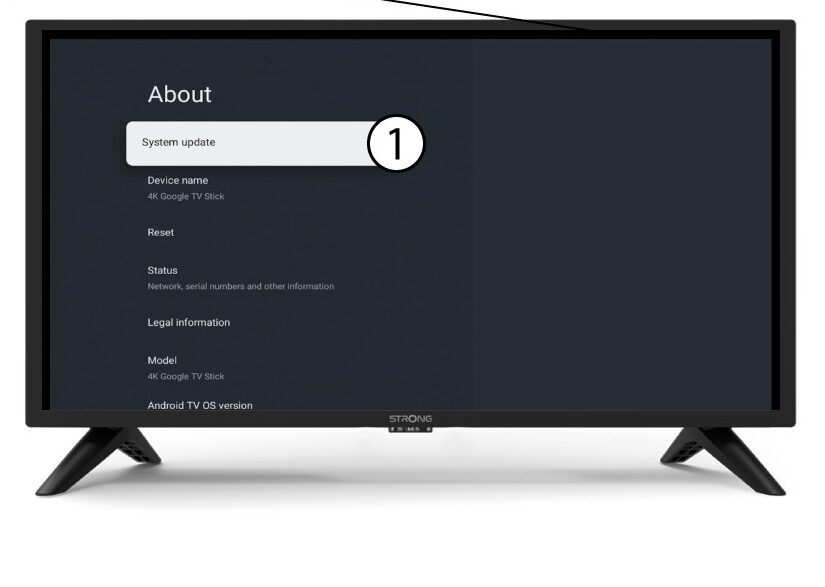
5Systemopdatering
Vælg »Systemopdatering«.
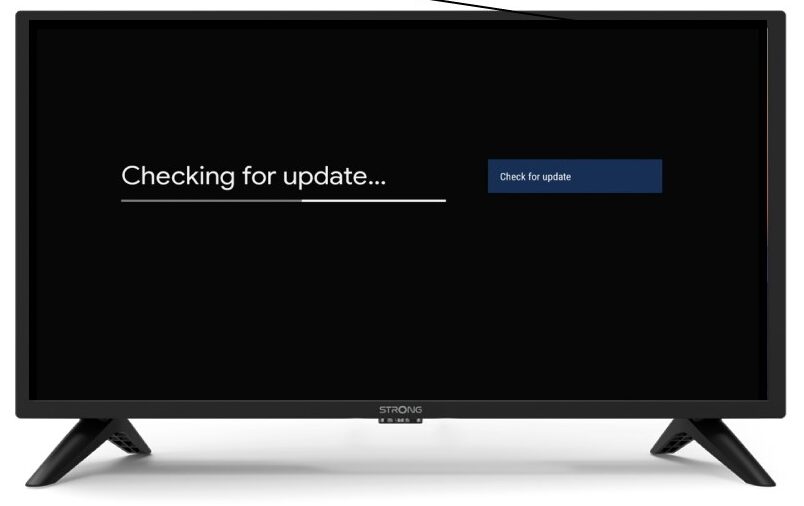
6. Søgningefter en ny softwareversion
Der startes en scanning for at kontrollere, om du har den seneste opdatering. Vent venligst, mens scanningen kører. Den nye softwareversion downloades automatisk.