4G AIRHOME 200 Mini-router med aftagelige 4G-antenner
Ingen varer fundet.
Ingen varer fundet.
Alle spørgsmål
4G AIRHOME 200 Mini-router med aftagelige 4G-antenner
Ingen varer fundet.
Ingen varer fundet.
Hvordan opdaterer jeg enhedens firmware?
Når du er logget ind på webgrænsefladen, skal du kontrollere, hvilken firmwareversion din enhed bruger, ved hjælp af onlineopdateringsfunktionen i webgrænsefladen. På den måde installeres den nyeste firmwareversion. Hvis din router ikke er opdateret, skal du følge vejledningen nedenfor for at opdatere firmwaren.
1. Opret forbindelsetil din routers Wi-Fi-netværk
For at opdatere enhedens firmware skal du oprette forbindelse til din routers Wi-Fi-netværk.

2Gåtil IP-adressen for webgrænsefladen
Indtast derefter følgende IP-adresse: 192.168.188.1 i din browser.

3Indtastdine loginoplysninger
Du skal indtaste adgangskoden.

4. Firmwareopdatering
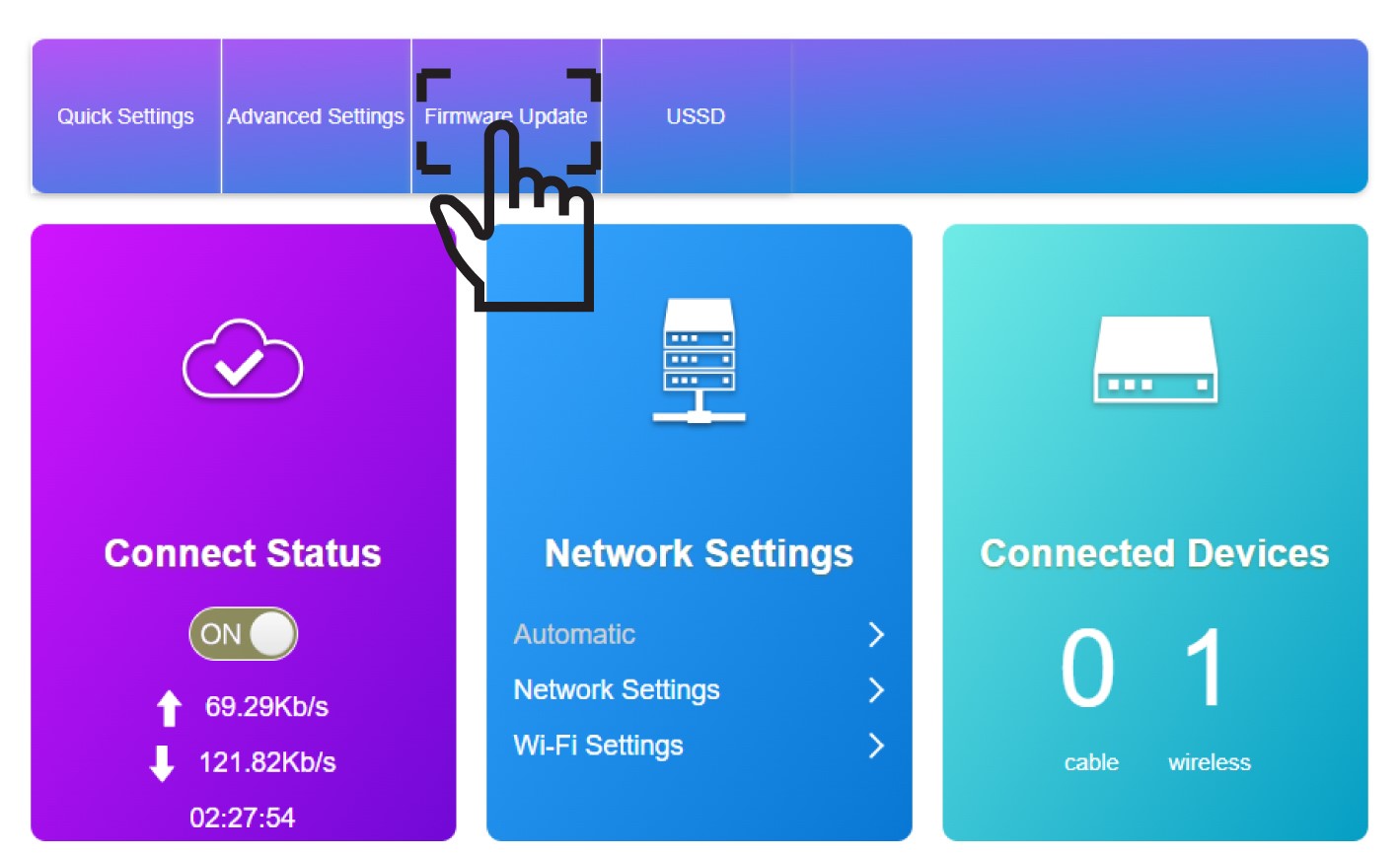
Klik på »Firmwareopdatering«.
5Startopdateringen
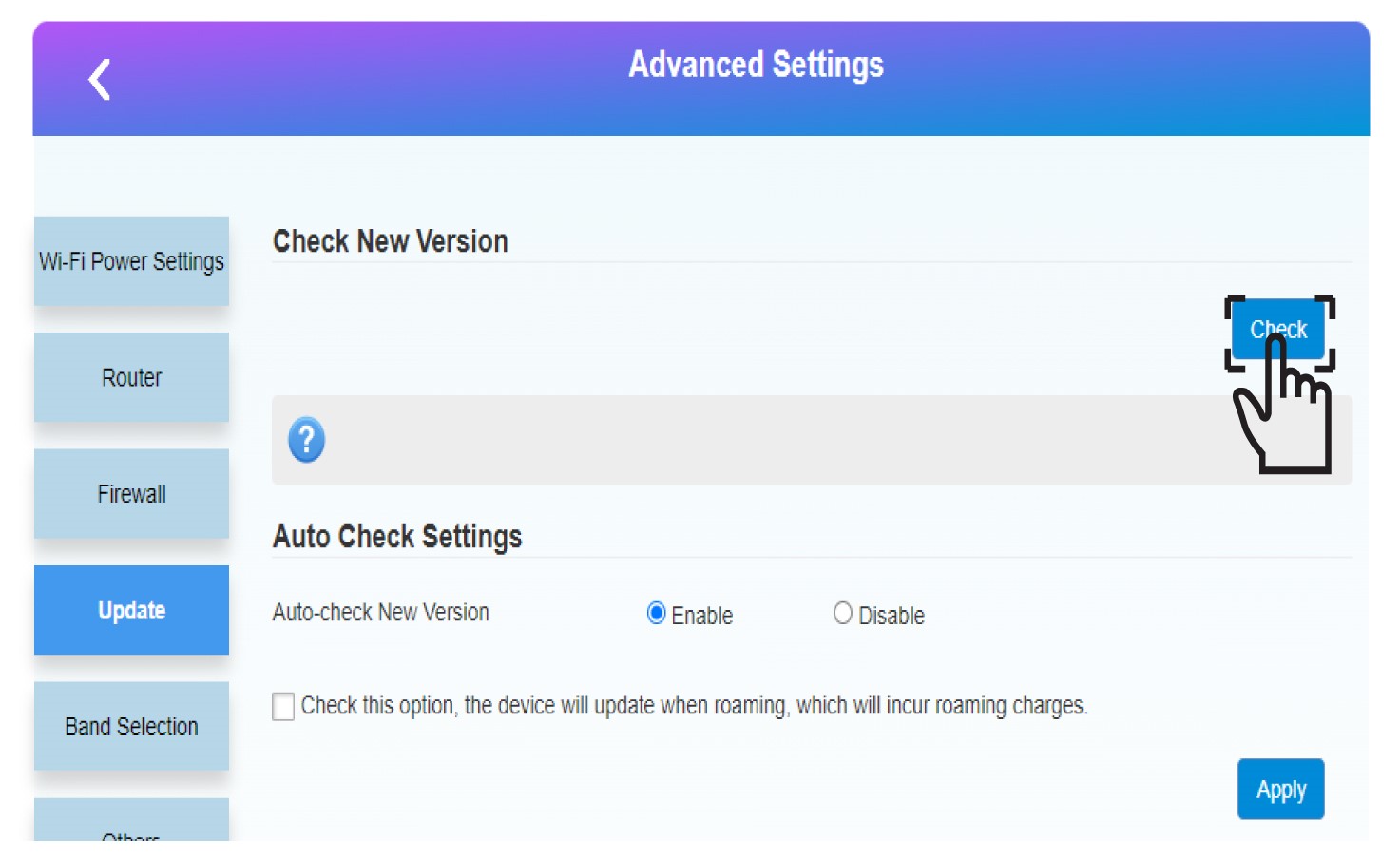
Klik på »Check« i afsnittet »Check New Version«. Den nyeste version af softwaren downloades automatisk, og du skal oprette forbindelse til Wi-Fi-netværket igen for at indtaste din PIN-kode.