5G AIRHOME 1050 | Wi-Fi 6
Keine Artikel gefunden.
Keine Artikel gefunden.
Alle Fragen
5G AIRHOME 1050 | Wi-Fi 6
Keine Artikel gefunden.
Keine Artikel gefunden.
Wie ändere ich das Administrator-Passwort?

Warnung: Bitte beachten Sie, dass der Benutzername des Administrators nicht geändert werden kann. Sie können lediglich das Passwort ändern.
1. Stellen Sie eine Verbindungzum Gerät her
Um das Admin-Passwort zu ändern, müssen Sie eine Verbindung zum WLAN Ihres Geräts herstellen.

2Aufdie Web-Benutzeroberfläche zugreifen
Geben Sie dann die folgende IP-Adresse in Ihren Browser ein: 168.0.1.

3Anmelden
Sie müssen den Benutzernamen und das Passwort eingeben . Klicken Sie anschließend auf „Anmelden“.

4Benutzerverwaltung
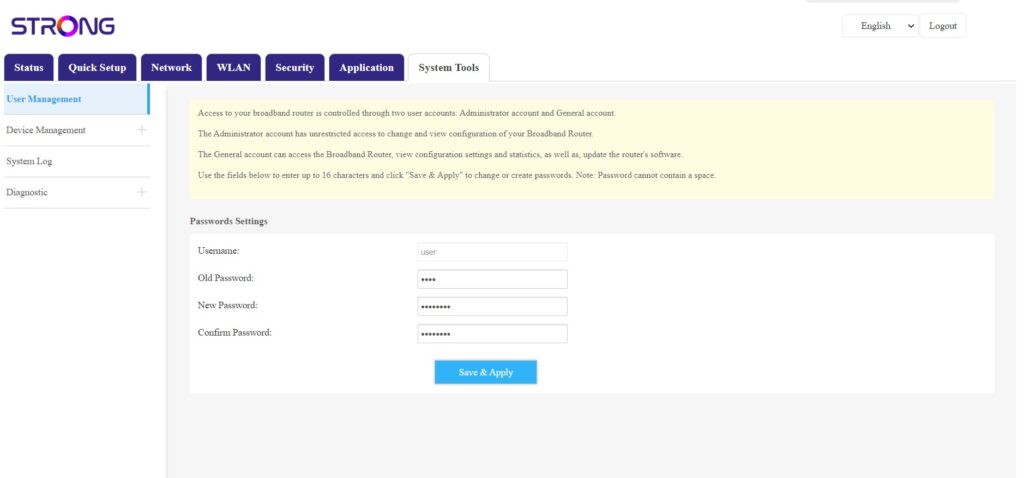
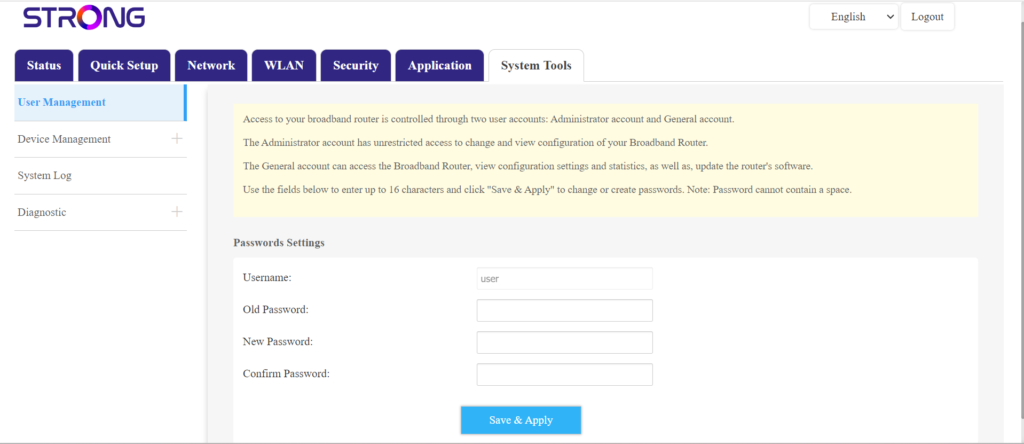
Sobald dies erledigt ist, klicken Sie auf „Systemwerkzeuge“ und „Benutzerverwaltung“.
5Passwort ändern
Geben Sie die folgenden Informationen in die Felder ein, bevor Sie auf „Speichern & Anwenden“ klicken:
- Altes Passwort: Geben Sie das aktuelle Passwort ein, mit dem Sie sich bei der Web-Benutzeroberfläche angemeldet haben.
- Neues Passwort: Geben Sie ein neues Passwort ein, um eine Verbindung zur Web-Benutzeroberfläche herzustellen.
- Passwort bestätigen: Geben Sie dasselbe Passwort ein wie im Feld „Neues Passwort“.