5G AIRHOME 1050 | Wi-Fi 6
Keine Artikel gefunden.
Keine Artikel gefunden.
Alle Fragen
5G AIRHOME 1050 | Wi-Fi 6
Keine Artikel gefunden.
Keine Artikel gefunden.
Wie verbinde ich meine Geräte über WPS?

Mit der WPS-Funktion können Sie die WLAN-Verbindung zwischen Ihrem Router und beispielsweise Ihren Computern, Smartphones und/oder Ihrem Drucker einrichten.
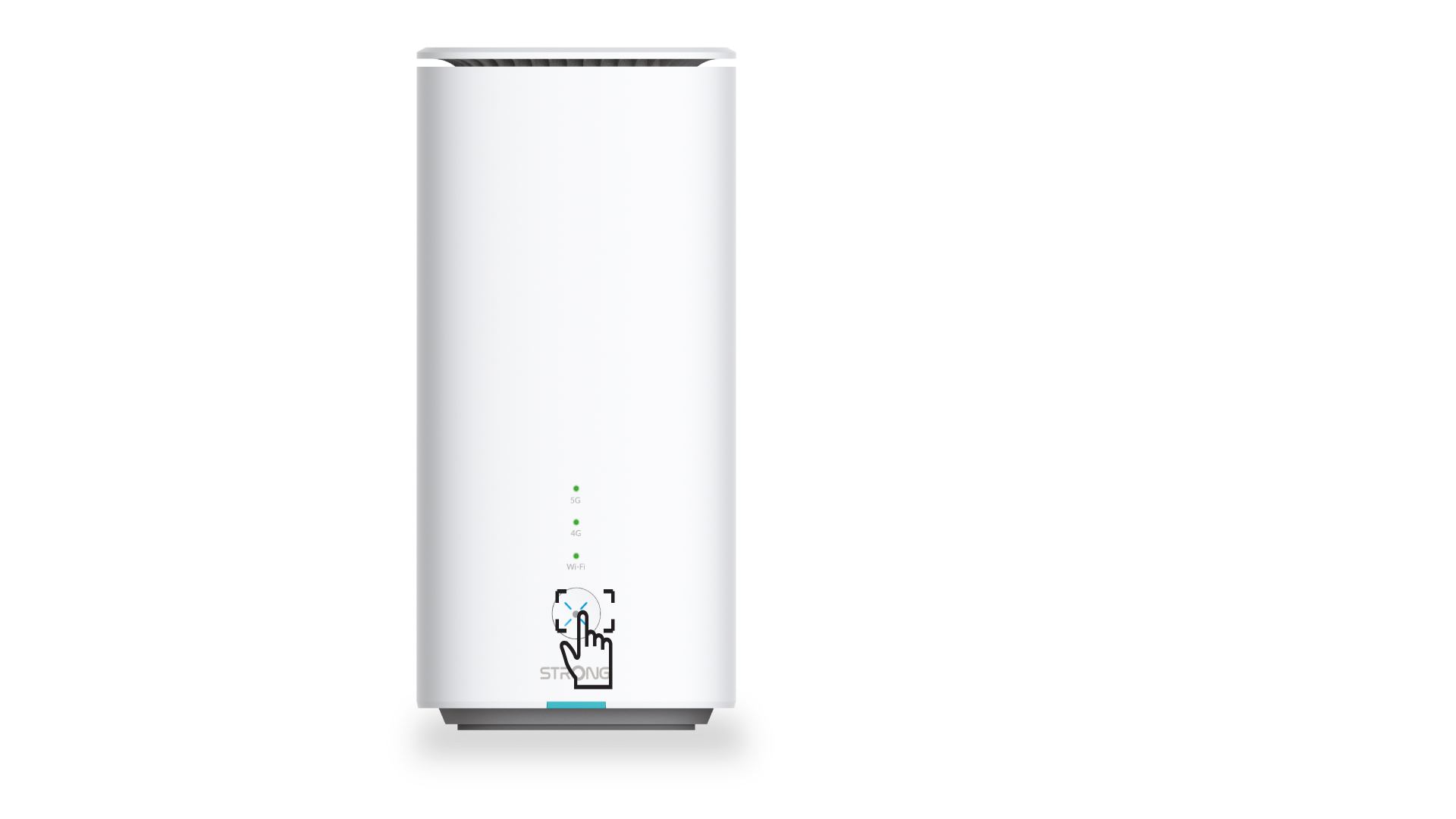
1. Drücken Siedie WPS-Taste.
Drücken Sie die WPS-Taste an der Vorderseite des Routers, damit sich jedes kompatible Gerät in Ihrem Haushalt automatisch mit dem WLAN-Netzwerk des Routers verbinden kann.
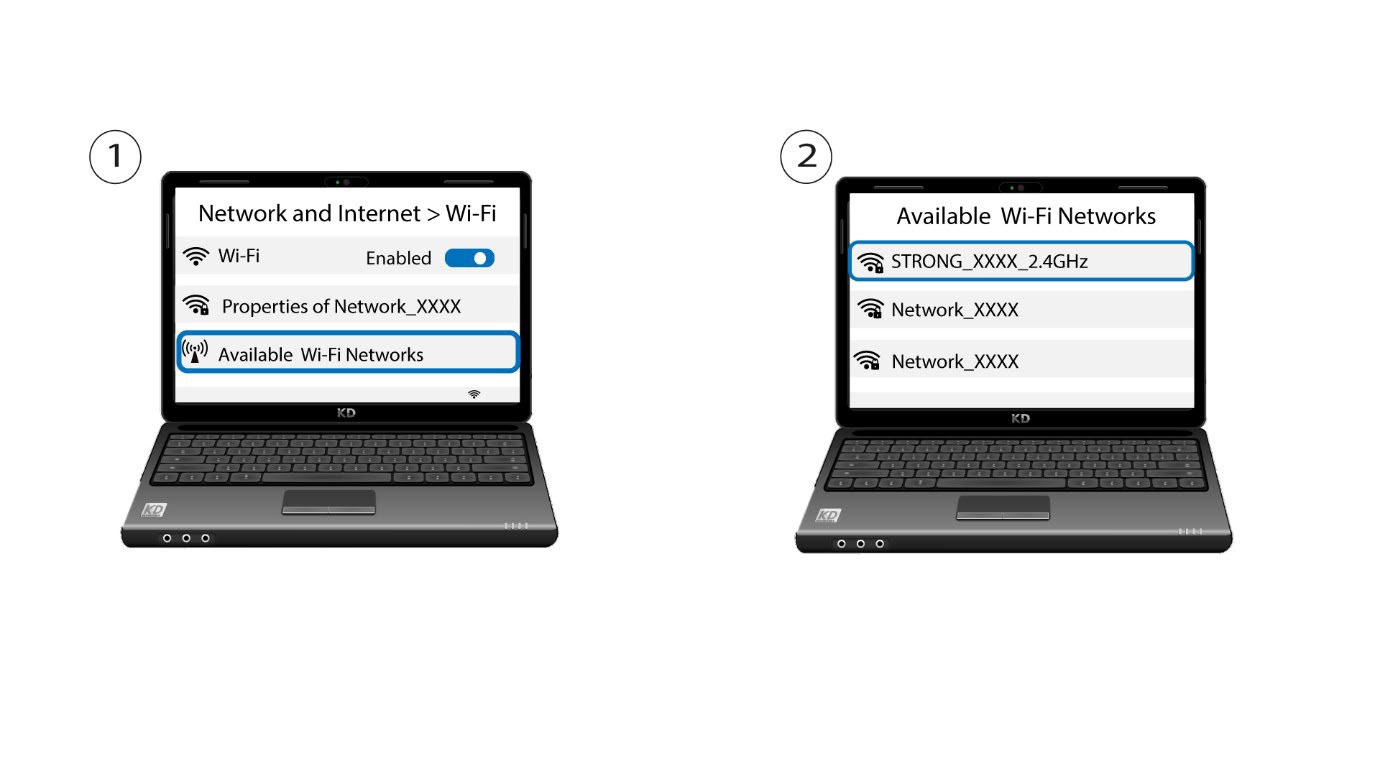
2. Wählen Siedas WLAN des Routers aus
Rufen Sie die WLAN-Einstellungen Ihres Computers oder Smartphones auf und klicken Sie auf den Namen des Routers, um ihn auszuwählen.
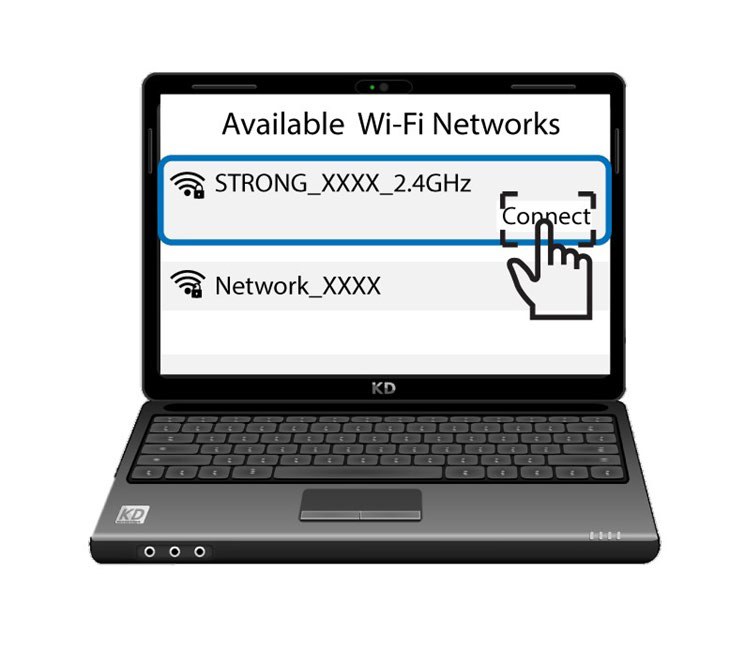
3. Mit dem WLAN verbinden
Klicken Sie anschließend auf die Schaltfläche „Verbinden“