4G AIRHOME 200 Mini-Router mit abnehmbaren 4G-Antennen
Alle Fragen
4G AIRHOME 200 Mini-Router mit abnehmbaren 4G-Antennen
Was bedeuten die verschiedenen SIM-Karten-Status in der Web-Benutzeroberfläche?

Bevor Sie eine Verbindung zur Web-Benutzeroberfläche herstellen, vergewissern Sie sich, dass Ihre SIM-Karte richtig eingelegt ist und dass die PIN deaktiviert oder eingegeben wurde.
• Wenn die SIM-Karte mit einem PIN-Code gesperrt ist, müssen Sie sich bei der Web-Benutzeroberfläche anmelden, um den PIN-Code einzugeben und die SIM-Karte zu entsperren.
• Falls die SIM-Karte nicht erkannt wird, überprüfen Sie bitte, ob die goldene Seite nicht sichtbar ist, wenn die SIM-Karte in den Steckplatz eingelegt ist.
• Sollte die SIM-Karte nicht richtig eingelegt sein, setzen Sie sie erneut in den Steckplatz ein und vergewissern Sie sich, dass sich die SIM-Karte noch im Adapter befindet.
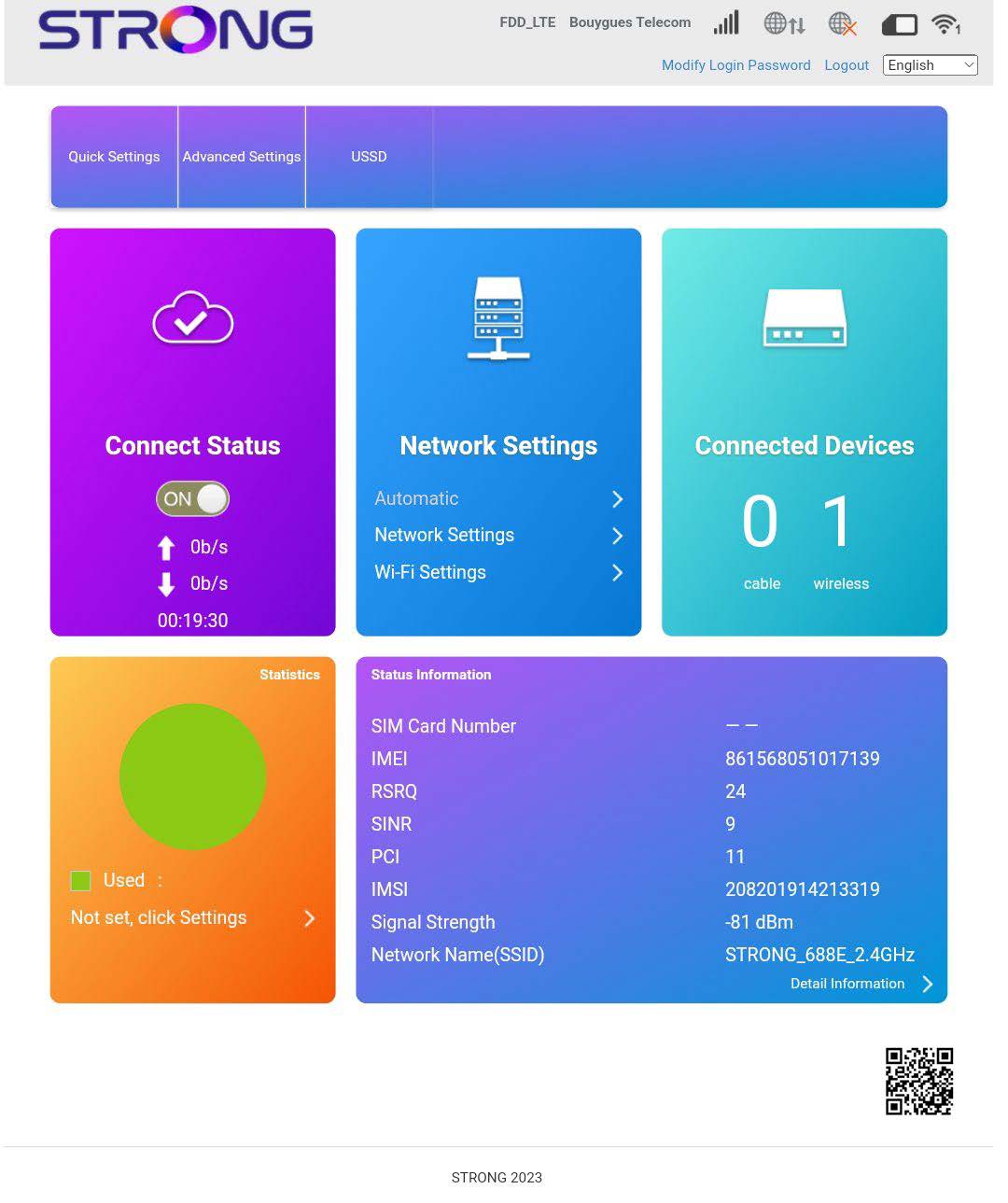
Sobald Sie sich in der Web-Benutzeroberfläche befinden, werden Sie feststellen, dass neben der Zeile zum SIM-Kartenstatus verschiedene Statusmeldungen angezeigt werden können:
• Keine SIM-Karte oder ungültige SIM-Karte: Die SIM-Karte ist eingelegt und wird erkannt, funktioniert jedoch aufgrund des PIN-Codes nicht.  Die SIM-Karte ist nicht richtig in das Gerät eingelegt oder es befindet sich keine SIM-Karte im Steckplatz.

Normal: Die SIM-Karte ist ordnungsgemäß in das Gerät eingelegt und entsperrt. Die Startseite der Web-Benutzeroberfläche wird angezeigt.