Mini router 4G AIRHOME 300 con antenas 4G desmontables
Todas las preguntas
Mini router 4G AIRHOME 300 con antenas 4G desmontables
¿Cómo conecto mis dispositivos mediante WPS?

Puedes utilizar la función WPS para configurar la conexión Wi-Fi entre tu router y tus ordenadores o tu impresora, por ejemplo. No es posible conectar un teléfono móvil mediante WPS. Para conectar tu teléfono a la red Wi-Fi fácilmente, escanea el código QR que se encuentra en la parte trasera de tu router; así te conectarás automáticamente a la red sin necesidad de introducir la contraseña de Wi-Fi.
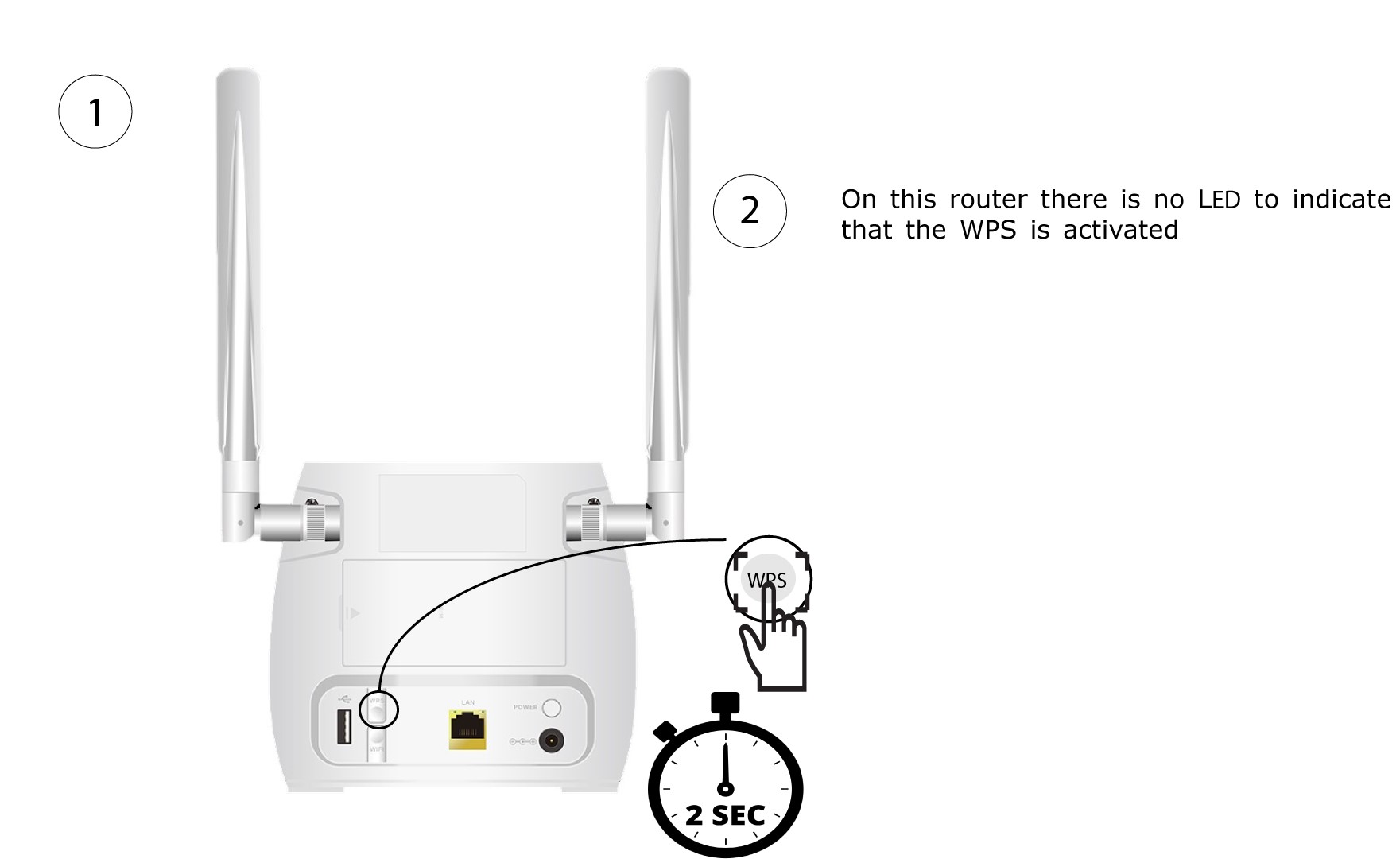
1. Pulsael botón WPS
Pulsa el botón WPS situado en la parte trasera del router durante 2 segundos para que cualquier dispositivo compatible de tu hogar pueda conectarse automáticamente a la red Wi-Fi del router.
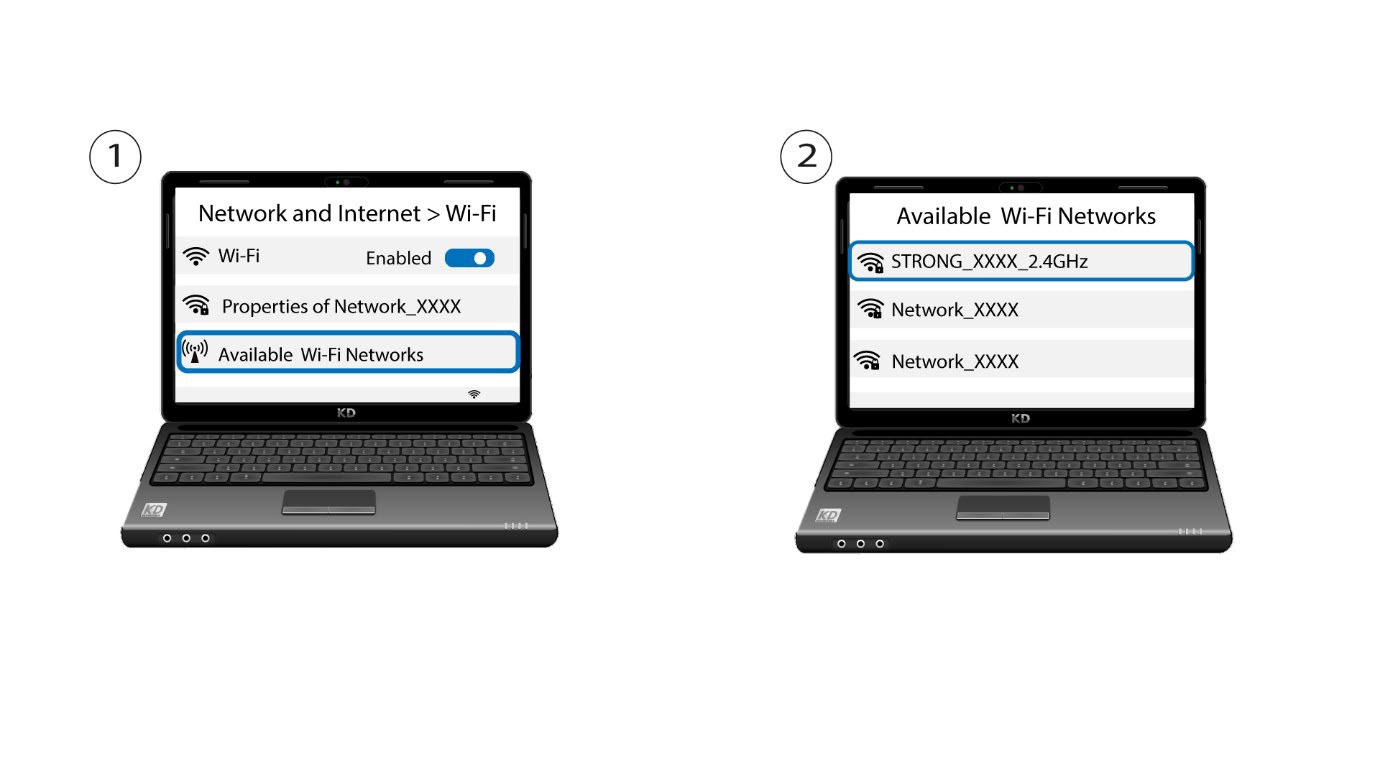
2. Seleccionala red Wi-Fi del router
Ve a la configuración de Wi-Fi de tu ordenador o teléfono y haz clic en el nombre del router para seleccionarlo.
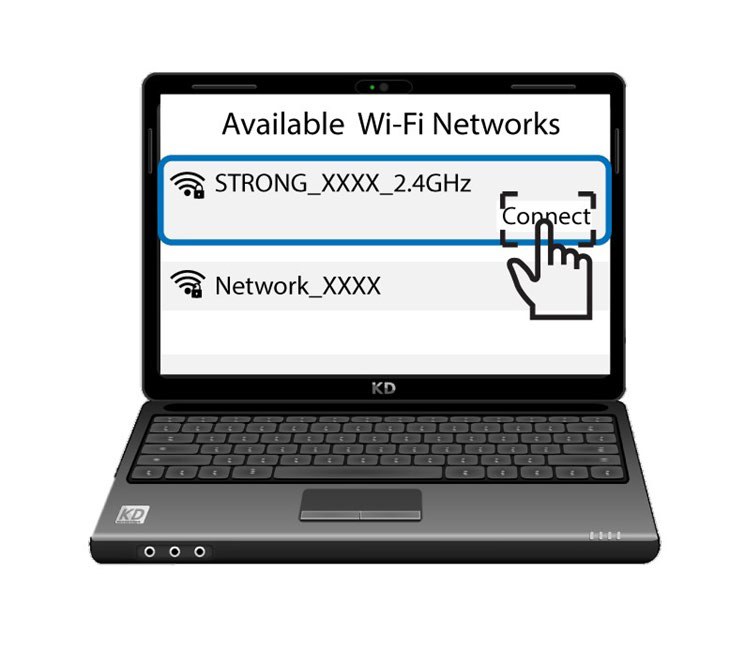
3. Conéctatea la red Wi-Fi
A continuación, haz clic en el botón «Conectar ».