No se han encontrado artículos.
LEAP 41 | Google TV 4K con HDR10+
No se han encontrado artículos.
Todas las preguntas
No se han encontrado artículos.
LEAP 41 | Google TV 4K con HDR10+
No se han encontrado artículos.
¿Cómo puedo eliminar una solicitud?
1. Ajustes
Pulsa el botón «Configuración» del mando a distancia (icono de la rueda dentada). Se mostrará el menú de configuración en la pantalla del televisor.
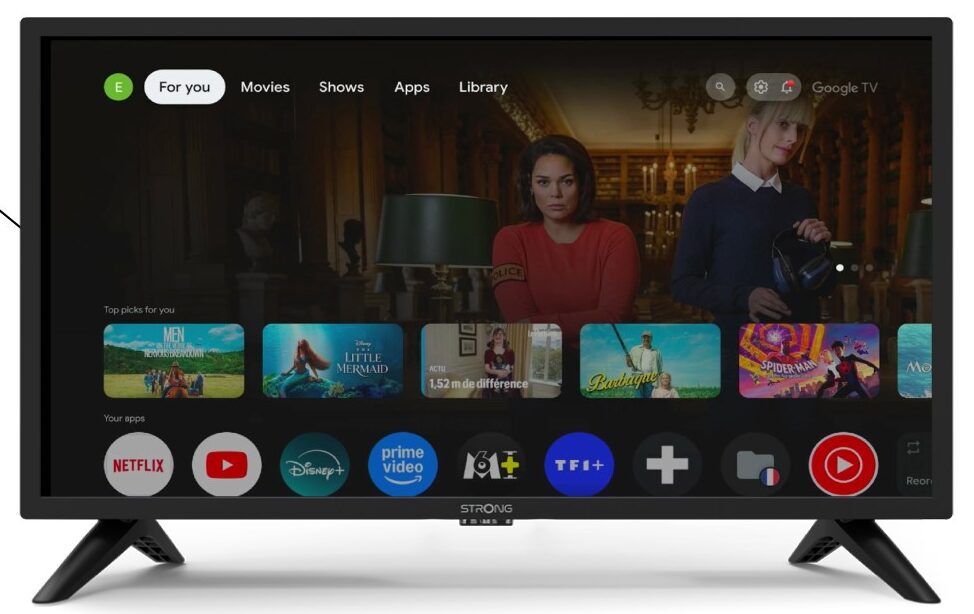
2Apps
En los ajustes, selecciona «Aplicaciones».

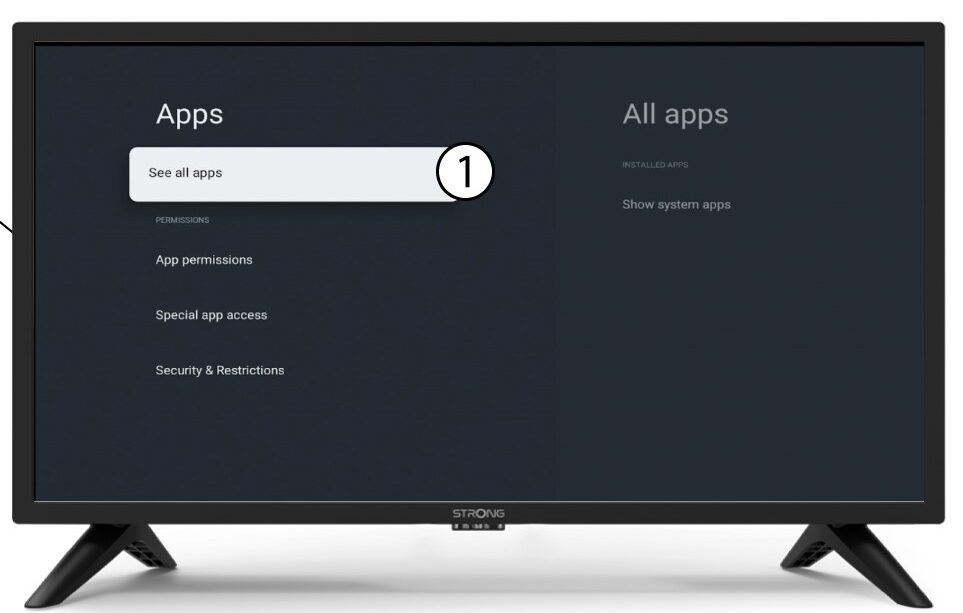
3Todaslas aplicaciones
Selecciona «Ver todas las aplicaciones».
4. Seleccionala aplicación que deseas eliminar
Selecciona una aplicación de la lista.
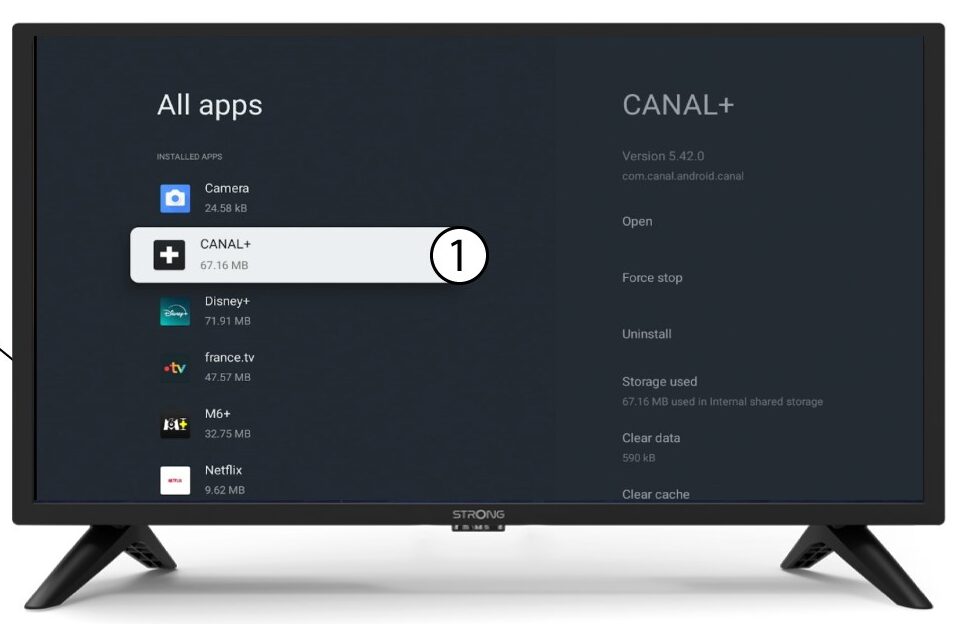
5. Desinstalar
Selecciona «Desinstalar».
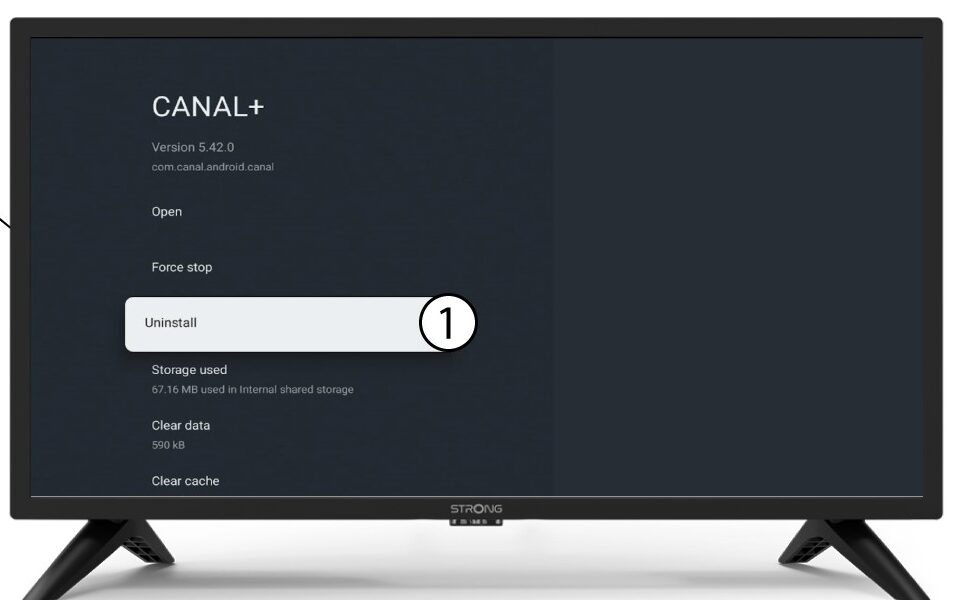
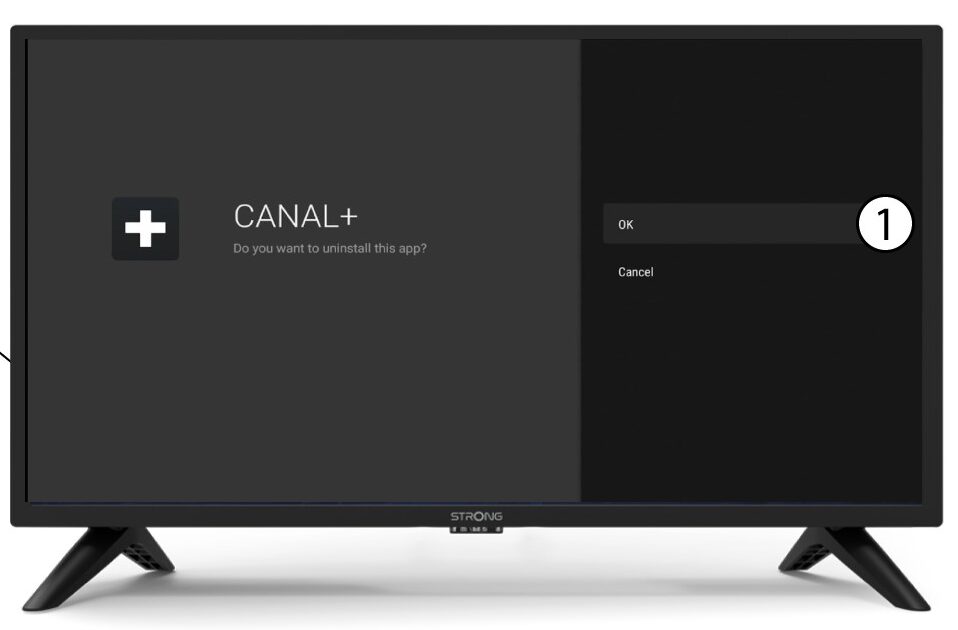
6. Confirmarla eliminación
Selecciona «Aceptar».