No se han encontrado artículos.
LEAP 41 | Google TV 4K con HDR10+
No se han encontrado artículos.
Todas las preguntas
No se han encontrado artículos.
LEAP 41 | Google TV 4K con HDR10+
No se han encontrado artículos.
¿Cómo actualizo mi dispositivo?
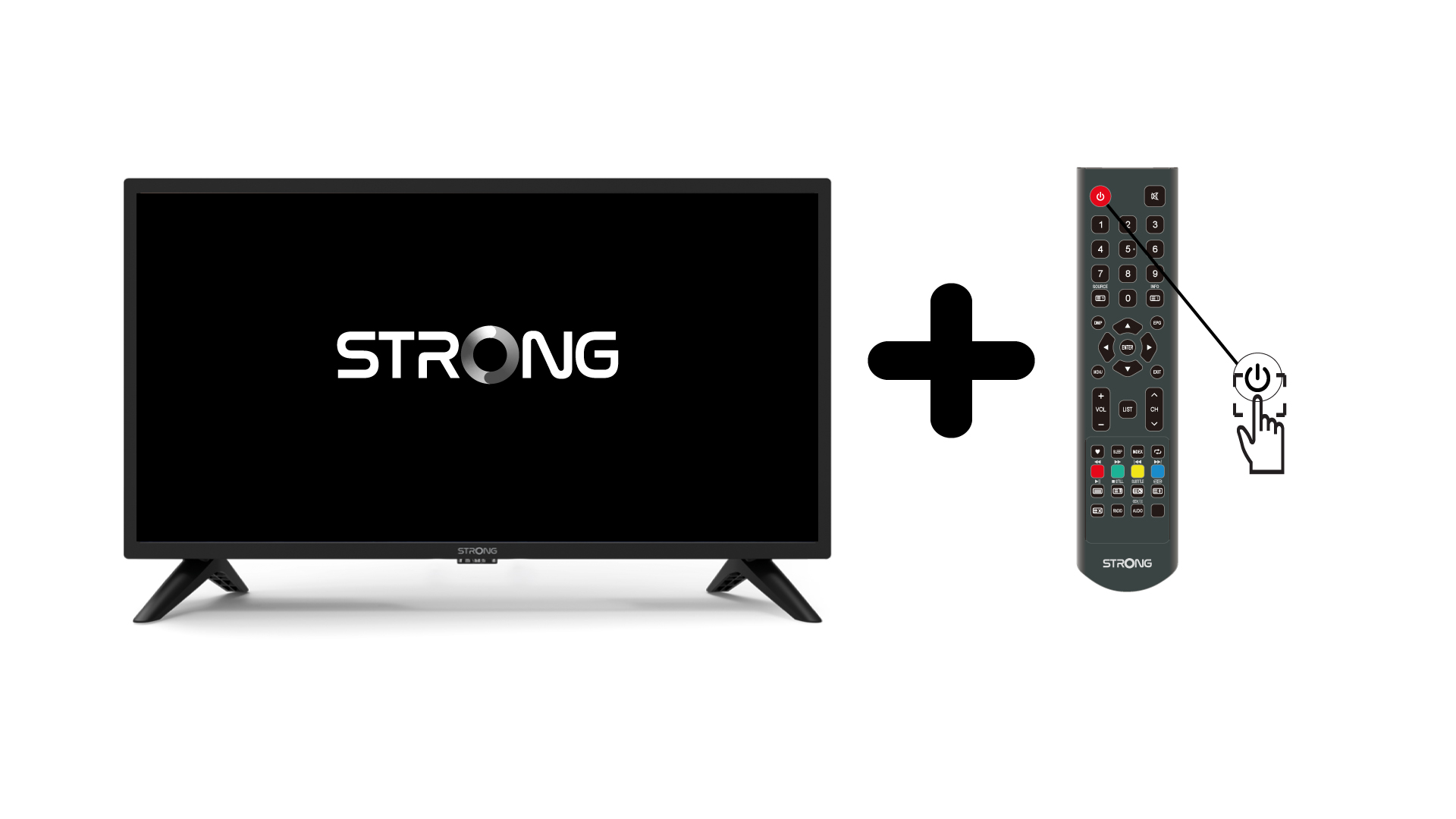
1.Enciende la televisión y el dispositivo.
Enciende la televisión y tu dispositivo.
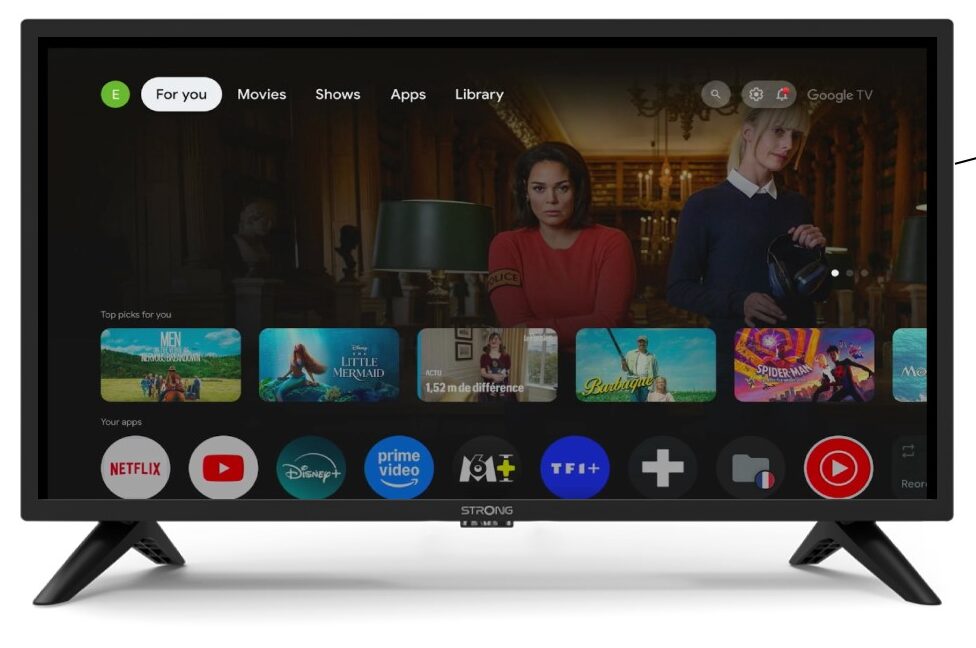
2. Ajustes
En la página «Ajustes», selecciona «Mando a distancia y accesorios».
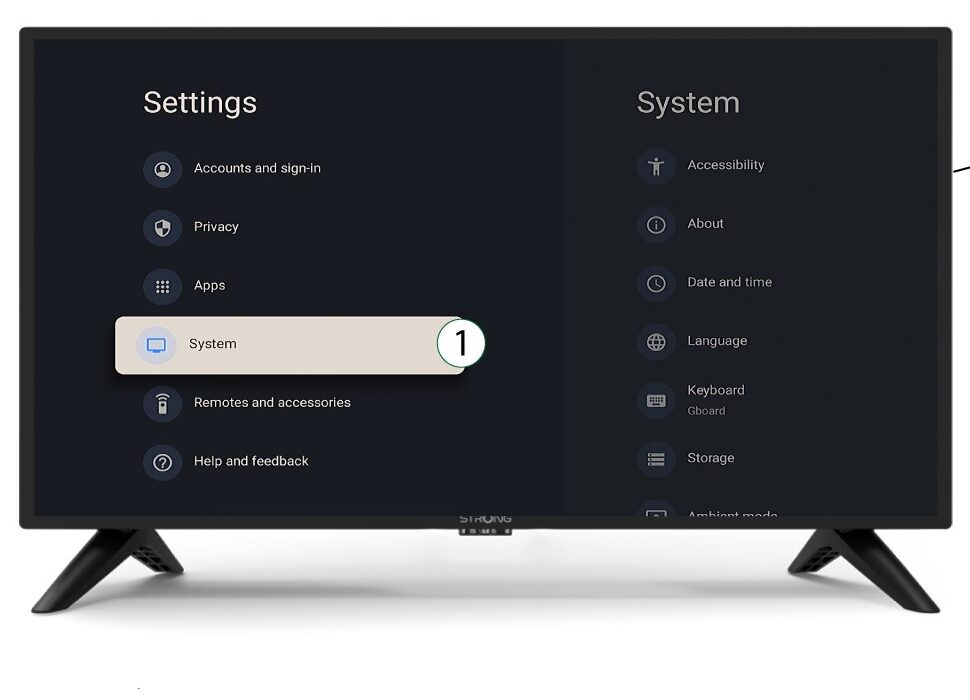
3System
En el menú «Configuración», selecciona «Sistema» y pulsa «Aceptar».
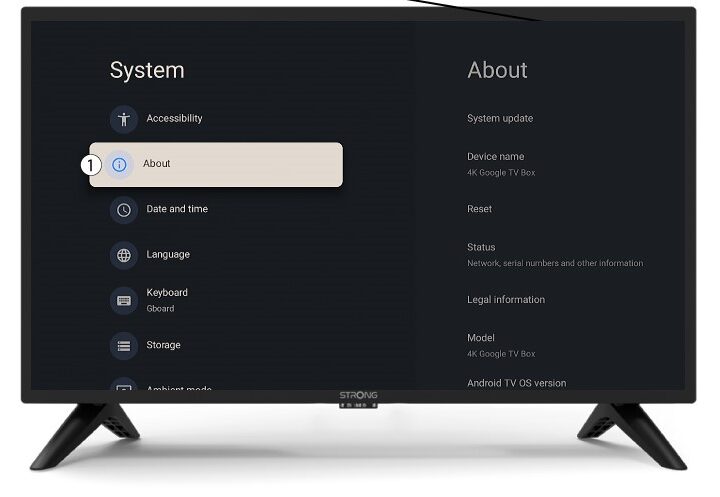
4Acerca de
Selecciona «Acerca de» en el menú del sistema y pulsa «Aceptar».
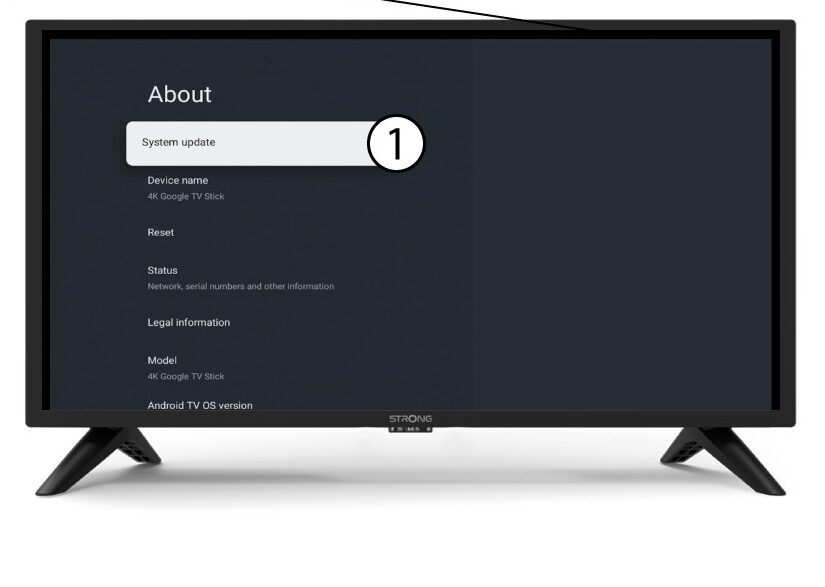
5. Actualización del sistema
Selecciona «Actualización del sistema».
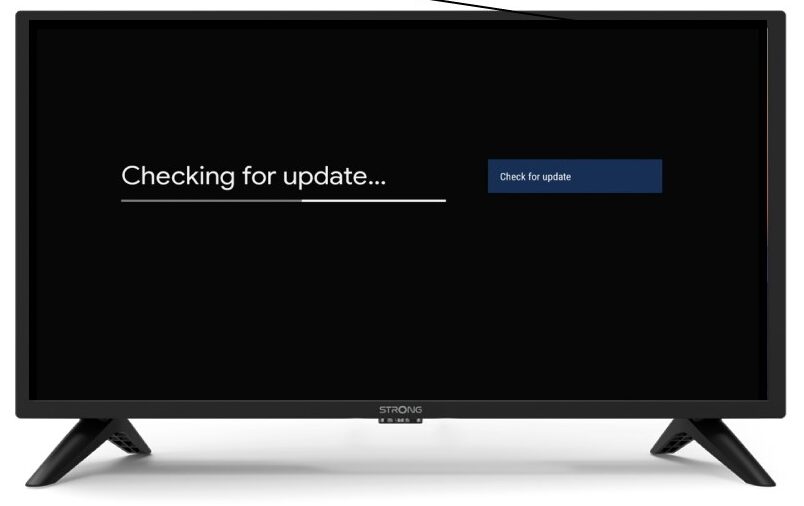
6. Búsquedade nuevas versiones de software
Se iniciará una comprobación para ver si tienes la última actualización. Espera mientras se lleva a cabo. La nueva versión del software se descargará automáticamente.