Punto de acceso Wi-Fi 4G+ AIRSPOT 510
No se han encontrado artículos.
No se han encontrado artículos.
Todas las preguntas
Punto de acceso Wi-Fi 4G+ AIRSPOT 510
No se han encontrado artículos.
No se han encontrado artículos.
¿Cómo actualizo el firmware del dispositivo?
Puedes realizar una actualización automática o una actualización manual en la interfaz de usuario web.
Caso 1: Actualización automática
1. Accedera la interfaz web
Sigue el procedimiento que se indica a continuación para acceder a la interfaz de usuario web: ¿Cómo puedo acceder a la interfaz de usuario web?
2. Ajustes de actualización del sistema abierto
Haz clic en «Gestión y actualización del sistema».
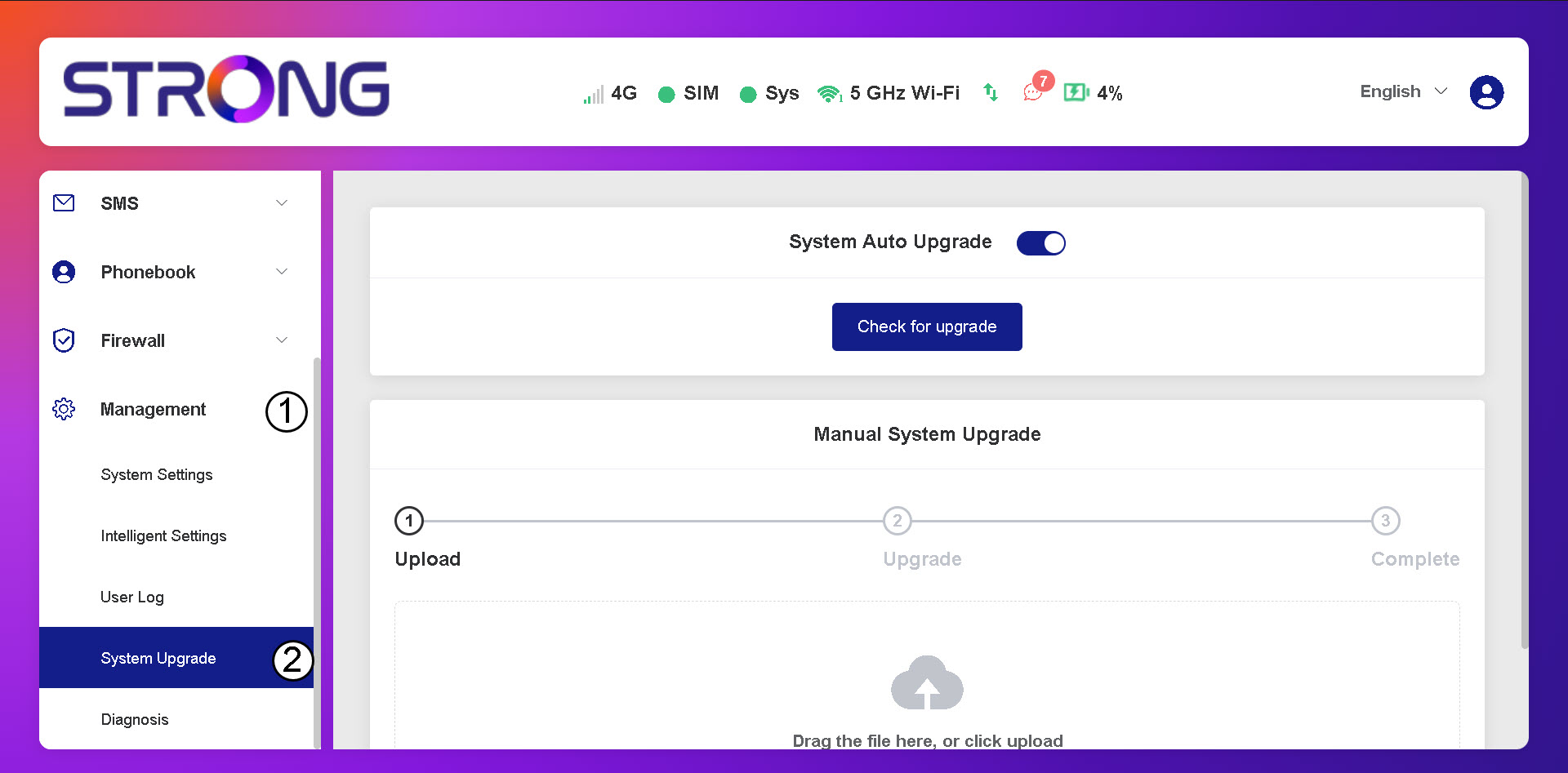
3. Compruebasi hay actualizaciones automáticas
Comprueba si la opción de actualización automática del sistema está activada y haz clic en el botón «Buscar actualizaciones».
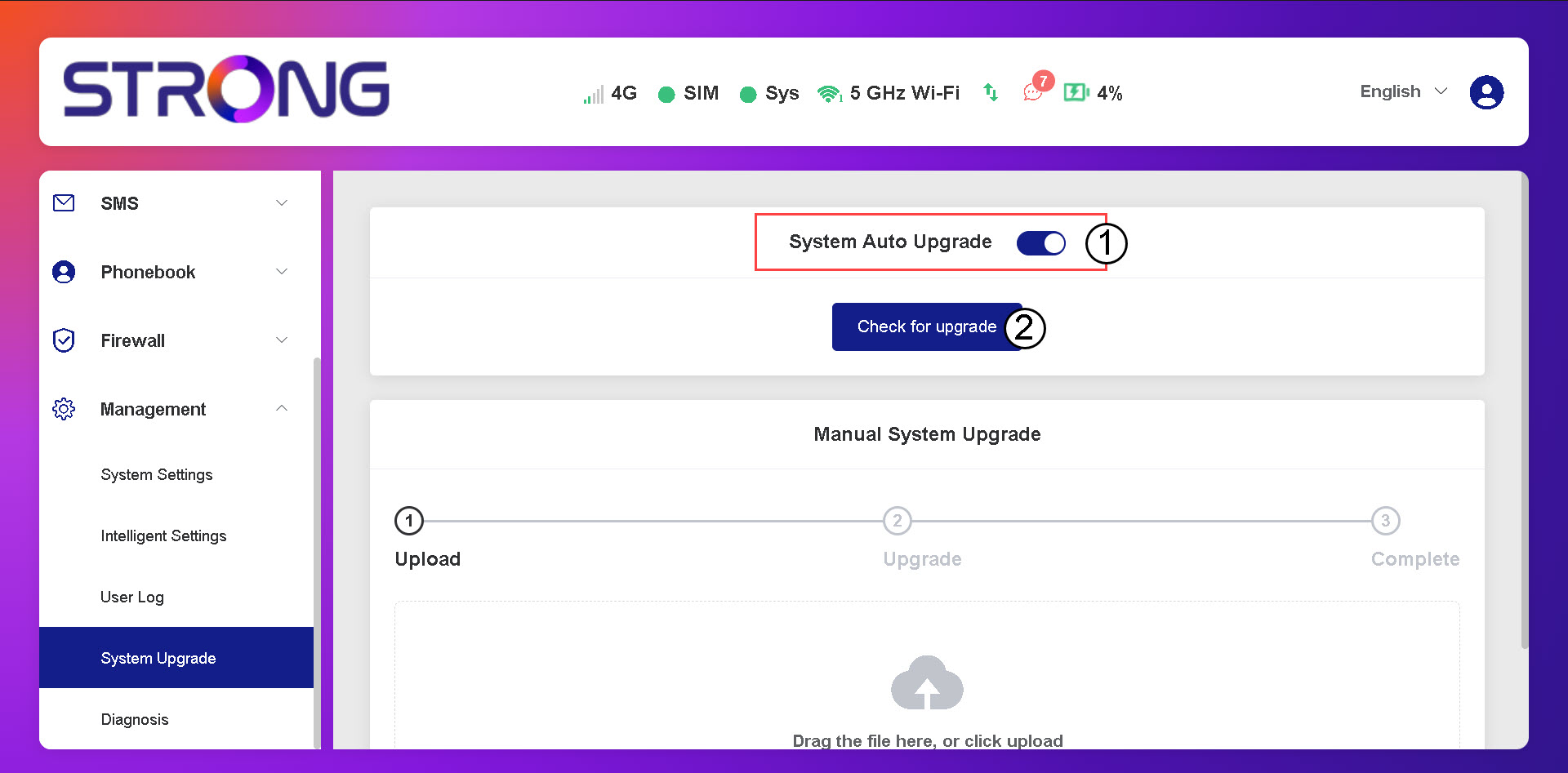
4. Esperaa que se comprueben las actualizaciones
Espera a que el sistema busque la actualización; si hay alguna, te pedirá que la descargues.

5. Confirmarel estado del sistema
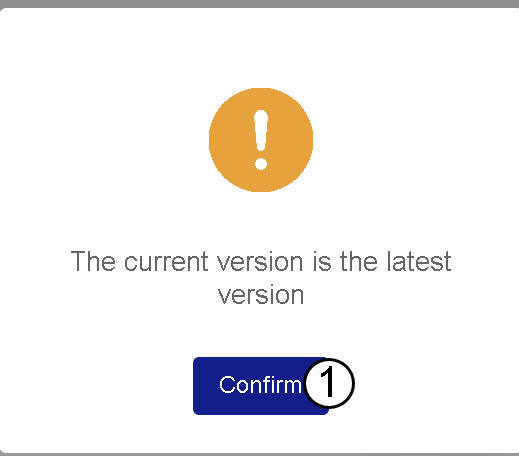
Si tu dispositivo está actualizado, aparecerá el siguiente mensaje.