
PLW600MDUO
No se han encontrado artículos.
No se han encontrado artículos.
Todas las preguntas
PLW600MDUO
No se han encontrado artículos.
No se han encontrado artículos.
¿Cómo configurar el nivel de seguridad alto 2 en tus productos « powerline »?
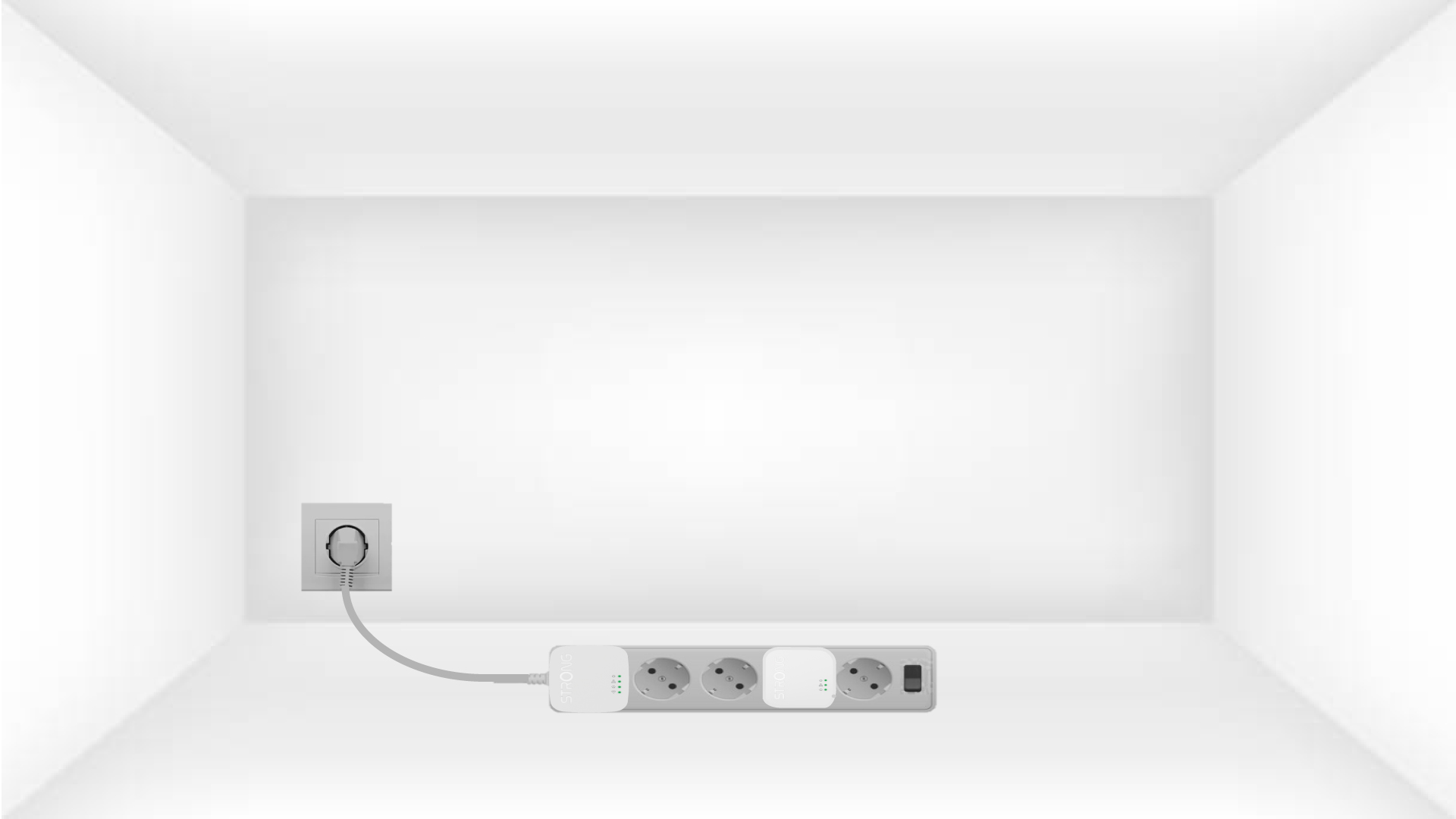
1. Conectalos adaptadores a una regleta.
Take a power strip and plug all the powerline adapters into it.
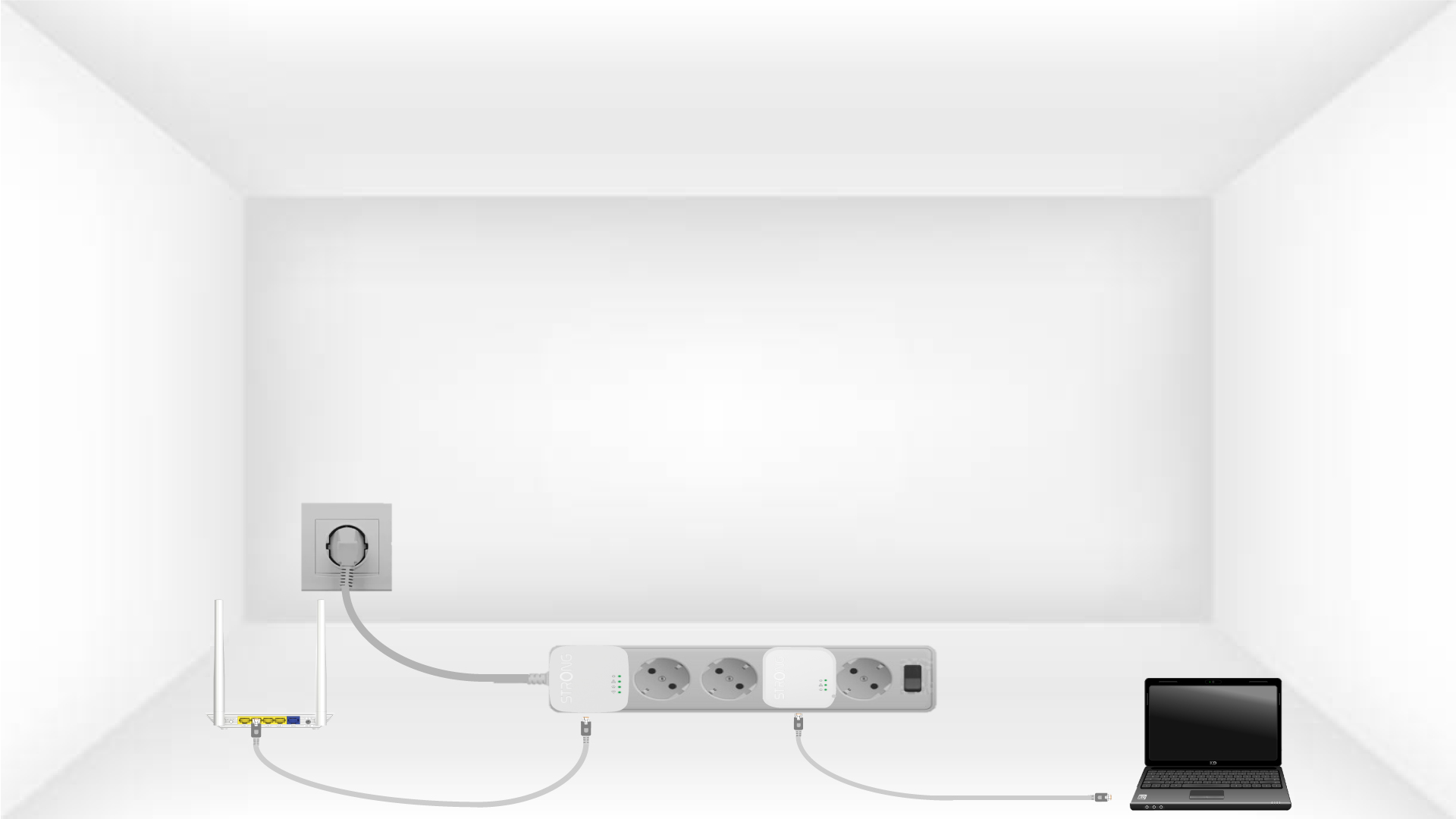
2. Conectalos adaptadores a Internet
Connect one of the powerline adapters to the Internet gateway/router with an RJ45 cable.
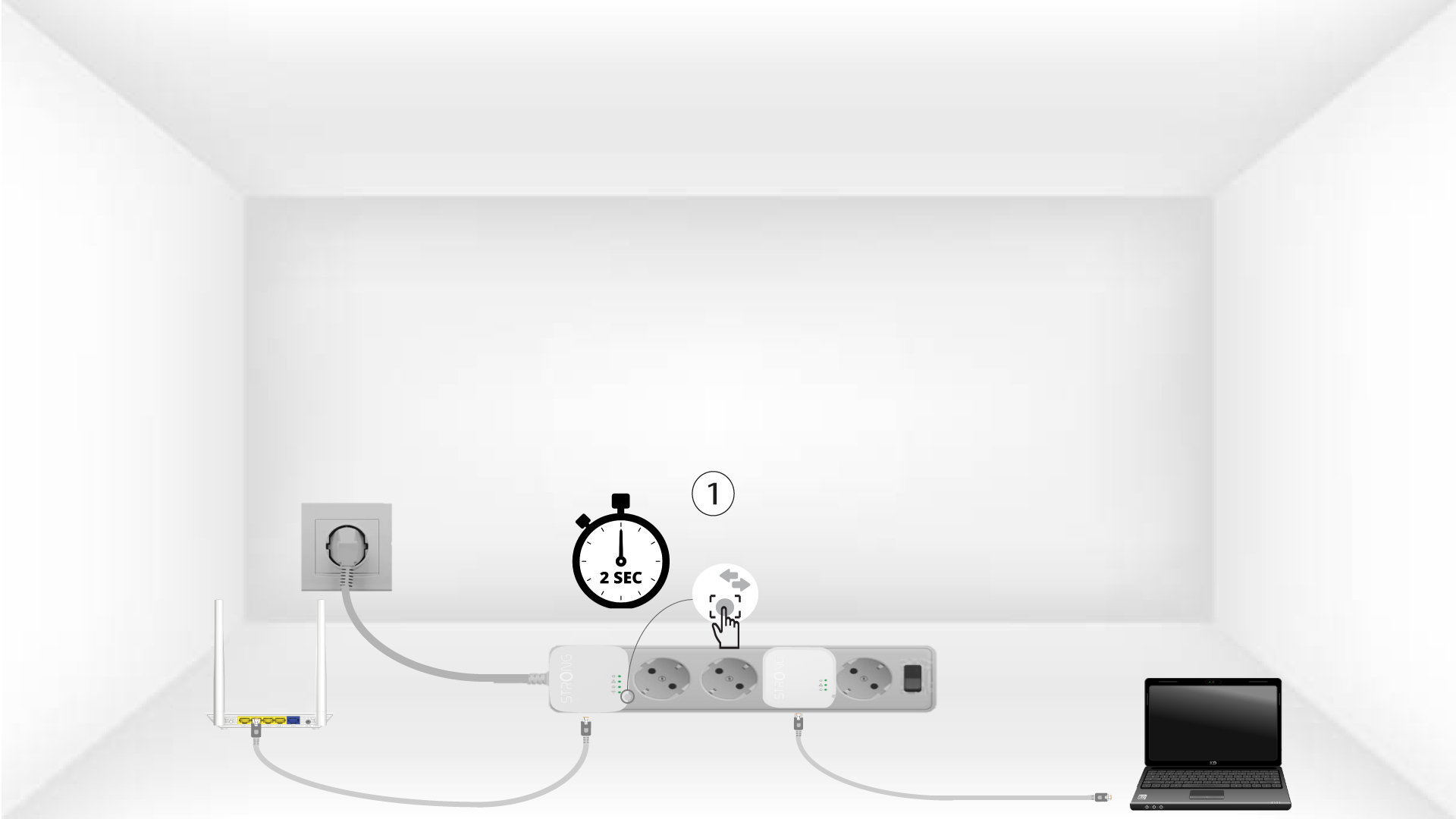
3. Pulsael botón «Conectar y proteger» (primer dispositivo)
Press the Connect & Secure button on the first device for 2 seconds.
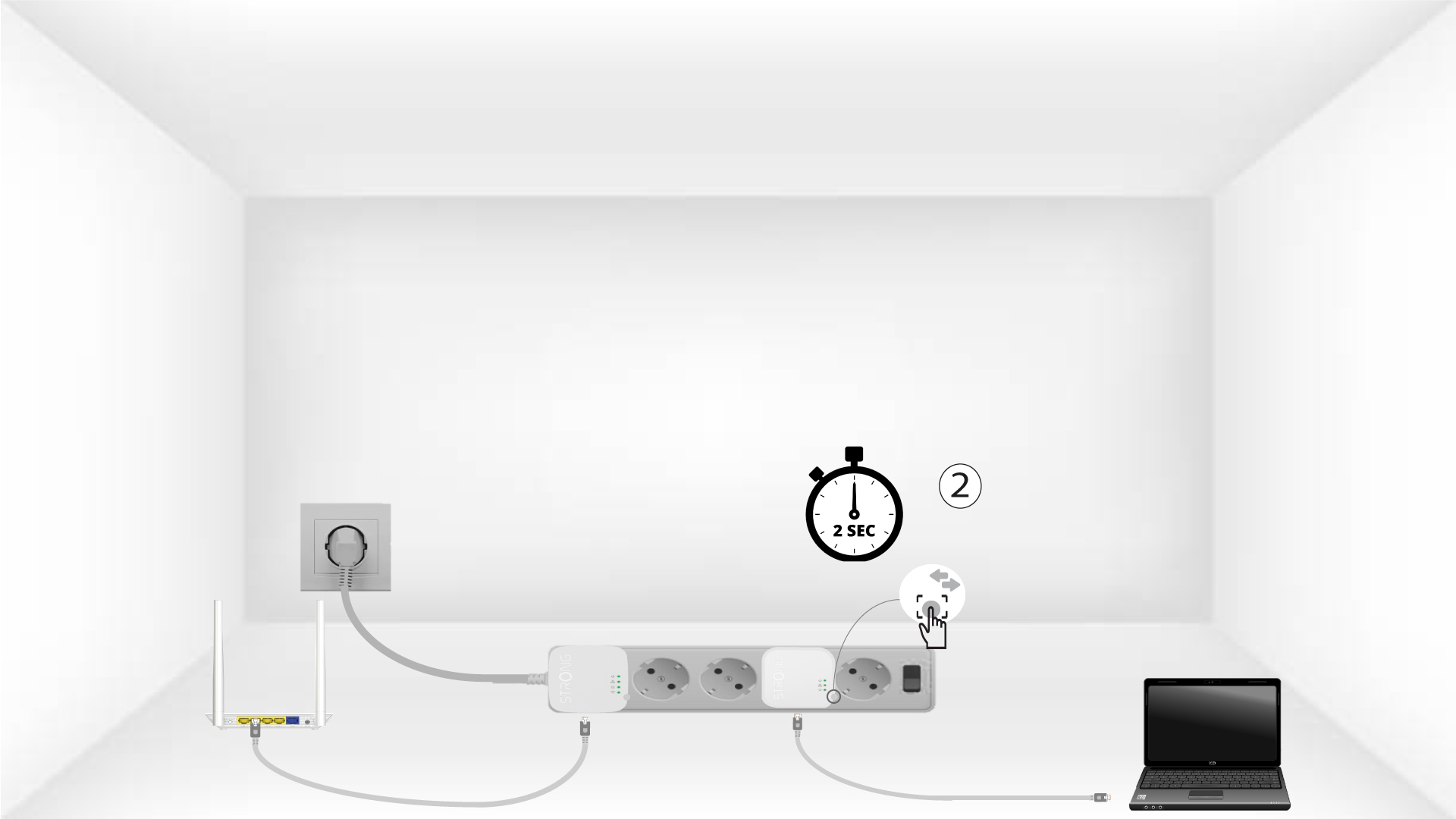
4. Pulsael botón «Conectar y proteger» (segundo dispositivo)
Press the Connect & Secure button on the second device for 2 seconds. You have up to two minutes to do it.
5The home LED blinks
The home LED should blink on both devices.
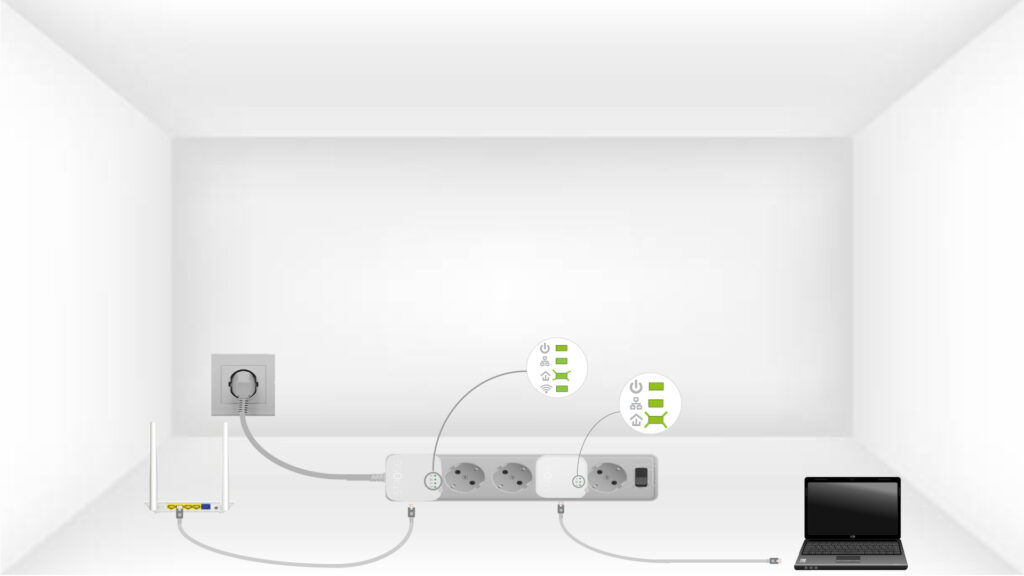
6. Se ha configurado la clave de cifrado
Ya se ha configurado tu clave de cifrado única y todos los LED de los dispositivos deberían estar en verde.
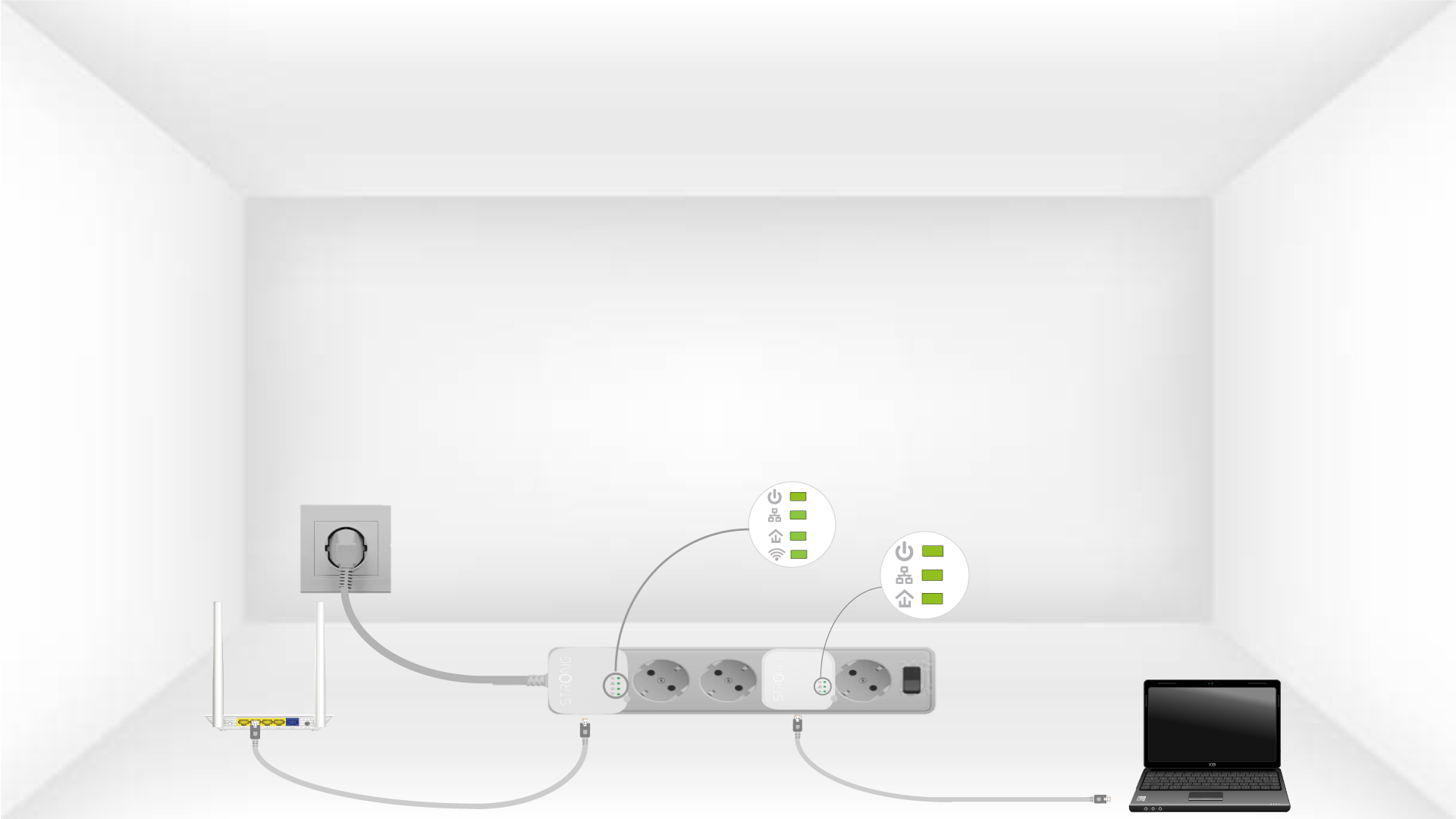
Now, install the adapters in the rooms where you need them. We strongly recommend not plugging the adapters into a power strip.