
PLW600MDUO
Todas las preguntas
PLW600MDUO
No tengo acceso a Internet y/o el LED del icono «Inicio» no se enciende.
Debe restablecer los adaptadores a su configuración de fábrica. Para hacerlo, siga los pasos que se indican a continuación.
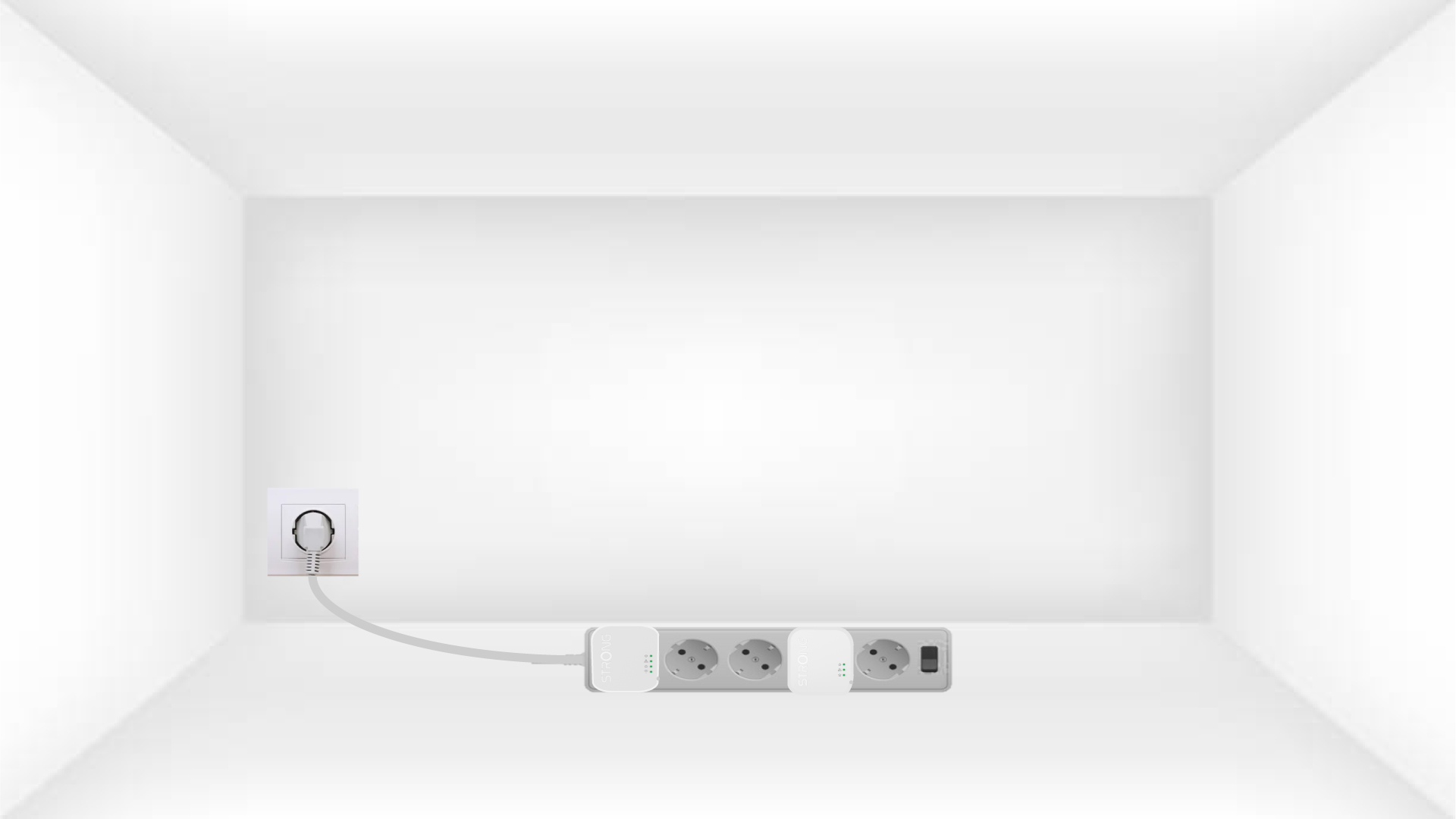
1Plug the adapters into a power strip
Conecta los adaptadores uno tras otro a una regleta.
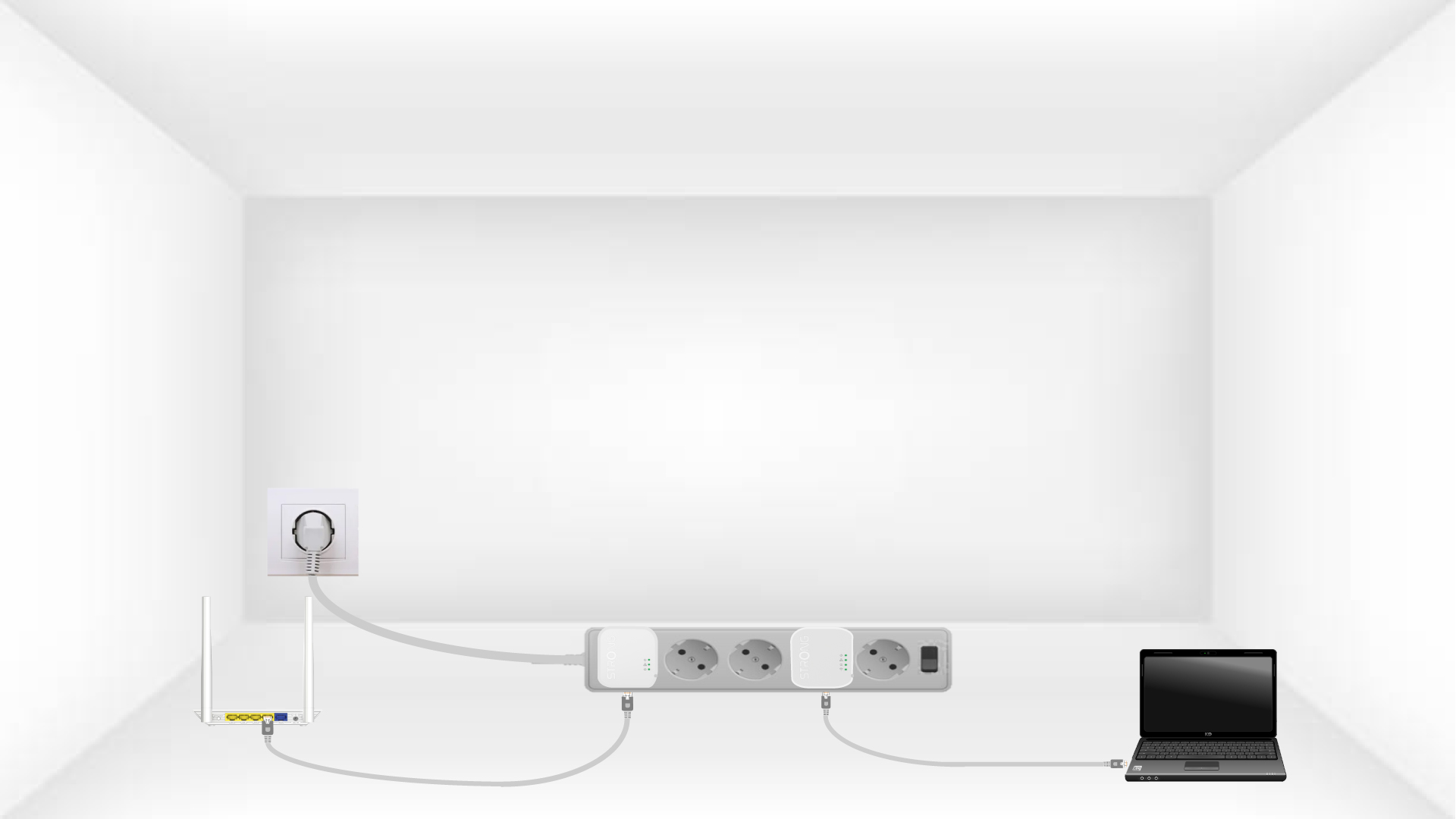
2. Conectalos adaptadores a Internet
Connect each adapter to a working device (Internet router/gateway, Android box, Smart TV, computer, etc.) with an Ethernet cable. There must be communication between the devices, otherwise the adapter will automatically go into standby mode.
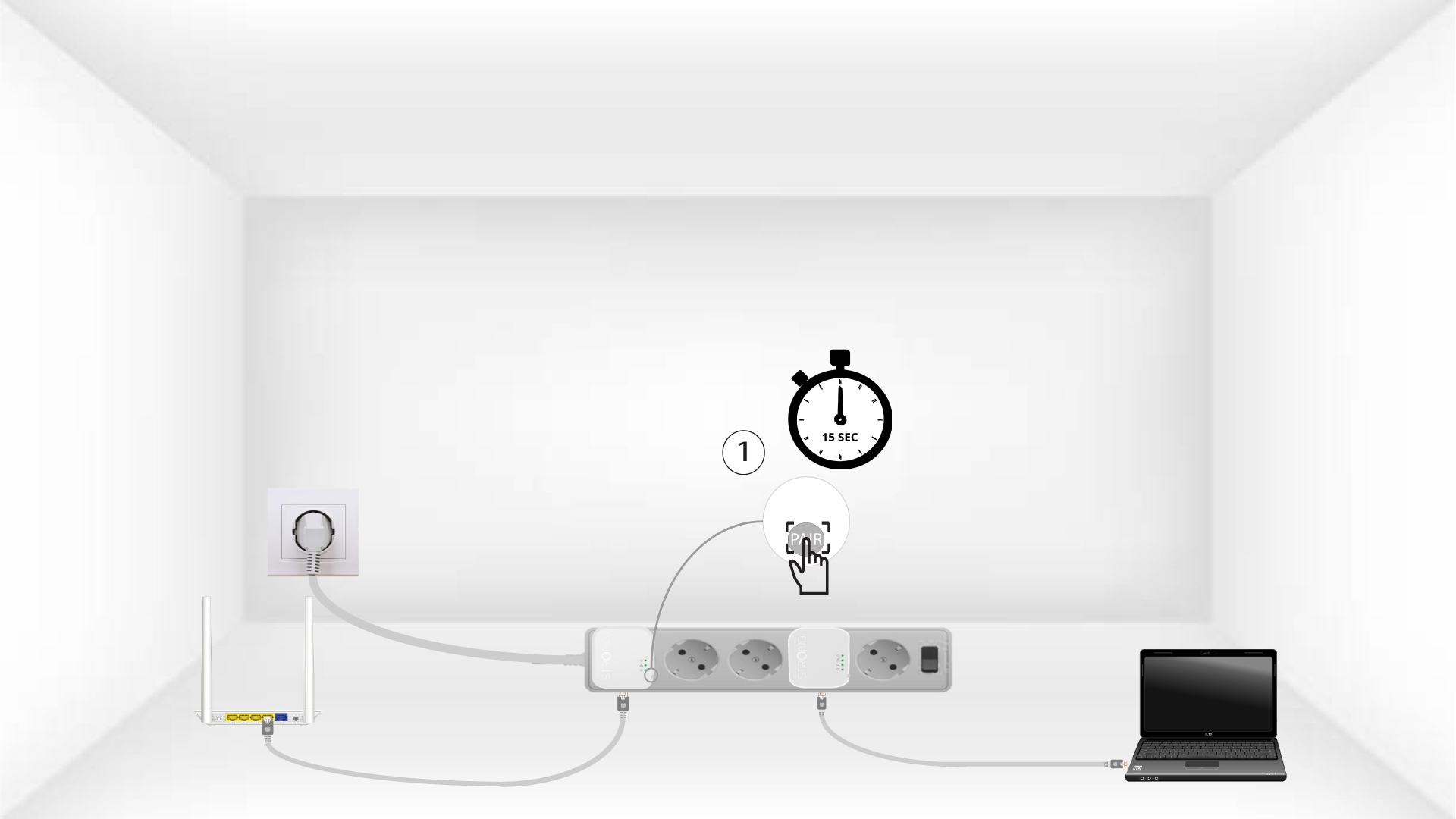
3. Pulsael botón «Connect & Secure» (primer adaptador)
Once the adapter is plugged in and connected to the Ethernet, press the Connect & Secure button on the right side of the device for 15 seconds.
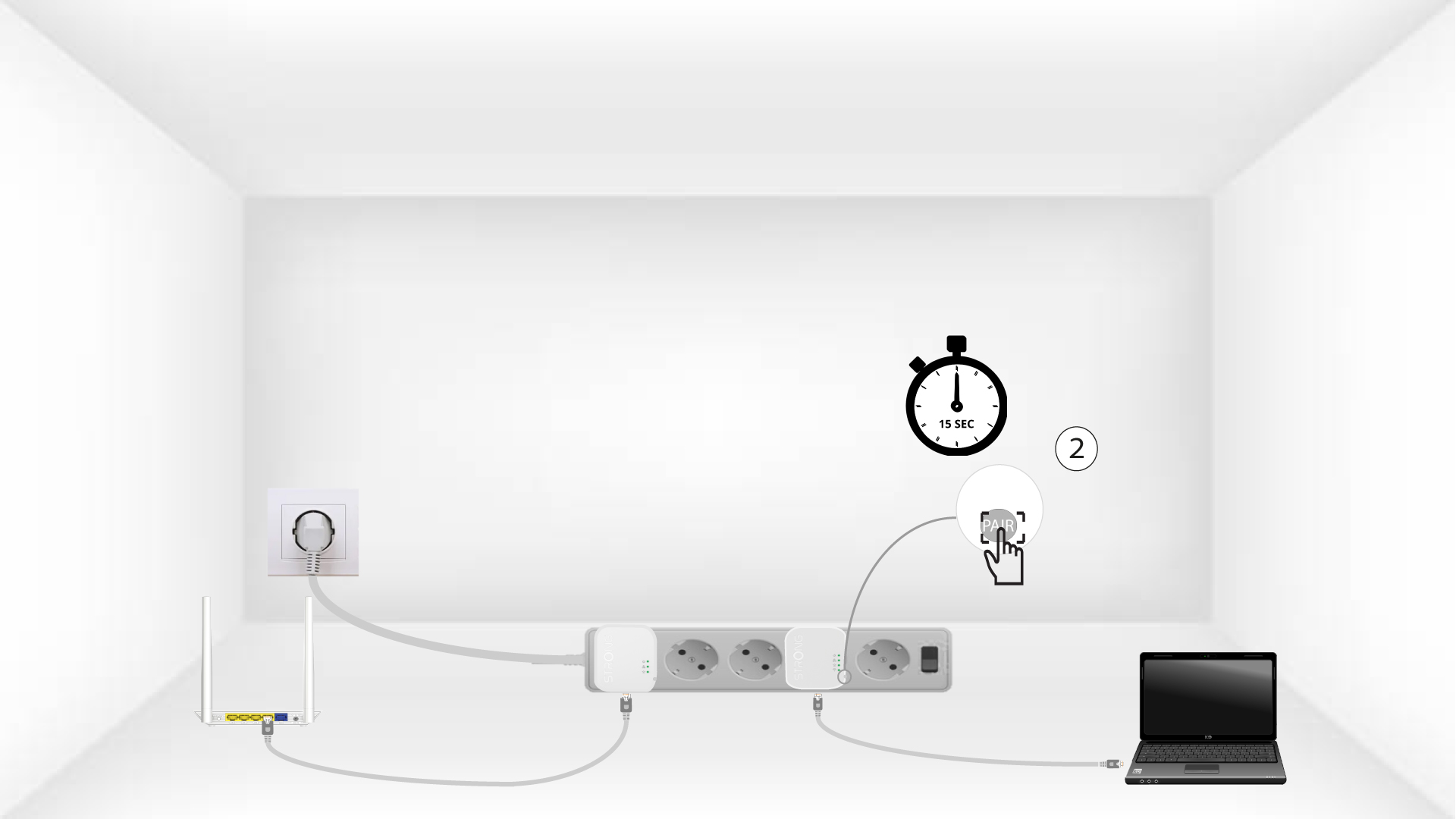
4. Pulsael botón «Connect & Secure» (segundo adaptador)
Press the Connect & Secure button on the right side of the second device for 15 seconds.
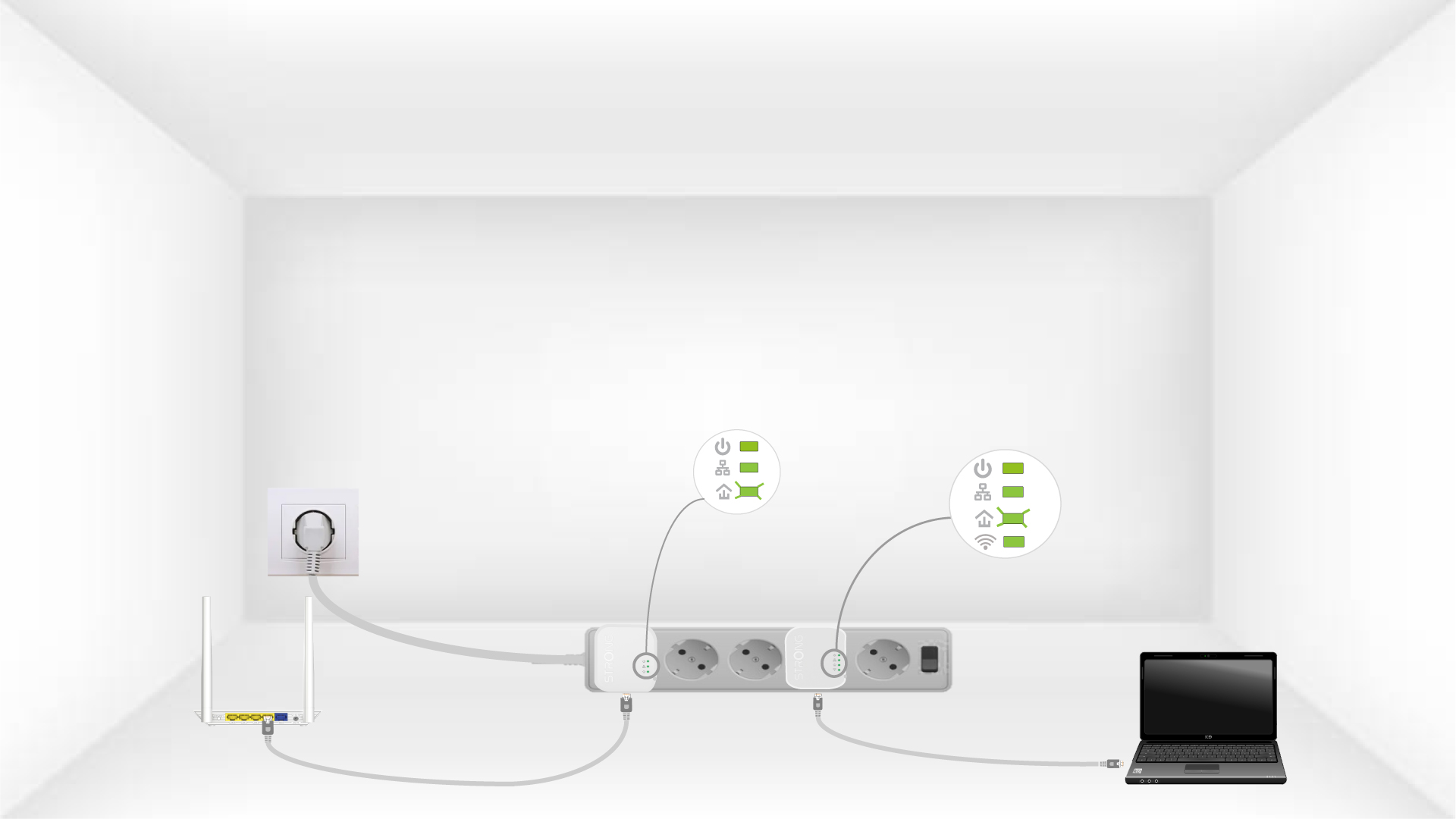
5The home LEDs blink
Los LED de la casa deberían empezar a parpadear.
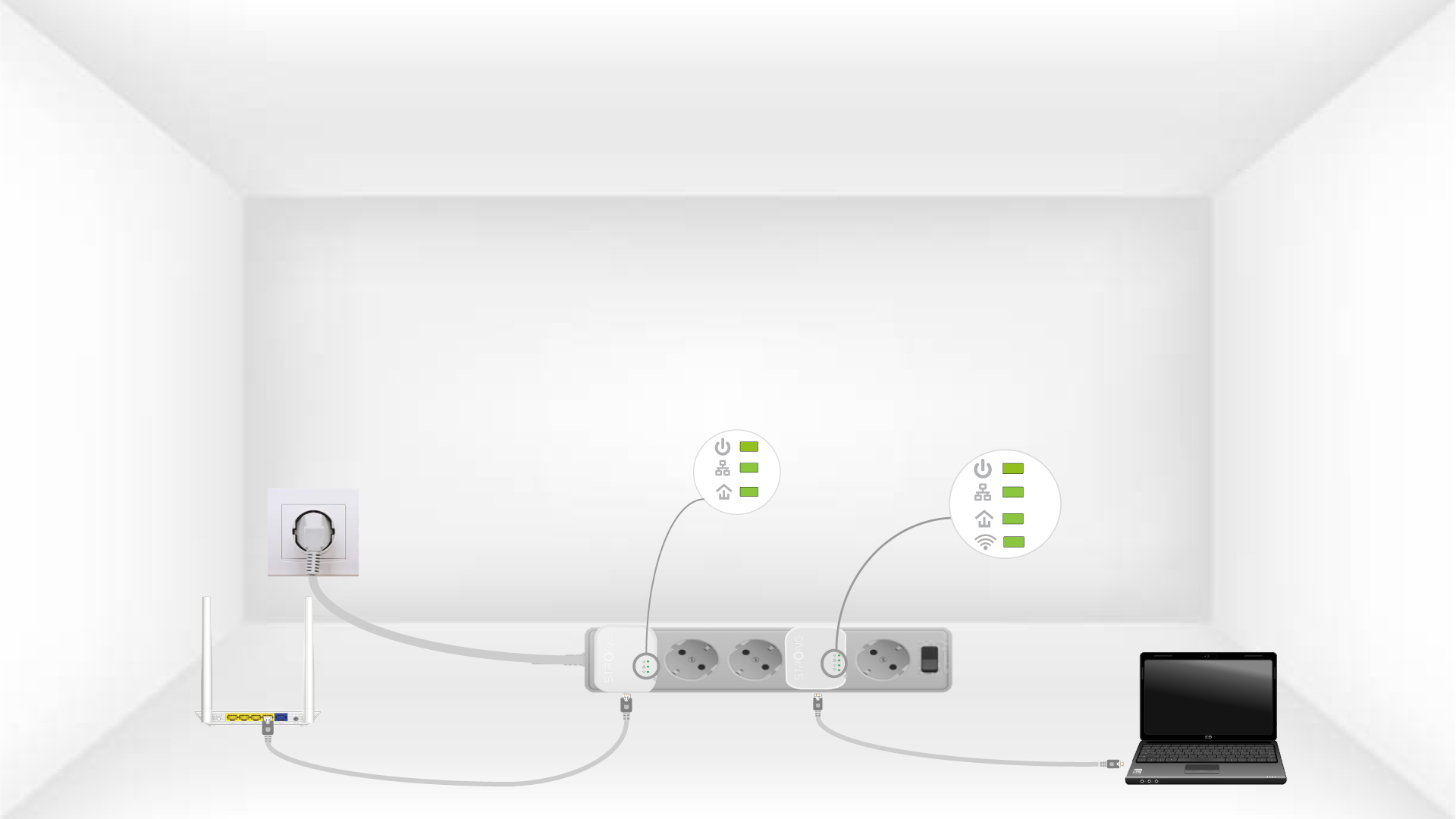
6The devices are reset
All the LEDs must be green at the end of the operation.
Repeat the same operation for a third powerline. You can have up to eight Powerline 600 Mini adapters on the same electrical installation. After resetting all the devices, you can put them in the rooms where you need them.