LEAP 41 | 4K Google TV with HDR10+
All questions
Reset, reboot and firmware update
How do I reboot my SRT 41?
1Disconnect the SRT 41 from your TV
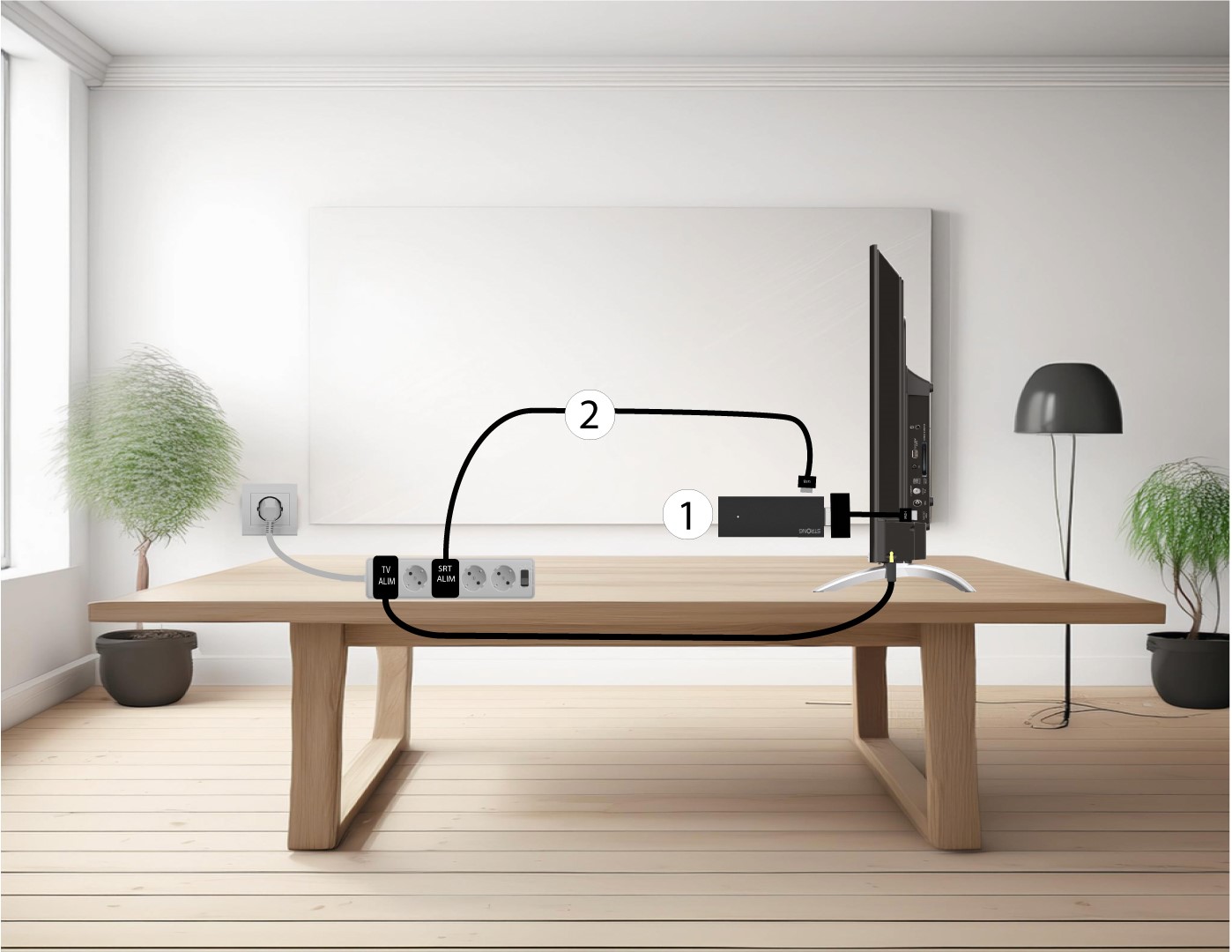
Disconnect the HDMI Stick from the TV (1) and the USB cable from the SRT 41.
2Connect the SRT 41 to your TV
Reconnect the HDMI stick to the TV (1) and the USB cable (2). Then, plug in the TV.

How do I reset the device to its factory settings?
1Turn on your TV and the receiver
Turn on your TV and your receiver.
2Settings
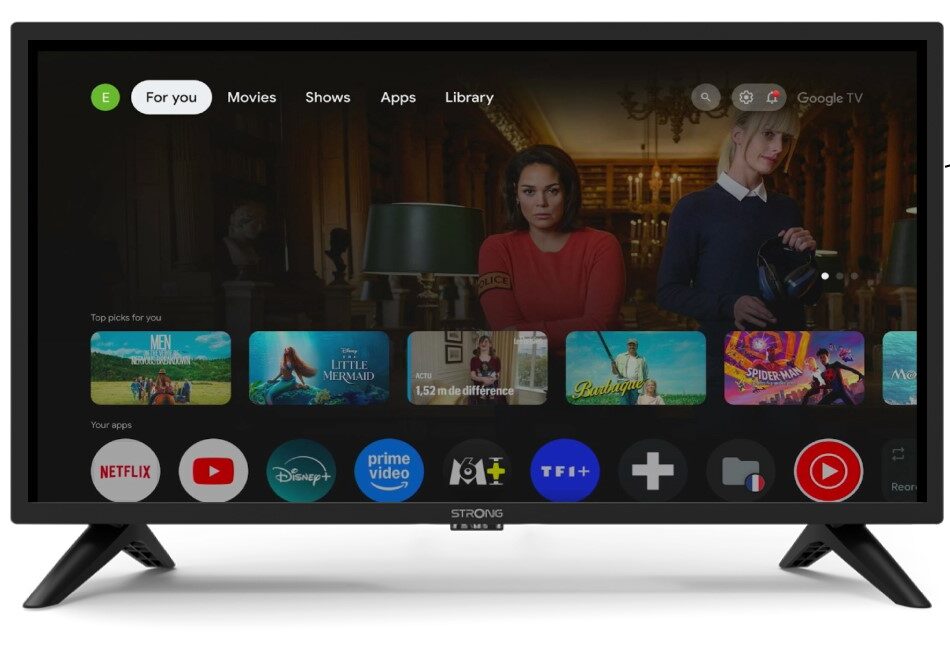
Press the gear icon on your Remote Control.
3System
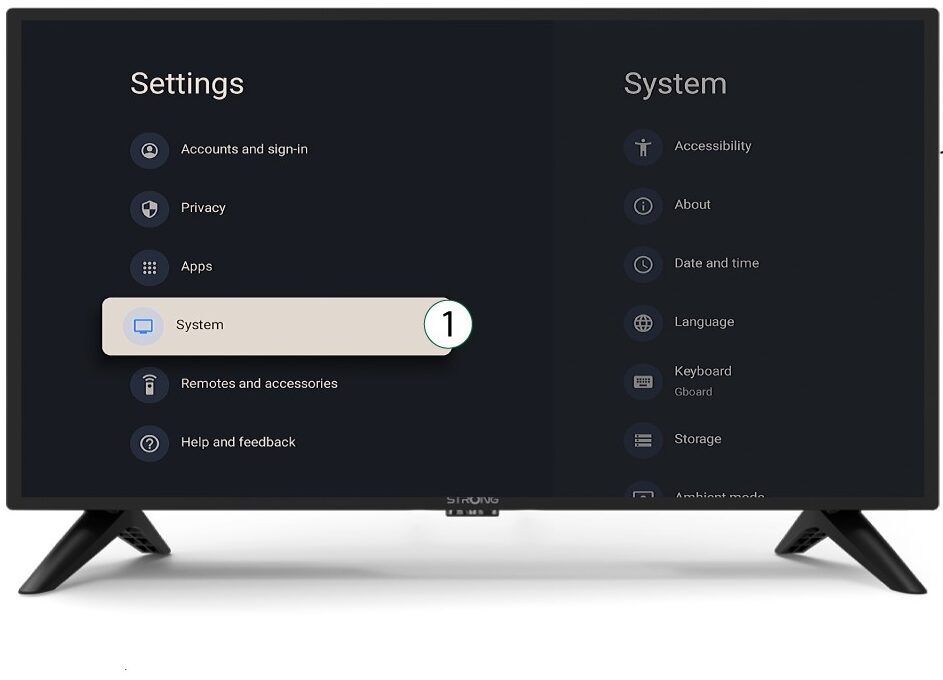
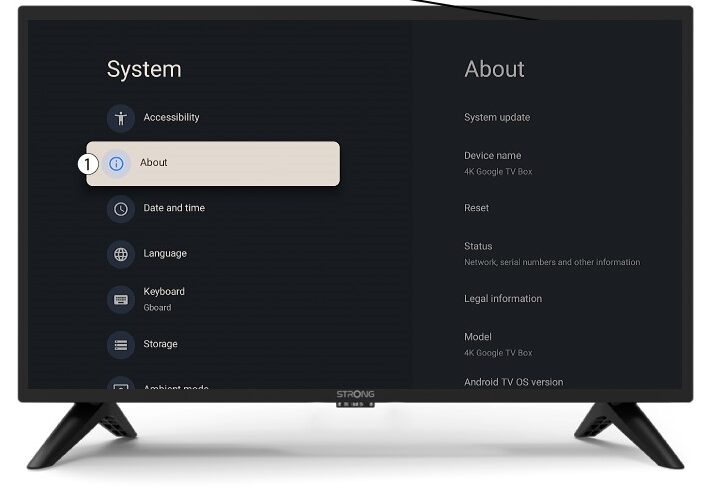
In the Settings Menu, select System and press OK.
4About
Select About in the system menu and press OK.
5Reset
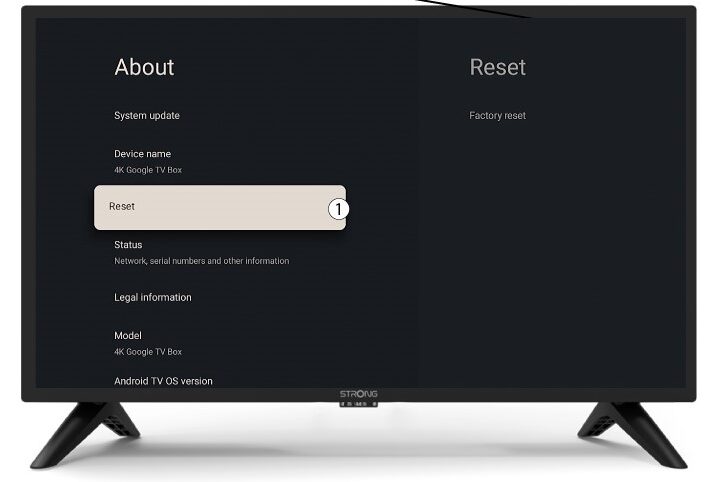
Select Reset.
6Factory Reset
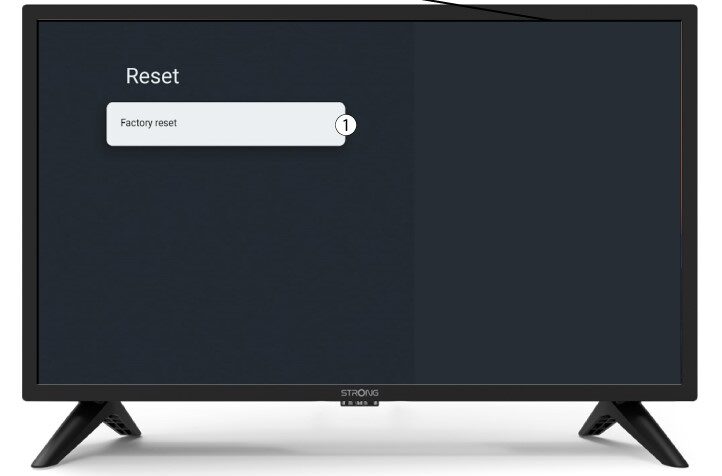
Select Factory Reset and press OK.
7Confirm reset
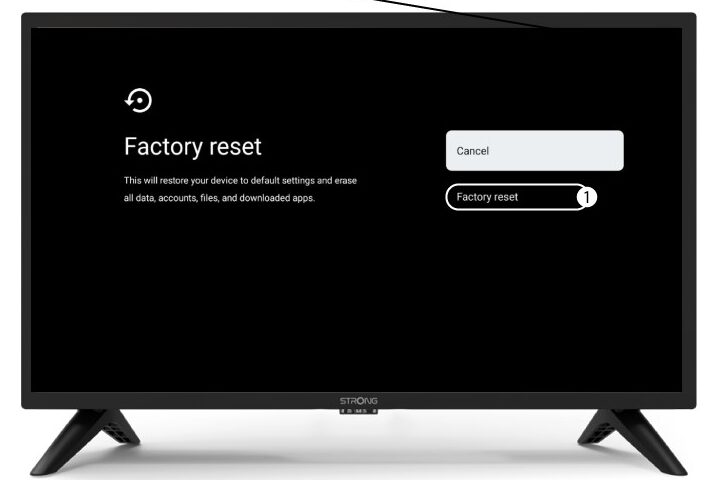
Select Factory Reset in the Factory Reset page.
How do I update my device?
1Turn on the TV and the device
Turn on your TV and your device.
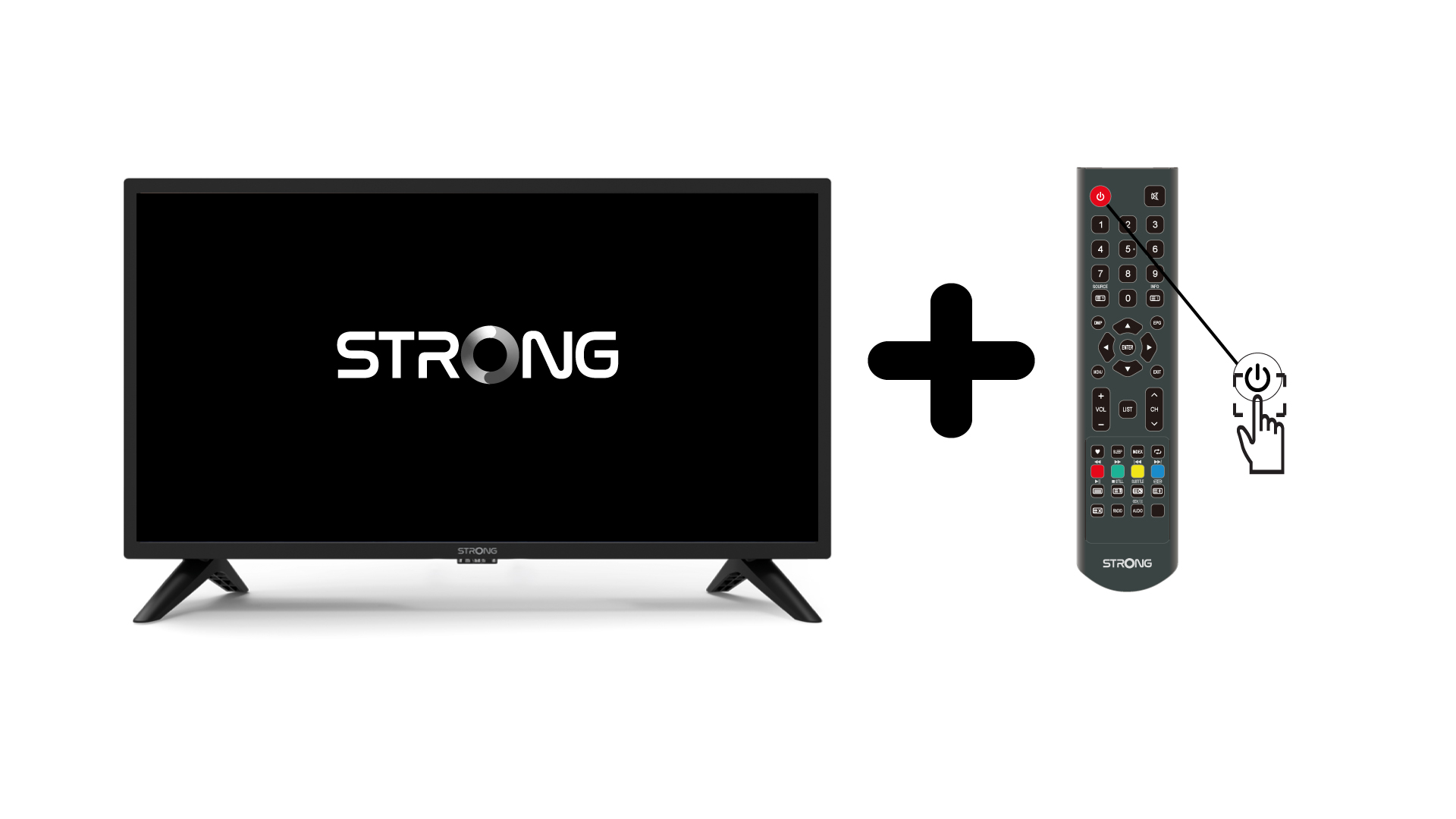
2Settings
In the Settings page, select Remote & Accessories.
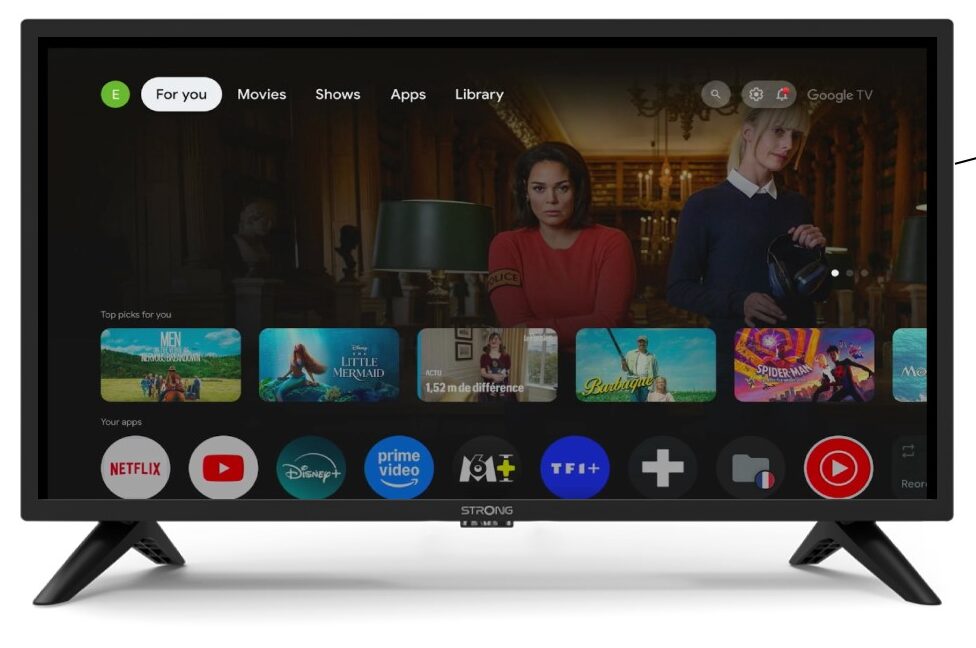
3System
In the Settings Menu, select System and press OK.
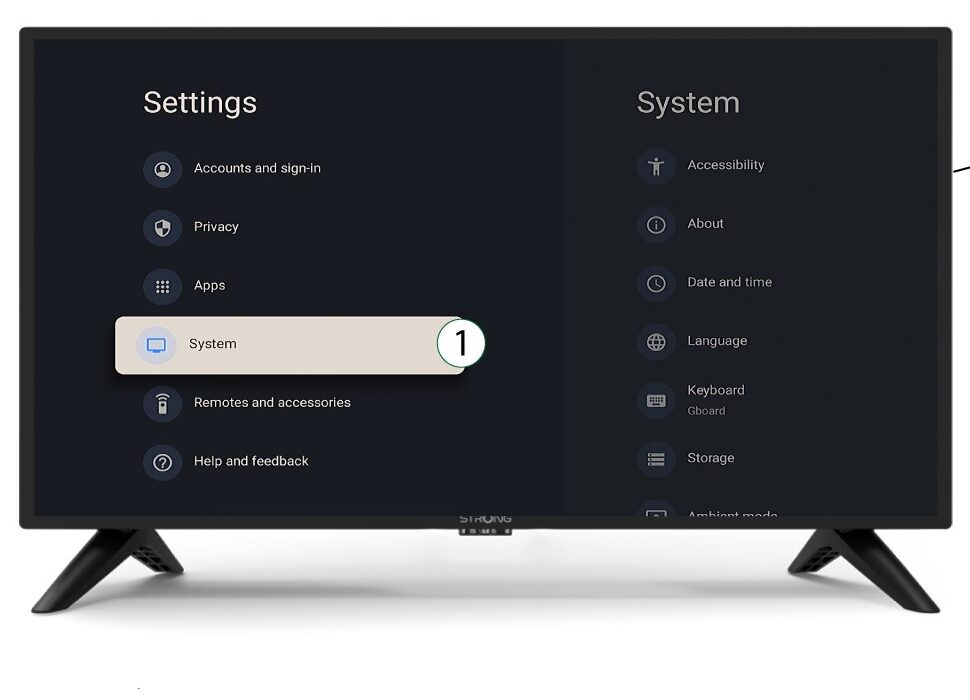
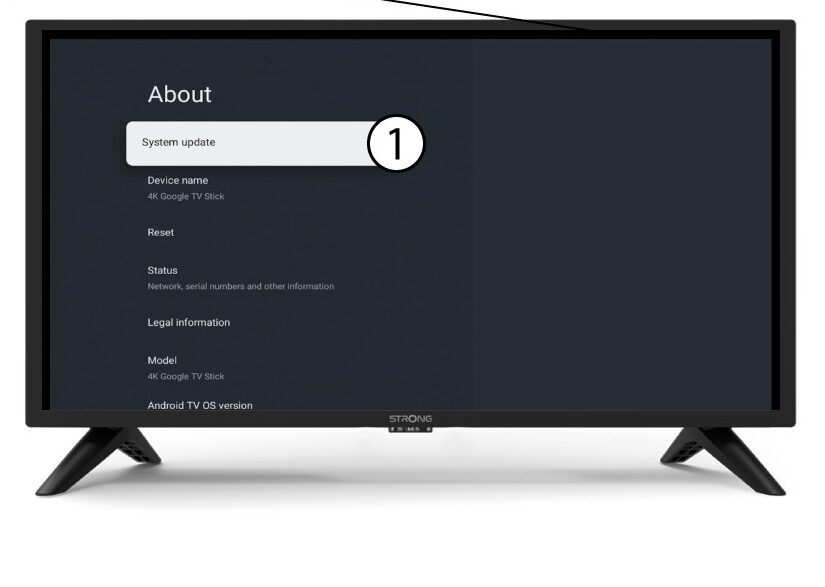
4About
Select About in the system menu and press OK.
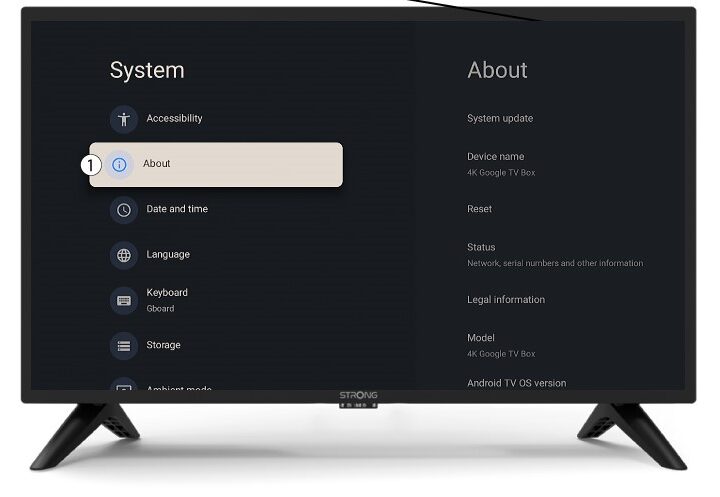
5System update
Select System Update.
6Scanning to find new software version
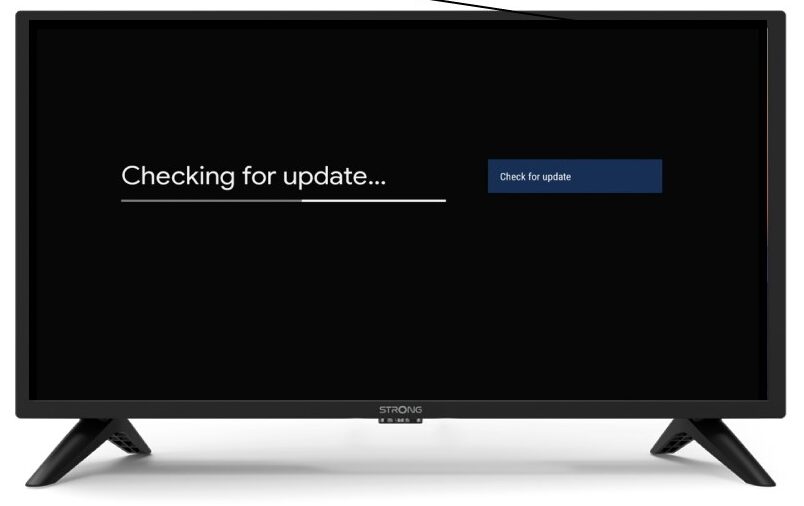
A scan will be launched to check if you have the latest update. Please wait while it is performed. The new software version will be downloaded automatically.