ATRIA Wi-Fi 6 Mesh Sustav 3000 UK (pakiranje od 2 komada)
Nema pronađenih stavki.
Nema pronađenih stavki.
Sva pitanja
ATRIA Wi-Fi 6 Mesh Sustav 3000 UK (pakiranje od 2 komada)
Nema pronađenih stavki.
Nema pronađenih stavki.
Kako mogu identificirati IP adrese različitih Mesh jedinice moje mreže?
Da biste pronašli IP adrese različitih Mesh jedinice vaše mreže prvo se morate povezati s web-sučeljem ili u aplikaciji dok ste povezani s Mesh Mreža.
1 Slučaj 1: Web korisničko sučelje
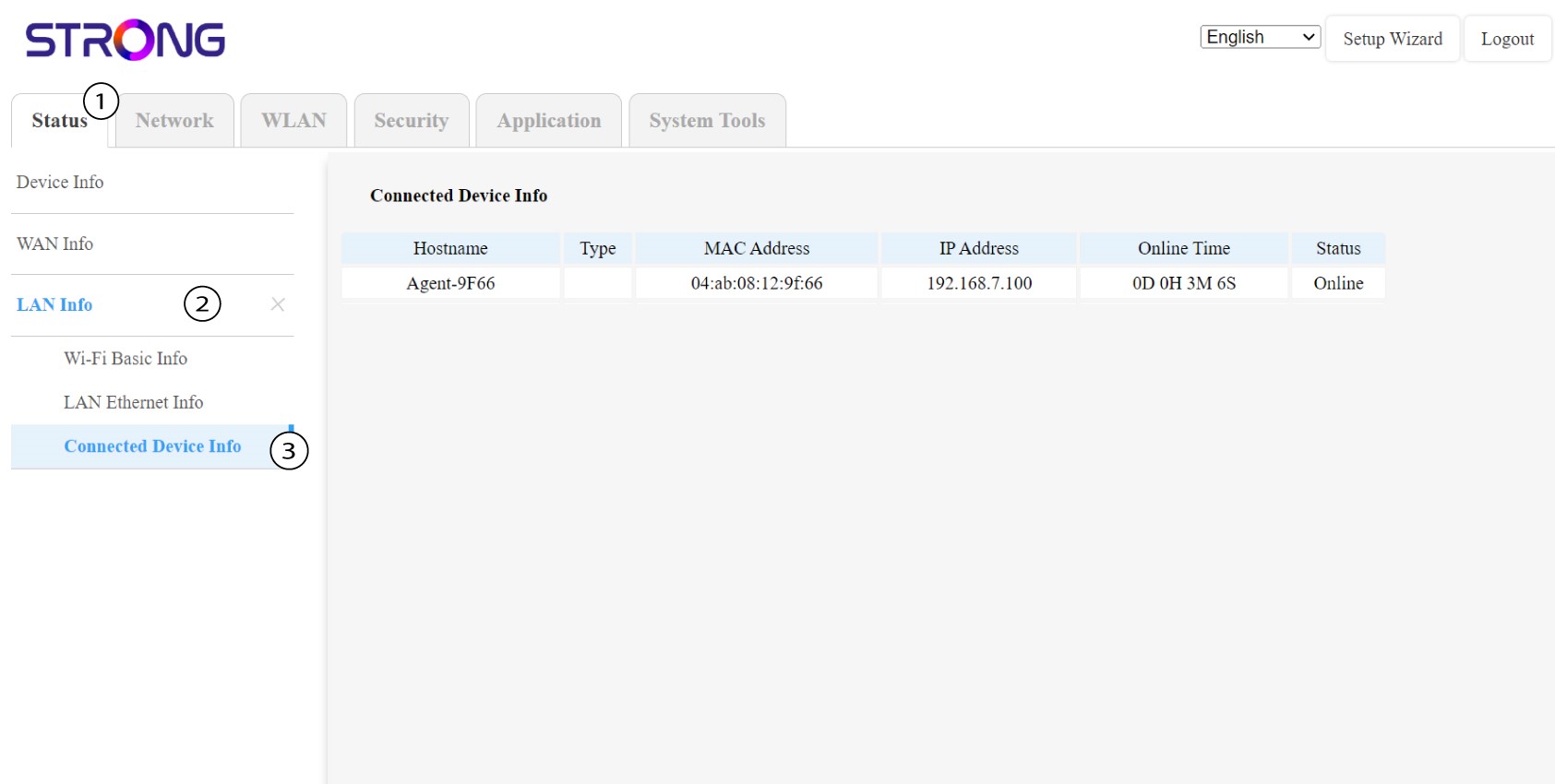
U web sučelju, u Statusu , LAN informacijama i Connected informacijama možete vidjeti IP adresu uređaja Mesh nazvan " agent " i zapišite ga.
1 Slučaj 2: Aplikacija
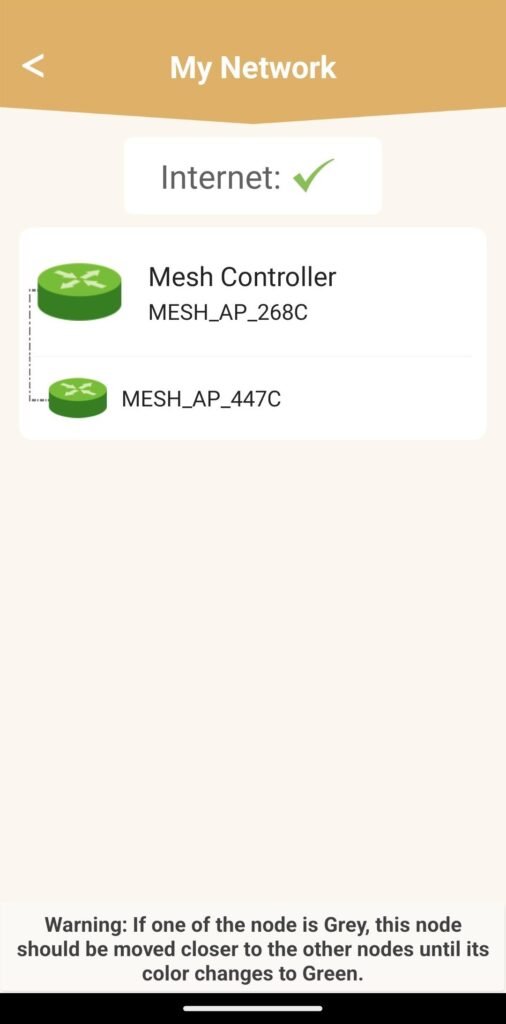
U aplikaciji Atria idite na Moja mreža , zatim kliknite na naziv uređaja koji tražite i zapišite njegovu IP adresu.