
Nema pronađenih stavki.
Nema pronađenih stavki.
2K+ SMART HOME FOTOAPARAT
Sva pitanja
Nema pronađenih stavki.
Nema pronađenih stavki.
2K+ SMART HOME FOTOAPARAT
Kako izvršiti hard reset na kameri (bez korištenja aplikacije)
Ako ne možete koristiti aplikaciju, kameru možete resetirati pomoću gumba na uređaju.
Da biste to učinili, morate slijediti dolje navedene korake.
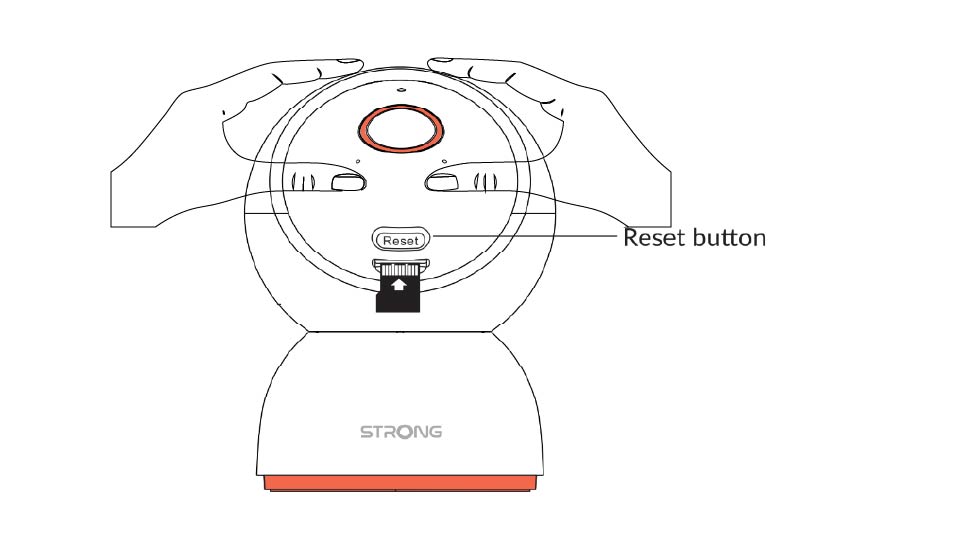
1 Pronađite gumb za resetiranje
Okrenite objektiv kamere kako biste pronašli gumb za resetiranje .
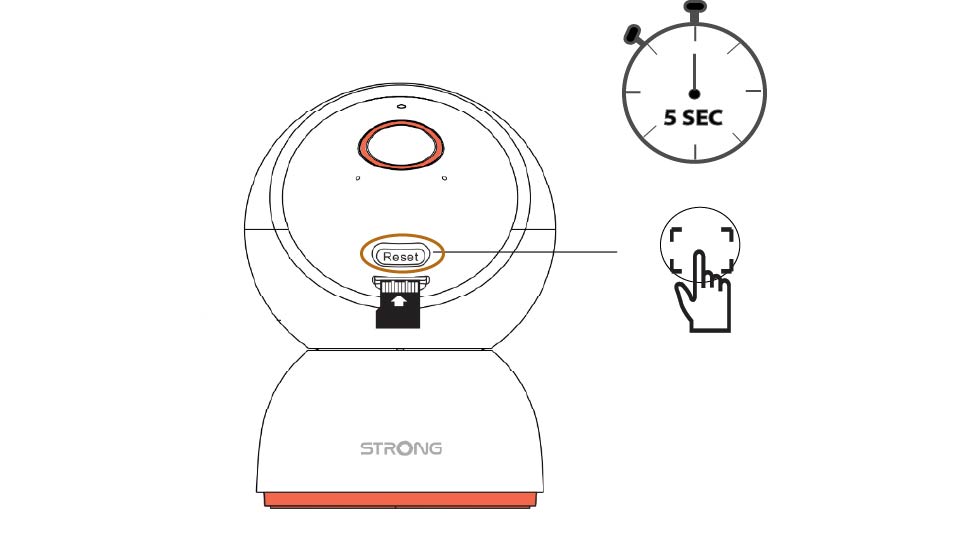
2 Pritisnite gumb za resetiranje
Pritisnite i držite gumb 5 sekundi.
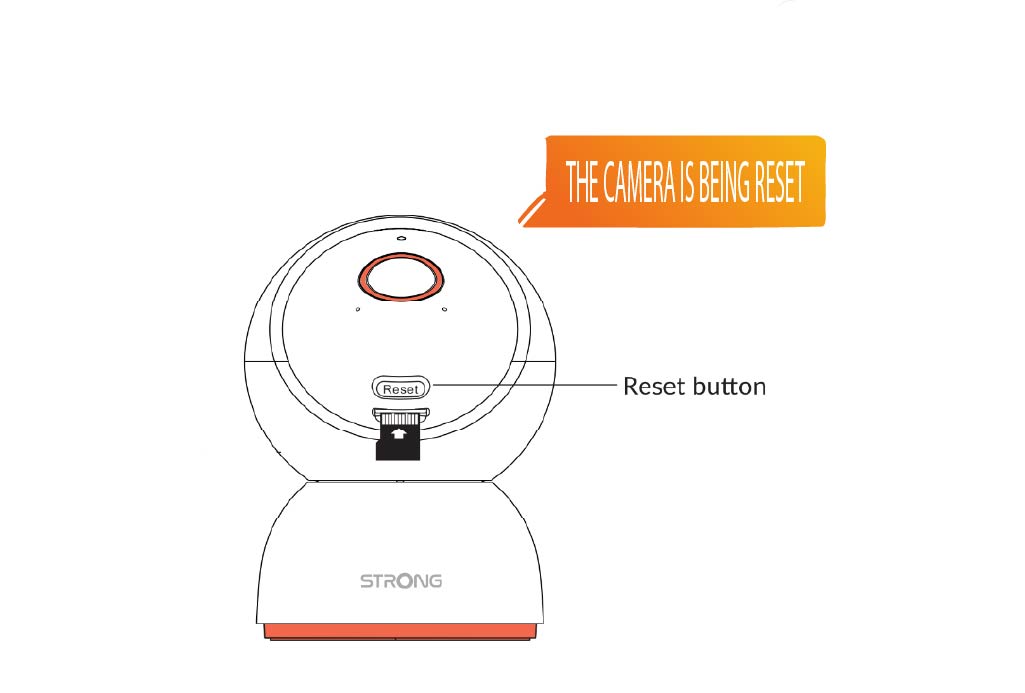
3 Pričekajte poruku za resetiranje
Nakon što dovršite ovaj korak, čut ćete: "Kamera se resetira." Kamera će se zatim automatski ponovno pokrenuti.
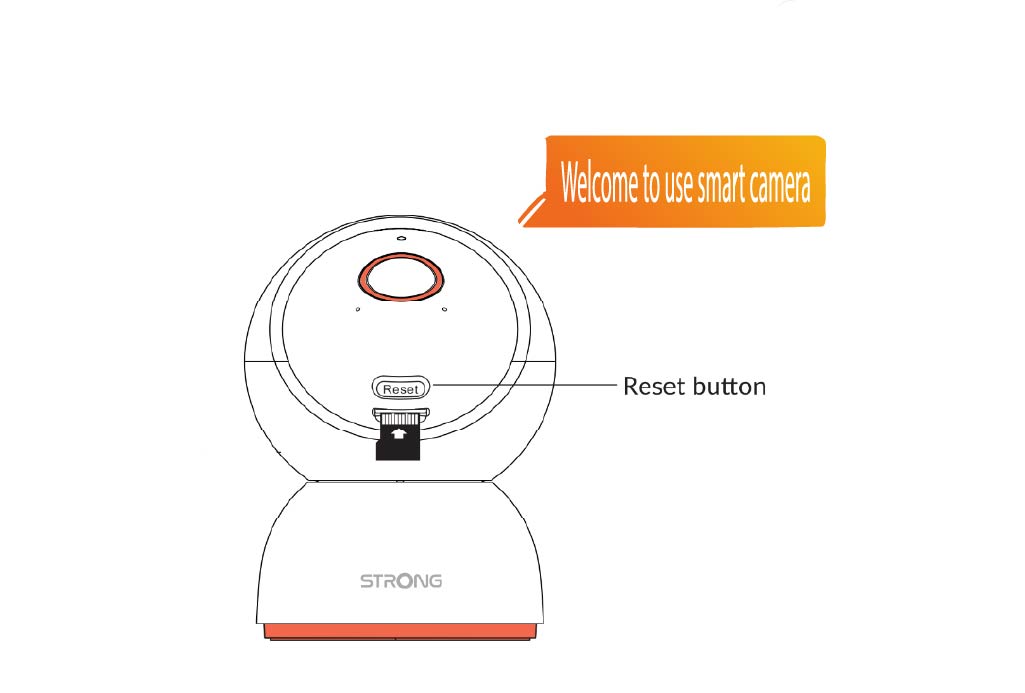
4 Poruka dobrodošlice
Kada bude spremno, pisat će: „Dobrodošli na korištenje pametne kamere.“
SAVJET: Nakon što je resetiranje završeno, otvorite aplikaciju i ponovno dodajte kameru.