Nema pronađenih stavki.
Nema pronađenih stavki.
2K+ SMART HOME FOTOAPARAT
Sva pitanja
Nema pronađenih stavki.
Nema pronađenih stavki.
2K+ SMART HOME FOTOAPARAT
Kako postaviti detekciju pokreta na kameri?
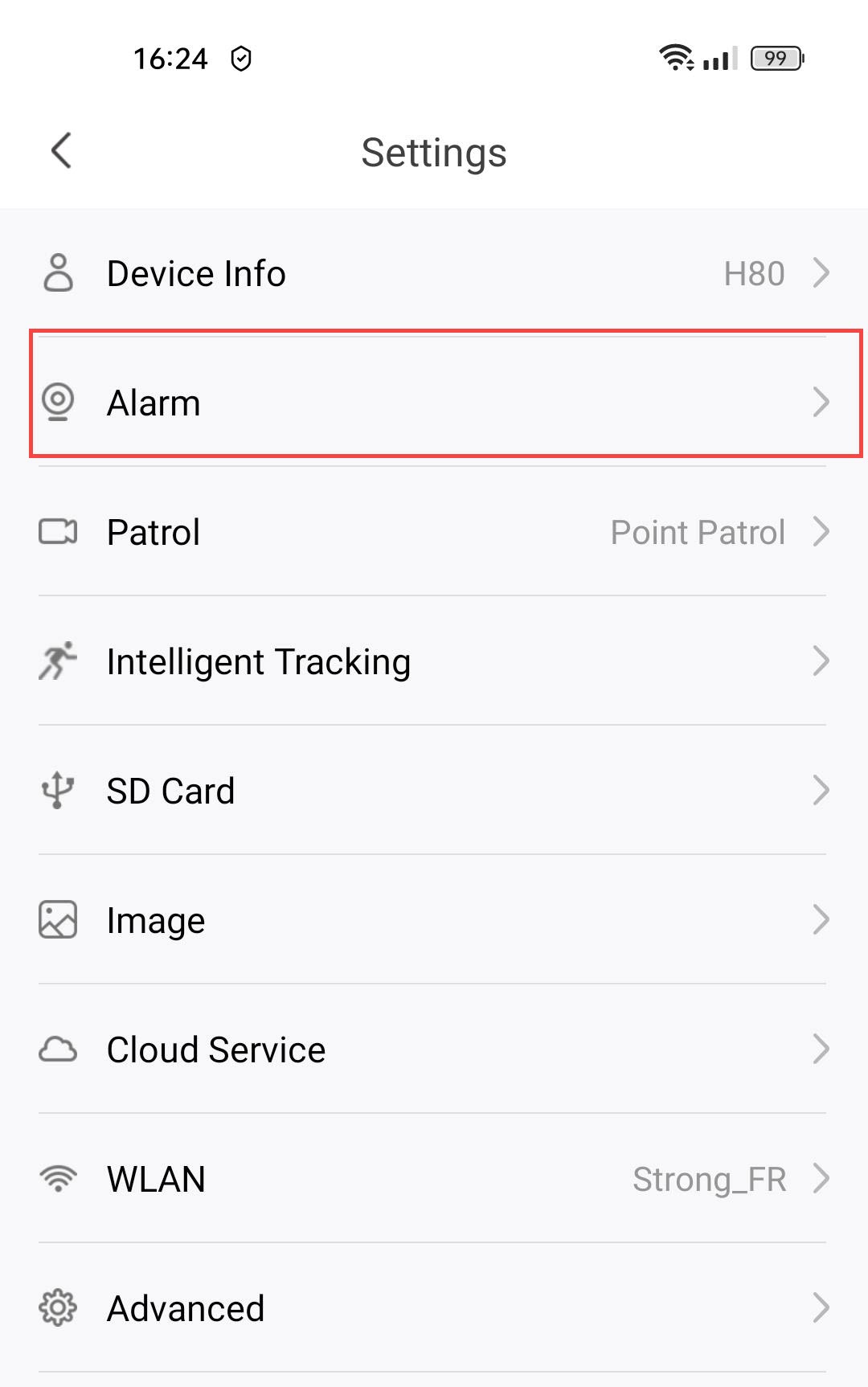
1. Otvorite Postavke kamere
Kliknite Postavke .

2 Pristup postavkama alarma
Odaberite Alarm.
3 Omogući detekciju pokreta
Zatim pritisnite prekidač za detekciju pokreta .
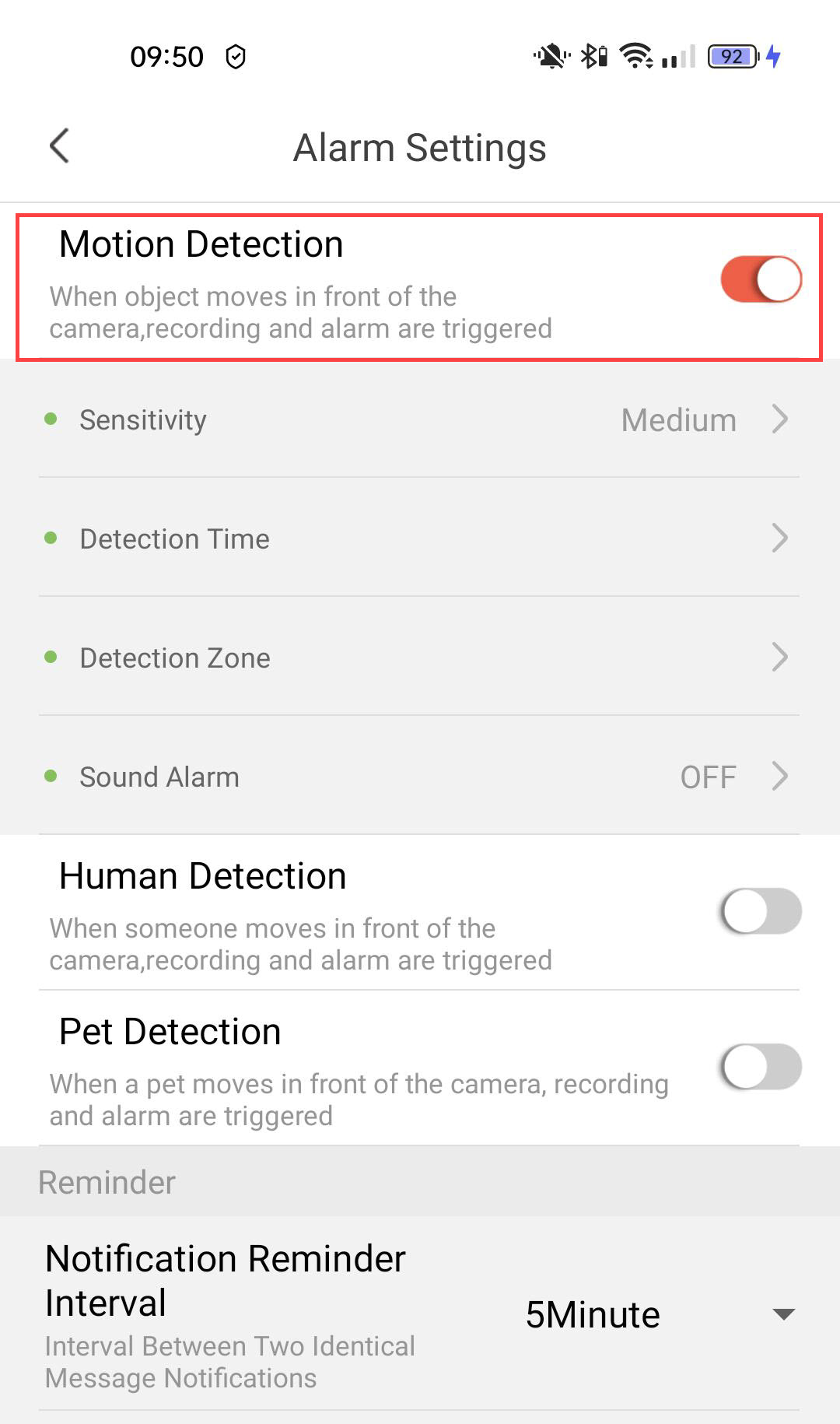
4 Postavite osjetljivost detekcije
Odaberite Osjetljivost (odaberite razinu između niske, srednje i visoke kako biste poboljšali točnost detekcije).

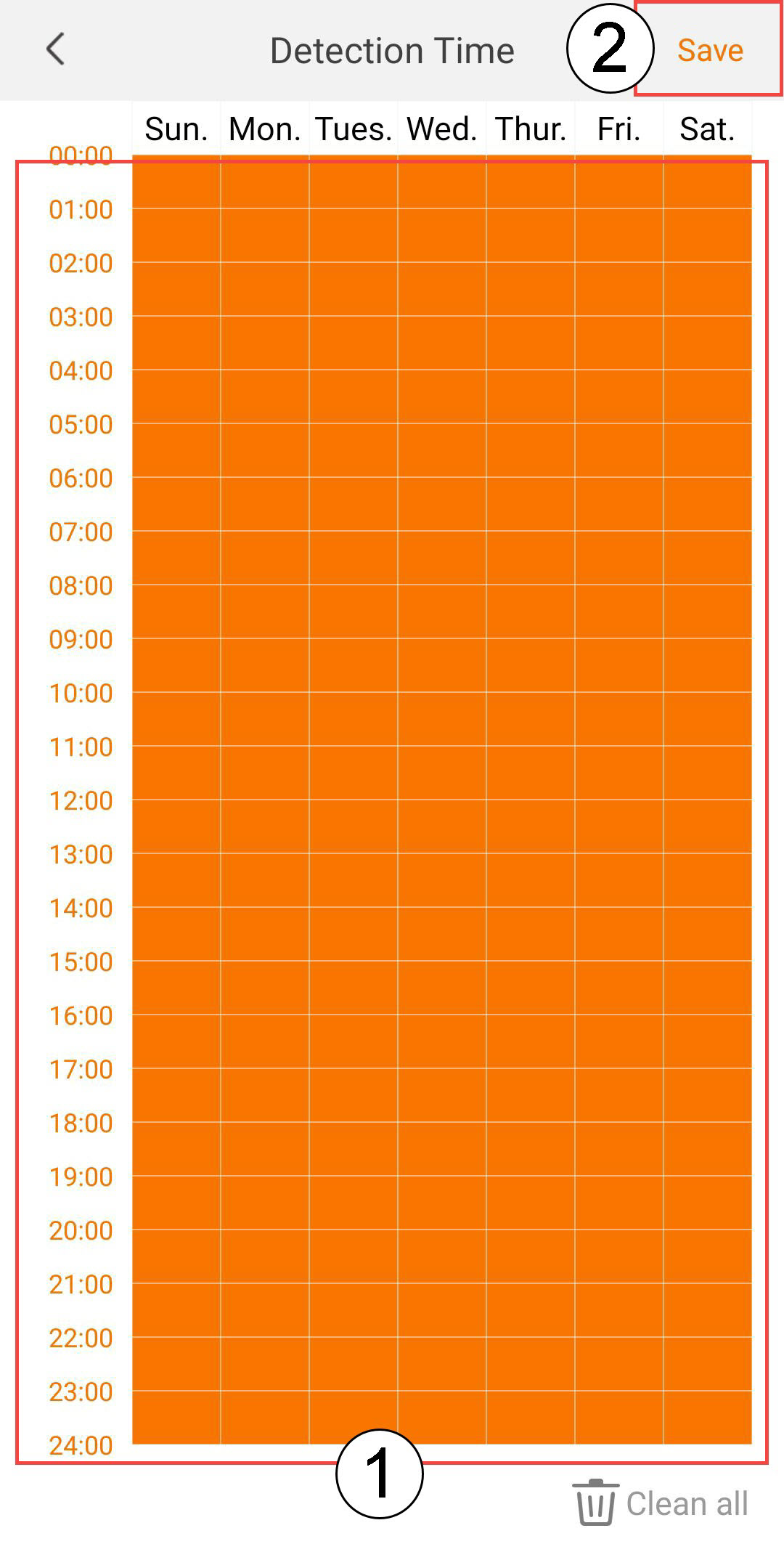
5 Konfigurirajte vrijeme detekcije
Odaberite Vrijeme detekcije (odaberite dane i vrijeme kada želite da se alarm aktivira u slučaju detekcije, a zatim kliknite Spremi ).
6 Definirajte zonu detekcije
Odaberite Zonu detekcije (stvorite zonu detekcije na mreži i kliknite Spremi . Alarm će se pokrenuti ako se nešto otkrije u ovoj zoni).

7 Aktivirajte zvučni alarm
Odaberite Zvučni alarm (pritisnite prekidač za aktiviranje alarma i odaberite zvuk s popisa).
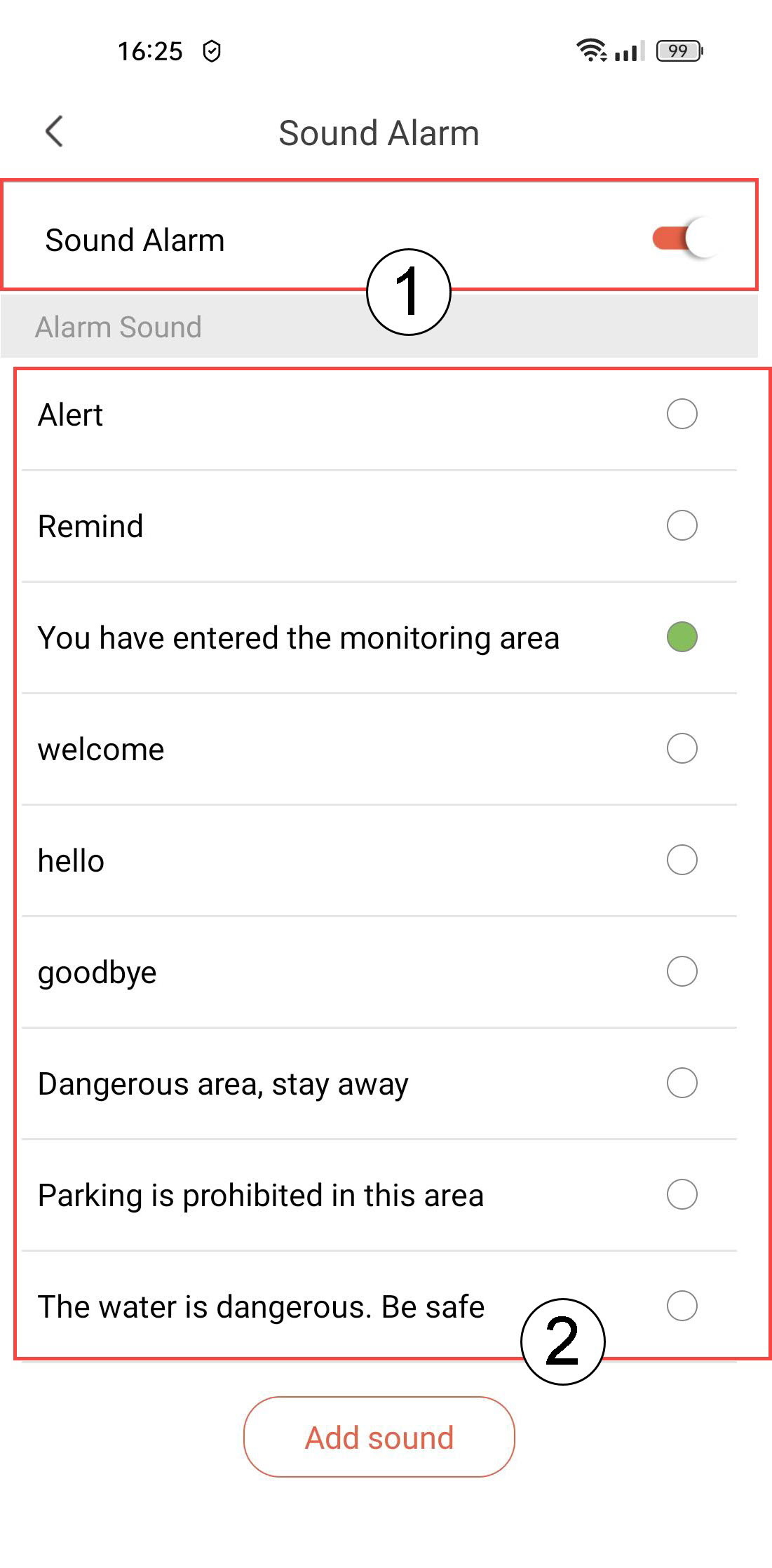
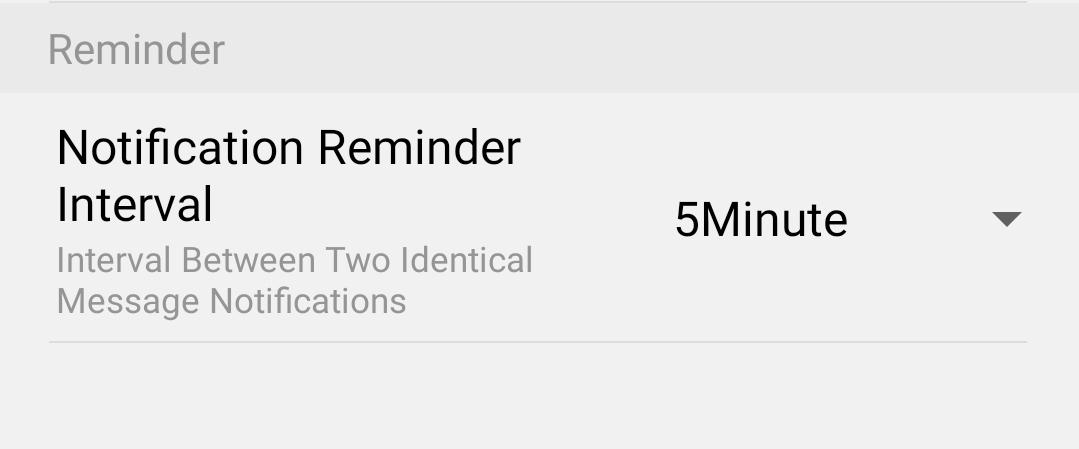
8 Postavljanje intervala podsjetnika
Odaberite Podsjetnik (postavite interval obavijesti između dva identična događaja. Morate odabrati vrijednost od 30 sekundi do 30 minuta).