
ATRIA Wi-Fi 5 Mesh Sustav 1200 (pakiranje od 2 komada)
Nema pronađenih stavki.
Nema pronađenih stavki.
Sva pitanja
ATRIA Wi-Fi 5 Mesh Sustav 1200 (pakiranje od 2 komada)
Nema pronađenih stavki.
Nema pronađenih stavki.
Zaboravio/la sam lozinku za Wi-Fi svoju Mesh mreža, kako je mogu pronaći?
Zadana lozinka za Wi-Fi nalazi se ispod vašeg uređaja, no ako ste je već promijenili, možda ćete je morati vratiti. Mesh 1200 na tvorničke postavke.

1 SLUČAJ 1: Informacije o mreži u web sučelju
Za povezivanje s web-sučeljem, pogledajte ovaj postupak: Kako pristupiti web-sučelju?
2 Wi-Fi postavke
Kliknite Wi-Fi u lijevoj traci.
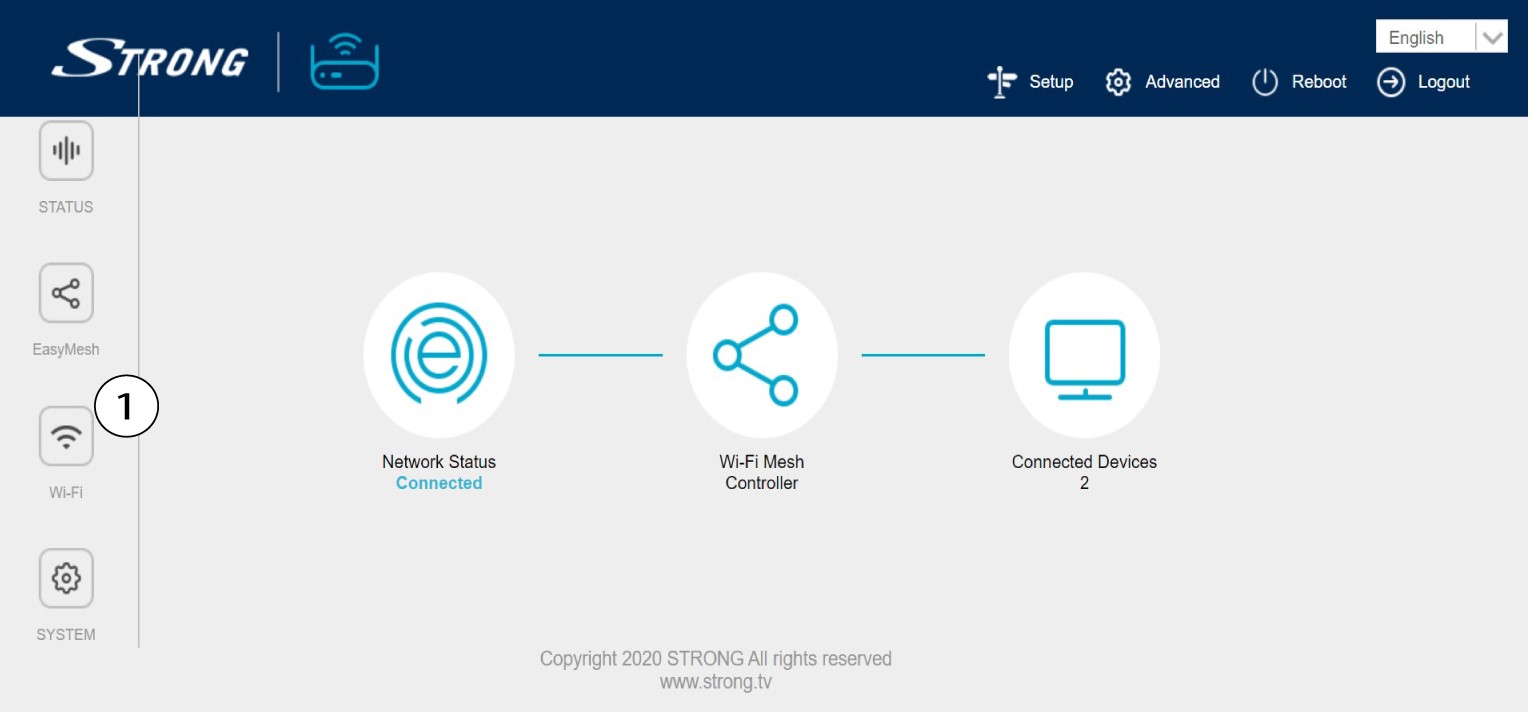
3 2.4G WLAN
Zatim se u 5G WLAN ili 2.4G WLAN naziv vaše Wi-Fi mreže prikazuje u polju SSID i možete
Pogledajte lozinku ove Wi-Fi mreže tako da označite okvir Prikaz s desne strane polja Wi-Fi ključ.

4 Zapišite podatke
Zapišite lozinku na komad papira.

1 SLUČAJ 2: Informacije o mreži u aplikaciji
Za povezivanje s web sučeljem pogledajte ovaj postupak: Kako se koristi aplikacija Atria Mesh ?
2 Wi-Fi postavke
Kliknite Wi-Fi u lijevoj traci.

3 Prikaži lozinku
Kliknite ikonu oka za prikaz lozinke.

4 Zapišite podatke
Zapišite lozinku na komad papira.